Best Healthcare Scheduling Software in 2026: 8 Tools Compared
Compare the best healthcare scheduling software for online booking, reminders, waitlists, and EHR links, for clinics, therapists, and practices today.
- Editor's choice
 SimplePractice
Therapists, counselors, and small wellness practices
Starts at$49 per monthVisit simplepractice.comFull review - Great alternative
 Zocdoc
Practices that want new patient bookings
Starts atSee websiteVisit zocdoc.comFull review - Also consider
 Tebra
Independent medical practices
Starts atSee websiteVisit tebra.comFull review
TL;DR:
- The best scheduling tool reduces no-shows with reminders, easy rescheduling, and waitlist filling, not only a calendar view.
- EHR and practice management links matter, since scheduling should update patient records, not sit in a separate app.
- Online booking helps patients, but rules for visit types, providers, rooms, and insurance checks must stay in place.
- Privacy and security matter: check HIPAA-related safeguards, access controls, and data handling before you buy.
- This is general information, not medical advice, and clinical decisions should stay with qualified clinicians.
Quick comparison
| Tool | Best for | Starts at | Free plan? | |
|---|---|---|---|---|
| SimplePractice | Therapists, counselors, and small wellness practices | $49 per month | Free trial | Visit |
| Zocdoc | Practices that want new patient bookings | See website | Free trial | Visit |
| Tebra | Independent medical practices | See website | Free trial | Visit |
 NexHealth | Practices that need real-time online booking | See website | Free trial | Visit |
 Solutionreach | Practices focused on reminders and engagement | See website | Free trial | Visit |
 DrChrono | Practices already using DrChrono | See website | Free trial | Visit |
 Jane | Allied health, therapy, and wellness clinics | See website | Free trial | Visit |
 Doctolib | Clinics and patients in Europe | See website | Free trial | Visit |
The best healthcare scheduling software
Healthcare scheduling software helps patients book, reschedule, and confirm appointments, while staff manage providers, rooms, and calendars. We compared official feature pages, pricing pages, app store listings, privacy policies, and public reviews, and we kept tools built for healthcare, not general calendar apps. This article is general information, not medical advice.
SimplePractice
Best for: Therapists, counselors, and small wellness practices
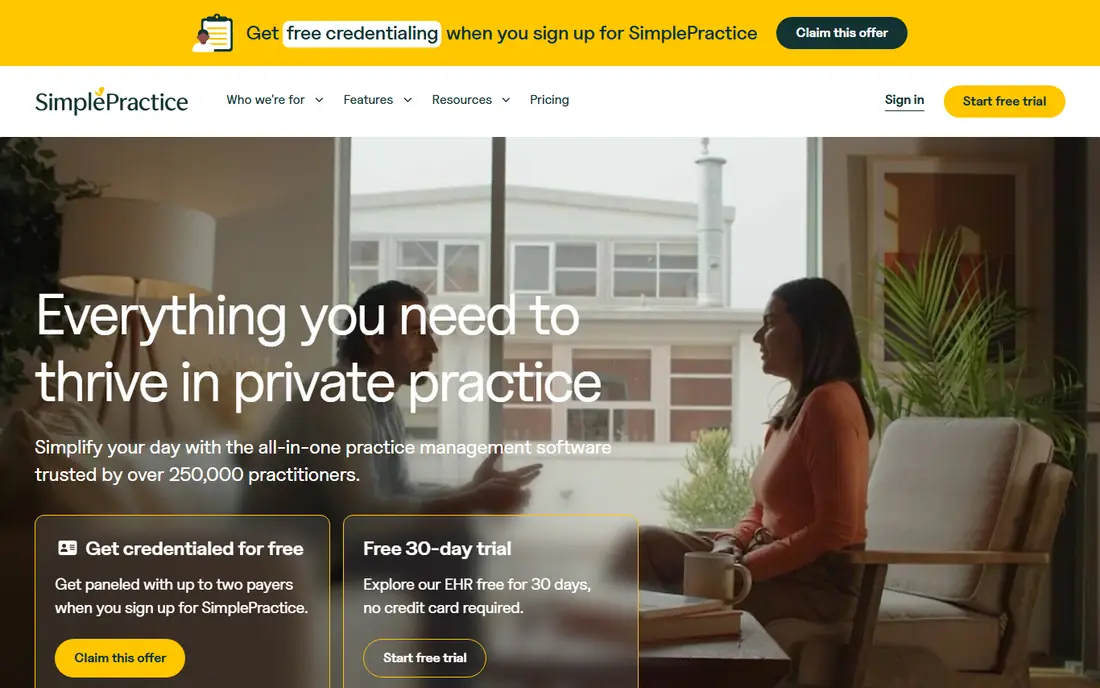
SimplePractice is the default choice for many therapists and counselors because scheduling sits inside a full practice system. Patients can book online, complete intake forms, and pay through a portal, while clinicians manage notes, billing, and telehealth from the same account. That single login reduces admin work for a solo or small-group practice.
The limit is specialty fit. A multi-provider medical clinic with procedure rooms, complex scheduling rules, and insurance verification may outgrow SimplePractice. For a therapy, counseling, dietitian, or small wellness practice, it is a complete and well-priced option, with a 30-day trial in recent guides.
- Scheduling, notes, billing, and telehealth in one place
- Client portal
- Published pricing
- Built for behavioral health and wellness, not complex multi-specialty clinics
- Starter tier limits some features

Zocdoc helps patients find a provider, check insurance acceptance, and book an appointment online. For a practice, that discovery can bring new patients who would not have found the clinic by search alone. Booking, reminders, and patient details feed into the practice workflow, which reduces phone booking work.
For a practice that already has enough patients and only needs internal scheduling, Zocdoc may be more than needed. Pricing for practices is quoted, so ask what booking, marketplace, and integration features are included. For growth-focused practices, discovery plus booking is the draw.
- Large patient marketplace for discovery
- Online booking with insurance filters
- Reminders
- Marketplace model suits discovery more than internal scheduling alone
- Pricing is quoted for practices

Tebra, formed from Kareo and PatientPop, pairs practice management with patient engagement and scheduling. Independent practices can manage appointments, intake, reminders, and billing in one system, while patients book online and receive reminders. That mix suits a clinic that wants operations and growth tools together.
The main watch point is package clarity, since pricing is quoted and features vary by tier. Ask which scheduling, EHR, and billing features are included, and test the patient booking flow. For an independent practice that wants one vendor for operations, Tebra is a strong candidate.
- Practice management plus scheduling
- Patient portal and reminders
- Billing links
- Pricing is quoted
- Feature depth varies by package
NexHealth focuses on real-time scheduling that syncs with a practice management system, so online slots reflect true availability. Patients can book, complete forms, and receive reminders, while staff avoid double bookings and phone tag. Waitlist tools can also fill cancellations from patients who want an earlier slot.
Integration depth is the key check, since NexHealth value depends on a clean link to your EHR or practice system. Confirm your system is supported and test booking, cancellation, and rescheduling in a trial. For a practice with a busy front desk, real-time booking can save hours each week.
- Real-time booking synced to practice calendars
- Online forms and reminders
- Many EHR links
- Pricing is quoted
- Value depends on EHR integration depth
Solutionreach is best known for patient communication, with reminders, recall messages, and two-way messaging that help reduce no-shows. Practices can remind patients, fill open slots, and bring back patients due for follow-up care. That engagement layer sits alongside scheduling, rather than replacing a full EHR.
A practice that needs deep scheduling rules for rooms and providers should check whether Solutionreach alone is enough, or whether it should pair with a practice system. For a clinic whose main problem is no-shows and missed follow-ups, Solutionreach is a practical fit.
- Automated reminders by text and email
- Recall and reactivation tools
- Patient messaging
- Scheduling depth varies by package
- Pricing is quoted
DrChrono suits a practice that already uses DrChrono for EHR and billing, since scheduling, charting, and billing share one record. Staff can book appointments, check patient history, and manage claims without switching systems. Patient reminders and portal access also reduce front-desk calls.
For a practice on another EHR, DrChrono would be a full system move, not a simple scheduling add-on. If you are already on DrChrono, native scheduling is the simplest path. If you are not, compare a standalone scheduling tool that links to your current system.
- Scheduling inside DrChrono EHR
- Patient portal and reminders
- Billing links
- Best value is inside the DrChrono system
- Pricing is quoted
Jane is popular with physiotherapy, massage, psychology, chiropractic, and wellness clinics. Booking, charting, invoicing, and telehealth sit in a clean interface that staff learn quickly. Patients can book online, receive reminders, and manage appointments through a portal.
A large medical clinic with complex procedure scheduling may need a deeper medical system. For an allied health clinic, Jane hits a good balance of simplicity and practice tools. Check pricing by practitioner count, since that drives the total for a group practice.
- Simple booking and charting for allied health
- Online booking and reminders
- Telehealth options
- Less suited to large medical clinics
- Pricing varies by practitioner count
Doctolib is a leading healthcare booking platform in several European countries, including France and Germany, with growing UK presence. Patients can find clinicians, book online, and receive reminders, while practices manage calendars, patient messages, and video visits where offered. That network effect helps a practice attract new patients.
Coverage and features vary by country, so a practice should confirm local availability and pricing. For a US-only practice, Doctolib is not the right fit. For a European clinic, it is a strong booking and practice option.
- Large patient booking network in Europe
- Online booking and reminders
- Practice tools
- Coverage varies by country
- Pricing is quoted for practices
How we picked these
We compared official feature pages, pricing pages, app store listings, privacy policies, and public reviews for tools built for healthcare scheduling. We kept tools that offer online booking, reminders, provider calendars, and patient portals, and we included therapy, independent practice, EHR-linked, and European options. Most vendors quote pricing, so we used See website where a single price would mislead. We did not claim hands-on testing, and this article is general information, not medical advice.
How to choose healthcare scheduling software
Test booking as a patient would
Book, reschedule, and cancel as a test patient, on mobile and desktop. Check whether visit types, providers, and locations are clear, and whether insurance or intake steps appear at the right time. A booking flow that confuses patients will create more phone calls, not fewer.
Check reminders, waitlists, and no-show tools
Reminders by text and email, easy confirmation, and waitlist filling are the tools that cut no-shows. Ask how reminders are timed, whether patients can confirm by reply, and how cancellations are refilled. Track no-show rates before and after a trial to see the real effect.
Confirm EHR and privacy safeguards
Scheduling should update your EHR or practice system, not create a separate record that staff must copy by hand. Ask about HIPAA-related safeguards, access controls, audit logs, and data handling for your region. Limit staff access to what each role needs, and review vendor privacy terms before signing.
Price by provider and location
Some tools price per provider, some per location, and some by package. Model the cost for your current providers and locations, plus expected growth. Include texting, telehealth, and billing add-ons, since those are common extras.
FAQ
What is the best healthcare scheduling software?
SimplePractice suits therapists and small wellness practices, Tebra and NexHealth suit independent medical practices, and Zocdoc suits practices that want new patient discovery. The best choice follows your specialty, EHR, and whether you need discovery, internal scheduling, or both.
What is the best scheduling software for healthcare clinics?
For a general clinic, look for online booking, reminders, waitlist filling, and a clean EHR link. NexHealth and Tebra are strong for medical clinics, while Jane suits allied health clinics. Test booking as a patient before you commit.
How does healthcare scheduling software reduce no-shows?
It sends timed reminders, lets patients confirm or reschedule easily, and fills cancellations from a waitlist. Those three habits, used together, cut no-shows more than a calendar alone. Staff should still call high-risk patients when a visit is urgent.
Is healthcare scheduling software HIPAA compliant?
Many vendors offer HIPAA-related safeguards, such as encryption, access controls, and business associate agreements, but compliance also depends on how your practice uses the tool. Ask for the vendor agreement, limit access by role, and train staff on privacy practices. This article is general information, not legal or medical advice.
Can patients book online without calling the office?
Yes, most tools in this list offer online booking, with rules for visit types, providers, and locations. Some visits still need a phone call, such as urgent or complex cases, and practices should keep a phone option for those patients. Online booking should reduce calls, not remove access for patients who need help.
How much does healthcare scheduling software cost?
SimplePractice lists a starting price around $49 per month in recent guides, while many medical tools are quoted by provider, location, or package. Add texting, telehealth, and billing features to the subscription before you compare. A written quote for your provider count is the safest comparison.