Best Medical Scheduling Software in 2026: 9 Tools Compared
Find the best medical scheduling software for clinics in 2026. We compare patient booking, reminders, EHR links and pricing for practices before you buy.
- Editor's choice
 SimplePractice
therapy, counselling and small private practices that want one simple system
Starts at$49 per monthVisit simplepractice.comFull review - Great alternative
 DrChrono
iPad first practices that want EHR and scheduling in one app
Starts atSee websiteVisit drchrono.comFull review - Also consider
 AdvancedMD
multi provider practices that want one EHR and practice management suite
Starts atSee websiteVisit advancedmd.comFull review
TL;DR:
- Prices in this list start at Free on Carepatron, while some larger options use a custom quote for larger EHR suites, so the headline price is only part of the total cost.
- Carepatron offer a free way to start or try the service, which makes a short trial a sensible first step before a paid plan.
- The best pick depends on your size and daily workflow, not on the longest feature list, so match the tool to the job you do most often.
- Check contract terms, extra fees and limits on the vendor pricing page before you commit, since those details change the real monthly cost.
- Scheduling tools handle patient information, so practices should confirm HIPAA aware handling, access controls and a business associate agreement with any vendor before use. This article is general information, not legal advice, and HIPAA duties depend on each practice and its setup.
Quick comparison
| Tool | Best for | Starts at | Free plan? | |
|---|---|---|---|---|
| SimplePractice | therapy, counselling and small private practices that want one simple system | $49 per month | Free trial (30 days) | Visit |
| DrChrono | iPad first practices that want EHR and scheduling in one app | See website | Free trial | Visit |
| AdvancedMD | multi provider practices that want one EHR and practice management suite | See website | No | Visit |
 athenahealth | practices that want a large network EHR with scheduling and revenue tools | See website | No | Visit |
 Weave | dental, optometry and small clinics that want front desk automation | See website | No | Visit |
 Solutionreach | practices focused on reminders, recalls and patient reactivation | See website | No | Visit |
 NexHealth | practices that want real time online booking synced to the EHR | See website | No | Visit |
 Luma Health | health systems and large practices that want a full patient engagement layer | See website | No | Visit |
 Carepatron | small practices that want free scheduling to start, with notes and billing | See website | Yes | Visit |
The best medical scheduling software
We compared official feature pages, pricing pages and public reviews to build this list, and we focused on tools that exist and work today in October 2026. The options below cover well known leaders and smaller tools that suit a narrower need, so read the trade-offs as carefully as the strengths.
SimplePractice
Best for: therapy, counselling and small private practices that want one simple system

SimplePractice is built for solo and small therapy practices, with scheduling, notes and billing in a single, easy system. Pricing starts at $49 per month, and the free plan status is Free trial (30 days), so you can judge the entry cost before you commit to a larger plan.
The strengths are online booking and client portal, appointment reminders and notes, billing and telehealth in one place. The trade-offs are reporting is basic and e-prescribing is a paid add-on, so test those points in a trial before you pay. Our view is to choose this option if therapy, counselling and small private practices that want one simple system matches your main need, and to shortlist a different tool if those trade-offs hit your daily work.
- Online booking and client portal
- Appointment reminders
- Notes, billing and telehealth in one place
- Reporting is basic
- E-prescribing is a paid add-on
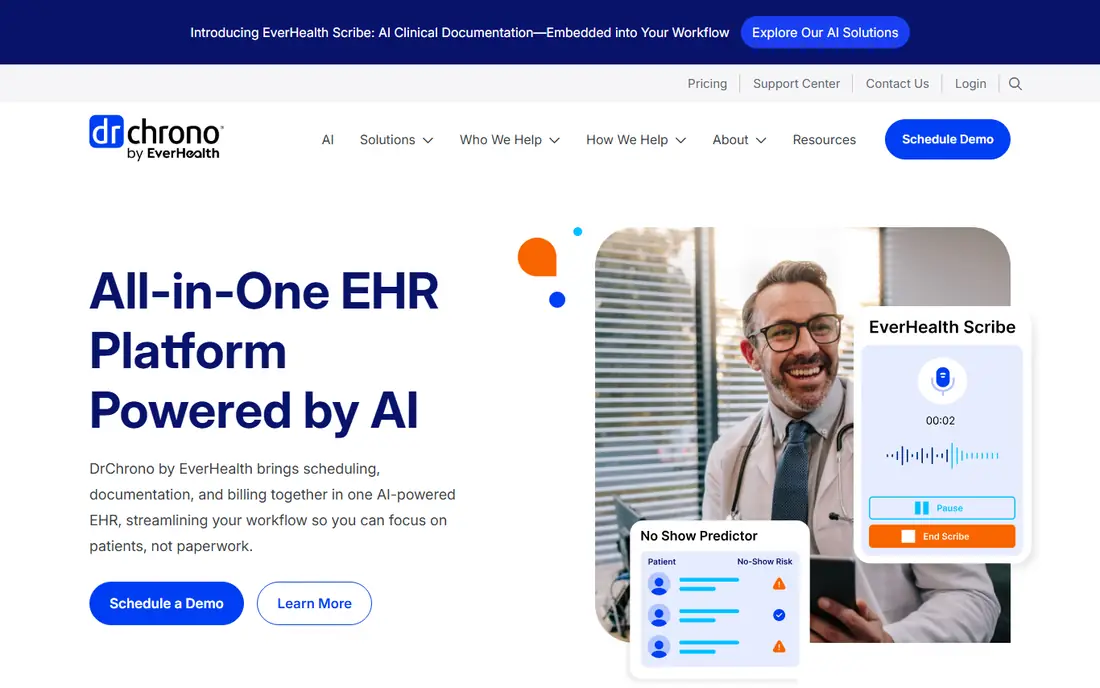
DrChrono combines an electronic health record with scheduling, which suits practices that want clinical and booking tools together. Pricing starts at See website, and the free plan status is Free trial, so you can judge the entry cost before you commit to a larger plan.
The strengths are iPad friendly EHR and scheduling, patient portal and reminders and billing tools. The trade-offs are pricing is quote based and setup depth varies by specialty, so test those points in a trial before you pay. Our view is to choose this option if iPad first practices that want EHR and scheduling in one app matches your main need, and to shortlist a different tool if those trade-offs hit your daily work.
- IPad friendly EHR and scheduling
- Patient portal and reminders
- Billing tools
- Pricing is quote based
- Setup depth varies by specialty
AdvancedMD
Best for: multi provider practices that want one EHR and practice management suite
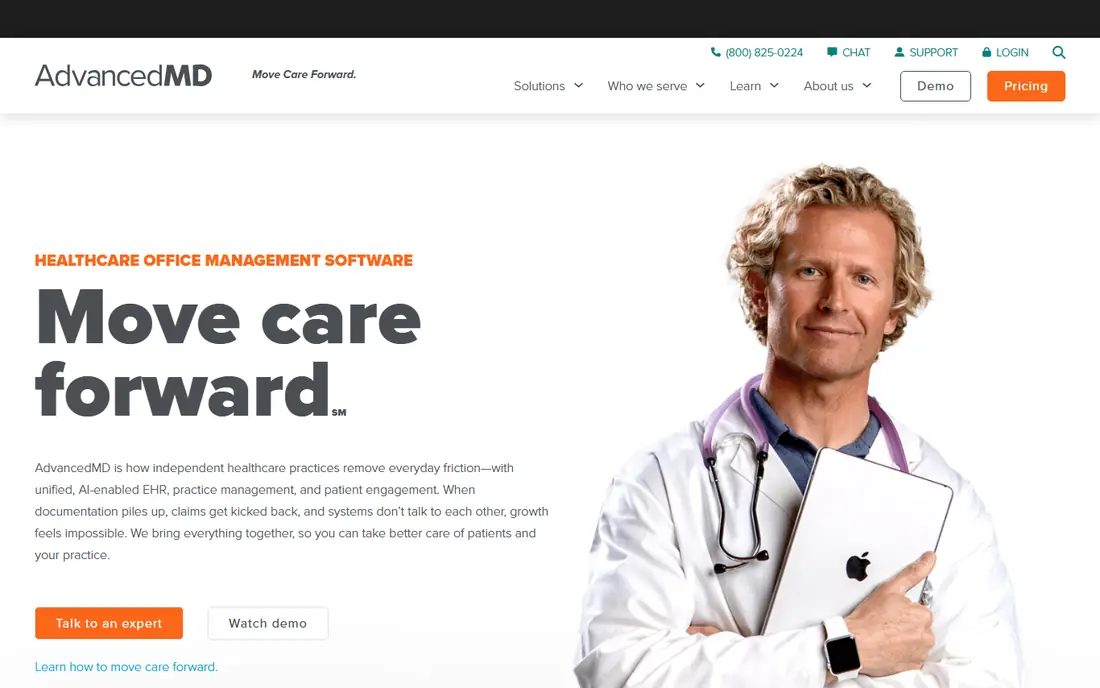
AdvancedMD is a full suite for multi provider practices, with scheduling sitting inside EHR and practice management. Pricing starts at See website, and the free plan status is No, so you can judge the entry cost before you commit to a larger plan.
The strengths are EHR, scheduling and billing in one suite, multi provider calendars and patient engagement tools. The trade-offs are pricing is quote based and onboarding can take time for larger practices, so test those points in a trial before you pay. Our view is to choose this option if multi provider practices that want one EHR and practice management suite matches your main need, and to shortlist a different tool if those trade-offs hit your daily work.
- EHR, scheduling and billing in one suite
- Multi provider calendars
- Patient engagement tools
- Pricing is quote based
- Onboarding can take time for larger practices
athenahealth
Best for: practices that want a large network EHR with scheduling and revenue tools
athenahealth suits practices that want scheduling inside a broad EHR and revenue cycle platform. Pricing starts at See website, and the free plan status is No, so you can judge the entry cost before you commit to a larger plan.
The strengths are large practice network, scheduling with billing and analytics and lab and pharmacy links. The trade-offs are pricing is based on collections and needs a quote and onboarding is longer, so test those points in a trial before you pay. Our view is to choose this option if practices that want a large network EHR with scheduling and revenue tools matches your main need, and to shortlist a different tool if those trade-offs hit your daily work.
- Large practice network
- Scheduling with billing and analytics
- Lab and pharmacy links
- Pricing is based on collections and needs a quote
- Onboarding is longer
Weave
Best for: dental, optometry and small clinics that want front desk automation
Weave focuses on the front desk, with reminders, messaging and scheduling that cut no shows for small clinics. Pricing starts at See website, and the free plan status is No, so you can judge the entry cost before you commit to a larger plan.
The strengths are automated reminders and recalls, two way patient messaging and scheduling and review tools. The trade-offs are pricing is quote based and best fit is smaller clinics rather than hospitals, so test those points in a trial before you pay. Our view is to choose this option if dental, optometry and small clinics that want front desk automation matches your main need, and to shortlist a different tool if those trade-offs hit your daily work.
- Automated reminders and recalls
- Two way patient messaging
- Scheduling and review tools
- Pricing is quote based
- Best fit is smaller clinics rather than hospitals
Solutionreach
Best for: practices focused on reminders, recalls and patient reactivation
Solutionreach helps practices fill calendars through reminders, recalls and reactivation campaigns. Pricing starts at See website, and the free plan status is No, so you can judge the entry cost before you commit to a larger plan.
The strengths are reminder and recall campaigns, patient reactivation tools and scheduling support. The trade-offs are pricing is quote based and it is an engagement layer rather than a full EHR, so test those points in a trial before you pay. Our view is to choose this option if practices focused on reminders, recalls and patient reactivation matches your main need, and to shortlist a different tool if those trade-offs hit your daily work.
- Reminder and recall campaigns
- Patient reactivation tools
- Scheduling support
- Pricing is quote based
- It is an engagement layer rather than a full EHR
NexHealth
Best for: practices that want real time online booking synced to the EHR
NexHealth syncs online booking in real time with EHR calendars, so patients see true availability. Pricing starts at See website, and the free plan status is No, so you can judge the entry cost before you commit to a larger plan.
The strengths are real time booking synced to EHR calendars, patient forms and reminder automation. The trade-offs are pricing is quote based and EHR compatibility must be checked per practice, so test those points in a trial before you pay. Our view is to choose this option if practices that want real time online booking synced to the EHR matches your main need, and to shortlist a different tool if those trade-offs hit your daily work.
- Real time booking synced to EHR calendars
- Patient forms
- Reminder automation
- Pricing is quote based
- EHR compatibility must be checked per practice
Luma Health
Best for: health systems and large practices that want a full patient engagement layer
Luma Health is an engagement layer for larger practices and health systems, with booking, messaging and waitlist tools. Pricing starts at See website, and the free plan status is No, so you can judge the entry cost before you commit to a larger plan.
The strengths are patient engagement across booking and messaging, waitlist backfill and large practice workflows. The trade-offs are enterprise pricing and setup and more than small practices need, so test those points in a trial before you pay. Our view is to choose this option if health systems and large practices that want a full patient engagement layer matches your main need, and to shortlist a different tool if those trade-offs hit your daily work.
- Patient engagement across booking and messaging
- Waitlist backfill
- Large practice workflows
- Enterprise pricing and setup
- More than small practices need
Carepatron
Best for: small practices that want free scheduling to start, with notes and billing
Carepatron is a budget friendly starting point for small practices, with a free plan that covers core scheduling. Pricing starts at See website, and the free plan status is Yes, so you can judge the entry cost before you commit to a larger plan.
The strengths are free plan with core scheduling, notes and billing tools and video and messaging integrations. The trade-offs are reporting is thin and scheduling conflict alerts are limited, so test those points in a trial before you pay. Our view is to choose this option if small practices that want free scheduling to start, with notes and billing matches your main need, and to shortlist a different tool if those trade-offs hit your daily work.
- Free plan with core scheduling
- Notes and billing tools
- Video and messaging integrations
- Reporting is thin
- Scheduling conflict alerts are limited
How we picked these
We started with tools that truly fit best medical scheduling software, and we removed any product that did not exist, did not work in October 2026, or only partly matched the topic. We compared official feature pages and pricing pages, app store listings where relevant, and public reviews, and we noted where a vendor did not publish a price, so we wrote See website rather than guessing a number.
We also weighed who each tool suits best, not just which tool has the most features, so the write-ups above name the fit and the catch for each option.
What to check before you choose
Start with the job you do most often, and pick two tools that fit that job well. Run a real task in each one, such as a full campaign, a full booking flow, or a full plan, rather than judging by a demo alone. Watch for limits that only appear in daily use, such as seat minimums, per item fees, or features locked behind a higher tier.
Next, add up the total cost, not just the plan price. Include per user fees, per item or per message fees, hardware, onboarding and any add-on that your team will actually need. A cheaper plan can cost more in a year if it charges for the volume you already have, while a dearer plan can save money if it includes those items.
Finally, check support, contract length and how easy it is to leave. Ask how you export your data, what happens at renewal, and how support answers when something breaks at a busy time. A short trial answers most of these questions, and it is worth more than a long feature list on a sales page.
FAQ
What is best medical scheduling software?
A best medical scheduling software is software that lets patients book, reschedule and confirm appointments, while staff manage calendars, reminders and waitlists. The tools in this list differ in price, depth and audience, so the right one depends on how many people use it and how often you need it.
How much does best medical scheduling software cost?
Prices in this list start at Free on Carepatron, while some larger options use a custom quote for larger EHR suites. Always check the vendor pricing page for the plan that matches your volume, since per user and per item fees change the total.
Is there a free best medical scheduling software option?
Carepatron offer a free way to start or try the service. A free plan is a good way to test the core workflow, but paid plans usually add capacity, controls and support that growing teams need.
Which best medical scheduling software is best for beginners?
SimplePractice is our pick for most beginners in this list, because its entry point is clear and its core workflow is easy to learn. If your needs are larger or more specialised, read the trade-offs for the other options before you decide.
What should I check before buying best medical scheduling software?
Check the total cost, contract terms, limits and support, and run a real task in a trial. Also confirm that the tool works with the systems you already use, since a poor fit there can cost more time than the software itself.