Choosing Software for Managing Masterclasses in 2026: 5 Options Compared
Searching for the best software for managing masterclasses? Here are 5 options with prices and free plans. Details on cost, catches and fit. See the full list.
- Editor's choice
 Zoom
Live video delivery
Starts atSee websiteVisit zoom.usFull review - Great alternative
 Kajabi
All-in-one expert business
Starts at$143 a monthVisit kajabi.comFull review - Also consider
 Eventbrite
Event registration and ticketing
Starts at$15 per monthVisit eventbrite.comFull review
Direct answer
Zoom is the first pick on this list for live video delivery. Listed starting prices: Kajabi from $143 a month, Eventbrite from $15 per month and Teachable from $39 a month. If your case is different, Kajabi suits all-in-one expert business and Eventbrite suits event registration and ticketing. The other 2 tools in the list cover narrower or pricier cases.
TL;DR:
- Zoom takes the first slot, best suited to live video delivery.
- For branded community and courses, Circle is worth a look.
- A fair warning about Teachable: live event features are restricted.
- Just one of the 5 tools, Eventbrite, has a free plan.
- Eventbrite is the lowest-priced starter here at $15 per month.
Last checked November 2026. Prices and plan details were read from the vendors' own pages in November 2026; vendors change plans often, so confirm the current price on the vendor site before you buy.
Quick comparison
| Tool | Best for | Starts at | Free plan? | |
|---|---|---|---|---|
| Zoom | Live video delivery | See website | Not stated | Visit |
| Kajabi | All-in-one expert business | $143 a month | Free trial | Visit |
| Eventbrite | Event registration and ticketing | $15 per month | Yes | Visit |
 Teachable | Selling courses and coaching | $39 a month | Free trial | Visit |
 Circle | Branded community and courses | $89 a month | Free trial | Visit |
The best software for managing masterclasses
This LinkVetted guide covers 5 software for managing masterclasses. Each profile lists a starting price, free plan details, strengths and drawbacks, so you can drop poor fits quickly.
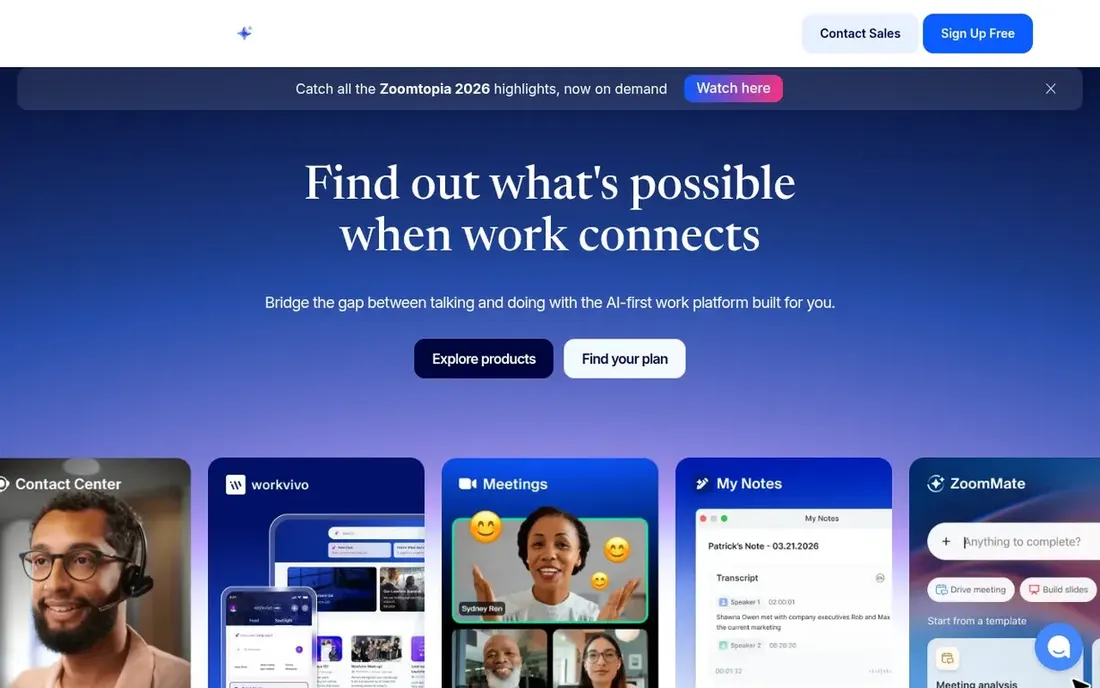
In short, Zoom is for live video delivery. The system supports virtual events and webinars, making it handy for both small workshops and bigger sessions where you need stable video and audience tools. Zoom is a collaboration platform built around video meetings, chat, webinars, and events.
It is a natural fit for delivering live masterclasses, especially when interaction and screen sharing matter. If you have to sell seats, host recorded lessons, or handle a member community, pair Zoom with a course or event product instead of relying on it alone. No starting price is listed for Zoom here; confirm pricing on the vendor site. As for free access: Not stated.
Drawbacks to consider: Not a full course product.
- Steady video meetings
- Collaboration tools like chat and whiteboard
- Registration and marketing are entry-level
In short, Kajabi is for all-in-one expert business. Kajabi presents itself as an operating system for expertise, helping experts build, sell, and grow their firms. It merges course hosting, memberships, and marketing tools, which can work well for masterclass programs that bundle continuing content and provides.
On top of that, if your masterclass is a one-time event with heavy registration needs, a dedicated event system may be more direct. Kajabi is not built primarily for ticketed live events or large public event listings. From a buyer's view, hosts who want a single product for teaching and selling will find a wide feature set. Kajabi cost at the entry level: $143 per month. Trial and free access: Free trial.
What to check first: Live event management is not the focus.
- AI-powered support features
- Courses and memberships
- Can be complicated for straightforward events
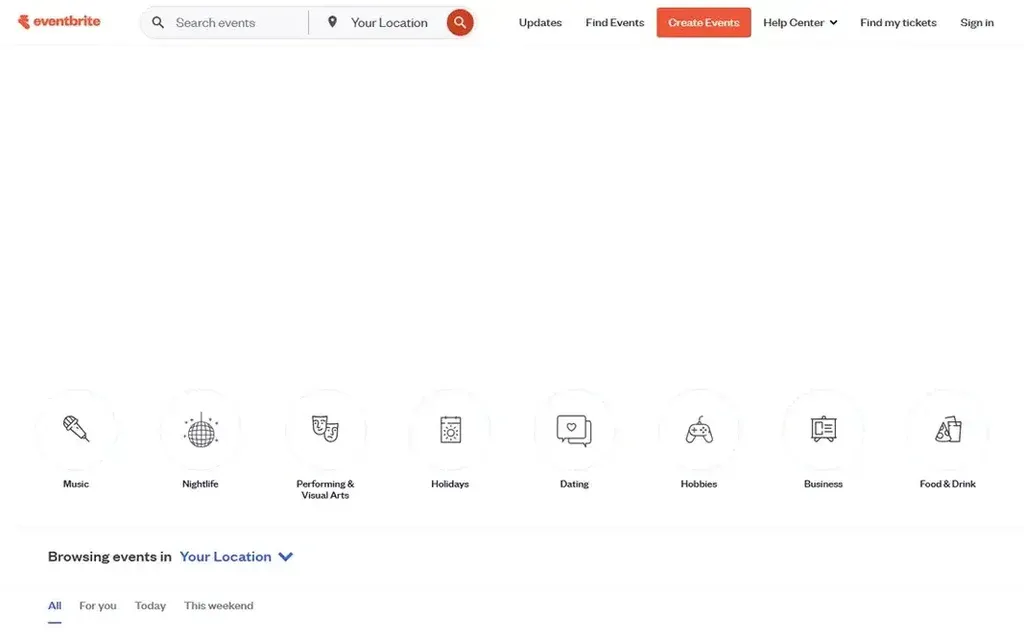
Eventbrite makes the most sense for event registration and ticketing. Eventbrite is an event system centered on helping people discover and attend local events.
What to check first: Restricted built-in community features.
For everyday use, organizers who run one-off or recurring masterclasses and need a clear public event page will find the core tools familiar and practical. Eventbrite pricing: $15 per month. Eventbrite includes a free tier.
- Attendee management features
- Capable event discovery
- Less focus on course content
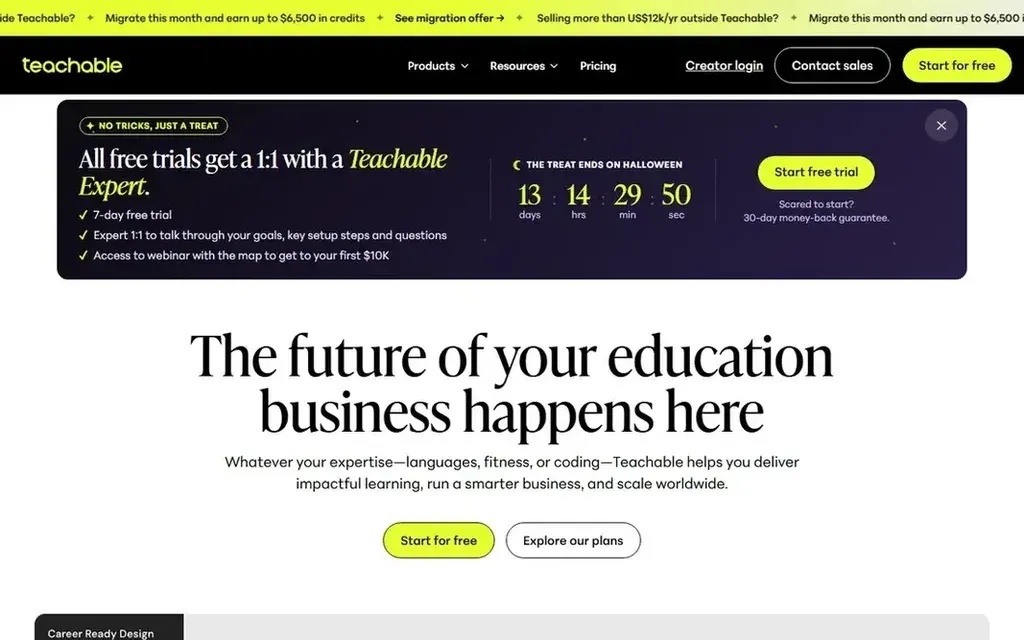
Where Teachable fits: selling courses and coaching. Teachable is an online course product for building and selling courses, coaching, memberships, and digital products.
Downsides: Live event features are restricted.
From a buyer's view, if your masterclass is primarily a live event with ticketing and attendee management, an event product may be a better primary tool. From a buyer's view, Teachable is less suited to large public event registration or complicated live event logistics. What you pay to start with Teachable: $39 per month. On free options: Free trial.
- Membership and digital product support
- Creator-focused system
- Community tools are entry-level
Circle targets branded community and courses. The product supports events and courses alongside community discussion.
Best features of Circle: Own-brand experience.
For everyday use, Circle does not focus on public event discovery or large-scale ticketing. On cost, Circle starts like this: $89 per month. Free options: Free trial. The main drawbacks: Ticketing is not a core focus.
- Adaptable space for engagement
- Community, events
- Event marketing is restricted
How we chose
We compared the tools on published pricing, free plan or trial availability, feature coverage for software for managing masterclasses, and the limits each vendor documents. Prices and plan limits come from vendor pages and can change, so confirm them on the vendor site before you buy. The sequence is a judgement call: typical use case first, then pricing transparency, then free access. Use the profiles to check fit.
A buyer's checklist
- Confirm the entry price on the vendor page. For Zoom that means a quote rather than a fixed price.
- Look at the free plan from Eventbrite closely: its caps decide whether it is usable for real work.
- Take the trial from Kajabi, Teachable and Circle and push a live task through it before you pay.
- Read the limits listed for Zoom first: not a full course product.
- Before you load data into Eventbrite, check what an export looks like and who can run it.
- Ask whether Zoom integrates with your current software, and whether that comes standard or as an add-on.
FAQ
Is Zoom the right pick for everyone comparing software for managing masterclasses?
No single tool suits every team. Zoom comes first because it fits live video delivery, while Kajabi suits all-in-one expert business and Eventbrite suits event registration and ticketing. Match the tool to your own size, budget and workflow before deciding.
What is the best software for managing masterclass registrations?
The first pick on this list is Zoom, because it suits live video delivery. Kajabi is better for all-in-one expert business, and Eventbrite for event registration and ticketing. Check price and limits against your own needs before choosing.
What is the cheapest option for software for managing masterclasses in this list?
On published monthly entry prices, Eventbrite is the lowest here at $15 per month. Entry price is only part of the cost, because seats, add-ons and billing terms can change the total. All 5 picks in this software for managing Masterclasses comparison list a starting price, free plan details and the main limits on their cards above.
Do these tools publish their prices?
Not all of them. Zoom publishes no starting price, so expect a quote request for it. The rest, Kajabi included, show a starting price, though seats and billing terms still change the final cost.
Which options for software for managing masterclasses have a free plan?
Eventbrite is the only tool in this list with a free plan. Free plans usually cap users, projects or features, so check the limits on the vendor page. Several others offer a trial instead.
Sources
- https://zoom.us
- https://kajabi.com
- https://www.eventbrite.com
- https://teachable.com
- https://circle.so