Choosing Software for Festival Vendor Coordination in 2026: 5 Options Compared
Best software for festival vendor coordination: 5 contenders ranked by fit, with entry costs and free tiers. Every pick gets a straight assessment. No filler.
- Editor's choice
 Whova
Event apps with attendee engagement
Starts atSee websiteVisit whova.comFull review - Great alternative
 Bizzabo
B2B conferences and attendee engagement
Starts atSee websiteVisit bizzabo.comFull review - Also consider
 Monday.com
Team task and vendor pipeline tracking
Starts at$9 per seat a monthVisit monday.comFull review
Direct answer
If you need event apps with attendee engagement, Whova is the first tool to look at here. Listed starting prices: Monday.com from $9 per seat a month, Airtable from $20 per user a month and Eventbrite from $15 a month. Alternatives: Bizzabo for B2B conferences and attendee engagement, and Monday.com for team task and vendor pipeline tracking. The full list of 5 tools follows, with prices and free plan facts.
TL;DR:
- Number one here is Whova, a fit for event apps with attendee engagement.
- For the cheapest start, look at Monday.com: $9 per seat per month.
- Eventbrite suits public event listings and attendee coordination.
- A fair warning about Bizzabo: oriented toward B2B conferences instead of festivals.
- Monday.com, Airtable, Eventbrite: these are the 3 tools out of 5 that offer a free plan.
Last checked November 2026. Prices and plan details were read from the vendors' own pages in November 2026; vendors change plans often, so confirm the current price on the vendor site before you buy.
Quick comparison
| Tool | Best for | Starts at | Free plan? | |
|---|---|---|---|---|
| Whova | Event apps with attendee engagement | See website | Not stated | Visit |
| Bizzabo | B2B conferences and attendee engagement | See website | Not stated | Visit |
| Monday.com | Team task and vendor pipeline tracking | $9 per seat a month | Yes | Visit |
 Airtable | Adaptable vendor databases and workflows | $20 per user a month | Yes | Visit |
 Eventbrite | Public event listings and attendee coordination | $15 a month | Yes | Visit |
The full software for festival vendor coordination list
LinkVetted put together this guide to software for festival vendor coordination for readers who want a clear shortlist without reading every vendor page. It compares 5 tools on starting price, free plans, who each one suits and where each one falls short.
Whova makes the most sense for event apps with attendee engagement. Whova is widely known as an event app that supports agendas, attendee networking and community features for conferences and large gatherings. Teams needing a single system for vendor paperwork should look at event products or workspace tools.
Where it is weaker: Not designed as a vendor contract system.
For festivals, it can serve as the attendee-facing layer whereas vendor coordination happens elsewhere. The system is attendee-engagement focused, so vendor applications, contracts and payments are not its core strength. Choose Whova when the attendee app experience is the main gap to fill. Whova does not show a starting price in this comparison, so check the vendor site for current pricing. As for free access: Not stated.
- Agenda and community tools
- Works alongside existing event planning
- Best value when attendee engagement is the priority
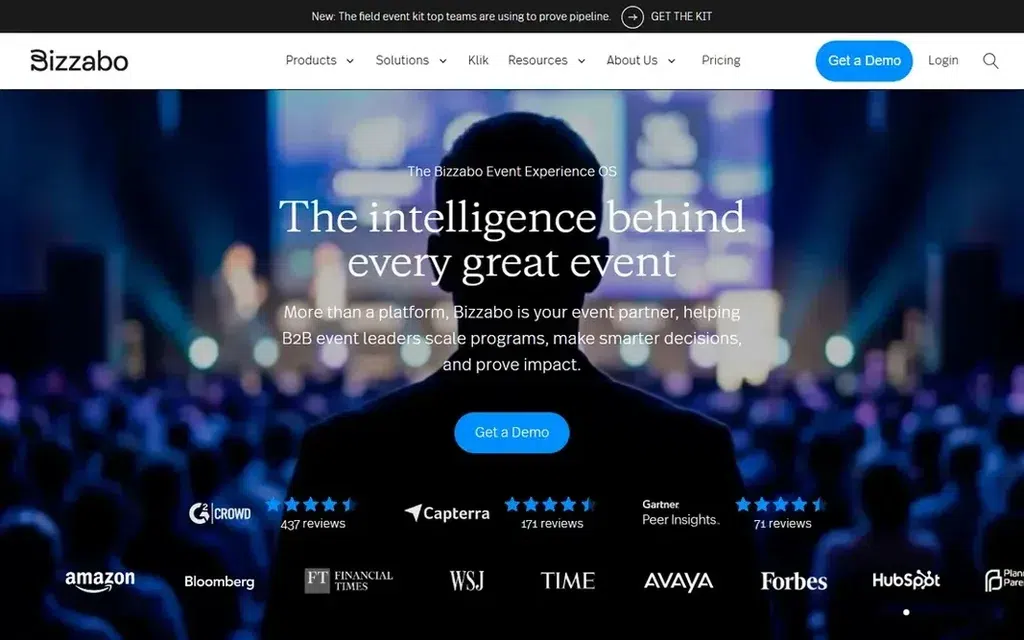
Choose Bizzabo for B2B conferences and attendee engagement. The product is framed around B2B conferences, so community festivals with heavy vendor paperwork may find gaps.
Worth adding: vendor applications, booth maps and load-in schedules might need separate handling. Bizzabo shows no starting price here, so confirm the cost on the vendor site. Free access: Not stated.
Trade-offs to know: Oriented toward B2B conferences instead of festivals.
- Designed for conference-style events
- Attendee engagement features
- May not include vendor logistics in depth
In short, Monday.com is for team task and vendor pipeline tracking. It is a general workspace, so event-specific needs like public listings or ticketing sit outside it.
What to check first: Generic workspace instead of event-specific.
In practice, choose monday.com when coordination across people and tasks is the hardest part, and keep public-facing event tools separate. Boards also need thoughtful setup to avoid clutter as vendors multiply. What you pay to start with Monday.com: $9 per seat per month. Monday.com includes a free tier.
- Collaborative workspace for mixed teams
- AI agents alongside team workflows
- Needs configuration for vendor coordination
Where Airtable fits: adaptable vendor databases and workflows. Airtable is a system for building AI workflows, apps and agents, with live collaboration and automation of repetitive manual work.
Watch-outs: Needs setup to match festival workflows.
Pick Airtable when vendor data and internal workflows are the priority, and pair it with an event product for the public side. Festival teams can shape it into a vendor database tracking applications, contacts, booth details and status. Airtable pricing: $20 per user per month. You can start on Airtable without paying.
- Live collaboration across teams
- Custom tables for vendor records
- Not an event listing product
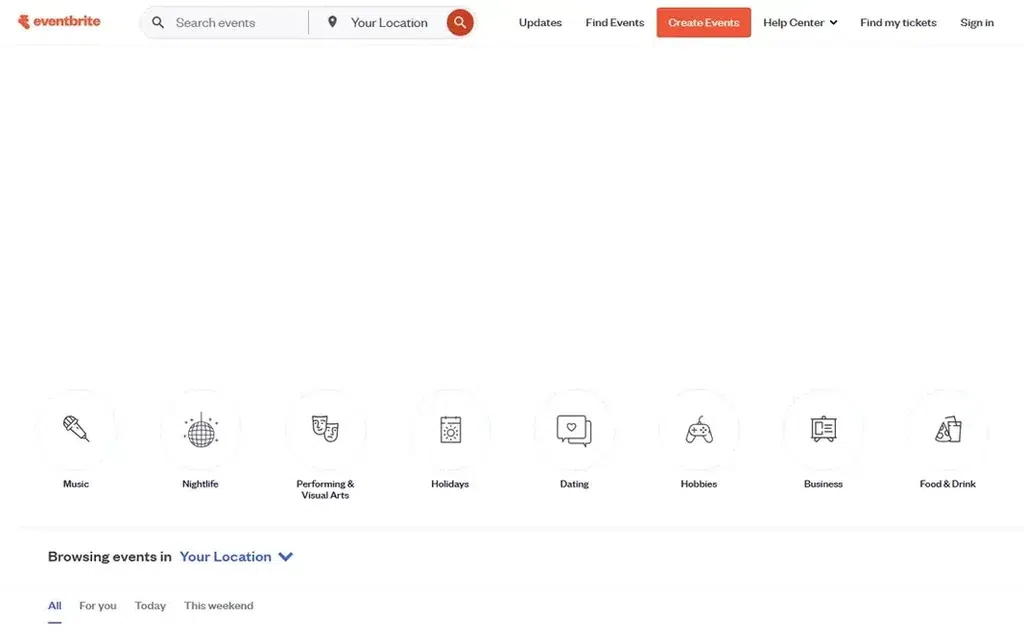
Eventbrite is built with public event listings and attendee coordination in mind. Eventbrite is an event system centered on discovering local events and things to do, which makes it a natural front door for a festival.
Where it falls short: Less suited to complicated multi-track logistics.
From a buyer's view, choose Eventbrite when public visibility and attendee sign-ups matter most, and pair it with a spreadsheet or database for vendor records. Eventbrite pricing: $15 per month. Eventbrite offers a free plan.
- Familiar to vendors and festivalgoers
- Capable event discovery and listing tools
- Restricted deep vendor contract management
What went into this list
LinkVetted looked at what each vendor publishes: pricing, plan limits, feature coverage for software for festival vendor coordination and stated drawbacks. No hands-on testing is claimed. Prices and plan limits come from vendor pages and can change, so confirm them on the vendor site before you buy. Position on the page reflects fit for a typical buyer first, with price clarity and free access breaking ties. Treat it as a guide, not a ruling.
Questions to settle before buying
- Ask Whova and Bizzabo for a written quote, since no starting price is shown.
- Read the fine print on the free plans from Monday.com, Airtable and Eventbrite; seat, project and feature caps differ.
- Before choosing Whova, weigh its main limit: not designed as a vendor contract system.
- Look at the help docs and support options for Eventbrite before you commit.
- Get the contract term, renewal terms and any onboarding fees from Monday.com in writing.
FAQ
How are the tools for software for festival vendor coordination ordered?
Whova sits first and Eventbrite last because the order follows typical fit for software for festival vendor coordination, then price clarity and free access. It is a judgement call, so read each profile for fit and limits.
Do these tools publish their prices?
Not all of them. Whova and Bizzabo publish no starting price, so expect a quote request for those. The rest, Monday.com included, show a starting price, though seats and billing terms still change the final cost.
Can I try these tools before paying?
Often, yes. Monday.com, Airtable and Eventbrite have a free plan. Use your own data and a real task during the test, and check what the free tier or trial limits before you rely on it.
Is Whova the right pick for everyone comparing software for festival vendor coordination?
No single tool suits every team. Whova comes first because it fits event apps with attendee engagement, while Bizzabo suits B2B conferences and attendee engagement and Monday.com suits team task and vendor pipeline tracking. Match the tool to your own size, budget and workflow before deciding.
Sources
- https://whova.com
- https://www.bizzabo.com
- https://monday.com
- https://www.airtable.com
- https://www.eventbrite.com