Software for Commercial Contractors in 2026: The 6 Best Options Side by Side
Searching for the best software for commercial contractors? Here are 6 options with prices and free plans. Read the caveats before you buy. Pick by budget.
- Editor's choice
 Housecall Pro
Home service business management
Starts at$59 a monthVisit housecallpro.comFull review - Great alternative
 Procore
Connecting jobsite and office
Starts atSee websiteVisit procore.comFull review - Also consider
 Jobber
Quoting, scheduling and invoicing
Starts atSee websiteVisit getjobber.comFull review
Direct answer
For home service business management, Housecall Pro is where this list starts. Listed starting prices: Housecall Pro from $59 a month. Alternatives: Procore for connecting jobsite and office, and Jobber for quoting, scheduling and invoicing. Prices, free plans and limits for all 6 tools follow.
TL;DR:
- Number one here is Housecall Pro, a fit for home service business management.
- Neither Housecall Pro nor Trimble Viewpoint Spectrum, nor any of the other 4 tools, has a permanent free plan; trials and quotes are the norm.
- Housecall Pro is the lowest-priced starter here at $59 per month.
- Check the limits for Procore before you commit: project-centric instead of service-centric.
- For construction ERP and job costing, Trimble Viewpoint Spectrum is worth a look.
Last checked November 2026. Prices and plan details were read from the vendors' own pages in November 2026; vendors change plans often, so confirm the current price on the vendor site before you buy.
Quick comparison
| Tool | Best for | Starts at | Free plan? | |
|---|---|---|---|---|
| Housecall Pro | Home service business management | $59 a month | Free trial | Visit |
| Procore | Connecting jobsite and office | See website | Not stated | Visit |
| Jobber | Quoting, scheduling and invoicing | See website | Not stated | Visit |
 ServiceTitan | All-in-one service and project operations | See website | Free trial | Visit |
 Foundation Software | Construction accounting and payroll | See website | Not stated | Visit |
| Trimble Viewpoint Spectrum | Construction ERP and job costing | See website | Not stated | Visit |
The full software for commercial contractors list
If you are comparing software for commercial contractors, this page covers 6 tools in one place: what each is best for, what it costs to start, whether it has a free plan, and the main limit to know about.
Where Housecall Pro fits: home service business management. Housecall Pro is a software option for home service companies, and its homepage notes that plenty of field service professionals use it.
Its home service orientation means commercial project management may be restricted. Contractors whose work is largely large commercial construction should look at project-focused products. On cost, Housecall Pro starts like this: $59 per month. On free options: Free trial.
Limits to weigh: Home service focus may limit commercial depth.
- Aimed at home service firms
- Supports field service professionals
- Project workflows are not the core
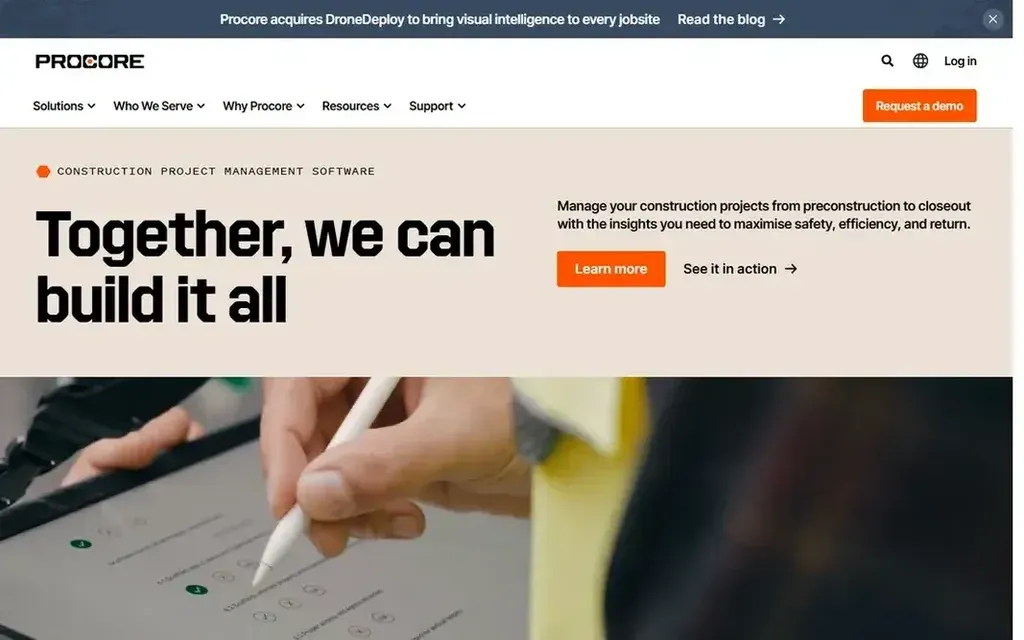
Pick Procore if this describes you: connecting jobsite and office. Procore is a construction management system that links the site and the office, giving teams live visibility to deliver quality projects on time.
Procore is built around project management, so contractors whose revenue is largely recurring service calls may need a separate service tool. Confirm integration choices before committing. This comparison lists no price for Procore; ask the vendor. Trial and free access: Not stated.
Watch-outs: Project-centric instead of service-centric.
- Live project visibility
- Links site and office teams
- May not handle field service scheduling
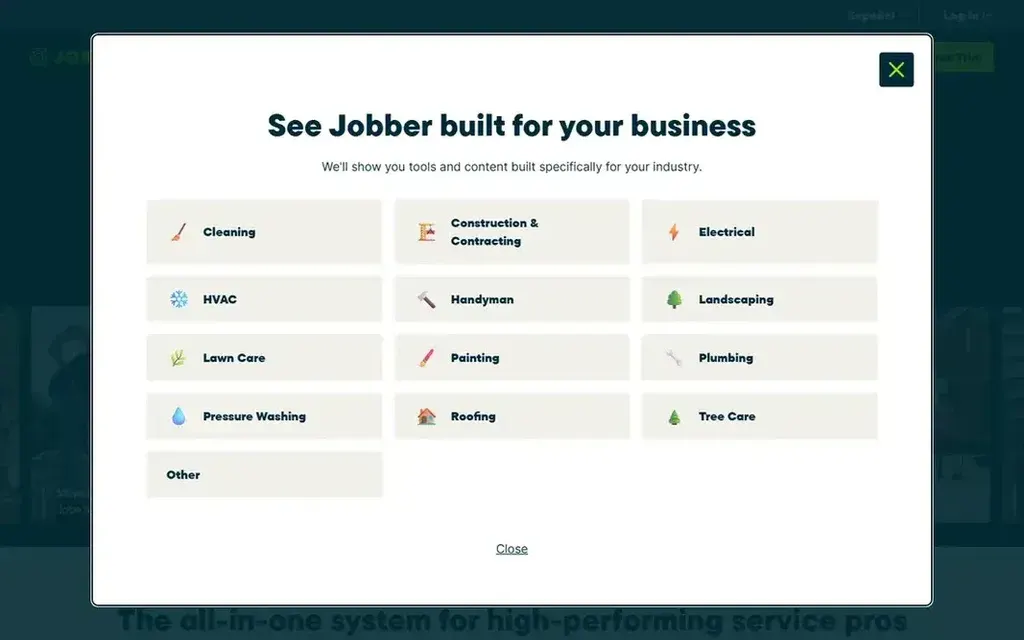
Jobber works best for quoting, scheduling and invoicing. Jobber supplies home and commercial service software to organize a service business, with quoting, scheduling, invoicing and payments in one place.
Where it is weaker: May lack deep construction accounting.
In practice, consider a construction-focused product if project management is central. From a buyer's view, Jobber is oriented toward service work instead of complicated construction projects, so bigger contractors with heavy project accounting needs may outgrow it. No starting price is listed for Jobber here; confirm pricing on the vendor site. Free plan details: Not stated.
Where it shines: Quote; Supports sales and operations.
- Easy-to-use app for service companies
- Schedule and invoice in one place
- Less concentrated on large construction projects
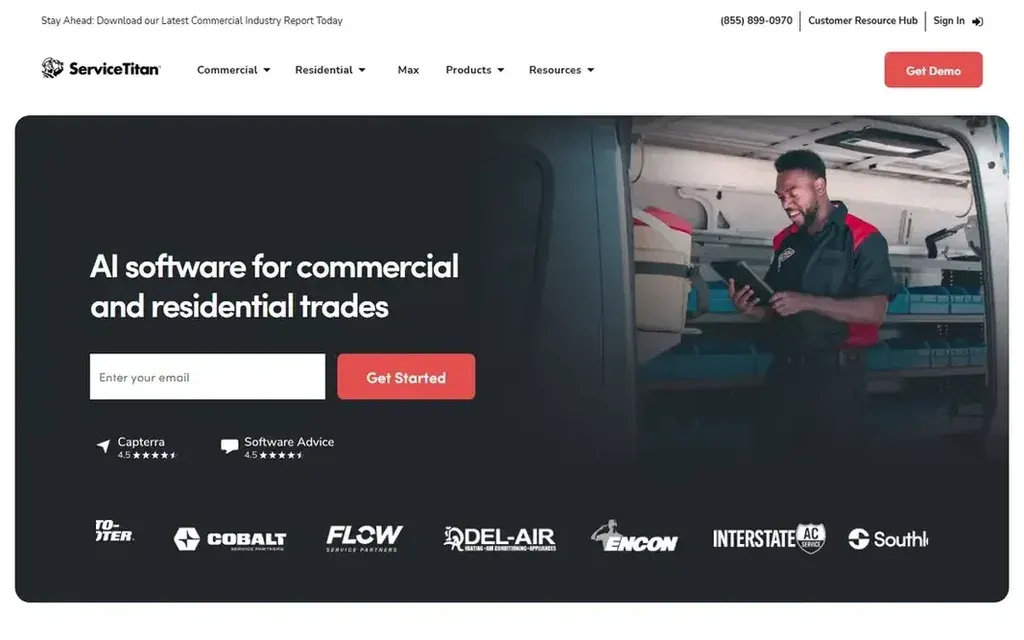
ServiceTitan is a good fit for all-in-one service and project operations. ServiceTitan describes itself as all-in-one software for home and commercial contractors, meant to keep service visits and construction projects running smoothly.
Where it falls short: May be more than a small shop needs.
Since it aims to handle numerous workflows, teams should plan for configuration and training. Contractors with narrow needs, for example accounting only, may prefer a more specialized tool instead. Check the vendor site for ServiceTitan pricing; none is listed in this comparison. Trial and free access: Free trial.
- Includes service visits and construction projects
- Keeps operations in one system
- Wide feature set may need setup time
Pick Foundation Software if this describes you: construction accounting and payroll. Confirm how it links up with your operations software.
What to check first: Restricted field service scheduling.
On top of that, Foundation Software gives you construction accounting software made for contractors, handling jobs, payroll and finances from anywhere. Foundation Software shows no starting price here, so confirm the cost on the vendor site. Trial and free access: Not stated.
- Construction accounting focus
- Financial management from anywhere
- Accounting-first instead of operations-first
Trimble Viewpoint Spectrum
Best for: Construction ERP and job costing
Pick Trimble Viewpoint Spectrum if this describes you: construction ERP and job costing. Trimble Viewpoint Spectrum is construction ERP and project management software aimed at contractors to simplify job costing, workflows and reporting.
ERP systems generally need a structured implementation and continuing administration. On top of that, smaller contractors without dedicated finance staff may find a lighter tool simpler to adopt. Pricing for Trimble Viewpoint Spectrum is not stated here, so ask the vendor for current figures. Free options: Not stated.
Watch-outs: May be heavy for small service shops.
- Construction ERP and project management
- Simplifies workflows
- ERP implementation can be involved
How these tools were picked
LinkVetted used vendor pricing pages and product documentation as the base, then compared plans, free access and documented limits for 6 tools. Plan names, prices and limits change often. Treat the figures here as a starting point and verify them with the vendor. Tools are placed by general fit for software for commercial contractors, with price clarity and free access as tie-breakers. A different team can reasonably rank them differently.
Before you commit
- Confirm the entry price on the vendor page. For Procore, Jobber, ServiceTitan and others that means a quote rather than a fixed price.
- Run a trial of Housecall Pro and ServiceTitan with real work before paying for a year; your own workflow is the best test.
- Before choosing Housecall Pro, weigh its main limit: home service focus may limit commercial depth.
- The entry price of ServiceTitan is only the starting point; model the full cost with seats and extras.
- Look at the help docs and support options for Procore before you commit.
FAQ
How do construction ERP tools differ from service software?
Construction ERP tools emphasize job costing, financial controls and project reporting. Service software emphasizes quoting, scheduling and invoicing for recurring customer work. Some contractors need both.
Can I try these tools before paying?
Often, yes. Housecall Pro and ServiceTitan offer a free trial. Use your own data and a real task during the test, and check what the free tier or trial limits before you rely on it. For the full picture, the cards above cover all 6 entries of this software for commercial contractors list, including price, free plan and limits.
Is Housecall Pro the right pick for everyone comparing software for commercial contractors?
No single tool suits every team. Housecall Pro comes first because it fits home service business management, while Procore suits connecting jobsite and office and Jobber suits quoting, scheduling and invoicing. Match the tool to your own size, budget and workflow before deciding.
How are the tools for software for commercial contractors ordered?
The order follows typical fit for software for commercial contractors, with Housecall Pro first and Trimble Viewpoint Spectrum last, then price clarity and free access. It is editorial judgement, not a score, so another team could rank the tools differently.
Does any tool for software for commercial contractors here have a free plan?
No tool in this list, Housecall Pro and Trimble Viewpoint Spectrum included, has a permanent free plan. Housecall Pro, ServiceTitan offer a trial. Trials and quotes are the usual route, so plan a short evaluation period.
Sources
- https://www.housecallpro.com
- https://www.procore.com
- https://www.getjobber.com
- https://www.servicetitan.com
- https://www.foundationsoft.com
- https://www.viewpoint.com