Software for Cleaning Quality Inspection Checklists in 2026: The 5 Best Options Side by Side
Best software for cleaning quality inspection checklists: 5 tools compared on price, free plans and fit. With pricing notes and limits. Updated for 2026.
- Editor's choiceDevice Magic
Offline mobile data collection
Starts atSee websiteVisit devicemagic.comFull review - Great alternative
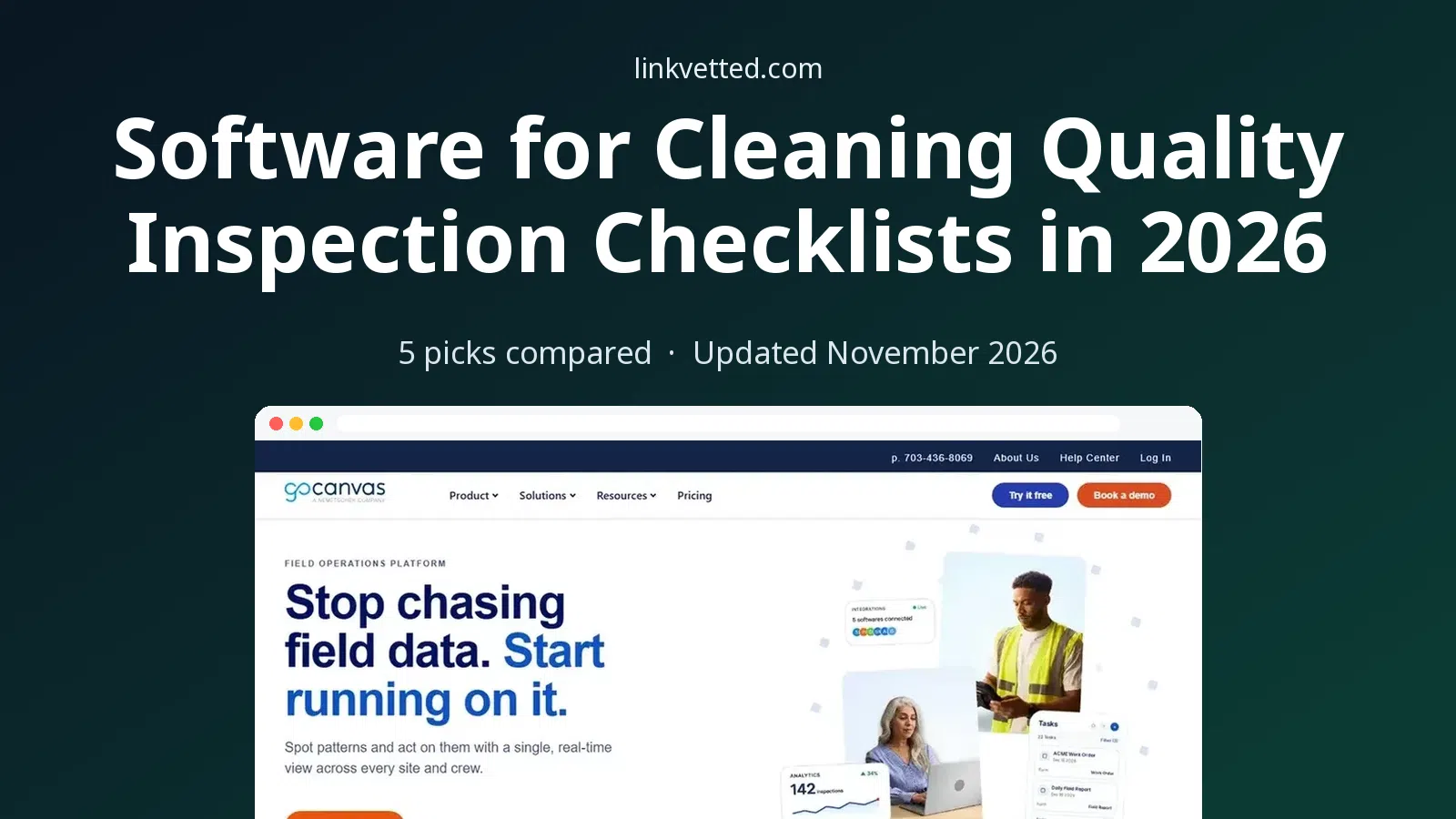
 GoCanvas
Configurable frontline operations
Starts at$29 per user a monthVisit gocanvas.comFull review - Also considerFluix
Inspection management for field teams
Starts atSee websiteVisit fluix.ioFull review
Direct answer
For offline mobile data collection, Device Magic is where this list starts. Listed starting prices: GoCanvas from $29 per user a month, SafetyCulture from $24 per seat per month and FastField from $24 per seat, a month. GoCanvas is the stronger choice for configurable frontline operations, while Fluix suits inspection management for field teams. The full list of 5 tools follows, with prices and free plan facts.
TL;DR:
- Device Magic sits first on this list: offline mobile data collection.
- What to know about GoCanvas first: customization may need initial effort.
- Just one of the 5 tools, SafetyCulture, has a free plan.
- SafetyCulture has the lowest monthly starting price in this list: $24 per seat per month.
- FastField is the one to check for completely configurable mobile forms.
Last checked November 2026. Prices and plan details were read from the vendors' own pages in November 2026; vendors change plans often, so confirm the current price on the vendor site before you buy.
Quick comparison
| Tool | Best for | Starts at | Free plan? | |
|---|---|---|---|---|
| Device Magic | Offline mobile data collection | See website | Not stated | Visit |
| GoCanvas | Configurable frontline operations | $29 per user a month | No | Visit |
| Fluix | Inspection management for field teams | See website | Not stated | Visit |
 SafetyCulture | Workplace operations and safety checklists | $24 per seat per month | Yes | Visit |
 FastField | Completely configurable mobile forms | $24 per seat, a month | Free trial | Visit |
Software for Cleaning Quality Inspection Checklists compared in detail
LinkVetted put together this guide to software for cleaning quality inspection checklists for readers who want a clear shortlist without reading every vendor page. It compares 5 tools on starting price, free plans, who each one suits and where each one falls short.
Device Magic
Best for: Offline mobile data collection
In short, Device Magic is for offline mobile data collection. Select Device Magic when offline capability and flexible data capture are essential. Device Magic is a mobile forms and business data collection system that records field data, signatures, work orders, checklists, and more.
Trade-offs to know: May be less centred on cleaning quality.
It supports offline data collection so teams can work anywhere. Cleaning inspectors can use it to complete quality checklists even without connectivity. For everyday use, teams wanting pre-built cleaning templates might have to look elsewhere. Device Magic shows no starting price here, so confirm the cost on the vendor site. On free options: Not stated.
- Collects data anywhere
- Records signatures and checklists
- Needs form setup
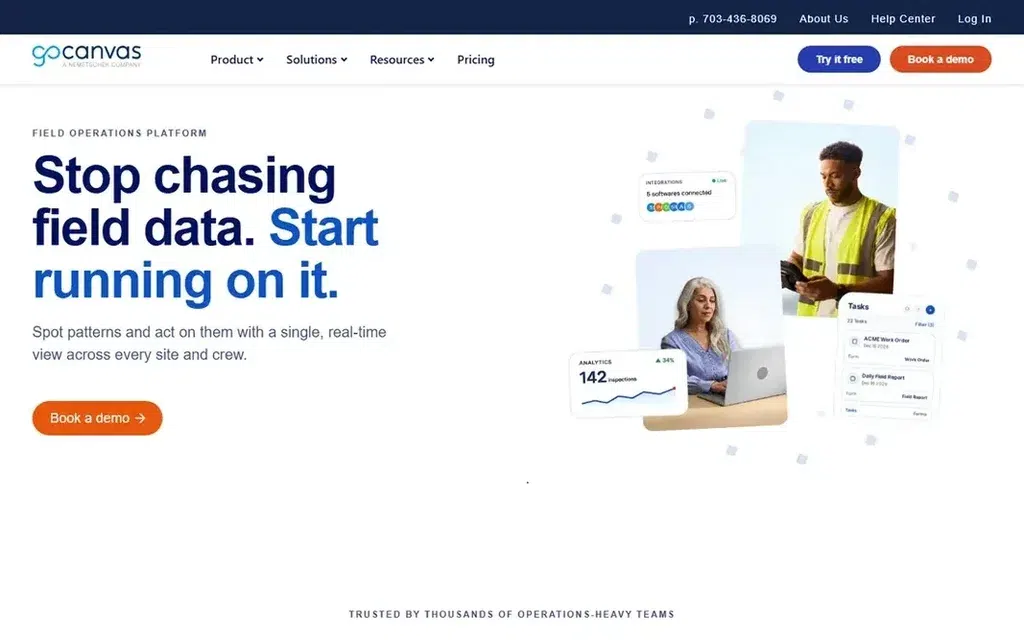
For configurable frontline operations, GoCanvas is a natural candidate. GoCanvas is a frontline operations product that lets you customize forms and standardize them across teams.
Watch-outs: Customization may require initial effort.
As for the details, setting up customized forms may take time, and the system may be more than a straightforward checklist tool. Entry price for GoCanvas: $29 per user per month. No free plan comes with GoCanvas.
- Produces data for business decisions
- Configurable to team workflows
- Can be more than entry-level checklist needs
Fluix
Best for: Inspection management for field teams
Choose Fluix for inspection management for field teams. Cleaning quality inspections can be managed through its product, which emphasizes actionable insights from field activities. Also, specific checklist capabilities may have to be confirmed through a demo.
Where it falls short: Restricted public details on checklist features.
Fluix is inspection management software that aims to turn field work into field intelligence. It is aimed at field teams conducting inspections and collecting data. No starting price is listed for Fluix here; confirm pricing on the vendor site. Trial and free access: Not stated.
- Made for field teams
- Turns field work into intelligence
- May need demo to assess fit
SafetyCulture is designed for workplace operations and safety checklists. It suits organizations that want cleaning quality checks integrated with broader safety and operational workflows.
In daily use, consider SafetyCulture when cross-site visibility and operational consistency are priorities. Price to start with SafetyCulture: $24 per seat per month. SafetyCulture has a free plan.
Drawbacks to consider: May be broader than needed for small teams.
- Focus on meeting higher standards
- Supports multi-site oversight
- Needs setup for cleaning-specific templates
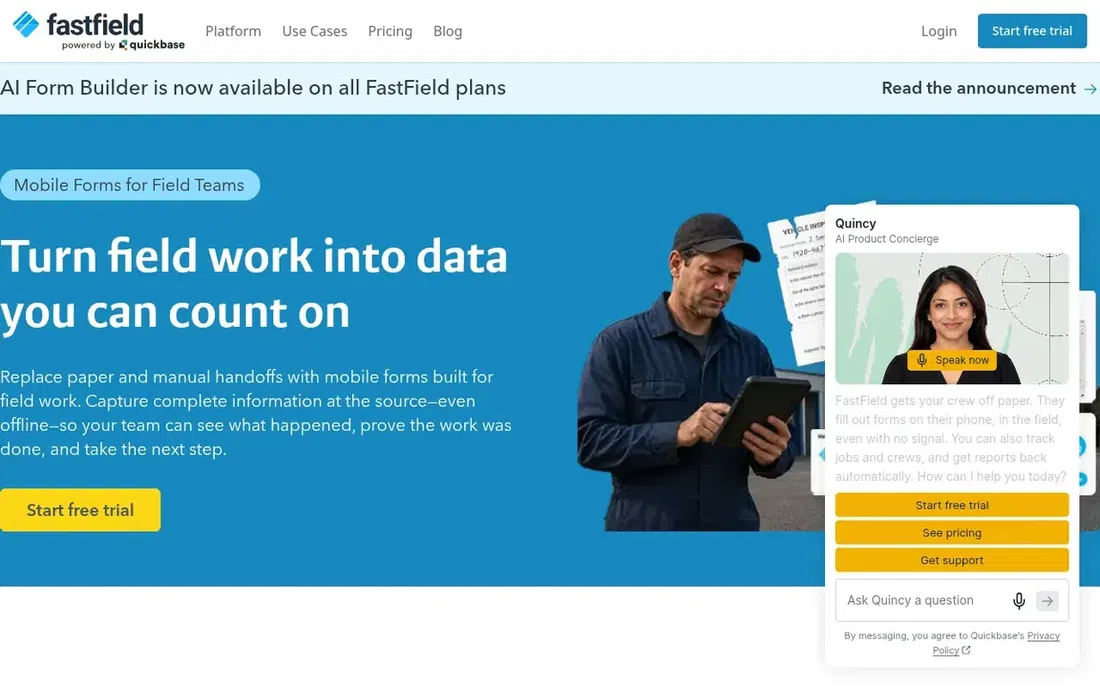
FastField serves completely configurable mobile forms. Teams seeking a ready-made checklist option might prefer a more guided tool.
As for the details, the adaptability of custom forms may need setup time, and analytics features may need configuration. It lets teams to build and distribute digital forms tailored to cleaning quality checks. FastField cost at the entry level: $24 per seat, per month. Free access: Free trial.
Downsides: Analytics may require configuration.
- Configurable mobile forms
- Bundles analytics
- Customization can add complexity
How the list was put together
Selection started from tools commonly considered for software for cleaning quality inspection checklists, then narrowed to 5 that have clear pricing information or a clear quote process. Seat minimums, billing terms and add-ons can move the real cost, so the starting prices here are a guide and not a quote. Tools are placed by general fit for software for cleaning quality inspection checklists, with price clarity and free access as tie-breakers. A different team can reasonably rank them differently.
Questions to settle before buying
- Ask Device Magic and Fluix for a written quote, since no starting price is shown.
- Look at the free plan from SafetyCulture closely: its caps decide whether it is usable for real work.
- Run a trial of FastField with real work before paying for a year; your own workflow is the best test.
- Before choosing Device Magic, weigh its main limit: may be less centred on cleaning quality.
- Look at the renewal terms for Device Magic: auto-renewal, notice periods and price changes can matter more than the first-year price.
- Map your must-have features to a specific GoCanvas plan before you compare prices.
FAQ
Which options for software for cleaning quality inspection checklists have a free plan?
SafetyCulture is the only tool in this list with a free plan. Free plans usually cap users, projects or features, so check the limits on the vendor page. One other tool offers a trial instead. Each of the 5 options in this software for cleaning quality inspection checklists guide has its own card above with the price, free plan and limits.
What is the cheapest option for software for cleaning quality inspection checklists in this list?
On published monthly entry prices, SafetyCulture is the lowest here at $24 per seat per month. Entry price is only part of the cost, because seats, add-ons and billing terms can change the total. All 5 picks in this software for cleaning quality inspection checklists comparison list a starting price, free plan details and the main limits on their cards above.
What should I look for in cleaning quality inspection checklist software?
Look for configurable checklists, mobile accessibility, offline support, and reporting features. The capacity to standardize inspections across sites and plug into existing workflows is also important.
Do these tools publish their prices?
Not all of them. Device Magic and Fluix publish no starting price, so expect a quote request for those. The rest, GoCanvas included, show a starting price, though seats and billing terms still change the final cost.
Can I try these tools before paying?
Often, yes. SafetyCulture has a free plan and FastField offers a free trial. Use your own data and a real task during the test, and check what the free tier or trial limits before you rely on it.
Sources
- https://www.devicemagic.com
- https://www.gocanvas.com
- https://fluix.io
- https://safetyculture.com
- https://www.fastfieldforms.com