Software for Party Planning Checklists in 2026: The 5 Best Options Side by Side
Best software for party planning checklists: 5 tools compared on price, free plans and fit. Clear notes on pricing gaps and limits. Current for November 2026.
- Editor's choice
 Asana
Coordinating multi-person planning tasks
Starts at$10.99 per user per monthVisit asana.comFull review - Great alternative
 Airtable
Structured checklists with automation
Starts at$20 per user per monthVisit airtable.comFull review - Also consider
 Cvent
Full event management with checklists
Starts atSee websiteVisit cvent.comFull review
Direct answer
Start with Asana if you need coordinating multi-person planning tasks. Listed starting prices: Asana from $10.99 per user per month, Airtable from $20 per user per month and Eventbrite from $15 per month. Airtable fits structured checklists with automation; Cvent fits full event management with checklists. Details, prices and limits for the rest of the 5 tools are below.
TL;DR:
- Asana is the opening pick, best for coordinating multi-person planning tasks.
- For adaptable workspace for planning teams, Monday.com is worth a look.
- The main caution on Cvent: wide system may be heavy for small parties.
- 4 of 5 tools offer a free plan: Asana, Airtable, Eventbrite, Monday.com.
- Monday.com has the lowest monthly starting price in this list: $9 per seat per month.
Last checked November 2026. Prices and plan details were read from the vendors' own pages in November 2026; vendors change plans often, so confirm the current price on the vendor site before you buy.
Quick comparison
| Tool | Best for | Starts at | Free plan? | |
|---|---|---|---|---|
| Asana | Coordinating multi-person planning tasks | $10.99 per user per month | Yes | Visit |
| Airtable | Structured checklists with automation | $20 per user per month | Yes | Visit |
| Cvent | Full event management with checklists | See website | Not stated | Visit |
 Eventbrite | Publishing events with planning tasks | $15 per month | Yes | Visit |
 Monday.com | Adaptable workspace for planning teams | $9 per seat a month | Yes | Visit |
5 software for party planning checklists in detail
This LinkVetted guide covers 5 software for party planning checklists. Each profile lists a starting price, free plan details, strengths and drawbacks, so you can drop poor fits quickly.
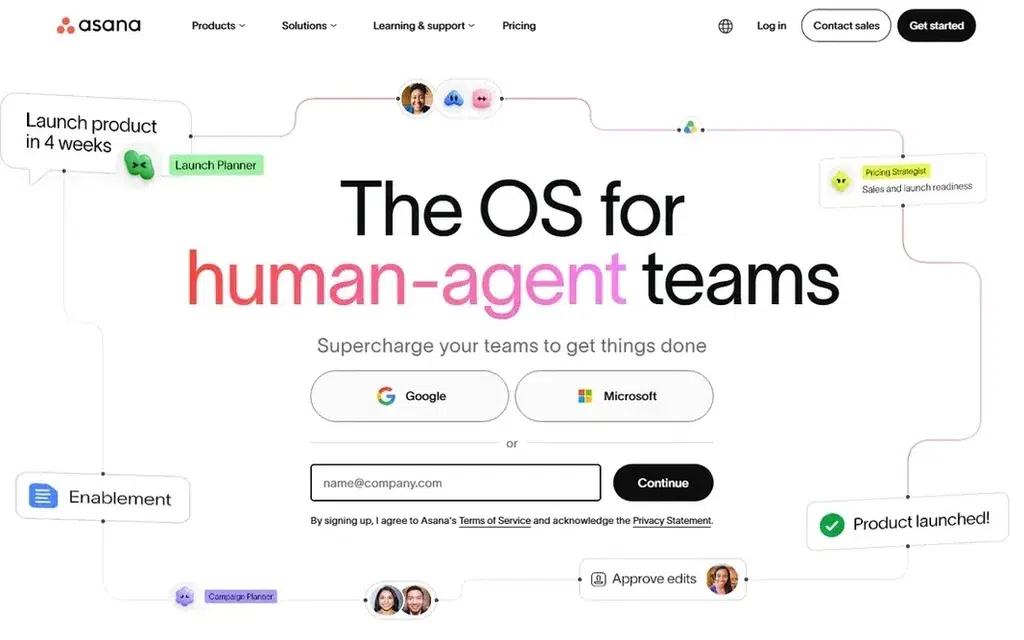
In short, Asana is for coordinating multi-person planning tasks. A solo host with a short list may find it more than needed.
Choose Asana when multiple people need clear ownership of checklist items. From a buyer's view, for party planning, it turns a checklist into assigned tasks with owners and due dates, which helps when multiple people share the work. Asana starts at: $10.99 per user per month. Asana offers a free plan.
Where it falls short: Needs setup to reflect party stages.
- Automate and execute workflows
- Work management for teams and AI agents
- Can feel formal for a single host
Airtable serves structured checklists with automation. Airtable is positioned around building enterprise-ready AI workflows, apps and agents, with live collaboration and automation for repetitive tasks. Hosts wanting a purely visual board may find it less immediate.
The main drawbacks: Less visual than a straightforward board.
In practice, the structured approach asks you to design fields and views at the start, which is more work than jotting a list. As for the details, for party planning, a structured table can hold checklist items, owners, due dates and vendor details, with automation handling reminders or status changes. Entry price for Airtable: $20 per user per month. A free plan is available with Airtable.
- Database-style organization
- Automation for repetitive tasks
- Structure needs initial planning

Cvent is designed for full event management with checklists. Checklists fit inside a wider system that covers event management, marketing and attendee engagement.
It fits professional planners and organizations running recurring or large events who want planning tasks connected to registration and venue sourcing. No starting price is listed for Cvent here; confirm pricing on the vendor site. Free access: Not stated.
Honest limits: Wide product may be heavy for small parties.
- Includes in-person
- Virtual and hybrid events
- Setup takes more effort than a straightforward board
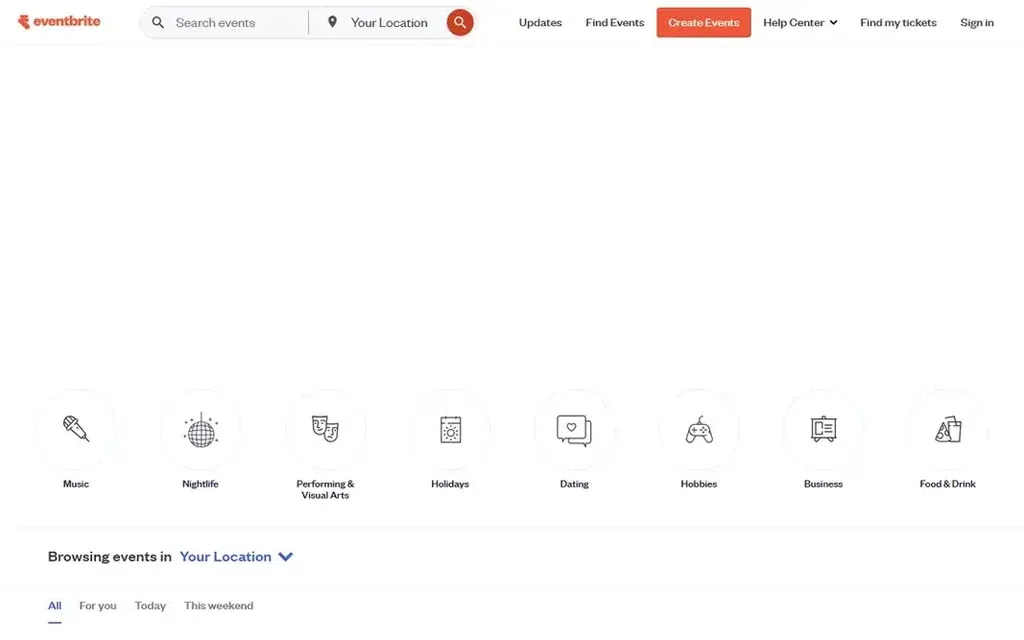
Eventbrite is designed for publishing events with planning tasks. Task and checklist management is not the core focus, so complicated multi-person planning may feel restricted.
Pick Eventbrite when promoting the event matters as much as the checklist. The starting price for Eventbrite: $15 per month. Eventbrite has a free plan.
Downsides: Checklist features are secondary to event listing.
- Attendee-facing pages for each event
- Event discovery and publishing in one place
- Less suited to internal task coordination
Monday.com is a good fit for adaptable workspace for planning teams. A single host may prefer a more straightforward board.
As for the details, since the system is wide, you decide how to structure the party workflow, which takes some thought. On top of that, Monday.com presents itself as an AI workspace for people and agents, where teams execute, run and operate together to drive business results. On cost, Monday.com starts like this: $9 per seat per month. Free access exists with Monday.com.
Points against: Adaptability means more configuration choices.
- AI workspace for people and agents
- Supports execution and operations together
- May be wide for a one-off party
What went into this list
For each of the 5 tools we noted price, free plan or trial, fit for software for party planning checklists and the main limit, using vendor pages and documentation. Figures are shown as the vendors publish them. Billing terms, seat minimums and add-ons can change the real cost. The sequence is a judgement call: typical use case first, then pricing transparency, then free access. Use the profiles to check fit.
What to check before you buy
- Confirm the entry price on the vendor page. For Cvent that means a quote rather than a fixed price.
- Check what the free option really includes: Asana, Airtable, Eventbrite and Monday.com offer a free plan, and usage caps differ.
- Before choosing Asana, weigh its main limit: needs setup to reflect party stages.
- Confirm you can export your data from Asana, so leaving later does not mean losing records.
- Check whether Airtable bills monthly or annually, and what cancelling early costs.
FAQ
What is the best software for a party planning checklist?
Asana is the pick this page puts first, mainly for coordinating multi-person planning tasks. If your situation differs, Airtable suits structured checklists with automation, and Cvent suits full event management with checklists. Compare price and limits before you decide.
Can I try these tools before paying?
Often, yes. Asana, Airtable, Eventbrite and Monday.com have a free plan. Use your own data and a real task during the test, and check what the free tier or trial limits before you rely on it.
How are the tools for software for party planning checklists ordered?
The order follows typical fit for software for party planning checklists, with Asana first and Monday.com last, then price clarity and free access. It is editorial judgement, not a score, so another team could rank the tools differently.
Which options for software for party planning checklists have a free plan?
On this list, Asana, Airtable, Eventbrite and Monday.com include a free plan. Caps on seats, usage or features are common, so test the free plan against your real workload.
What is the cheapest option for software for party planning checklists in this list?
On published monthly entry prices, Monday.com is the lowest here at $9 per seat per month. Entry price is only part of the cost, because seats, add-ons and billing terms can change the total. Prices, free plan details and limits for all 5 tools in this software for party planning checklists roundup sit on the individual cards above.
Sources
- https://asana.com
- https://www.airtable.com
- https://www.cvent.com
- https://www.eventbrite.com
- https://monday.com