Best Software Demo Presentation (2026): 5 Picks Checked on Vendor Pages
Compare 5 picks for the best software demo presentation, with prices, free plans and who each fits. Strengths and gaps are listed per tool. Jump to the table.
- Editor's choice
 Google Slides
Straightforward browser-based deck creation
Starts atSee websiteVisit workspace.google.comFull review - Great alternative
 Microsoft PowerPoint
In-depth pitch decks and slide design
Starts atSee websiteVisit microsoft.comFull review - Also consider
 Zoom
Live demos with meetings and webinars
Starts atSee websiteVisit zoom.usFull review
Direct answer
Google Slides leads the list, best for straightforward browser-based deck creation. Listed starting prices: Loom from $18 per user per month and Pitch from €10 per month. For a different need, Microsoft PowerPoint covers in-depth pitch decks and slide design and Zoom covers live demos with meetings and webinars. The other 2 tools in the list cover narrower or pricier cases.
TL;DR:
- Google Slides takes the first slot, best suited to straightforward browser-based deck creation.
- The main caution on Loom: not designed for live audience interaction.
- For the cheapest start, look at Loom: $18 per user per month.
- A free plan is available from 2 of the 5 tools: Loom, Pitch.
Last checked November 2026. Prices and plan details were read from the vendors' own pages in November 2026; vendors change plans often, so confirm the current price on the vendor site before you buy.
Quick comparison
| Tool | Best for | Starts at | Free plan? | |
|---|---|---|---|---|
| Google Slides | Straightforward browser-based deck creation | See website | Not stated | Visit |
| Microsoft PowerPoint | In-depth pitch decks and slide design | See website | Not stated | Visit |
| Zoom | Live demos with meetings and webinars | See website | Not stated | Visit |
 Loom | Recorded screen walkthroughs shared async | $18 per user per month | Yes | Visit |
 Pitch | Collaborative team presentation workspace | €10 per month | Yes | Visit |
Software Demo Presentation, one by one
LinkVetted compared 5 tools for software demo presentation. The goal is a practical shortlist: published prices, free plan facts, best-fit use cases and honest limits for every entry.
Google Slides works best for straightforward browser-based deck creation. Google Slides is a browser-based presentation maker within Google Workspace, offering slide templates for plenty of use cases and AI to create visualizations.
Worth adding: Google Slides prioritizes simplicity, so advanced design and animation control are restricted compared to dedicated design software. It also does not host the live audience on its own. Google Slides does not show a starting price in this comparison, so check the vendor site for current pricing. Free access: Not stated.
Where it falls short: Design depth trails dedicated design tools.
- AI-assisted visualizations
- Browser-based slideshow maker
- Live delivery needs a separate meeting tool
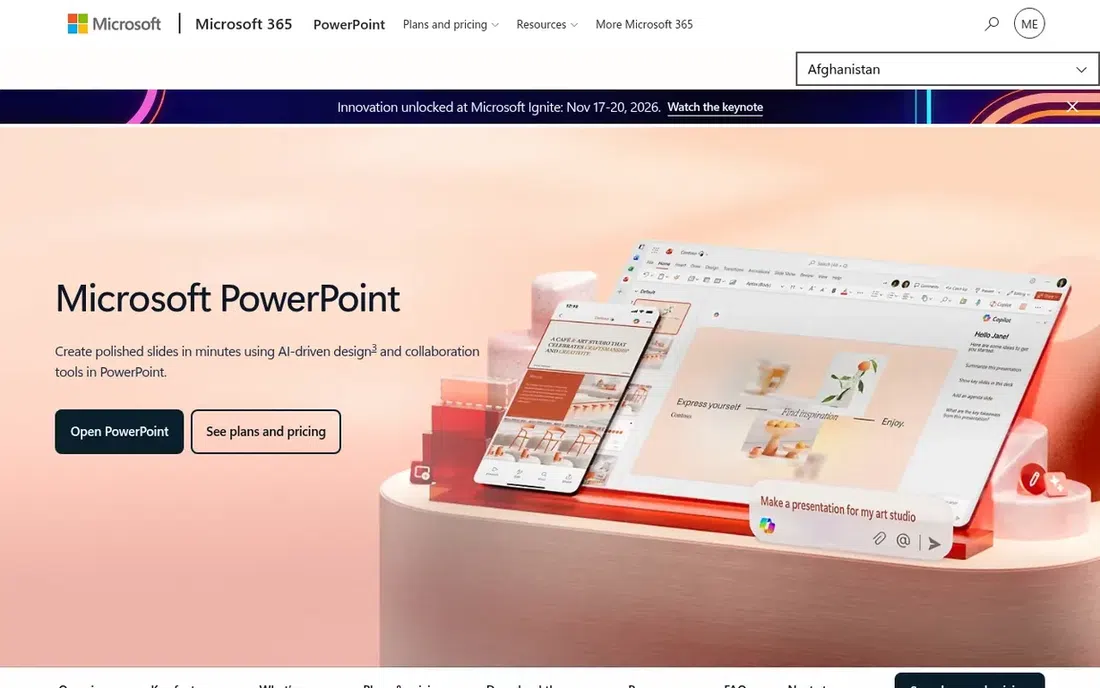
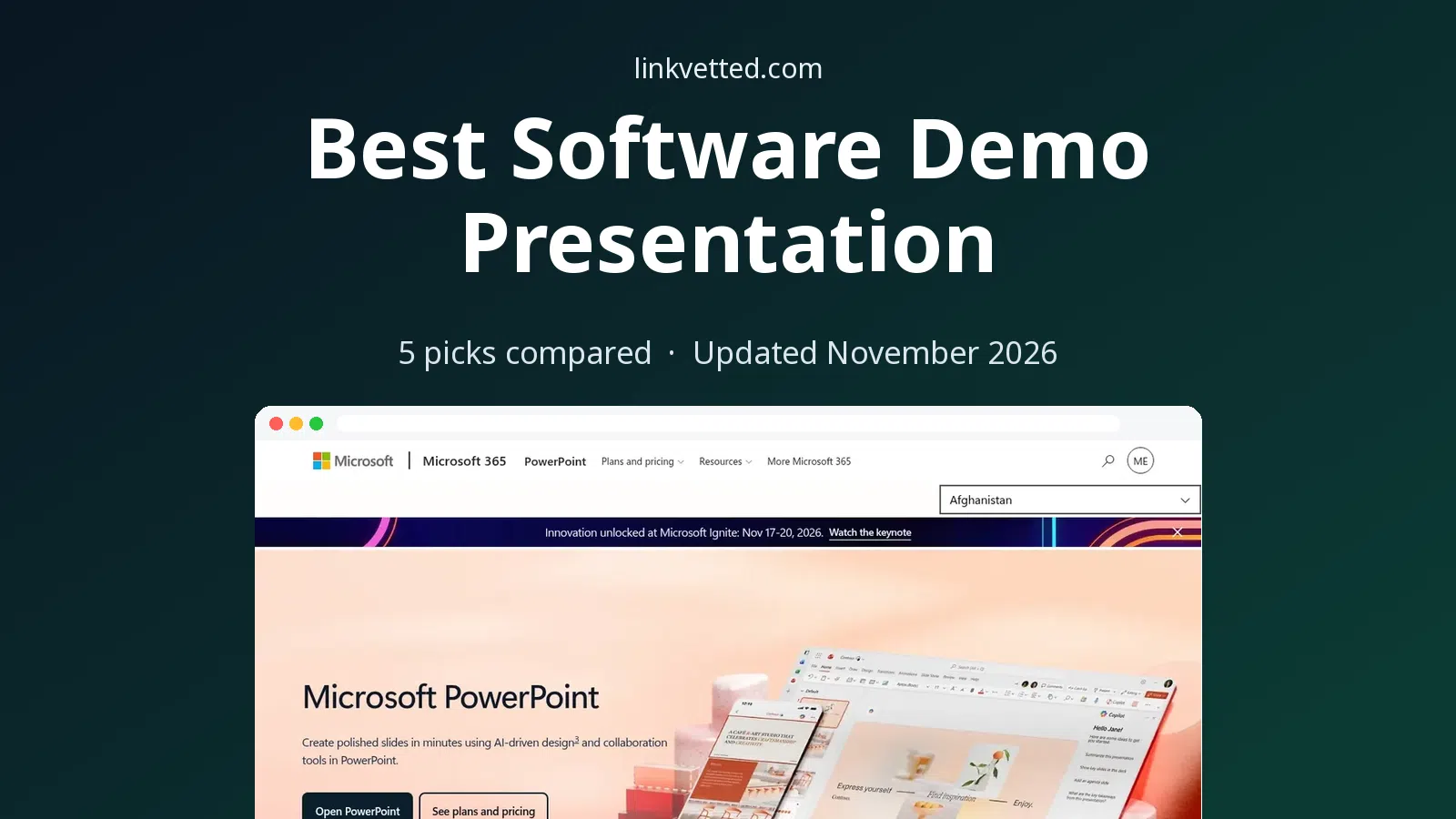
Microsoft PowerPoint is designed for in-depth pitch decks and slide design. Microsoft PowerPoint is a long-standing presentation maker for building slideshows and pitch decks, with tools for laying out slides and telling a story visually. In practice, PowerPoint is aimed at creating slides instead of hosting an audience, so live screen sharing and audience interaction typically come from another tool.
It also rewards practice, since complicated decks take time to build. In practice, in a software demo, it is generally where the narrative lives: the problem, the product tour and the proof points. Microsoft PowerPoint shows no starting price here, so confirm the cost on the vendor site. Free access: Not stated.
Limits to weigh: Advanced design takes time to learn.
- Deep slide design and layout control
- Does well alongside other Microsoft tools
- Live delivery needs a separate meeting tool
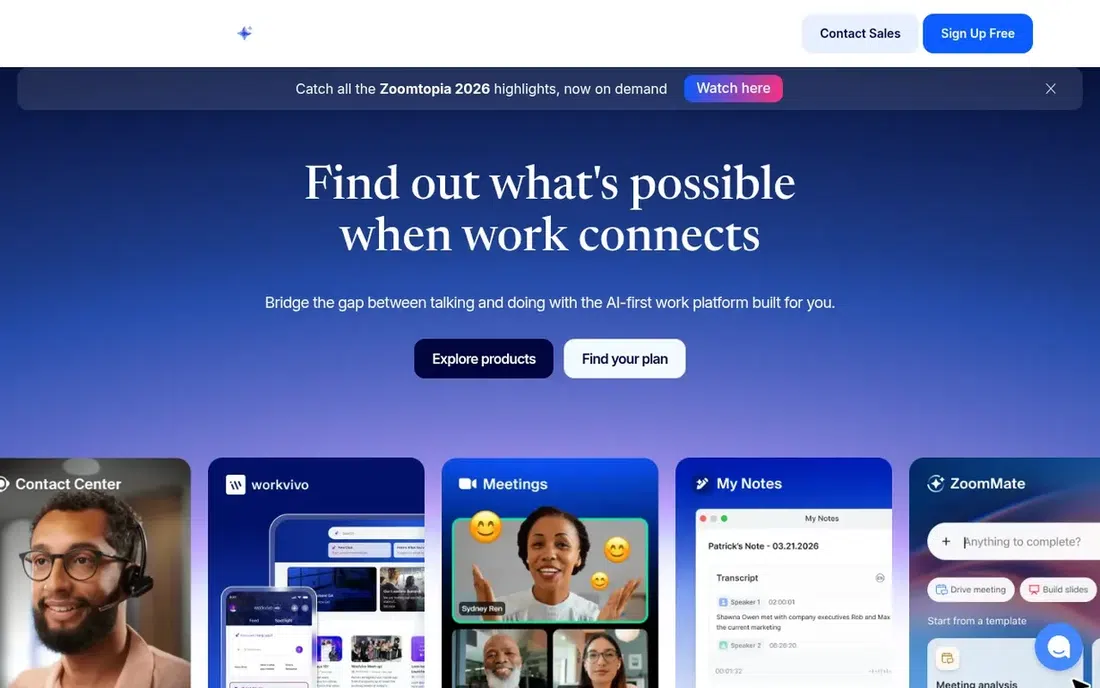
Think of Zoom for live demos with meetings and webinars. Zoom is a collaboration system centered on video meetings, with webinars, chat, phone, whiteboard, contact center and events alongside the core meeting product. Zoom is not a slide builder, so the deck or walkthrough itself has to come from elsewhere.
What to check first: Presentation design must come from other tools.
The breadth of the product may be more than a small team needs. If your priority is designing refined slides instead of hosting the live session, a dedicated presentation tool is the better fit. Zoom shows no starting price here, so confirm the cost on the vendor site. Trial and free access: Not stated.
- Screen sharing fits live product walkthroughs
- Chat and whiteboard support audience interaction
- Feature set can feel wide for straightforward demos
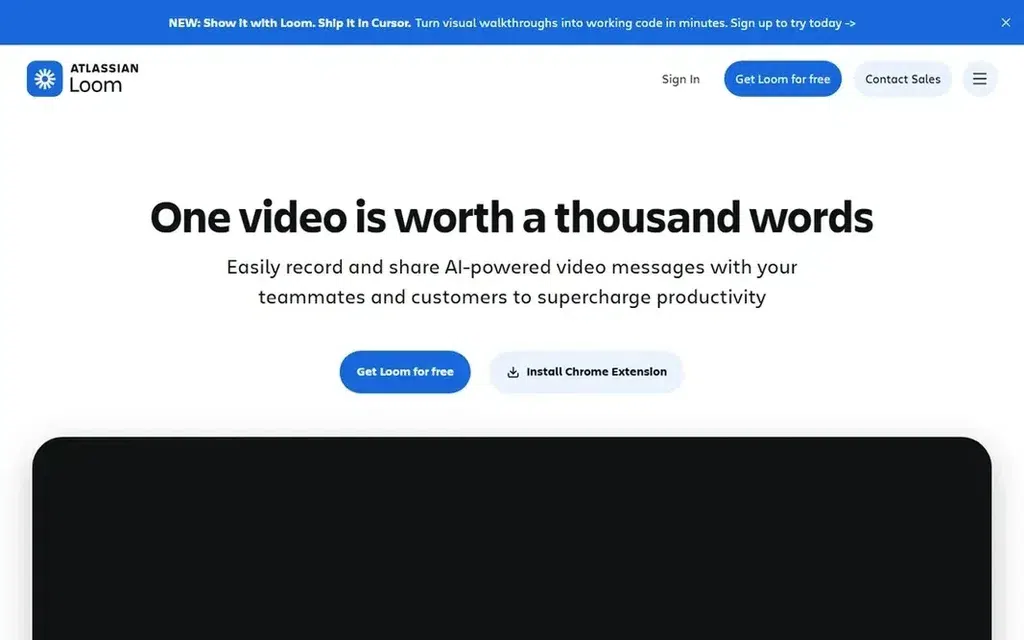
Loom makes the most sense for recorded screen walkthroughs shared async. Loom does not host a live audience, so it cannot replace a live demo with questions and reactions.
Trade-offs to know: Not designed for live audience interaction.
Recordings also rely on a tight script to avoid rambling. Entry price for Loom: $18 per user per month. Loom includes a free tier.
- Fast screen recording on Mac and PC
- Advanced video editing and storage included
- Recordings need a clear script to stay focused
Think of Pitch for collaborative team presentation workspace. The collaboration focus can be more structure than a solo presenter needs, and Pitch does not replace the meeting or recording tool used to deliver the demo.
For everyday use, in a software demo, it fits teams building decks together, where multiple people contribute slides, review content and keep a shared version current before a live or recorded session. For everyday use, Pitch is a collaborative presentation system for teams that want to produce, share and deliver better work, positioned as an AI presentation workspace. Pitch pricing: €10 per month. You can start on Pitch without paying.
Limits to weigh: Live demos still need a meeting or recording tool.
- Collaborative presentation workspace
- Supports delivering work to audiences
- Team features may be more than solo users need
How the list was put together
A buyer's checklist
- Get a written quote from Google Slides, Microsoft PowerPoint and Zoom; the list shows no starting price for them.
- Read the fine print on the free plans from Loom and Pitch; seat, project and feature caps differ.
- Read the limits listed for Google Slides first: design depth trails dedicated design tools.
- Confirm that Google Slides connects to the apps your team already uses, on the plan you would actually buy.
- Map your must-have features to a specific Loom plan before you compare prices.
FAQ
Do these tools publish their prices?
Not all of them. Google Slides, Microsoft PowerPoint and Zoom publish no starting price, so expect a quote request for those. The rest, Loom included, show a starting price, though seats and billing terms still change the final cost.
Should I record my software demo or present it live?
Live demos suit interactive sessions with questions. Numerous teams use both, recording the standard tour and saving live time for deeper discussion.
Can I try these tools before paying?
Often, yes. Loom and Pitch have a free plan. Use your own data and a real task during the test, and check what the free tier or trial limits before you rely on it.
What is the cheapest option for software demo presentation in this list?
On published monthly entry prices, Loom is the lowest here at $18 per user per month. Entry price is only part of the cost, because seats, add-ons and billing terms can change the total. Prices, free plan details and limits for all 5 tools in this software demo presentation roundup sit on the individual cards above.
Is Google Slides the right pick for everyone comparing software demo presentation?
No single tool suits every team. Google Slides comes first because it fits simple browser-based deck creation, while Microsoft PowerPoint suits detailed pitch decks and slide design and Zoom suits live demos with meetings and webinars. Match the tool to your own size, budget and workflow before deciding.
Sources
- https://workspace.google.com/products/slides
- https://www.microsoft.com/microsoft-365/powerpoint
- https://zoom.us
- https://www.loom.com
- https://pitch.com