Best Software Barcode Scanning in 2026: Prices, Free Plans and 5 Picks
5 options for the best software barcode scanning, with entry costs, free tiers and the buyer each one serves. Where a tool struggles is spelled out. No filler.
- Editor's choiceHoneywell SwiftDecoder
Industrial settings within Honeywell ecosystems
Starts atSee websiteVisit sps.honeywell.comFull review - Great alternative
 Scanbot SDK
Developers embedding scanning in apps
Starts at$2,500 a yearVisit scanbot.ioFull review - Also considerScandit Smart Data Capture
Camera-based scanning on smart devices
Starts atSee websiteVisit scandit.comFull review
Direct answer
If you need industrial settings within Honeywell ecosystems, Honeywell SwiftDecoder is the first tool to look at here. Listed starting prices: Scanbot SDK from $2,500 a year. For a different need, Scanbot SDK covers developers embedding scanning in apps and Scandit Smart Data Capture covers camera-based scanning on smart devices. The full list of 5 tools follows, with prices and free plan facts.
TL;DR:
- Honeywell SwiftDecoder takes the first slot, best suited to industrial settings within Honeywell ecosystems.
- Before buying Honeywell SwiftDecoder, weigh this: best value within Honeywell deployments.
- A permanent free plan is missing from all 5 tools, Honeywell SwiftDecoder and Zebra Scanner SDK included; plan for a trial or a premium start.
- Expect to ask for a quote from Honeywell SwiftDecoder, Scandit Smart Data Capture, Microblink and Zebra Scanner SDK; the other tools show a starting price.
- Zebra Scanner SDK fits teams standardized on Zebra hardware.
Last checked November 2026. Prices and plan details were read from the vendors' own pages in November 2026; vendors change plans often, so confirm the current price on the vendor site before you buy.
Quick comparison
| Tool | Best for | Starts at | Free plan? | |
|---|---|---|---|---|
| Honeywell SwiftDecoder | Industrial settings within Honeywell ecosystems | See website | Not stated | Visit |
| Scanbot SDK | Developers embedding scanning in apps | $2,500 a year | Free trial | Visit |
| Scandit Smart Data Capture | Camera-based scanning on smart devices | See website | Free trial | Visit |
| Microblink | Identity-focused capture and verification | See website | Not stated | Visit |
| Zebra Scanner SDK | Teams standardized on Zebra hardware | See website | Not stated | Visit |
Every option for software barcode scanning explained
LinkVetted compared 5 tools for software barcode scanning. The goal is a practical shortlist: published prices, free plan facts, best-fit use cases and honest limits for every entry.
Honeywell SwiftDecoder
Best for: Industrial settings within Honeywell ecosystems
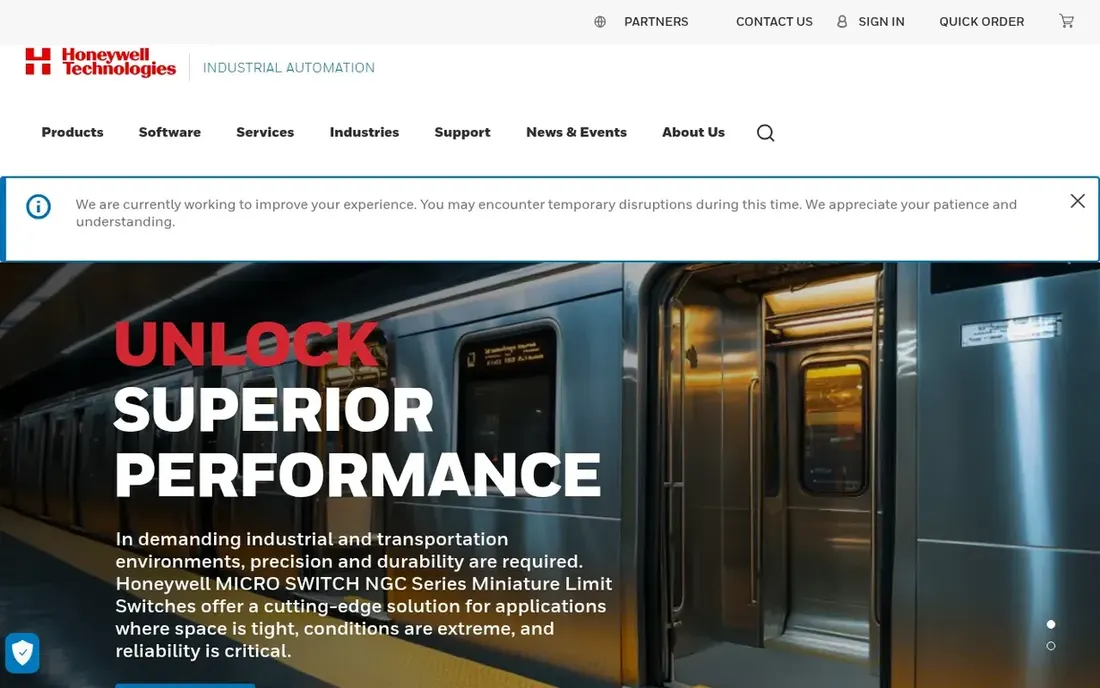
Choose Honeywell SwiftDecoder for industrial settings within Honeywell ecosystems. Honeywell SwiftDecoder is barcode decoding software from Honeywell, a vendor whose broader portfolio spans industrial automation, IoT, sensors and productivity options.
Honest limits: Less centred on app-developer tooling.
In practice, since it sits inside a large industrial portfolio, teams outside the Honeywell ecosystem may find integration less natural than with a standalone SDK. Honeywell SwiftDecoder does not show a starting price in this comparison, so check the vendor site for current pricing. Free plan details: Not stated.
- Suited to demanding operational environments
- Decoding software from a major industrial vendor
- Best value within Honeywell deployments
Think of Scanbot SDK for developers embedding scanning in apps. Scanbot SDK supplies barcode scanning, document scanning and data capture SDKs built on on-device intelligence for quick, secure and dependable mobile scanning. It is targeted at development teams adding scanning features to their own iOS or Android apps, where keeping capture processing on the device supports both responsiveness and data privacy.
On top of that, adopting a SDK means engineering effort for integration, testing and updates, which can be more than a business wants for a straightforward scanning need. Choose Scanbot SDK when scanning is a feature inside your product and you want control over the user experience. The starting price for Scanbot SDK: $2,500 per year. As for free access: Free trial.
Drawbacks to consider: Narrower than full hardware ecosystems. Main advantages: Barcode.
- Document and data capture SDKs
- On-device processing for speed and privacy
- Needs development resources
Scandit Smart Data Capture
Best for: Camera-based scanning on smart devices
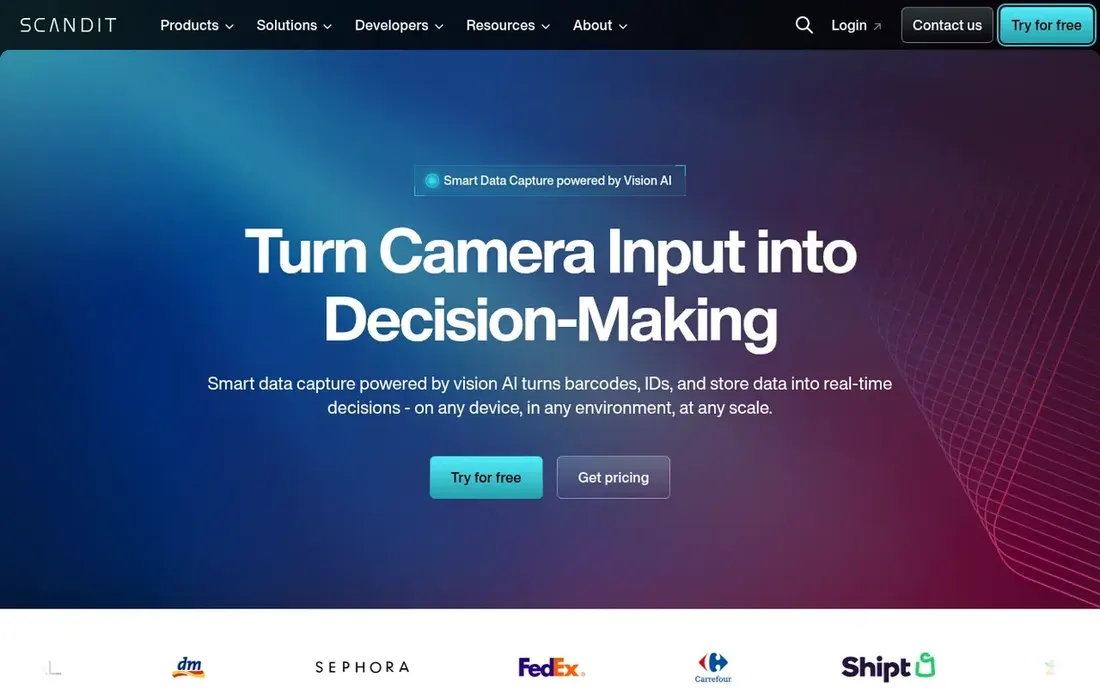
Scandit Smart Data Capture makes the most sense for camera-based scanning on smart devices. Pick Scandit when adaptability and wide device support matter more than a fixed scanner fleet. Also, camera-based capture can be affected by lighting, distance and device quality, so very high-volume or rugged environments may still favor dedicated hardware.
Best features of Scandit Smart Data Capture: Barcode.
Limits to weigh: Overlaps with more straightforward scanning apps.
In practice, Scandit Smart Data Capture is barcode scanning, ID scanning and shelf intelligence software that runs on smart devices. It is geared toward firms that want to turn phones and tablets into data capture tools, including retail, logistics and field workflows where deploying dedicated scanners to every worker would be impractical or expensive. Check the vendor site for Scandit Smart Data Capture pricing; none is listed in this comparison. Trial and free access: Free trial.
- ID and shelf scanning on smart devices
- No dedicated scanner hardware required
- Performance relies on device cameras
Microblink
Best for: Identity-focused capture and verification
Pick Microblink if this describes you: identity-focused capture and verification. Microblink describes itself as an identity intelligence system connecting identity signals, fraud detection, orchestration and policy controls into a unified decisioning system.
It suits organizations where scanning IDs and documents is part of onboarding, verification or compliance workflows, and where the captured data needs to feed into risk and policy decisions. Pricing for Microblink is not stated here, so ask the vendor for current figures. Trial and free access: Not stated.
Watch-outs: May be more than straightforward scanning needs.
- Identity intelligence with fraud detection
- Suited to verification-heavy workflows
- Broader identity focus than plain barcode scanning
Zebra Scanner SDK
Best for: Teams standardized on Zebra hardware
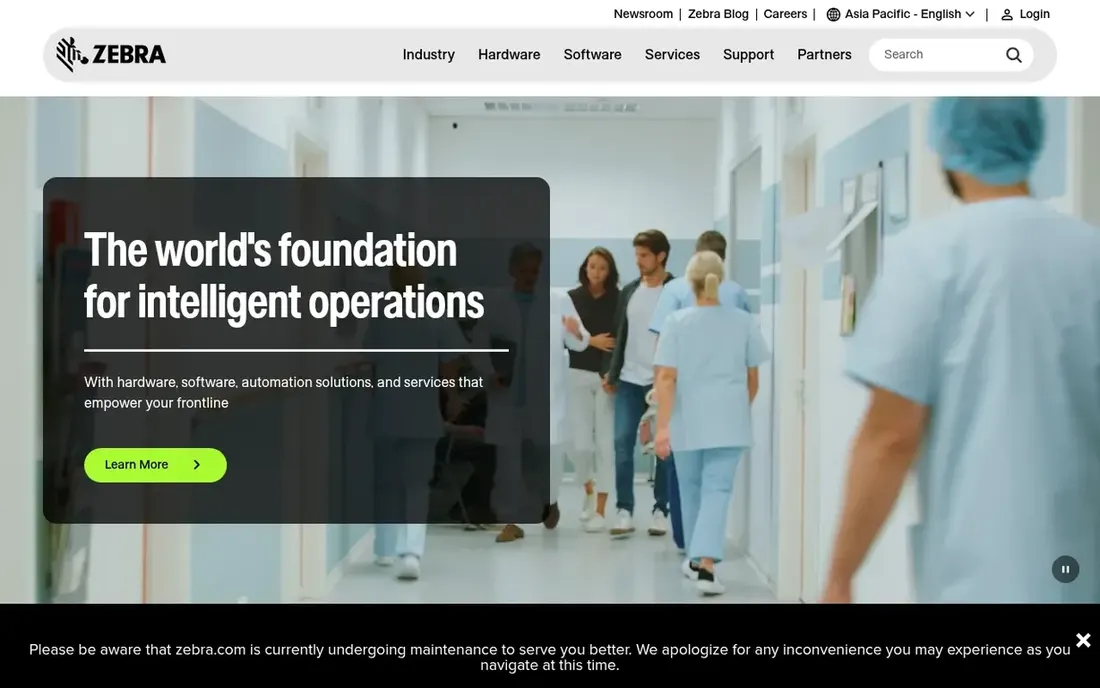
Think of Zebra Scanner SDK for teams standardized on Zebra hardware. It suits organizations that already run Zebra devices and want scanning software that aligns with that hardware, especially in retail, warehousing and logistics operations where scanning is a core daily task.
Where it is weaker: Less suited to mixed-hardware fleets.
Choose Zebra when its scanners and mobile computers are your standard and you want software built around them. Pricing for Zebra Scanner SDK is not stated here, so ask the vendor for current figures. Trial and free access: Not stated.
Strengths: Includes scanning.
- Targeted at enterprise operations
- Deep fit with Zebra scanners and mobile computers
- Value relies on Zebra devices
What went into this list
LinkVetted looked at what each vendor publishes: pricing, plan limits, feature coverage for software barcode scanning and stated drawbacks. No hands-on testing is claimed. Prices and plan limits come from vendor pages and can change, so confirm them on the vendor site before you buy. Position on the page reflects fit for a typical buyer first, with price clarity and free access breaking ties. Treat it as a guide, not a ruling.
A buyer's checklist
- Get a written quote from Honeywell SwiftDecoder, Scandit Smart Data Capture, Microblink and Zebra Scanner SDK; the list shows no starting price for them.
- Run a trial of Scanbot SDK and Scandit Smart Data Capture with real work before paying for a year; your own workflow is the best test.
- Before choosing Honeywell SwiftDecoder, weigh its main limit: best value within Honeywell deployments.
- Before you load data into Microblink, check what an export looks like and who can run it.
- Look at which plan of Scanbot SDK unlocks the features you need; entry tiers are often cut down.
FAQ
Does any tool for software barcode scanning here have a free plan?
No tool in this list, Honeywell SwiftDecoder and Zebra Scanner SDK included, has a permanent free plan. Scanbot SDK, Scandit Smart Data Capture offer a trial. Trials and quotes are the usual route, so plan a short evaluation period.
Is Honeywell SwiftDecoder the right pick for everyone comparing software barcode scanning?
No single tool suits every team. Honeywell SwiftDecoder comes first because it fits industrial settings within Honeywell ecosystems, while Scanbot SDK suits developers embedding scanning in apps and Scandit Smart Data Capture suits camera-based scanning on smart devices. Match the tool to your own size, budget and workflow before deciding.
How are the tools for software barcode scanning ordered?
Honeywell SwiftDecoder sits first and Zebra Scanner SDK last because the order follows typical fit for software barcode scanning, then price clarity and free access. It is a judgement call, so read each profile for fit and limits.
Can I try these tools before paying?
Often, yes. Scanbot SDK and Scandit Smart Data Capture offer a free trial. Use your own data and a real task during the test, and check what the free tier or trial limits before you rely on it.
Sources
- https://sps.honeywell.com
- https://scanbot.io
- https://www.scandit.com
- https://www.microblink.com
- https://www.zebra.com