6 Best Social Network Platforms for Remote Teams for 2026, Vetted and Compared
Best social network platforms for remote teams in 2026: 6 tools with starting prices, free plans and limits. Fit and flaws are laid out for each entry.
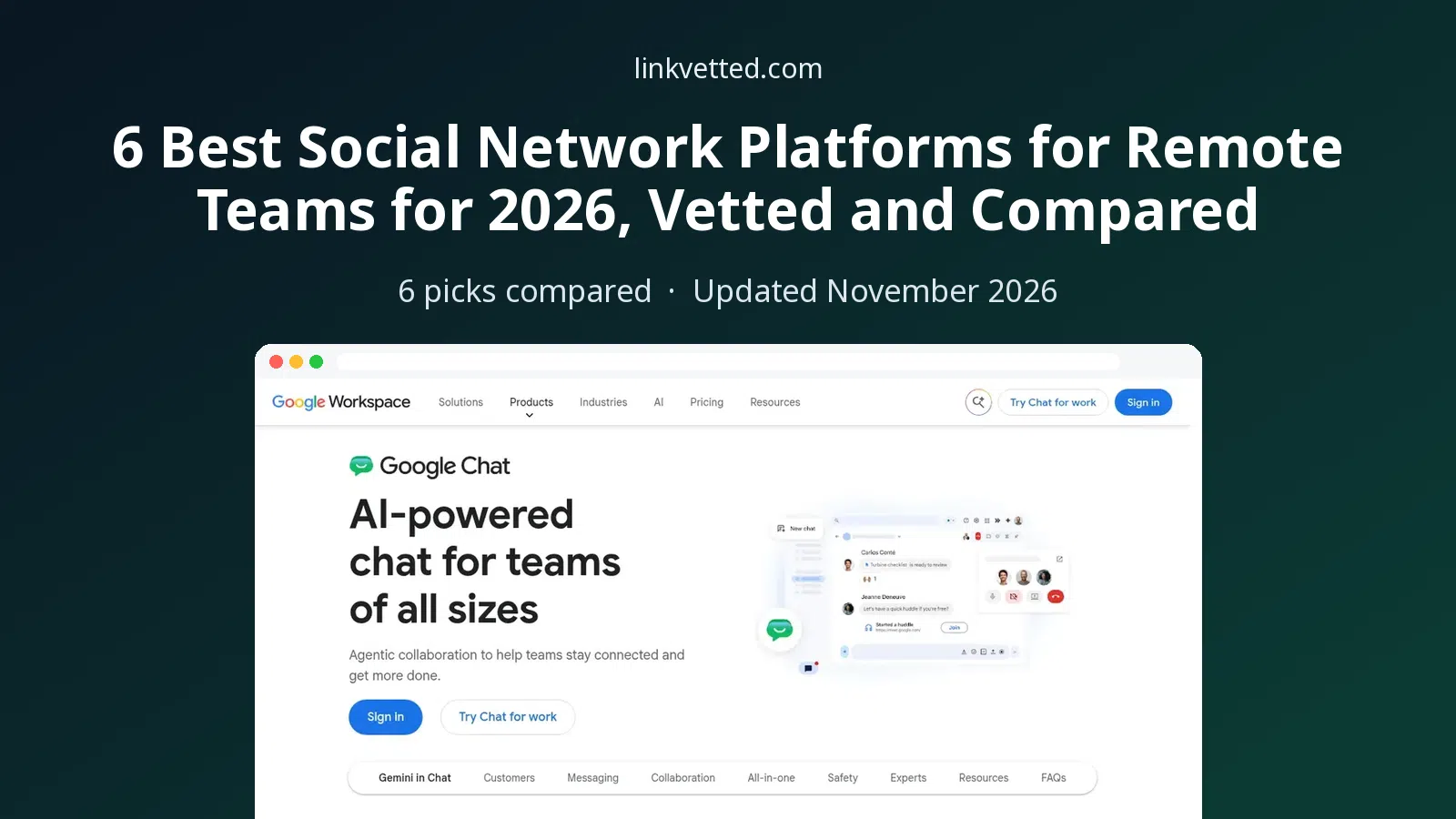
- Editor's choice
 Google Chat
Teams working inside Google Workspace
Starts atSee websiteVisit workspace.google.comFull review - Great alternative
 Mattermost
Regulated and self-hosted deployments
Starts atSee websiteVisit mattermost.comFull review - Also consider
 Discord
Informal communities and casual team spaces
Starts atSee websiteVisit discord.comFull review
Direct answer
Google Chat comes first here, mainly for Teams working inside Google Workspace. Listed starting prices: Slack from $4.38 per user per month. Alternatives: Mattermost for regulated and self-hosted deployments, and Discord for informal communities and casual team spaces. The other 3 tools in the list cover narrower or pricier cases.
TL;DR:
- Google Chat sits first on this list: Teams working inside Google Workspace.
- Microsoft Teams fits organizations standardized on Microsoft 365.
- Check the limits for Mattermost before you commit: needs more technical administration.
- The cheapest monthly starting price in the list is $4.38 per user per month, offered by Slack.
Last checked November 2026. Prices and plan details were read from the vendors' own pages in November 2026; vendors change plans often, so confirm the current price on the vendor site before you buy.
Quick comparison
| Tool | Best for | Starts at | Free plan? | |
|---|---|---|---|---|
| Google Chat | Teams working inside Google Workspace | See website | Not stated | Visit |
| Mattermost | Regulated and self-hosted deployments | See website | Not stated | Visit |
| Discord | Informal communities and casual team spaces | See website | Not stated | Visit |
 Cisco Webex | Enterprises needing meetings plus messaging | See website | Yes | Visit |
 Slack | General remote team messaging and automation | $4.38 per user per month | Yes | Visit |
 Microsoft Teams | Organizations standardized on Microsoft 365 | See website | Not stated | Visit |
The full social network platforms for remote teams list
If you are comparing social network platforms for remote teams, this page covers 6 tools in one place: what each is best for, what it costs to start, whether it has a free plan, and the main limit to know about.
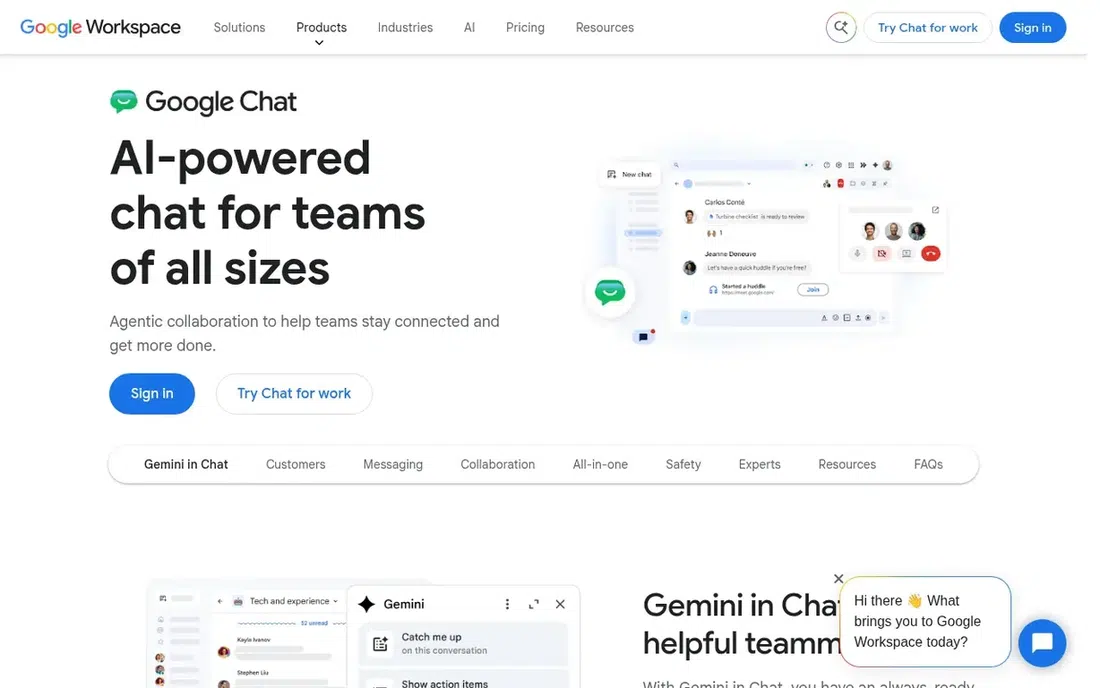
Google Chat serves Teams working inside Google Workspace. Outside Google Workspace, the value drops sharply, and some teams find the chat feature set leaner than dedicated messaging systems.
No starting price is listed for Google Chat here; confirm pricing on the vendor site. Free plan details: Not stated.
Trade-offs to know: Most handy only with a Workspace account.
- Secure messaging tied to Google Workspace
- Gemini assistance for messaging and collaboration
- Fewer standalone chat features than dedicated apps
Mattermost makes the most sense for regulated and self-hosted deployments. Mattermost gives you zero-trust collaboration, automation and AI in private cloud, self-hosted and air-gapped environments, pitched at national security, critical infrastructure and regulated enterprises. Teams without regulatory pressure may prefer a managed product.
Main advantages: Zero-trust collaboration choices; self-hosted and air-gapped support.
Also, remote teams with strict data control requirements can keep conversations inside infrastructure they run. Beyond that, running Mattermost usually demands more technical administration than hosted messaging services, and small teams may lack the resources to operate it well. Choose Mattermost when self-hosting and air-gapped operation are genuine requirements. This comparison lists no price for Mattermost; ask the vendor. Free plan details: Not stated. Trade-offs to know: Less plug-and-play for small teams.
- Aimed at critical infrastructure and regulated enterprises
- Private cloud
- Needs more technical administration
In short, Discord is for informal communities and casual team spaces. Discord describes itself as group chat designed for playing games, hanging out with friends and building worldwide communities.
Limits to weigh: Less focus on workplace administration.
What Discord does well: Low-friction joining for guests and members.
Worth adding: remote teams at times adopt it for informal spaces, voice rooms and community-style channels. Pricing for Discord is not stated here, so ask the vendor for current figures. Free options: Not stated.
- Configurable servers for communities
- Voice
- Designed around gaming and community use
Cisco Webex is aimed squarely at enterprises needing meetings plus messaging. Messaging sits alongside meetings and calling, which suits enterprises that want a single vendor for communication.
Smaller teams may find administration and configuration heavier than needed for everyday chat. Pricing for Cisco Webex is not stated here, so ask the vendor for current figures. Cisco Webex includes a free tier.
What to check first: Setup and administration can be complicated.
- AI-powered collaboration across meetings and messaging
- Device and system choices for bigger organizations
- Feature depth may overwhelm small teams
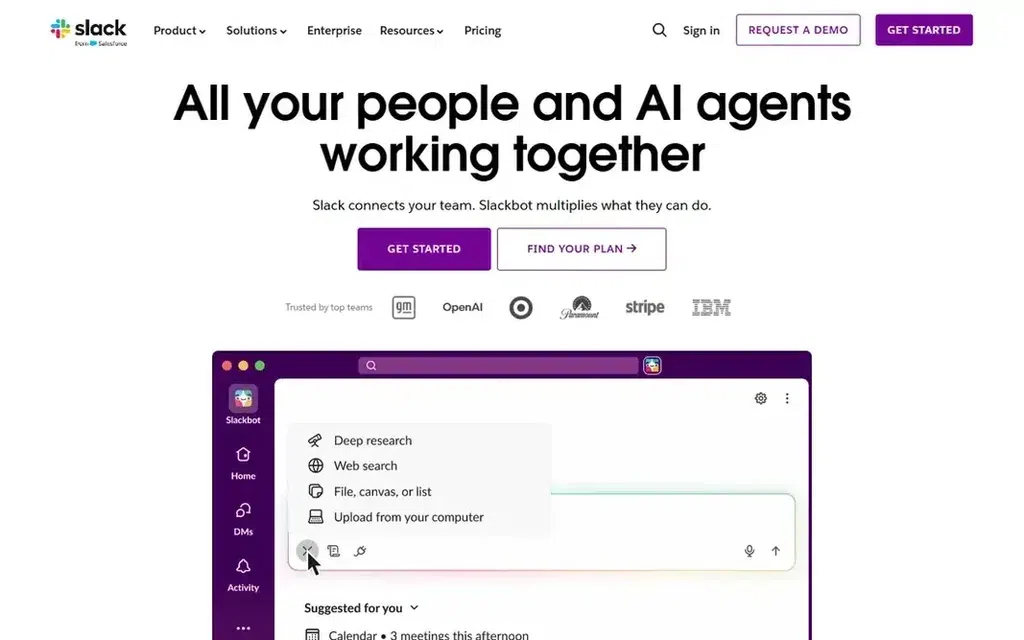
In short, Slack is for general remote team messaging and automation. Slack positions itself as an AI work product for managing projects, automating workflows and connecting teams securely.
It suits teams that want messaging at the center of daily work and are comfortable building light automations around it. Entry price for Slack: $4.38 per user per month. Slack includes a free tier.
Watch-outs: Notification overload is typical in busy workspaces.
- Workflow automation and AI features built in
- Capable app and integration ecosystem
- Costs scale with team size
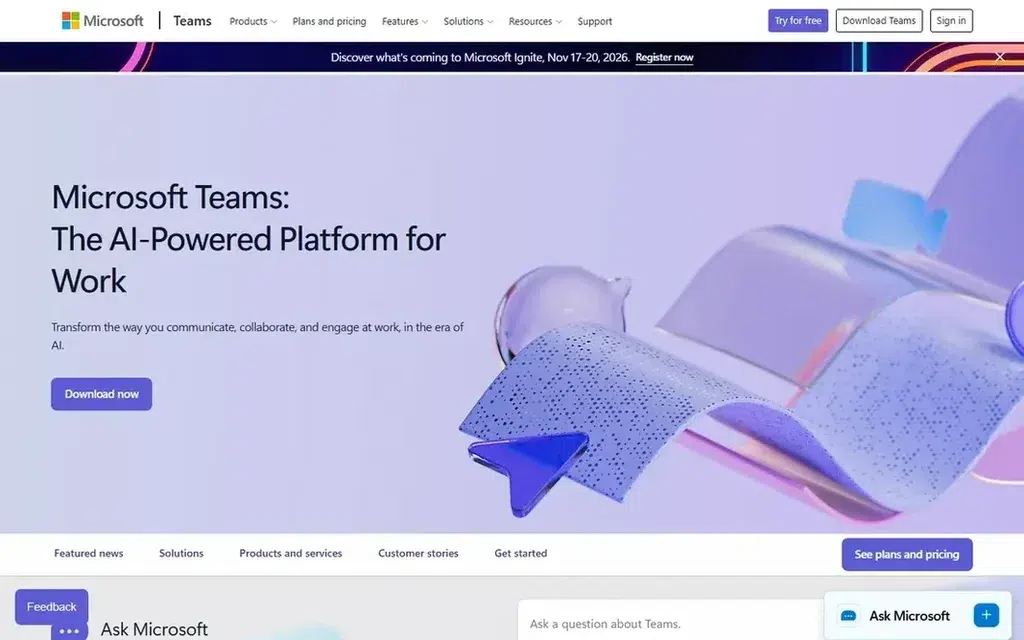
In short, Microsoft Teams is for organizations standardized on Microsoft 365. Microsoft Teams brings chat, video meetings and shared files together so teams can link and stay organized in one workspace.
For everyday use, consider Teams when suite integration is the priority and pick a lighter messaging app if chat is the entire job. This comparison lists no price for Microsoft Teams; ask the vendor. Free options: Not stated.
Points against: Best value only inside the Microsoft ecosystem.
- Familiar for Microsoft-centric workplaces
- Meetings and files in one place
- Interface can feel heavy for chat-only use
How we chose
The comparison looks at four things: starting price, free access, how well the feature set matches social network platforms for remote teams, and the main limit of each tool. Plan names, prices and limits change often. Treat the figures here as a starting point and verify them with the vendor. Tools are placed by general fit for social network platforms for remote teams, with price clarity and free access as tie-breakers. A different team can reasonably rank them differently.
Pre-purchase checklist
- Ask Google Chat, Mattermost, Discord and others for a written quote, since no starting price is shown.
- Check what the free option really includes: Cisco Webex and Slack offer a free plan, and usage caps differ.
- Read the limits listed for Google Chat first: most handy only with a Workspace account.
- Confirm the exact Cisco Webex plan that includes your must-have features.
- Test the integrations you rely on with Mattermost before committing; some connectors sit on upper tiers.
FAQ
Is Google Chat the right pick for everyone comparing social network platforms for remote teams?
No single tool suits every team. Google Chat comes first because it fits Teams working inside Google Workspace, while Mattermost suits regulated and self-hosted deployments and Discord suits informal communities and casual team spaces. Match the tool to your own size, budget and workflow before deciding.
Which options for social network platforms for remote teams have a free plan?
Cisco Webex and Slack offer a free plan in this list. Free plans usually cap users, projects or features, so check the limits on the vendor page. For the full picture, the cards above cover all 6 entries of this social network platforms for remote teams list, including price, free plan and limits.
When should a team choose a self-hosted messaging system?
Self-hosting matters when regulations, data residency or air-gapped operation need you to control infrastructure. Teams without such constraints typically find managed platforms more straightforward to run.
What is the best social network platform for a small remote team?
Google Chat is the pick this page puts first, mainly for Teams working inside Google Workspace. If your situation differs, Mattermost suits regulated and self-hosted deployments, and Discord suits informal communities and casual team spaces. Compare price and limits before you decide.
Can I try these tools before paying?
Often, yes. Cisco Webex and Slack have a free plan. Use your own data and a real task during the test, and check what the free tier or trial limits before you rely on it. Prices, free plan details and limits for all 6 tools in this social network platforms for remote teams roundup sit on the individual cards above.
What is the cheapest option for social network platforms for remote teams in this list?
On published monthly entry prices, Slack is the lowest here at $4.38 per user per month. Entry price is only part of the cost, because seats, add-ons and billing terms can change the total. Each of the 6 options in this social network platforms for remote teams guide has its own card above with the price, free plan and limits.
Sources
- https://workspace.google.com/products/chat
- https://mattermost.com
- https://discord.com
- https://www.webex.com
- https://slack.com
- https://www.microsoft.com/en-us/microsoft-teams/group-chat-software