Best Shift Scheduling Software for Nursing Homes in 2026: 6 Tools Compared
Compare 6 best shift scheduling software for nursing homes, with prices, free plans and who each fits. Costs and caveats sit beside each pick. Quick to scan.
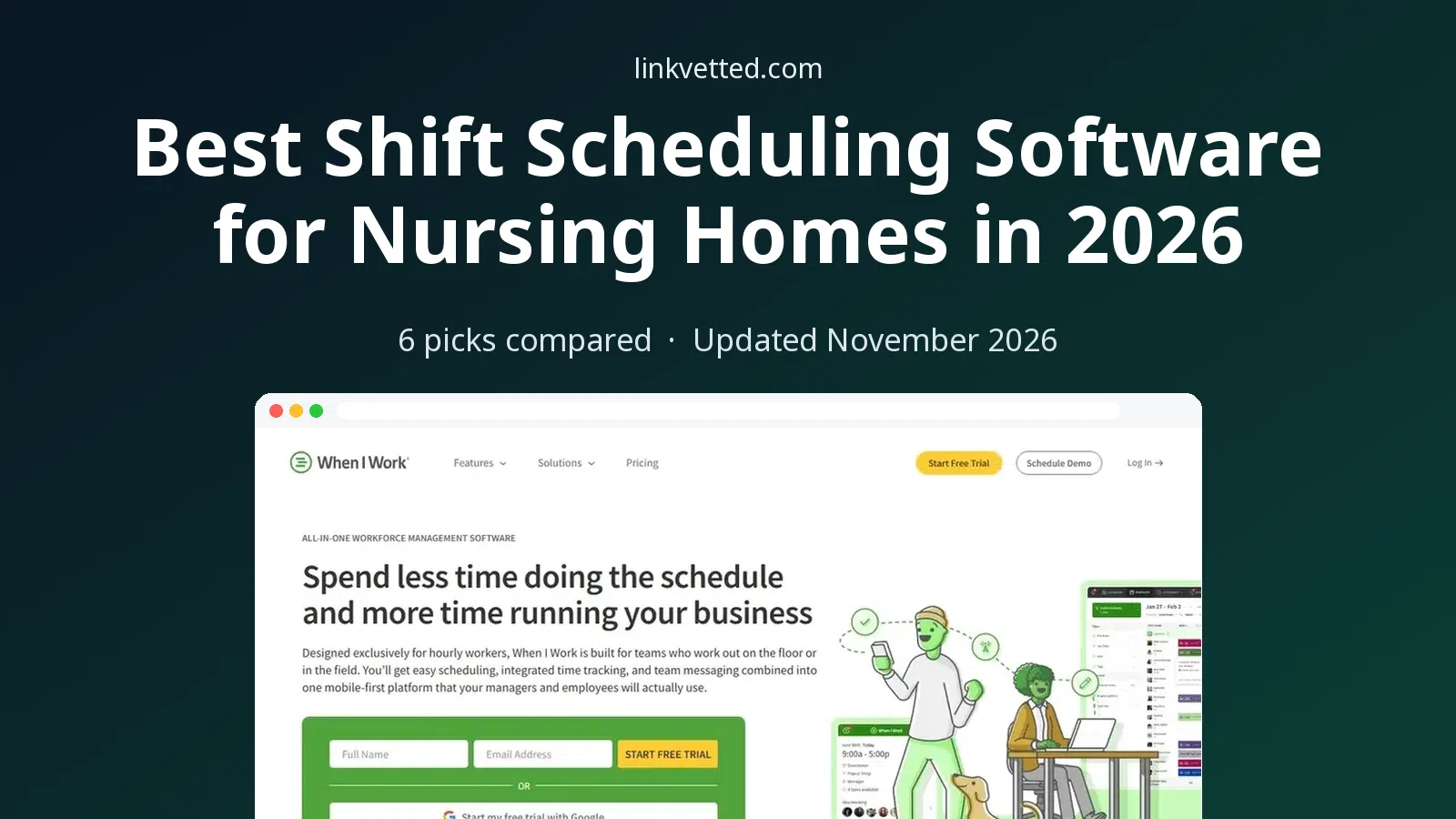
- Editor's choice
 Shiftboard
Workforce scheduling for complicated operations
Starts atSee websiteVisit shiftboard.comFull review - Great alternative
 When I Work
Straightforward shift swaps and messaging
Starts at$2.50 per user per monthVisit wheniwork.comFull review - Also consider
 Homebase
All-in-one hourly team management
Starts at$30 per location a monthVisit joinhomebase.comFull review
Direct answer
Our first pick is Shiftboard, best for Workforce scheduling for complicated operations. Listed starting prices: When I Work from $2.50 per user per month, Homebase from $30 per location a month and Deputy from $5 per user a month. When I Work fits straightforward shift swaps and messaging; Homebase fits all-in-one hourly team management. The other 3 tools in the list cover narrower or pricier cases.
TL;DR:
- This list starts with Shiftboard, which is built for Workforce scheduling for complicated operations.
- The lowest published monthly entry price here is $1.70 per user per month, from Sling.
- Only 3 of the 6 tools have a free plan (Homebase, Sling, Connecteam), so check the caps.
- Check the limits for Deputy before you commit: wide feature set may feel heavy.
Last checked November 2026. Prices and plan details were read from the vendors' own pages in November 2026; vendors change plans often, so confirm the current price on the vendor site before you buy.
Quick comparison
| Tool | Best for | Starts at | Free plan? | |
|---|---|---|---|---|
| Shiftboard | Workforce scheduling for complicated operations | See website | Not stated | Visit |
| When I Work | Straightforward shift swaps and messaging | $2.50 per user per month | Free trial | Visit |
| Homebase | All-in-one hourly team management | $30 per location a month | Yes | Visit |
 Deputy | Scheduling plus labor forecasting | $5 per user a month | Free trial | Visit |
 Sling | Simple shift planning and communication | $1.70 per user per month | Yes | Visit |
 Connecteam | Frontline team communication and scheduling | $29 a month | Yes | Visit |
Our 6 shift scheduling software for nursing homes
Choosing shift scheduling software for nursing homes usually comes down to price, fit and limits. This LinkVetted guide sets 6 tools side by side on those three points, with the facts kept short and checkable.
Shiftboard was built for Workforce scheduling for complicated operations. Shiftboard offers workforce scheduling for shift-based operations, and its customer page now points to support and next steps following UKG's acquisition of the company. For everyday use, the acquisition means existing and prospective customers should verify roadmap and support details before committing.
In practice, nursing homes evaluating it should confirm current product direction straight with the vendor. It has historically suited organizations with complicated, round-the-clock staffing needs. Check the vendor site for Shiftboard pricing; none is listed in this comparison. Free plan details: Not stated.
Where it is weaker: Transition period for existing customers.
- Support and login resources available
- Scheduling for shift-based workforces
- Less suited to very small teams
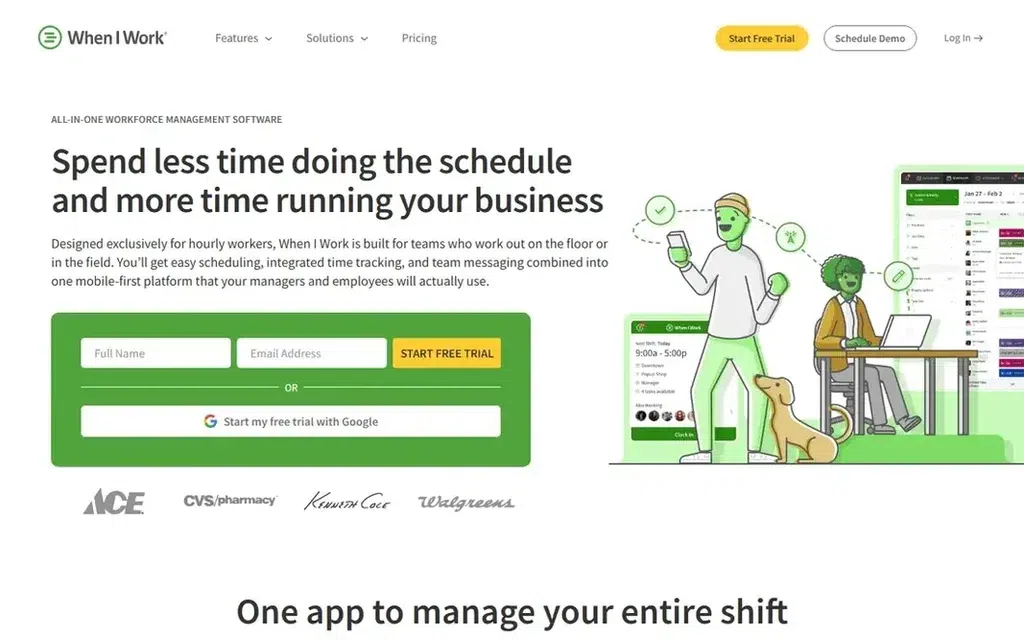
When I Work works best for straightforward shift swaps and messaging. The messaging element is handy for shift updates and coverage requests across care teams.
It leans toward scheduling and time tracking instead of deep HR or payroll processing, so facilities needing those functions may pair it with other systems. Also, bigger operators with complicated compliance reporting may prefer a broader workforce system. What you pay to start with When I Work: $2.50 per user per month. Free options: Free trial.
Where it is weaker: Fewer HR features than bigger suites.
- Message the team in-app
- Schedule shifts in one app
- Payroll handled through integrations
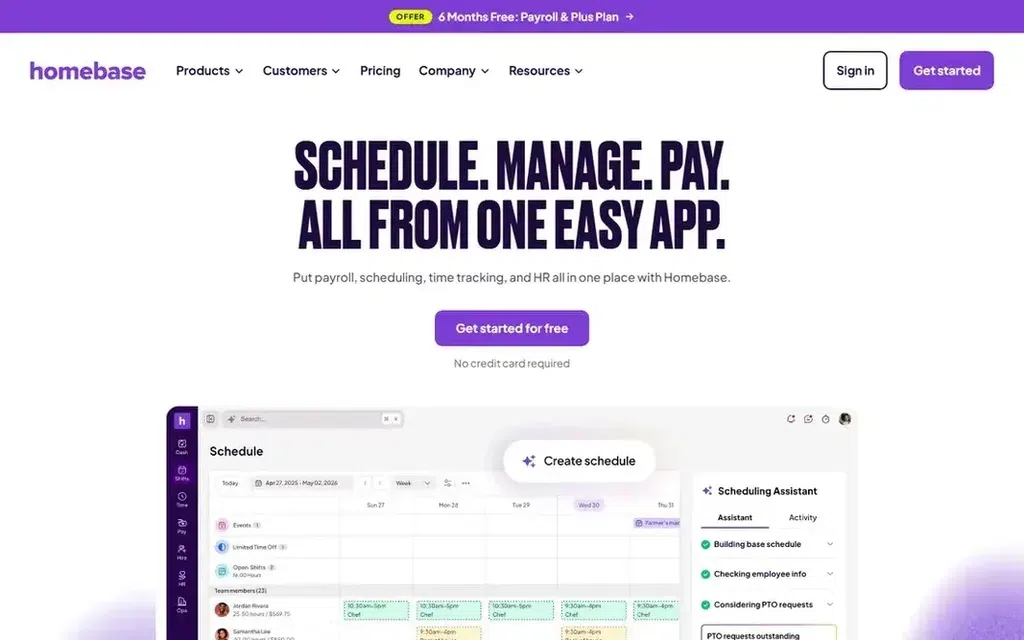
Homebase is built with all-in-one hourly team management in mind. Nursing homes with hourly caregivers can use it to build schedules, capture clock-ins and keep hiring and payroll tasks in the same place.
Drawbacks to consider: Designed around small business use.
Entry price for Homebase: $30 per location per month. Free access exists with Homebase.
- Payroll and hiring in one app
- Made for hourly teams
- Advanced workforce analytics restricted
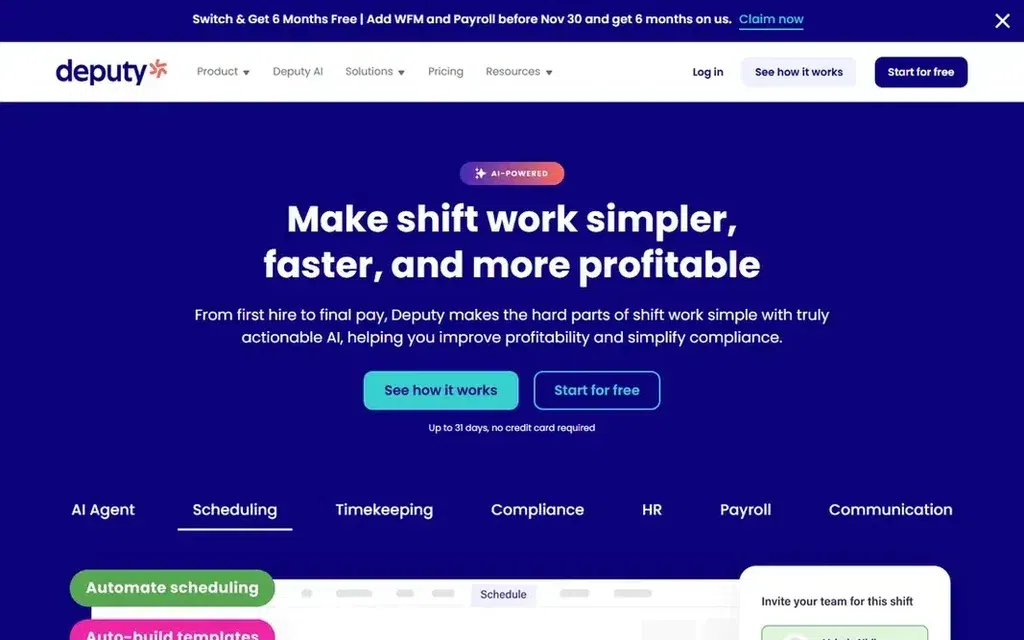
Where Deputy fits: scheduling plus labor forecasting. Deputy is employee scheduling, HR and payroll software with AI labor forecasting, geared toward firms that require to plan shifts against expected demand. More specifically, if the priority is only a simple shared schedule with minimal setup, a lighter tool may be simpler to adopt.
Beyond that, for nursing homes, that mix can help administrators build coverage across day, evening and night shifts whereas keeping staff records in one place. The breadth of features means more configuration before the team is completely comfortable, and very small facilities may find it more than they need. Entry price for Deputy: $5 per user per month. On free options: Free trial.
The main drawbacks: Wide feature set may feel heavy.
- HR and payroll support
- AI labor forecasting features
- Setup needs planning
Choose Sling for simple shift planning and communication. Sling is employee shift scheduling and planning software that helps companies run shifts and communicate with employees.
Best features of Sling: easy-to-use design.
For everyday use, Sling concentrates on scheduling and communication, so payroll, hiring and deeper workforce analytics are not its core. For nursing homes, it provides a clear way to publish shifts and keep staff informed about changes. Sling cost at the entry level: $1.70 per user per month. A free plan is available with Sling. Where it falls short: Narrower feature range.
- Shift scheduling and planning
- Team communication tools
- Payroll and HR not the focus
Connecteam targets frontline team communication and scheduling. Since it covers plenty of functions, setting it up to match nursing home workflows takes some effort.
Limits to weigh: Wide toolkit takes time to configure.
Facilities seeking only an entry-level shift calendar may find a more straightforward scheduling tool quicker to deploy. On cost, Connecteam starts like this: $29 per month. You can start on Connecteam without paying.
- Communication tools included
- Scheduling and time tracking
- Mobile-first approach may need adjustment
Our selection method
The comparison looks at four things: starting price, free access, how well the feature set matches shift scheduling software for nursing homes, and the main limit of each tool. Treat prices as a snapshot: vendors change plans often, so check the vendor site for the figure that applies today. The sequence is a judgement call: typical use case first, then pricing transparency, then free access. Use the profiles to check fit.
Things to verify first
- Ask Shiftboard for a written quote, since no starting price is shown.
- Check what the free option really includes: Homebase, Sling and Connecteam offer a free plan, and usage caps differ.
- Take the trial from When I Work and Deputy and push a live task through it before you pay.
- Read the limits listed for Shiftboard first: transition period for existing customers.
- Ask Deputy which support channels and response times come with the plan you would buy.
- Confirm the exact Connecteam plan that includes your must-have features.
FAQ
How are the tools for shift scheduling software for nursing homes ordered?
Shiftboard sits first and Connecteam last because the order follows typical fit for shift scheduling software for nursing homes, then price clarity and free access. It is a judgement call, so read each profile for fit and limits.
Do these tools publish their prices?
Not all of them. Shiftboard publishes no starting price, so expect a quote request for it. The rest, When I Work included, show a starting price, though seats and billing terms still change the final cost.
Can I try these tools before paying?
Often, yes. Homebase, Sling and Connecteam have a free plan and When I Work and Deputy offer a free trial. Use your own data and a real task during the test, and check what the free tier or trial limits before you rely on it.
Is Shiftboard the right pick for everyone comparing shift scheduling software for nursing homes?
No single tool suits every team. Shiftboard comes first because it fits Workforce scheduling for complex operations, while When I Work suits simple shift swaps and messaging and Homebase suits all-in-one hourly team management. Match the tool to your own size, budget and workflow before deciding.
What should nursing homes look for in shift scheduling software?
Look for support for overnight and rotating shifts, simple shift swaps, mobile access for caregivers and time tracking that feeds payroll. Communication features also help when coverage changes at short notice.
Is a large workforce system necessary for a single nursing home?
A single facility may do well with a focused scheduler that is fast to set up, whereas multi-site groups commonly benefit from broader workforce management. Match the tool to staffing complexity instead of size alone.
Sources
- https://www.shiftboard.com
- https://wheniwork.com
- https://joinhomebase.com
- https://www.deputy.com
- https://getsling.com
- https://connecteam.com