Top 5 ServiceNow Marketplace Apps for Remote Teams for 2026 (Prices and Free Plans)
Best ServiceNow marketplace apps for remote teams in 2026: 5 contenders with entry costs and free tiers. Verdicts stay brief and factual. Read the profiles.
- Editor's choice
 Zoom
Video meetings and collaboration
Starts atSee websiteVisit zoom.usFull review - Great alternative
 Jira Service Management
AI-powered ITSM and incident response
Starts atSee websiteVisit atlassian.comFull review - Also consider
 Slack
Team chat and workflow automation
Starts at$4.38 per user per monthVisit slack.comFull review
Direct answer
Our first pick is Zoom, best for video meetings and collaboration. Listed starting prices: Slack from $4.38 per user per month and xMatters from $15 per user a month. Jira Service Management fits AI-powered ITSM and incident response; Slack fits team chat and workflow automation. The other 2 tools in the list cover narrower or pricier cases.
TL;DR:
- The list opens with Zoom, aimed at video meetings and collaboration.
- Slack is the lowest-priced starter here at $4.38 per user per month.
- For automatic incident management for DevOps teams, xMatters is worth a look.
- What to know about Microsoft Teams first: not an ITSM system.
Last checked November 2026. Prices and plan details were read from the vendors' own pages in November 2026; vendors change plans often, so confirm the current price on the vendor site before you buy.
Quick comparison
| Tool | Best for | Starts at | Free plan? | |
|---|---|---|---|---|
| Zoom | Video meetings and collaboration | See website | Not stated | Visit |
| Jira Service Management | AI-powered ITSM and incident response | See website | Not stated | Visit |
| Slack | Team chat and workflow automation | $4.38 per user per month | Yes | Visit |
 Microsoft Teams | Integrated meetings and chat | See website | Not stated | Visit |
 xMatters | Automatic incident management for DevOps teams | $15 per user a month | Yes | Visit |
The 5 tools in detail
This LinkVetted guide covers 5 ServiceNow marketplace apps for remote teams. Each profile lists a starting price, free plan details, strengths and drawbacks, so you can drop poor fits quickly.
Zoom is a good fit for video meetings and collaboration. Zoom does not supply incident management or ITSM capabilities, so it works best alongside service-focused apps.
Watch-outs: Needs separate service apps.
Zoom is a collaboration system offering video meetings, chat, VoIP phone, webinars, whiteboard, contact center, and events. No starting price is listed for Zoom here; confirm pricing on the vendor site. Free options: Not stated.
- Webinars and whiteboard
- Chat and VoIP phone
- Not an ITSM tool
Jira Service Management makes the most sense for AI-powered ITSM and incident response. The product is tightly integrated with the Atlassian ecosystem, which may be a limitation for teams using other stacks.
As for the details, Jira Service Management from Atlassian gives AI-powered ITSM for incident response, change management, and request fulfillment. As for the details, consider it when incident response and change management are central, and evaluate other tools for AI assistance or chat. No starting price is listed for Jira Service Management here; confirm pricing on the vendor site. Free plan details: Not stated.
What to check first: May need configuration.
- Deals with change management
- Supports incident response
- Atlassian ecosystem focus
In short, Slack is for team chat and workflow automation. Slack is an AI work product for managing projects, automating workflows, and connecting teams securely.
Honest limits: Not a dedicated ITSM tool.
Pick it for chat and collaboration, and use dedicated apps for service management and incident response. More specifically, Slack lacks native ITSM or incident management features, so it relies on integrations for service workflows. What you pay to start with Slack: $4.38 per user per month. You can start on Slack without paying.
- Links teams securely
- AI work system
- Needs integrations for service data
Microsoft Teams targets integrated meetings and chat. Choose it for meetings and chat, and depend on specialized tools for service desk and incident response.
Where it falls short: Not an ITSM product.
Check the vendor site for Microsoft Teams pricing; none is listed in this comparison. As for free access: Not stated.
- Video conferencing
- Files in one place
- May need Microsoft ecosystem
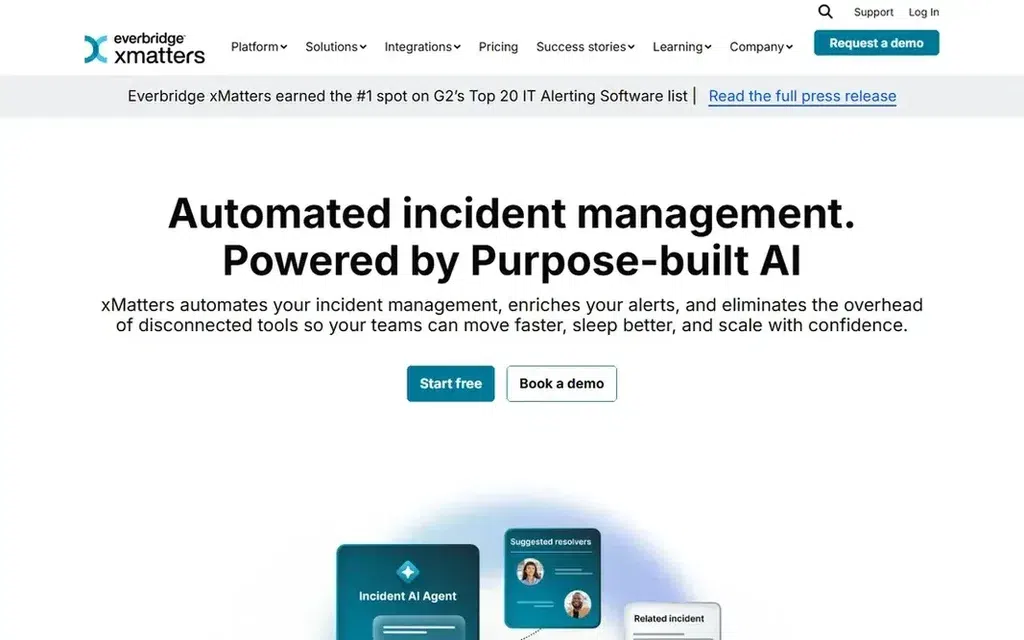
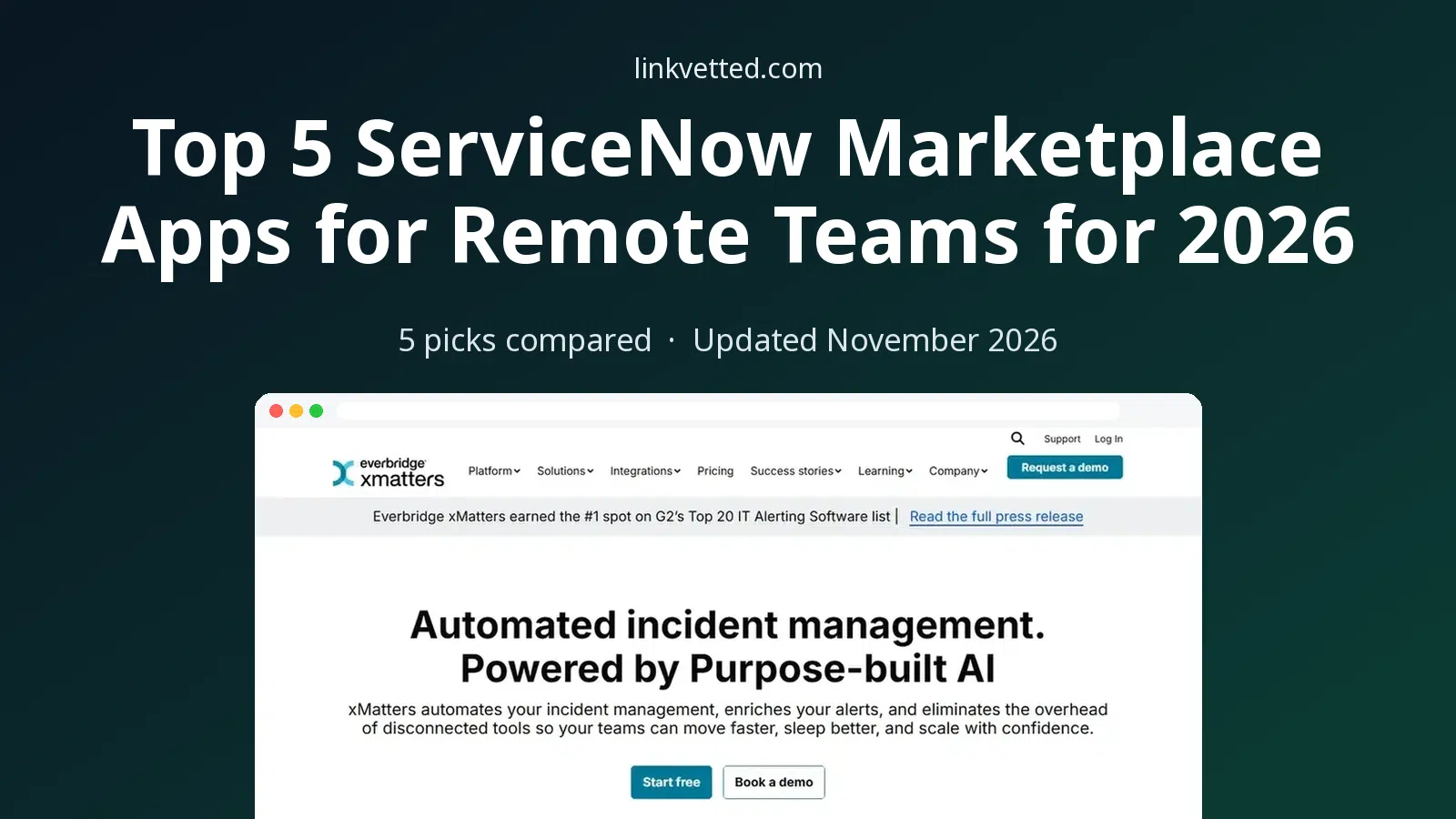
xMatters serves automatic incident management for DevOps teams. xMatters is an automatic incident management system aimed at DevOps, SRE, and Ops teams.
It helps automate workflows, ensure infrastructure availability, and deliver products at scale. The starting price for xMatters: $15 per user per month. xMatters includes a free tier.
Where it is weaker: Centred on incident response.
- Automates incident workflows
- Targets DevOps, SRE
- May need integration setup
How these tools were picked
Before you commit
- Confirm the entry price on the vendor page. For Zoom, Jira Service Management and Microsoft Teams that means a quote rather than a fixed price.
- Look at free plan limits closely: Slack and xMatters have one, and the caps decide whether it is usable for real work.
- Read the limits listed for Zoom first: not an ITSM tool.
- Ask xMatters which support channels and response times come with the plan you would buy.
- Involve the people who will use Microsoft Teams daily; a short pilot beats a long feature checklist.
FAQ
What is the cheapest option for ServiceNow marketplace apps for remote teams in this list?
On published monthly entry prices, Slack is the lowest here at $4.38 per user per month. Entry price is only part of the cost, because seats, add-ons and billing terms can change the total. Prices, free plan details and limits for all 5 tools in this ServiceNow marketplace apps for remote teams roundup sit on the individual cards above.
Do these tools publish their prices?
Not all of them. Zoom, Jira Service Management and Microsoft Teams publish no starting price, so expect a quote request for those. The rest, Slack included, show a starting price, though seats and billing terms still change the final cost.
Which options for ServiceNow marketplace apps for remote teams have a free plan?
Slack and xMatters offer a free plan in this list. Free plans usually cap users, projects or features, so check the limits on the vendor page.
What should remote teams look for in a ServiceNow marketplace app?
Remote teams should prioritize integration with their existing tools, support for distributed workflows, and features that cut manual coordination. Incident management, AI assistance, and collaboration capabilities are frequently key.
Is Zoom the right pick for everyone comparing ServiceNow marketplace apps for remote teams?
No single tool suits every team. Zoom comes first because it fits video meetings and collaboration, while Jira Service Management suits AI-powered ITSM and incident response and Slack suits team chat and workflow automation. Match the tool to your own size, budget and workflow before deciding.
Sources
- https://zoom.us
- https://www.atlassian.com/software/jira/service-management
- https://slack.com
- https://www.microsoft.com/en-us/microsoft-teams/group-chat-software
- https://www.xmatters.com