Best AWS Marketplace Software for Remote Teams for 2026: Our 5 Vetted Picks
Comparing the best AWS marketplace software for remote teams? 5 contenders, each with entry cost, free tier and best-fit buyer. With pricing notes and limits.
- Editor's choice
 Zoom
Video meetings and unified collaboration
Starts atSee websiteVisit zoom.usFull review - Great alternative
 Loom
Async screen recording and video messages
Starts at$18 per user a monthVisit loom.comFull review - Also consider
 Asana
Work and project management
Starts at$10.99 per user a monthVisit asana.comFull review
Direct answer
For video meetings and unified collaboration, Zoom is where this list starts. Listed starting prices: Loom from $18 per user a month, Asana from $10.99 per user a month and Slack from $4.38 per user a month. Look at Loom for async screen recording and video messages, and at Asana for work and project management. Prices, free plans and limits for all 5 tools follow.
TL;DR:
- This list starts with Zoom, which is built for video meetings and unified collaboration.
- Starting prices begin at $4.38 per user per month with Slack.
- 4 of 5 tools offer a free plan: Loom, Asana, Slack, Miro.
- One limit worth knowing about Loom: video messages are not live meetings.
Last checked November 2026. Prices and plan details were read from the vendors' own pages in November 2026; vendors change plans often, so confirm the current price on the vendor site before you buy.
Quick comparison
| Tool | Best for | Starts at | Free plan? | |
|---|---|---|---|---|
| Zoom | Video meetings and unified collaboration | See website | Not stated | Visit |
| Loom | Async screen recording and video messages | $18 per user a month | Yes | Visit |
| Asana | Work and project management | $10.99 per user a month | Yes | Visit |
 Slack | Central team communication and workflow automation | $4.38 per user a month | Yes | Visit |
 Miro | Visual collaboration and ideation | $8 per member a month | Yes | Visit |
Every option for AWS marketplace software for remote teams explained
Choosing AWS marketplace software for remote teams usually comes down to price, fit and limits. This LinkVetted guide sets 5 tools side by side on those three points, with the facts kept short and checkable.
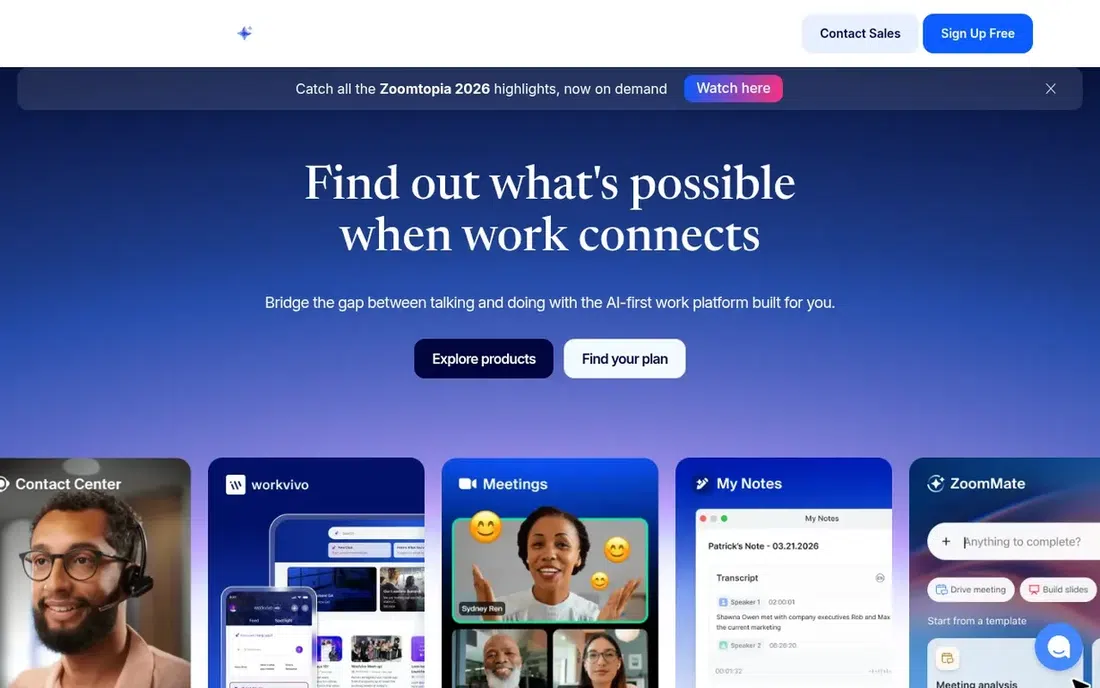
Zoom is aimed squarely at video meetings and unified collaboration. Zoom is most solid for video-first communication and less suited as a primary project management or documentation system.
Points against: Best value when video is a core need.
Teams that require deep task tracking or knowledge bases should pair it with a dedicated tool instead of depend on Zoom alone. Zoom shows no starting price here, so confirm the cost on the vendor site. As for free access: Not stated.
- Comes with chat
- Steady video meetings and webinars
- Advanced features need premium plans
In short, Loom is for async screen recording and video messages. Loom supports asynchronous communication but does not replace live conversation for sensitive or highly interactive discussions.
Loom pricing: $18 per user per month. You can start on Loom without paying.
Where it is weaker: Long recordings can be less engaging.
- Video editing and storage included
- Simple sharing from the browser
- Video messages are not live meetings
Asana was built for work and project management. Asana is work management software for teams and AI agents, built to help users plan, automate and execute critical workflows together.
Downsides: Advanced reporting may need higher levels.
Smaller teams with straightforward task lists may find it more structure than they need, and advanced features rely on the plan selected. Asana is not a video meeting or document authoring tool, so it fits best alongside communication and file storage systems. What you pay to start with Asana: $10.99 per user per month. A free plan is available with Asana.
- Automation for recurring workflows
- Plan and track work in one place
- Needs setup to match team processes
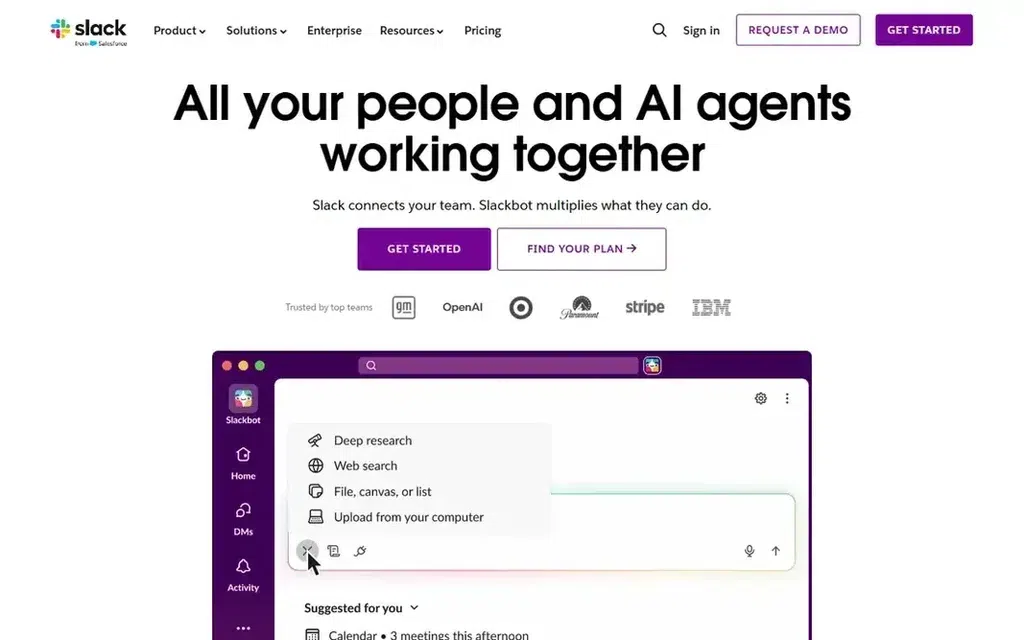
Choose Slack for central team communication and workflow automation. Slack can become noisy in large workspaces, and some advanced administrative controls are restricted on entry-level plans.
Slack is an AI work product built around channels, direct messages and integrations. It helps remote teams manage projects, automate workflows and link securely from any location. Starting cost for Slack: $4.38 per user per month. Slack offers a free plan.
Downsides: premium levels needed for advanced controls.
- Connects with numerous workplace apps
- Channels organize conversations by project or team
- Notification overload can occur in busy workspaces
In short, Miro is for visual collaboration and ideation. Miro is not a replacement for task tracking or long-form documentation, so teams typically pair it with a work management and knowledge tool. On top of that, very large boards can be hard to navigate, and structured facilitation helps keep sessions productive.
What works well: Infinite canvas for visual work.
Miro is an AI innovation workspace for visual collaboration, helping teams align from ideation to launch. It helps break down silos between design, product and engineering groups. Starting cost for Miro: $8 per member per month. Free access exists with Miro.
Trade-offs to know: Best used with a clear facilitation plan.
- AI features to speed product development
- Supports brainstorming and planning
- Large boards can become hard to navigate
What went into this list
Pre-purchase checklist
- Ask Zoom for a written quote, since no starting price is shown.
- Check what the free option really includes: Loom, Asana, Slack and Miro offer a free plan, and usage caps differ.
- Before choosing Zoom, weigh its main limit: advanced features need premium plans.
- Look at which plan of Miro unlocks the features you need; entry tiers are often cut down.
- Check whether Loom bills monthly or annually, and what cancelling early costs.
FAQ
Is a visual tool like Miro necessary for remote teams?
Teams with largely text-based or task-based work may not need it. Consider whether your meetings and planning sessions depend on diagrams and shared canvases.
Can I try these tools before paying?
Often, yes. Loom, Asana, Slack and Miro have a free plan. Use your own data and a real task during the test, and check what the free tier or trial limits before you rely on it.
Do these tools publish their prices?
Not all of them. Zoom publishes no starting price, so expect a quote request for it. The rest, Loom included, show a starting price, though seats and billing terms still change the final cost.
What is the cheapest option for AWS marketplace software for remote teams in this list?
On published monthly entry prices, Slack is the lowest here at $4.38 per user per month. Entry price is only part of the cost, because seats, add-ons and billing terms can change the total. For the full picture, the cards above cover all 5 entries of this AWS marketplace software for remote teams list, including price, free plan and limits.
Which options for AWS marketplace software for remote teams have a free plan?
Loom, Asana, Slack and Miro offer a free plan in this list. Free plans usually cap users, projects or features, so check the limits on the vendor page.