Best Server Cloud Migration for 2026: Our 5 Vetted Picks
Searching for the best server cloud migration? Here are 5 options with prices and free plans. Fit and flaws are laid out for each entry. Read the profiles.
- Editor's choiceGoogle Cloud Migrate to Containers
Turning VMs into GKE containers
Starts atPricing on requestVisit cloud.google.comFull review - Great alternativeCarbonite Migrate
Migration within OpenText data protection
Starts atPricing on requestVisit carbonite.comFull review - Also considerVMware Cloud Foundation
Private cloud with public cloud agility
Starts atPricing on requestVisit vmware.comFull review
Direct answer
Start with Google Cloud Migrate to Containers if you need turning VMs into GKE containers. Look at Carbonite Migrate for Migration within OpenText data protection, and at VMware Cloud Foundation for private cloud with public cloud agility. The full list of 5 tools follows, with free plan facts. None of these vendors publish plan prices, so pricing is on request for every option.
TL;DR:
- Number one here is Google Cloud Migrate to Containers, a fit for turning VMs into GKE containers.
- AWS Migration Hub stands alone as the one tool in this list with a free plan.
- Every tool from Google Cloud Migrate to Containers to Veeam Backup & Replication works by quote, with no list price shown.
- Veeam Backup & Replication is the one to check for cyber-resilient data protection around moves.
Last checked November 2026. Pricing on request: vendors did not publish plan prices when this guide was last checked (November 2026), so ask each vendor for a written quote.
Quick comparison
| Tool | Best for | Starts at | Free plan? | |
|---|---|---|---|---|
| Google Cloud Migrate to Containers | Turning VMs into GKE containers | Pricing on request | Not stated | Visit |
| Carbonite Migrate | Migration within OpenText data protection | Pricing on request | Not stated | Visit |
| VMware Cloud Foundation | Private cloud with public cloud agility | Pricing on request | Not stated | Visit |
 AWS Migration Hub | Teams standardizing on AWS | Pricing on request | Yes | Visit |
| Veeam Backup & Replication | Cyber-resilient data protection around moves | Pricing on request | Not stated | Visit |
Server Cloud Migration compared in detail
This LinkVetted guide covers 5 options for server cloud migration. Each profile lists a starting price, free plan details, strengths and drawbacks, so you can drop poor fits quickly.
Google Cloud Migrate to Containers
Best for: Turning VMs into GKE containers
Choose Google Cloud Migrate to Containers for turning VMs into GKE containers. Applications with heavy state or unusual dependencies may need refactoring.
It suits teams that want to modernize instead of just relocate servers, moving legacy VM workloads into a container system to gain portability and operational consistency on Google Cloud. Google Cloud Migrate to Containers does not show a starting price in this comparison, so check the vendor site for current pricing. Free plan details: Not stated.
Where it is weaker: Not a fit for lift-and-shift VM goals.
- Targets GKE straight
- Automatically transforms VMs to containers
- Narrow scope concentrated on containerization
Carbonite Migrate
Best for: Migration within OpenText data protection
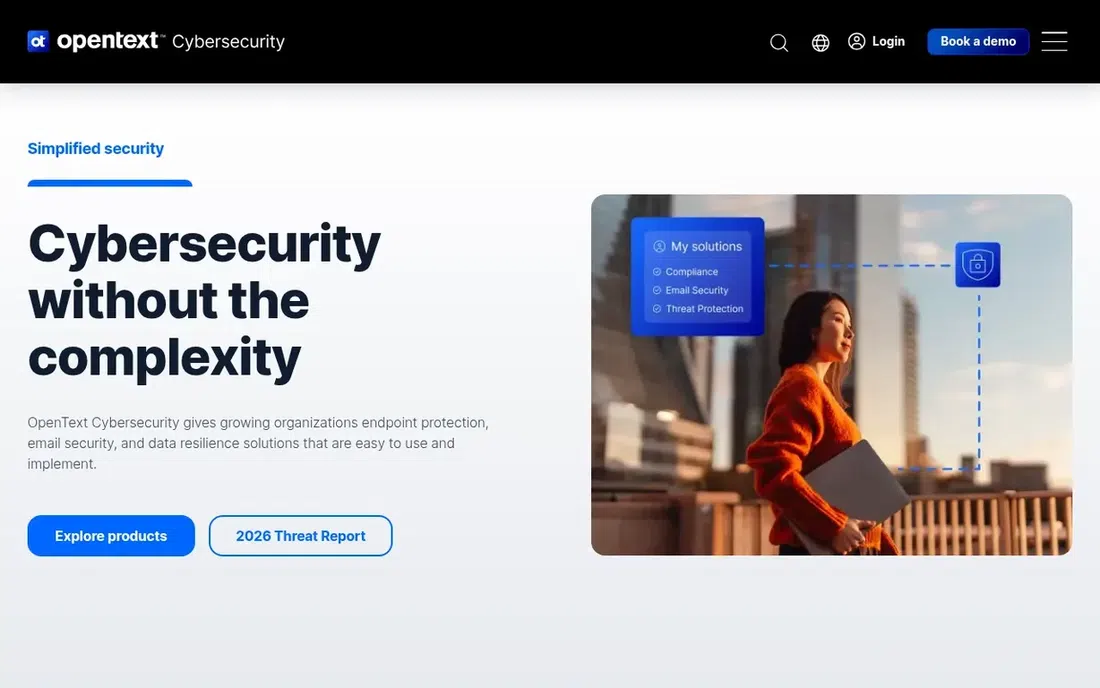
Carbonite Migrate serves Migration within OpenText data protection. Choose it when consolidating around OpenText protection is the goal.
The main drawbacks: Details need checking on the vendor site.
Teams needing a narrowly focused, self-service migration tool may prefer a dedicated choice. No starting price is listed for Carbonite Migrate here; confirm pricing on the vendor site. Free plan details: Not stated.
- Part of a broader cybersecurity portfolio
- Pairs migration with data backup
- Product context is data protection, not pure migration
VMware Cloud Foundation
Best for: Private cloud with public cloud agility
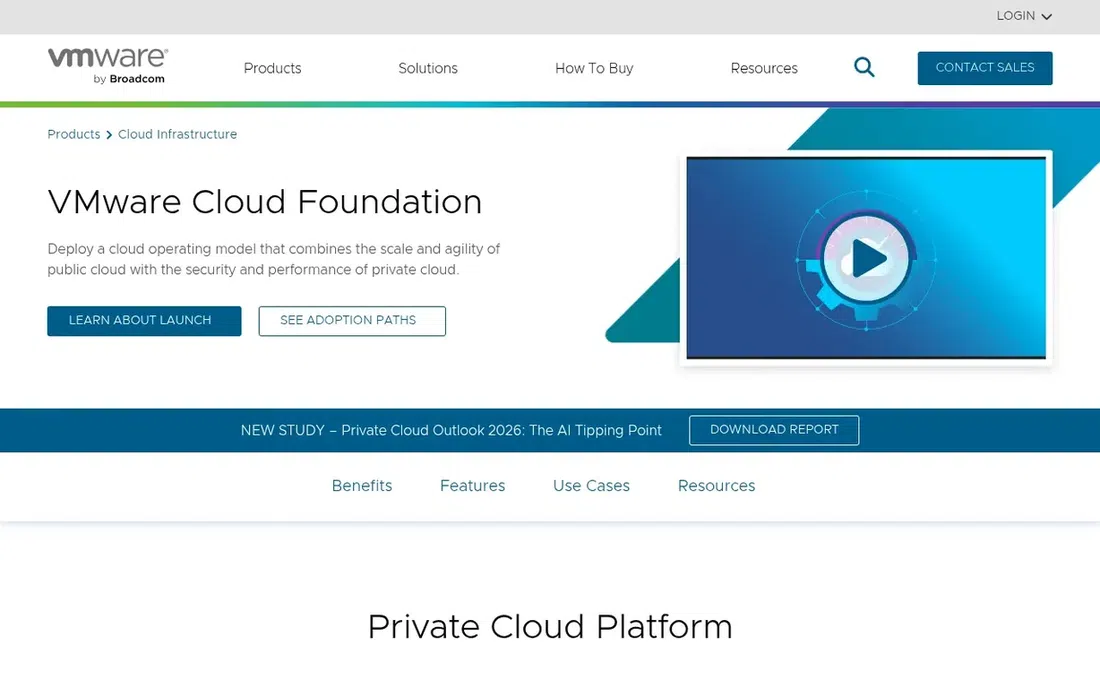
VMware Cloud Foundation is aimed squarely at private cloud with public cloud agility. Consider it when private cloud control is the priority. VMware Cloud Foundation is a private cloud product that, per its vendor, merges the scale and agility of public cloud with the security and performance of private cloud.
Downsides: Wide system that takes planning to adopt.
For everyday use, teams that primarily have to move VMs into a specific public cloud or into containers may find a dedicated migration service more direct. On top of that, since it is a wide system, adoption needs planning, skills and infrastructure investment. It is not a light point migration utility. This comparison lists no price for VMware Cloud Foundation; ask the vendor. Free plan details: Not stated.
- Emphasis on security and performance
- Suited to hybrid infrastructure strategies
- Less concentrated on external cloud targets
AWS Migration Hub is built with teams standardizing on AWS in mind. AWS Migration Hub appears within AWS messaging about reducing technical debt and getting AI-ready, with AWS Transform using agentic AI to accelerate and de-risk stages of the journey, including infrastructure modernization and application transformation for example mainframe work.
Limits to weigh: Needs familiarity with AWS services.
Teams new to AWS should budget time for learning the surrounding services. Pick it when AWS is the destination and you want modernization support built into the migration path. This comparison lists no price for AWS Migration Hub; ask the vendor. You can start on AWS Migration Hub without paying.
- Part of the AWS modernization story
- Covers infrastructure and application transformation
- Naturally centered on AWS targets
Veeam Backup & Replication
Best for: Cyber-resilient data protection around moves
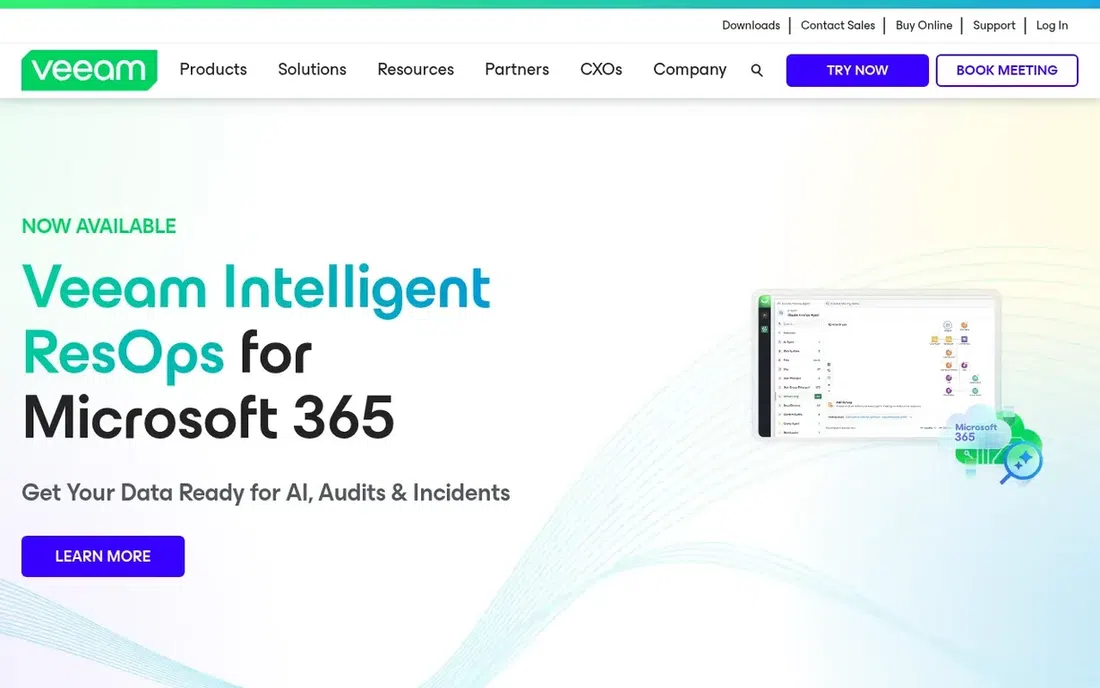
Veeam Backup & Replication is a good fit for cyber-resilient data protection around moves. Veeam Backup & Replication is presented by its vendor as a cyber-resilient system for AI and data, with messaging around seeing risk, moving data securely, staying compliant and accelerating safe AI. Its homepage centers on resilience and data protection instead of migration orchestration.
Limits to weigh: Migration is not the primary headline.
Pick it when protecting data through the transition is the priority. Organizations without an existing backup strategy may need extra planning. Veeam Backup & Replication shows no starting price here, so confirm the cost on the vendor site. Free options: Not stated.
- Compliance-oriented capabilities
- Cyber resilience and secure data movement focus
- Needs planning for large environments
How we chose
The comparison looks at four things: starting price, free access, how well the feature set matches server cloud migration, and the main limit of each tool. Plan names, prices and limits change often. Treat the figures here as a starting point and verify them with the vendor. The ranking is editorial: typical fit first, then clear pricing, then free access. If your needs are unusual, read the profiles rather than relying on position.
Before you commit
- Request quotes from Google Cloud Migrate to Containers, Veeam Backup & Replication and the others; the list shows no fixed prices.
- Look at the free plan from AWS Migration Hub closely: its caps decide whether it is usable for real work.
- Read the limits listed for Google Cloud Migrate to Containers first: narrow scope focused on containerization.
- Ask whether Veeam Backup & Replication integrates with your current software, and whether that comes standard or as an add-on.
- Compare total cost, not headline price: for AWS Migration Hub, add extra seats, add-ons and any usage-based charges.
FAQ
Is Google Cloud Migrate to Containers the right pick for everyone comparing server cloud migration?
No single tool suits every team. Google Cloud Migrate to Containers comes first because it fits turning VMs into GKE containers, while Carbonite Migrate suits Migration within OpenText data protection and VMware Cloud Foundation suits private cloud with public cloud agility. Match the tool to your own size, budget and workflow before deciding.
When should I containerize rather than lift and shift?
Choose containerization when you want portability and modernization instead of a straight relocation. Google Cloud Migrate to Containers transforms VMs into containers on GKE, but applications with heavy state may need refactoring first.
Can I try these tools before paying?
Often, yes. AWS Migration Hub has a free plan. Use your own data and a real task during the test, and check what the free tier or trial limits before you rely on it. Each of the 5 options in this server cloud migration guide has its own card above with the price, free plan and limits.
How are the tools for server cloud migration ordered?
Google Cloud Migrate to Containers sits first and Veeam Backup & Replication last because the order follows typical fit for server cloud migration, then price clarity and free access. It is a judgement call, so read each profile for fit and limits.
Which options for server cloud migration have a free plan?
AWS Migration Hub is the only tool in this list with a free plan. Free plans usually cap users, projects or features, so check the limits on the vendor page. All 5 picks in this server cloud migration comparison list a starting price, free plan details and the main limits on their cards above.
Sources
- https://cloud.google.com/migrate/containers
- https://www.carbonite.com/data-protection/carbonite-migrate
- https://www.vmware.com/products/cloud-foundation.html
- https://aws.amazon.com/migration-hub
- https://www.veeam.com