Best Database Software for Easy Migration in 2026: 8 Tools Compared
best database software for easy migration compared: 8 databases and managed services with migration tools, free tiers and honest pros and cons for 2026.
- Editor's choice
 PostgreSQL
Open-source apps and analytics
Starts atFreeVisit postgresql.orgFull review - Great alternative
 MySQL
Web apps and ecommerce
Starts atFreeVisit mysql.comFull review - Also consider
 MongoDB Atlas
Document data in the cloud
Starts atFreeVisit mongodb.comFull review
TL;DR:
- Easy migration means more than moving data: schema, indexes, queries, and app code all need a path to the new system.
- Managed cloud databases often give the smoothest move, with guided migration tools, replication, and a way to test before cutover.
- Open-source databases keep costs low and avoid lock-in, but the team still needs to plan testing and rollback.
- Always migrate in stages: copy, test, replicate changes, then cut over, rather than moving everything in one risky step.
Quick comparison
| Tool | Best for | Starts at | Free plan? | |
|---|---|---|---|---|
| PostgreSQL | Open-source apps and analytics | Free | Yes | Visit |
| MySQL | Web apps and ecommerce | Free | Yes | Visit |
| MongoDB Atlas | Document data in the cloud | Free | Yes | Visit |
 MariaDB | MySQL-compatible migration | Free | Yes | Visit |
 Microsoft SQL Server | Microsoft stack teams | See website | Free trial | Visit |
 Amazon Aurora | AWS apps needing scale | See website | Free trial | Visit |
 Google Cloud SQL | Google Cloud apps | See website | Free trial | Visit |
 SQLite | Embedded and mobile apps | Free | Yes | Visit |
The best database software for easy migration
We compared official documentation, pricing pages, and public migration guides for databases that offer a clear move path. The list includes open-source databases, managed cloud services, and one embedded option, with notes on which migration tools each one provides.
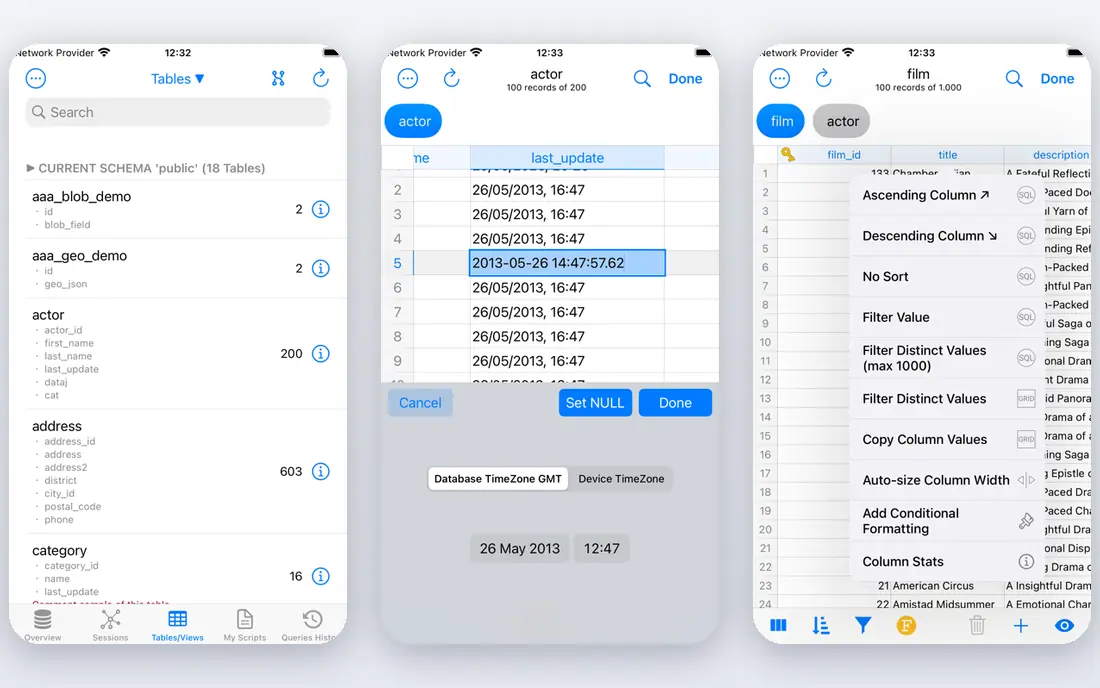
PostgreSQL is our pick for most teams that want a capable database with a clear migration path. Tools such as pg_dump, pg_restore, and logical replication help move schema and data, and every major cloud offers managed PostgreSQL with guided migration. Extensions for search, geospatial data, and JSON make it a good home for many app types after the move.
The database itself is free, but managed hosting, backups, and support cost money, and tuning for large workloads takes skill. Teams moving from MySQL or Oracle should also test queries and data types, since small differences can change results. For a team that wants control, low license cost, and broad support, PostgreSQL is a strong destination.
- Free and open source
- Strong migration tools and extensions
- Wide cloud support
- Managed hosting costs extra
- Tuning needs skill for large workloads
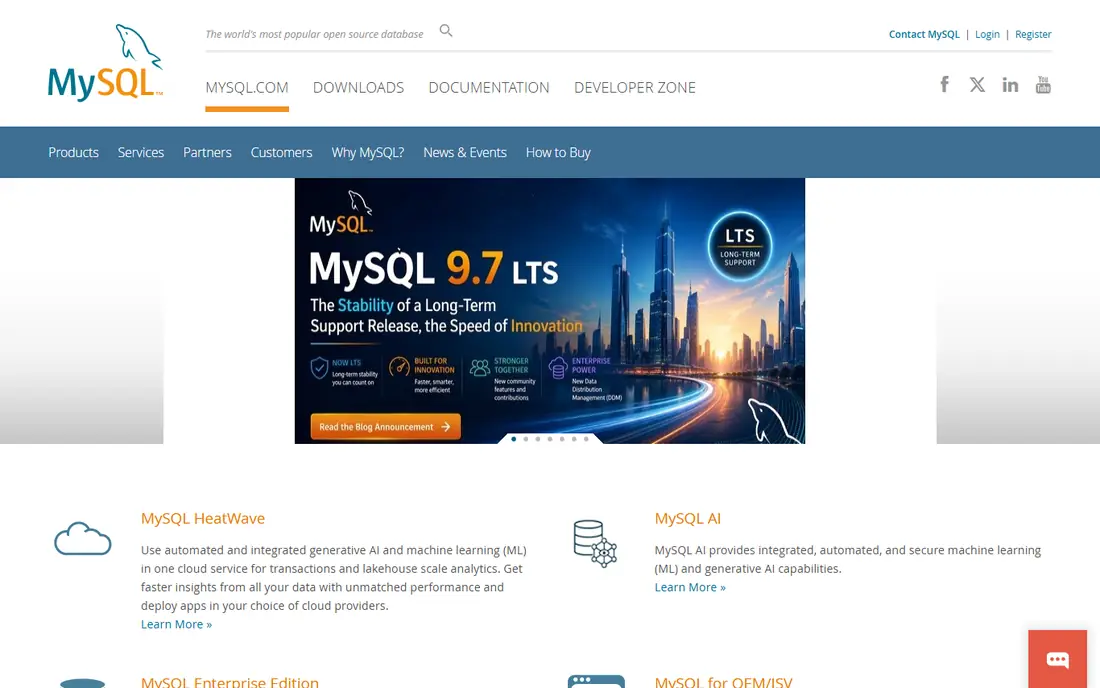
MySQL remains a natural choice for web apps, content systems, and ecommerce stores, and its familiarity makes migration easier for many teams. MySQL Workbench includes migration tools for moving schema and data from other databases, and managed MySQL is available on every major cloud. That wide support means a team can move hosts without changing the database itself.
Some enterprise features, such as advanced backup and monitoring, sit in paid editions, and write scaling needs planning for very large apps. Teams should also test character sets and SQL modes during migration, since defaults differ across versions. For a standard web workload, MySQL offers a low-friction move.
- Free community edition
- Familiar to web developers
- MySQL Workbench migration tools
- Some enterprise features need paid editions
- Scaling writes needs planning

MongoDB Atlas is the managed cloud version of MongoDB, and its live migration service helps teams move from self-hosted MongoDB or another database with less downtime. The free M0 tier suits learning and small projects, while Flex and dedicated clusters scale as traffic grows. The document model suits apps with changing fields, catalogs, and content.
Costs can grow with storage, traffic, and backups, so budget beyond the cluster price. Document modeling also needs care: a flexible schema helps at first but can hide messy data if no one sets rules. For a team moving to document data in the cloud, Atlas offers one of the smoothest paths.
- Free tier for learning and small apps
- Live migration service
- Flexible document model
- Cluster costs grow with data and traffic
- Document modeling needs care
MariaDB is the easiest move for many MySQL teams, since it aims for compatibility with MySQL for common apps and tools. A team can often move schema, data, and app code with fewer changes than a move to a different database family. That compatibility reduces testing time and lowers the risk of a failed cutover.
Compatibility is not perfect for every enterprise feature, so teams using MySQL enterprise tools should test carefully. Managed MariaDB options also vary by cloud vendor. For a MySQL team that wants an open-source path without a major rewrite, MariaDB is a sensible destination.
- Drop-in MySQL compatibility for many apps
- Free and open source
- Good migration path from MySQL
- Some MySQL enterprise features differ
- Managed options vary by vendor
Microsoft SQL Server suits teams already running .NET, Windows, and Azure, since migration tools are built for that stack. The Data Migration Assistant checks compatibility, and Azure Database Migration Service helps move to Azure SQL with replication. Reporting and business intelligence integrations also fit Microsoft-centered teams.
Licensing is the main drawback. Editions, cores, and cloud options make pricing complex, and costs can be high compared with open-source databases. Teams should get a clear license quote before migrating. For a Microsoft team that wants a supported, familiar destination, SQL Server is a natural choice.
- Strong tools for Microsoft shops
- Data Migration Assistant and Azure migration paths
- Good reporting integration
- Licensing is complex and costly
- Linux and cloud options need planning
Amazon Aurora gives AWS teams a managed database that speaks MySQL or PostgreSQL, which eases migration from self-hosted versions of those databases. AWS Database Migration Service can replicate data with low downtime, and Aurora handles backups, failover, and scaling with less manual work. That combination suits apps that already run on AWS.
Aurora is AWS-only, so it deepens dependence on one cloud, and costs vary with instances, storage, and I/O. Teams should model a realistic workload before committing. For an AWS team that wants managed scale without changing database families, Aurora is a strong move.
- MySQL and PostgreSQL compatibility
- AWS Database Migration Service support
- Automatic scaling and backups
- AWS-only, so it increases cloud lock-in
- Costs vary with usage and storage
Google Cloud SQL suits teams running on Google Cloud that want managed MySQL, PostgreSQL, or SQL Server without managing servers. Google Database Migration Service supports continuous replication from on-premises or other clouds, which allows testing before cutover. Integration with Google Cloud monitoring, backups, and IAM also simplifies operations.
As with Aurora, Cloud SQL ties you to one cloud, and pricing depends on instance size, storage, and backups. Teams should test performance on a realistic copy before moving production traffic. For a Google Cloud team, Cloud SQL offers a clean, managed migration path.
- Managed MySQL, PostgreSQL, and SQL Server
- Database Migration Service
- Easy Google Cloud integration
- Google Cloud only
- Pricing depends on instance size and storage
SQLite is different from the other tools here: it is an embedded database stored as a single file, used inside mobile apps, desktop apps, and edge devices. Migration is often as simple as copying a file or running a dump and restore, which makes it ideal for apps that ship their own data. There is no server to install or license to buy.
SQLite is not a server database, so it does not suit high-concurrency web apps with many simultaneous writers. Teams that need a central database should choose PostgreSQL, MySQL, or a managed service instead. For embedded and mobile apps, SQLite offers the simplest migration story of all.
- Free, tiny, and serverless
- Easy to ship inside apps
- Simple file-based migration
- Not built for multi-user server workloads
- Concurrency limits for large teams
How we picked these
We compared official documentation, pricing pages, and migration guides for databases that are still supported in 2026. We favored databases with documented migration tools, replication options, and a way to test before cutover, whether open source or managed. Where pricing was not published as a single starting figure, we marked it as See website rather than guessing.
How to plan a database migration that does not break your app
Start with an inventory: list every database, schema, query pattern, and app that touches the data. That inventory reveals hidden dependencies, such as reports, batch jobs, and third-party tools that also need to move. Then choose a migration method that fits your downtime budget, whether that means a simple dump and restore for a small app or continuous replication for a system that cannot stop.
Testing is where most migrations succeed or fail. Copy the database to the new system, run your app against the copy, and compare results, performance, and edge cases such as dates, time zones, and character sets. Fix query differences before cutover, and keep a rollback plan that you have actually tested. A migration without a tested rollback is a gamble.
Finally, cut over in stages if you can. Move a read workload first, then a small share of writes, then full traffic, while watching errors and performance. Keep the old database available until the new one has run cleanly for a set period. That staged approach takes longer, but it turns a risky big-bang move into a series of smaller, safer steps.
FAQ
What makes database migration easy?
Easy migration means clear tools for schema and data movement, replication for low downtime, compatibility with your current database, and a way to test before cutover. Managed services often add guided wizards and support. The easiest move is usually within the same database family, such as MySQL to MariaDB or self-hosted PostgreSQL to managed PostgreSQL.
Should I migrate to a managed cloud database?
For many teams, yes, because managed services handle backups, patching, failover, and scaling. That saves operations time and reduces migration risk through built-in migration services. The trade-off is cloud lock-in and usage-based costs, so model your workload and exit options before committing.
How long does a database migration take?
A small app can migrate in days, while a large production system with many dependencies can take weeks or months of testing. Data size, downtime limits, and query differences drive the timeline more than the tool itself. Build in time for testing, rollback planning, and a staged cutover.
Can I migrate with no downtime?
Near-zero downtime is possible with continuous replication, where changes are copied to the new database while the old one still runs, followed by a short cutover. It needs careful setup and testing, and some app changes may still need a brief window. Ask whether your chosen tool supports replication for your source and target.
What should I test after migration?
Test app queries, reports, batch jobs, and edge cases such as dates, time zones, and special characters. Compare row counts, totals, and sample results between old and new databases, and load-test performance under realistic traffic. Keep the old database until the new one has run cleanly for an agreed period.