Best Cloud Migration Software for Remote Teams (2026): 5 Picks Checked on Vendor Pages
Best cloud migration software for remote teams: 5 tools compared on price, free plans and fit. Hidden costs and gaps are flagged. Budget notes included.
- Editor's choiceCorent SurPass
Migration plus PaaS services
Starts atPricing on requestVisit corenttech.comFull review - Great alternative
 Cloudamize
Teams comparing choices in this category
Starts atPricing on requestVisit cloudamize.comFull review - Also consider
 Google Cloud Migration Center
Organizations moving to Google Cloud
Starts atPricing on requestVisit cloud.google.comFull review
Direct answer
This list puts Corent SurPass first for Migration plus PaaS services. Cloudamize is better for teams comparing choices in this category, and Google Cloud Migration Center is better for organizations moving to Google Cloud. The full list of 5 tools follows, with free plan facts. None of these vendors publish plan prices, so pricing is on request for every option.
TL;DR:
- Corent SurPass sits first on this list: Migration plus PaaS services.
- Corent SurPass, AWS Migration Hub and the 3 others all sell by quote; expect sales conversations before you see a price.
- AWS Migration Hub stands alone as the one tool in this list with a free plan.
- AWS Migration Hub fits teams standardizing on AWS.
- Flexera One comes with a trade-off: wide product may feel heavy for small teams.
Last checked November 2026. Pricing on request: vendors did not publish plan prices when this guide was last checked (November 2026), so ask each vendor for a written quote.
Quick comparison
| Tool | Best for | Starts at | Free plan? | |
|---|---|---|---|---|
| Corent SurPass | Migration plus PaaS services | Pricing on request | Not stated | Visit |
| Cloudamize | Teams comparing choices in this category | Pricing on request | Not stated | Visit |
| Google Cloud Migration Center | Organizations moving to Google Cloud | Pricing on request | Not stated | Visit |
 Flexera One | Cost and license visibility during migration | Pricing on request | Not stated | Visit |
 AWS Migration Hub | Teams standardizing on AWS | Pricing on request | Yes | Visit |
Our 5 cloud migration software for remote teams
This LinkVetted guide covers 5 cloud migration software for remote teams. Each profile lists a starting price, free plan details, strengths and drawbacks, so you can drop poor fits quickly.
Corent SurPass
Best for: Migration plus PaaS services
Corent SurPass is built with Migration plus PaaS services in mind. Corent SurPass is presented as a system for cloud migration, PaaS and other cloud services.
The main drawbacks: Evaluate fit against your stack.
Public information on the homepage is brief, so confirm capabilities straight with the vendor before committing. Corent SurPass does not show a starting price in this comparison, so check the vendor site for current pricing. Free access: Not stated.
- System spans migration and cloud services
- Handy for application-level moves
- Restricted public detail on the homepage
Cloudamize is designed for teams comparing choices in this category. The emphasis is on analysis, so teams looking for a single product to both assess and execute a move may need extra tooling.
Bring in an execution-focused product once the assessment is complete. Check the vendor site for Cloudamize pricing; none is listed in this comparison. As for free access: Not stated.
The main drawbacks: Assessment focused instead of execution.
- Focus on workload utilization
- License optimization analysis
- Needs data collection effort
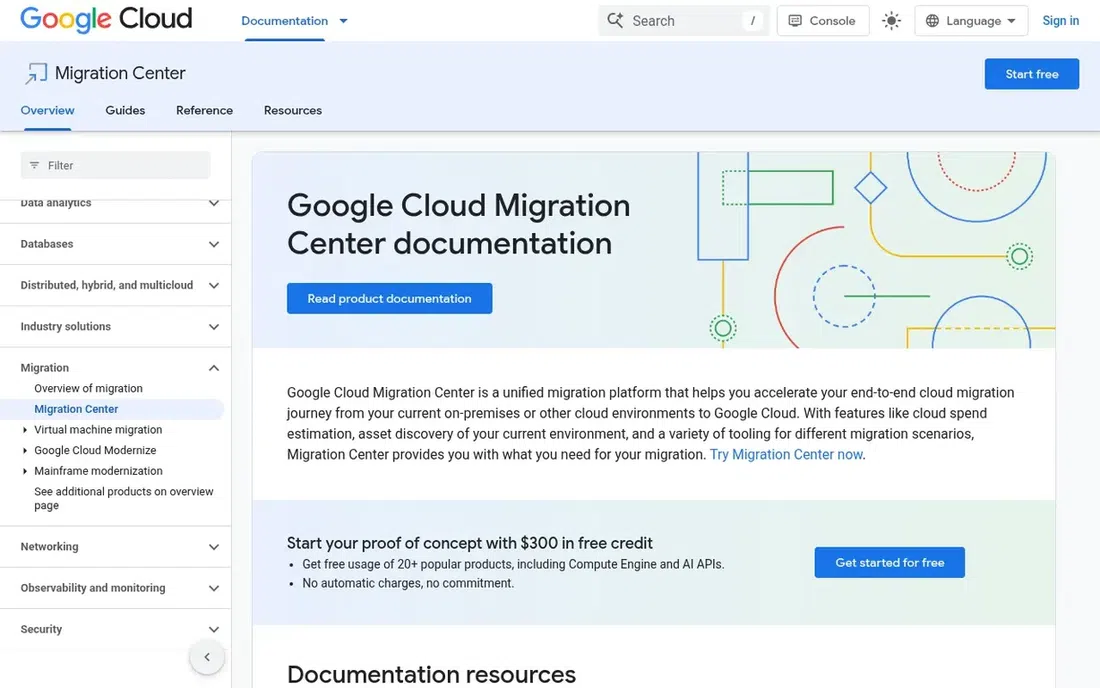
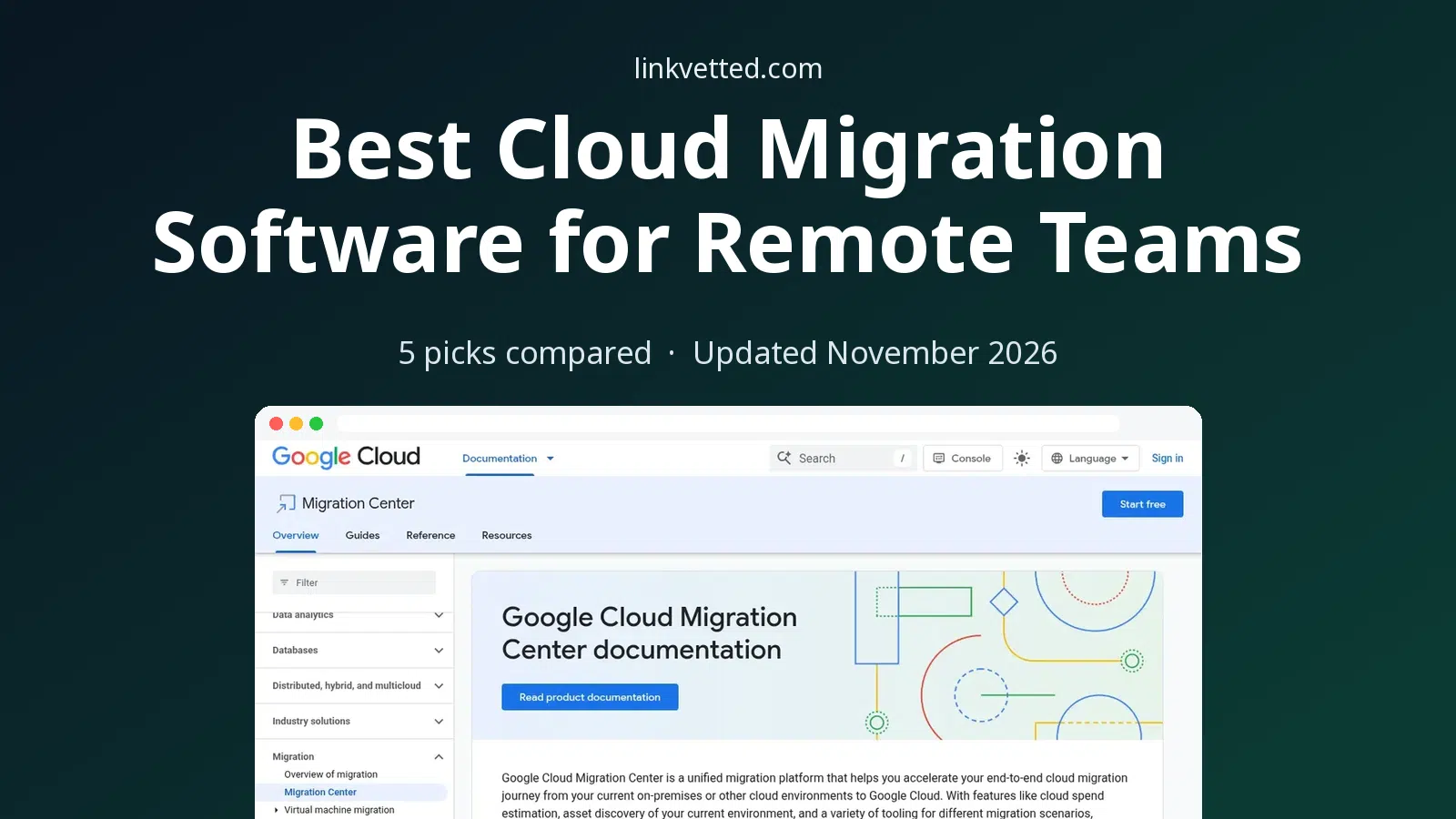
Google Cloud Migration Center works best for organizations moving to Google Cloud. Consider a vendor-neutral assessment tool first if the destination is not yet settled.
Points against: Less relevant for multi-cloud programs.
Google Cloud Migration Center is documented as a way to unify the journey across different tools when migrating to Google Cloud. Check the vendor site for Google Cloud Migration Center pricing; none is listed in this comparison. On free options: Not stated.
- Guided path for Google Cloud moves
- Handy for assessment and planning
- Concentrated on Google Cloud as destination

Flexera One makes the most sense for cost and license visibility during migration. Remote teams that require to understand what they own and what it costs before and after a move will find that context handy alongside the migration itself.
It is a wide product, and teams that only need migration assessment may find the scope bigger than required. Check the vendor site for Flexera One pricing; none is listed in this comparison. Free access: Not stated.
Drawbacks to consider: Wide product may feel heavy for small teams.
- Unified asset management
- Cloud cost control
- Migration is one part of a wider scope
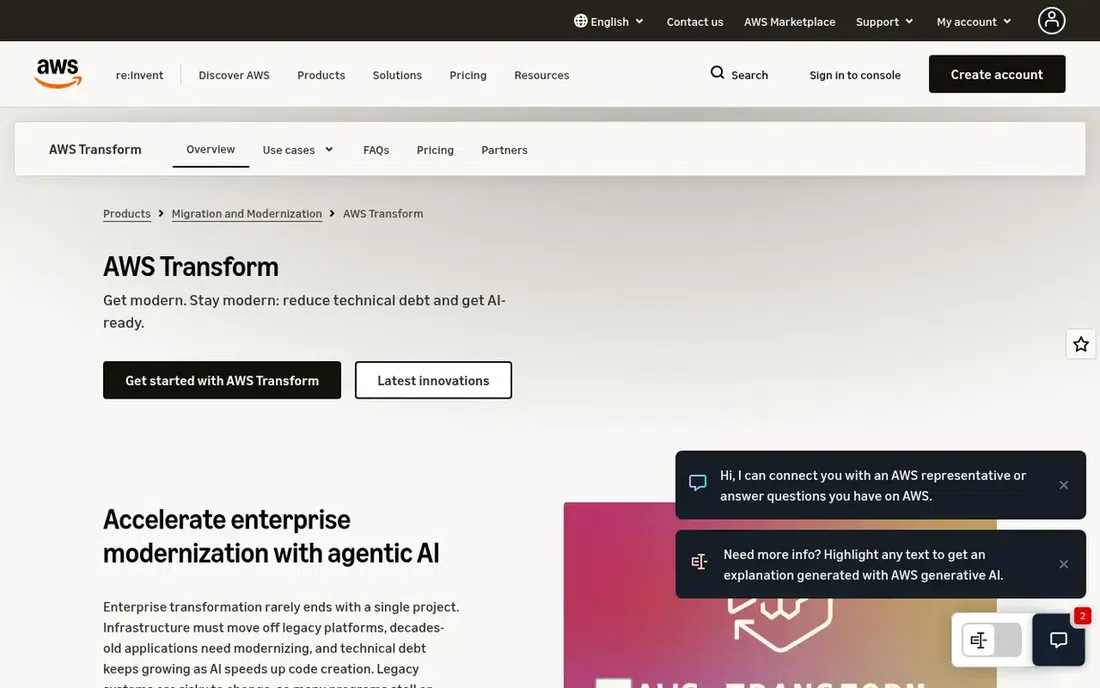
AWS Migration Hub makes the most sense for teams standardizing on AWS. AWS Migration Hub hands teams a single place to track application migrations into AWS.
The surrounding AWS Transform tooling brings agentic AI to modernize infrastructure and applications. AWS Migration Hub shows no starting price here, so confirm the cost on the vendor site. AWS Migration Hub offers a free plan.
Downsides: Needs AWS familiarity.
- Pairs with AWS modernization tooling
- Suits AWS native workflows
- Most handy only for AWS destinations
What went into this list
Questions to settle before buying
- Confirm the entry price with every vendor: no tool from Corent SurPass to AWS Migration Hub shows a fixed starting price.
- Look at the free plan from AWS Migration Hub closely: its caps decide whether it is usable for real work.
- Read the limits listed for Corent SurPass first: restricted public detail on the homepage.
- Pick one real project and run it in Corent SurPass first; a small pilot shows fit faster than a checklist.
- Look at which plan of Cloudamize unlocks the features you need; entry tiers are often cut down.
FAQ
How are the tools for cloud migration software for remote teams ordered?
The order follows typical fit for cloud migration software for remote teams, with Corent SurPass first and AWS Migration Hub last, then price clarity and free access. It is editorial judgement, not a score, so another team could rank the tools differently.
Do these tools publish their prices?
No. None of the tools, from Corent SurPass to AWS Migration Hub, shows a fixed starting price here, so budget time for quotes.
Can I try these tools before paying?
Often, yes. AWS Migration Hub has a free plan. Use your own data and a real task during the test, and check what the free tier or trial limits before you rely on it. Each of the 5 options in this cloud migration software for remote teams guide has its own card above with the price, free plan and limits.
Which options for cloud migration software for remote teams have a free plan?
AWS Migration Hub is the only tool in this list with a free plan. Free plans usually cap users, projects or features, so check the limits on the vendor page. All 5 picks in this cloud migration software for remote teams comparison list a starting price, free plan details and the main limits on their cards above.
Sources
- https://www.corenttech.com
- https://www.cloudamize.com
- https://cloud.google.com/migration-center
- https://www.flexera.com/products/flexera-one
- https://aws.amazon.com/migration-hub