The 5 Best Screen Recording Tools for Flipped Classrooms in 2026, Ranked
Best screen recording tools for flipped classrooms in 2026: 5 contenders with entry costs and free tiers. Each pick comes with its main catch. No hype.
- Editor's choiceEcho360
Learning-focused video product
Starts atSee websiteVisit echo360.comFull review - Great alternative
 Panopto
Searchable lecture capture at scale
Starts atSee websiteVisit panopto.comFull review - Also consider
 Loom
Quick recording and link sharing
Starts at$18 per user a monthVisit loom.comFull review
Direct answer
For learning-focused video product, Echo360 is where this list starts. Listed starting prices: Loom from $18 per user a month and Screencastify from $7 per user a month. If your case is different, Panopto suits searchable lecture capture at scale and Loom suits quick recording and link sharing. All 5 tools are compared below on price, free plan and limits.
TL;DR:
- The list opens with Echo360, aimed at learning-focused video product.
- 2 of 5 tools offer a free plan: Loom, Screencastify.
- Camtasia suits edited lesson videos with polish.
- Before buying Echo360, weigh this: broader than a standalone recorder.
Last checked November 2026. Prices and plan details were read from the vendors' own pages in November 2026; vendors change plans often, so confirm the current price on the vendor site before you buy.
Quick comparison
| Tool | Best for | Starts at | Free plan? | |
|---|---|---|---|---|
| Echo360 | Learning-focused video product | See website | Not stated | Visit |
| Panopto | Searchable lecture capture at scale | See website | Free trial | Visit |
| Loom | Quick recording and link sharing | $18 per user a month | Yes | Visit |
 Screencastify | Browser-based lesson recording | $7 per user a month | Yes | Visit |
 Camtasia | Edited lesson videos with polish | See website | Not stated | Visit |
Screen Recording Tools for Flipped Classrooms compared in detail
LinkVetted put together this guide to screen recording tools for flipped classrooms for readers who want a clear shortlist without reading every vendor page. It compares 5 tools on starting price, free plans, who each one suits and where each one falls short.
Echo360
Best for: Learning-focused video product
Echo360 makes the most sense for learning-focused video system. Individual instructors who want a fast personal recording tool may find it more than they need.
In practice, Echo360 is a system instead of a straightforward screen recorder, so it usually involves institutional deployment and administration. On top of that, Echo360 is a learning product that supports instructors, students, trainers and employees with video and learning options. Check the vendor site for Echo360 pricing; none is listed in this comparison. Trial and free access: Not stated.
Where it is weaker: Broader than a standalone recorder.
- Aimed at learning experiences
- Supports instructors and students
- Institutional deployment needed
Think of Panopto for searchable lecture capture at scale. For flipped classrooms, it suits institutions that want recorded lessons to be searchable and centrally managed. More specifically, Panopto is a broader product than a standalone recorder.
So setup and administration can be more involved than with a straightforward capture tool. Beyond that, individual instructors who only need fast clips may find it heavier than necessary. More specifically, choose Panopto when searchable, organization-wide lecture capture is the priority. Panopto is a video knowledge product for training, onboarding and lecture capture, with recording, search and sharing across an organization. No starting price is listed for Panopto here; confirm pricing on the vendor site. Free options: Free trial.
Points against: More platform than straightforward recorder.
- Recording and sharing in one product
- Lecture capture focus
- Setup can be involved
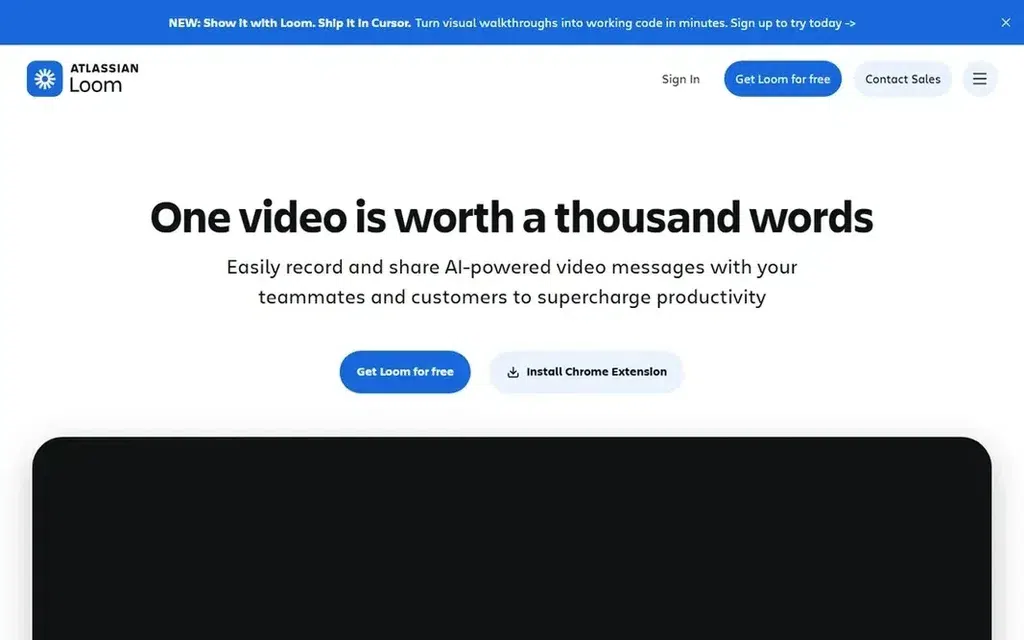
Loom serves quick recording and link sharing. For flipped classrooms, it suits instructors who want to record a short lesson and send students a link without managing files or exports.
Watch-outs: Less suited to complicated productions.
The emphasis on quick capture and sharing helps keep pre-class videos timely, notably for weekly updates or responses to student questions. Price to start with Loom: $18 per user per month. You can start on Loom without paying.
- Straightforward recording flow
- Built-in video storage
- Restricted advanced editing
Screencastify works best for browser-based lesson recording. Screencastify is a browser-based screen recorder with video editing, positioned for lessons, how-to videos, assignments, training and assessments. As a browser-based tool, Screencastify relies on browser performance and may offer fewer advanced production controls than desktop editors.
It is less suited to complicated multi-track editing. For flipped classrooms, it suits instructors and students who work in a browser and want to record without installing a heavy application. Choose it when simplicity and browser access matter most, and consider a desktop editor for highly produced lessons. As for the details, the combination of recording, editing and sharing supports lesson creation and student video assignments within one environment. What you pay to start with Screencastify: $7 per user per month. Screencastify offers a free plan.
Limits to weigh: Browser-dependent workflow.
Best features of Screencastify: Recording and editing together.
- Runs in the browser
- Suited to assignments and lessons
- Fewer advanced production controls
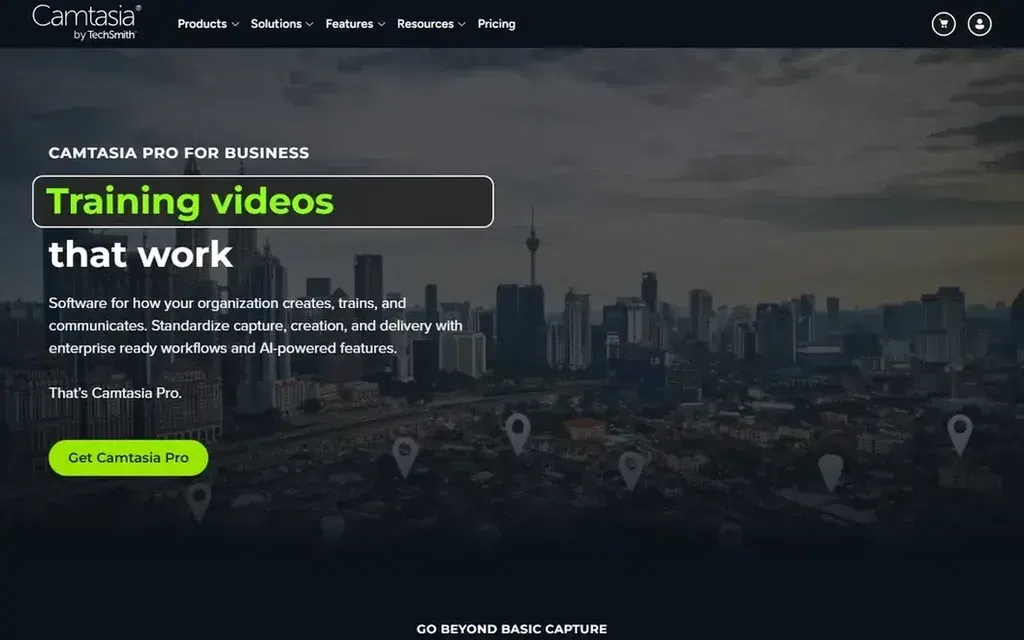
Camtasia is built with edited lesson videos with polish in mind. For flipped classrooms, it suits instructors who want to record a lesson and then trim, annotate or assemble it into a refined video. Also, choose Camtasia when editing quality and reusable lesson assets matter more than instant sharing.
Honest limits: Heavier than fast capture tools.
On top of that, since it comes with a full editor, Camtasia asks for more setup and learning time than straightforward recorders. Also, the combination of capture and editing in one application cuts the have to move files between separate tools, which helps when producing a series of pre-class lessons. Check the vendor site for Camtasia pricing; none is listed in this comparison. Free options: Not stated.
- Tutorial and demo focus
- Windows and Mac support
- Editing layers on a ramp-up time
Selection criteria
The comparison looks at four things: starting price, free access, how well the feature set matches screen recording tools for flipped classrooms, and the main limit of each tool. Treat prices as a snapshot: vendors change plans often, so check the vendor site for the figure that applies today. We ordered the tools by general fit, then by how clearly pricing is shown, then by free access. A buyer with unusual needs may reorder them.
Questions to settle before buying
- Confirm the entry price on the vendor page. For Echo360, Panopto and Camtasia that means a quote rather than a fixed price.
- Check what the free option really includes: Loom and Screencastify offer a free plan, and usage caps differ.
- Use real work to test the free trial from Panopto, rather than a demo project.
- Before choosing Echo360, weigh its main limit: broader than a standalone recorder.
- Compare total cost, not headline price: for Camtasia, add extra seats, add-ons and any usage-based charges.
- Make sure Screencastify lets you export your data in a format another tool can read.
FAQ
How are the tools for screen recording tools for flipped classrooms ordered?
The order follows typical fit for screen recording tools for flipped classrooms, with Echo360 first and Camtasia last, then price clarity and free access. It is editorial judgement, not a score, so another team could rank the tools differently.
Can I try these tools before paying?
Often, yes. Loom and Screencastify have a free plan and Panopto offers a free trial. Use your own data and a real task during the test, and check what the free tier or trial limits before you rely on it.
Is Echo360 the right pick for everyone comparing screen recording tools for flipped classrooms?
No single tool suits every team. Echo360 comes first because it fits learning-focused video platform, while Panopto suits searchable lecture capture at scale and Loom suits fast recording and link sharing. Match the tool to your own size, budget and workflow before deciding.
Do these tools publish their prices?
Not all of them. Echo360, Panopto and Camtasia publish no starting price, so expect a quote request for those. The rest, Loom included, show a starting price, though seats and billing terms still change the final cost.
What should instructors look for in a screen recorder for flipped classrooms?
Prioritize steady recording, straightforward editing and simple sharing with students. Consider whether you need browser-based access, searchable video, or a full product for numerous courses. Match the tool to how much production polish your lessons need.
Can students use these tools to submit video assignments?
Some tools, like Screencastify, are positioned for assignments and assessments plus lessons. More specifically, others focus on instructor recording or institutional video delivery.
Sources
- https://echo360.com
- https://www.panopto.com
- https://www.loom.com
- https://www.screencastify.com
- https://www.techsmith.com/camtasia.html