The 5 Best Professional Timeline Software in 2026, Ranked
5 tools for the best professional timeline software, compared on pricing, free plans and best-fit use. The weak spots sit next to the strengths. Easy to scan.
- Editor's choice
 Asana
Cross-team work and workflow automation
Starts at$10.99 per user a monthVisit asana.comFull review - Great alternative
 TeamGantt
Straightforward drag-and-drop Gantt scheduling
Starts at$59 a monthVisit teamgantt.comFull review - Also consider
 ClickUp
Consolidating tasks, docs and goals
Starts at$9 per user per monthVisit clickup.comFull review
Direct answer
Asana comes first here, mainly for cross-team work and workflow automation. Listed starting prices: Asana from $10.99 per user a month, TeamGantt from $59 a month and ClickUp from $9 per user per month. TeamGantt fits straightforward drag-and-drop Gantt scheduling; ClickUp fits consolidating tasks, docs and goals. The full list of 5 tools follows, with prices and free plan facts.
TL;DR:
- Asana takes the first slot, best suited to cross-team work and workflow automation.
- Microsoft Project suits formal schedule and resource planning.
- Asana, ClickUp, Monday.com: these are the 3 tools out of 5 that offer a free plan.
- ClickUp has the lowest monthly starting price in this list: $9 per user per month.
Last checked November 2026. Prices and plan details were read from the vendors' own pages in November 2026; vendors change plans often, so confirm the current price on the vendor site before you buy.
Quick comparison
| Tool | Best for | Starts at | Free plan? | |
|---|---|---|---|---|
| Asana | Cross-team work and workflow automation | $10.99 per user a month | Yes | Visit |
| TeamGantt | Straightforward drag-and-drop Gantt scheduling | $59 a month | Free trial | Visit |
| ClickUp | Consolidating tasks, docs and goals | $9 per user per month | Yes | Visit |
 Monday.com | Adaptable AI-assisted work workspaces | $9 per seat a month | Yes | Visit |
 Microsoft Project | Formal schedule and resource planning | See website | Not stated | Visit |
Tool-by-tool breakdown
LinkVetted put together this guide to professional timeline software for readers who want a clear shortlist without reading every vendor page. It compares 5 tools on starting price, free plans, who each one suits and where each one falls short.
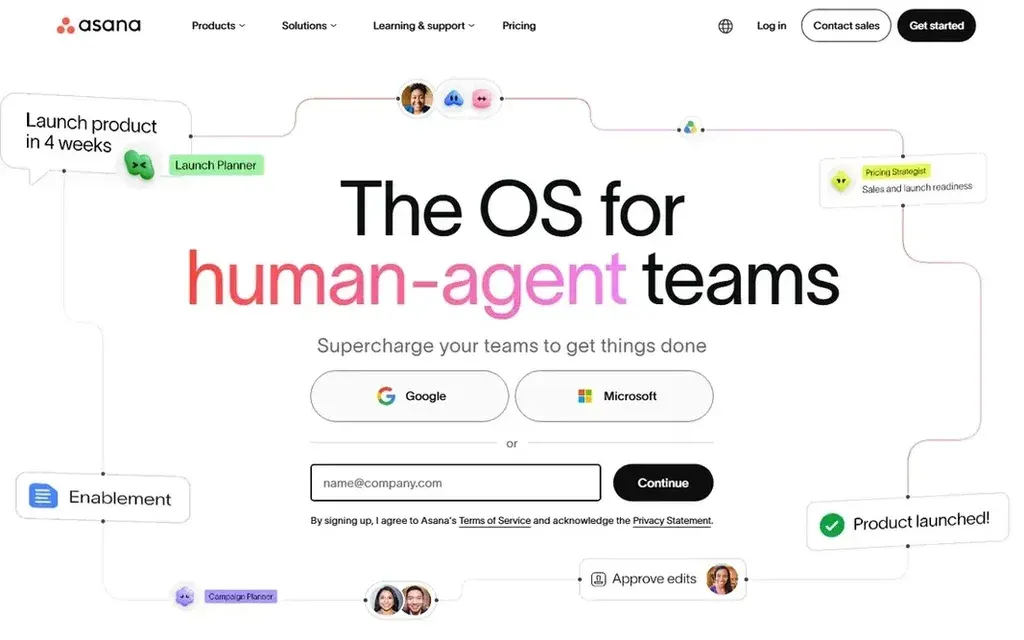
Where Asana fits: cross-team work and workflow automation. Asana is work management software for teams and AI agents, built to plan, automate and execute critical workflows together. Asana is a wide work system, so timeline planning is one capability among many instead of the entire product.
Main advantages: Clear fit for cross-functional coordination; automate and execute workflows together.
Downsides: Timeline views are one part of a broader system.
Marketing, operations and product groups commonly use this style of product to keep work visible. Also, teams needing formal critical-path scheduling or heavy resource leveling may want a dedicated project tool. More specifically, pick Asana when workflow clarity and cross-team coordination matter more than deep schedule engineering. Starting cost for Asana: $10.99 per user per month. Asana has a free plan.
- Plan
- Work management for teams and AI agents
- Deep scheduling may need add-on structure
In short, TeamGantt is for straightforward drag-and-drop Gantt scheduling. It does well when clients or stakeholders have to follow progress on a shared plan.
The main drawbacks: Less suited to wide enterprise governance.
Its focus on scheduling means it handles less ground than broad work management products, so organizations needing broad governance or consolidated docs and goals may outgrow it. TeamGantt starts at: $59 per month. Free options: Free trial.
- Straightforward drag-and-drop online Gantt charts
- Keeps team and clients on one live schedule
- Narrower scope than full work systems
ClickUp makes the most sense for consolidating tasks, docs and goals. ClickUp brands itself as the everything app for work, combining tasks, docs, goals and chat with a stated mission to make the world more productive. Beyond that, since it spans so much ground, the ramp-up time can be steeper than a focused timeline tool.
What works well: Tasks, docs; Wide productivity coverage.
Teams may have to prune features to stay organized. More specifically, organizations wanting a narrow, single-purpose Gantt experience may prefer something more straightforward. More specifically, fast-growing teams commonly favor this consolidation approach. In daily use, pick ClickUp when reducing tool sprawl matters as much as timeline planning. ClickUp cost at the entry level: $9 per user per month. ClickUp offers a free plan. Limits to weigh: Breadth can mean a steeper ramp-up time.
- Suits teams replacing scattered tools
- Goals and chat in one app
- Timeline views sit inside a large feature set
Choose Monday.com for adaptable AI-assisted work workspaces. Monday.com presents itself as an AI workspace for people and agents, where teams execute, handle and operate together to drive business results.
That adaptability cuts both ways: the range of configuration choices can slow teams that want a fixed, purpose-built timeline from day one. From a buyer's view, very schedule-intensive programs may still need a dedicated planning tool. On cost, Monday.com starts like this: $9 per seat per month. You can start on Monday.com without paying.
Drawbacks to consider: Adaptability can mean more configuration choices.
- Adaptable workspace for plenty of work types
- AI agents work alongside people
- Timeline depth varies by how boards are set up
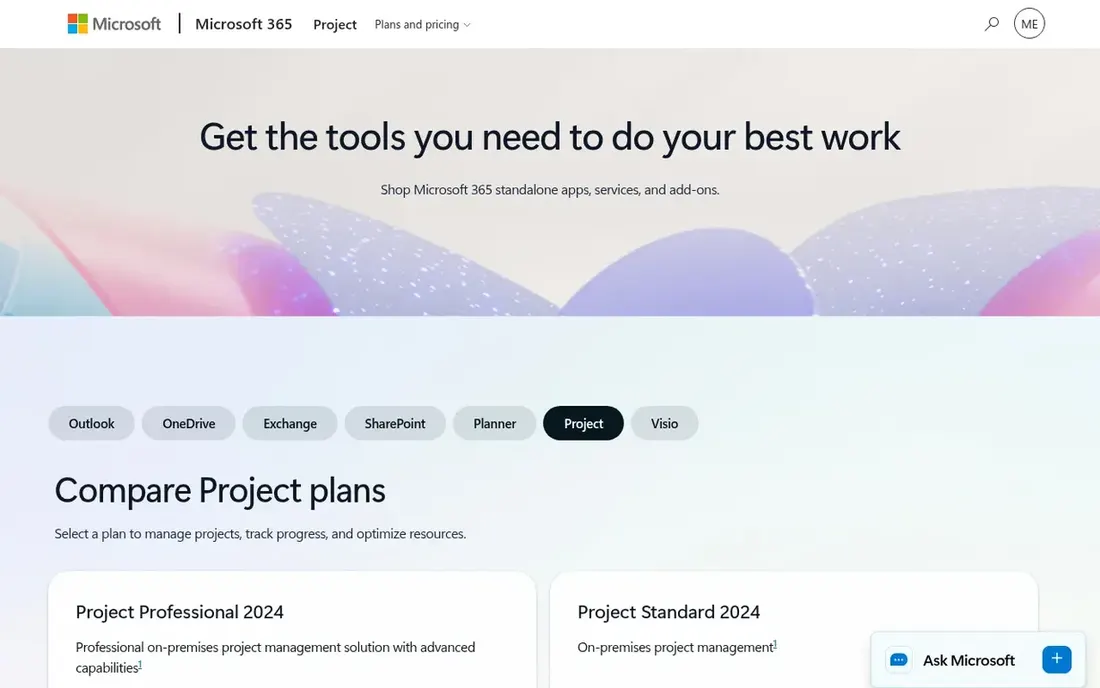
Microsoft Project is designed for formal schedule and resource planning. Teams already working inside Microsoft tools will recognize the environment and can align project timelines with the rest of their work.
Pricing for Microsoft Project is not stated here, so ask the vendor for current figures. Free options: Not stated.
Trade-offs to know: Setup assumes project management familiarity.
- Capable project scheduling and resource tracking
- Suits structured delivery workflows
- Can feel heavy for light planning
How we built this list
Things to verify first
- Get a written quote from Microsoft Project; the list shows no starting price for them.
- Read the fine print on the free plans from Asana, ClickUp and Monday.com; seat, project and feature caps differ.
- Take the trial from TeamGantt and push a live task through it before you pay.
- Read the limits listed for Asana first: timeline views are one part of a broader product.
- Verify that exporting from TeamGantt is possible on your plan and covers all your records.
- Run a one or two week pilot of Microsoft Project with the people who will use it every day.
FAQ
Is Asana the right pick for everyone comparing professional timeline software?
No single tool suits every team. Asana comes first because it fits cross-team work and workflow automation, while TeamGantt suits simple drag-and-drop Gantt scheduling and ClickUp suits consolidating tasks, docs and goals. Match the tool to your own size, budget and workflow before deciding.
How are the tools for professional timeline software ordered?
Asana sits first and Microsoft Project last because the order follows typical fit for professional timeline software, then price clarity and free access. It is a judgement call, so read each profile for fit and limits.
Can I try these options before paying?
Often, yes. Asana, ClickUp and Monday.com have a free plan and TeamGantt offers a free trial. Use your own data and a real task during the test, and check what the free tier or trial limits before you rely on it.
Do these tools publish their prices?
Not all of them. Microsoft Project publishes no starting price, so expect a quote request for it. The rest, Asana included, show a starting price, though seats and billing terms still change the final cost.
What makes timeline software professional rather than entry-level?
Professional timeline software generally supports dependencies, milestones, resource assignment and reporting across several projects. Match the depth of these features to how complicated your scheduling really is.
Sources
- https://asana.com
- https://www.teamgantt.com
- https://clickup.com
- https://monday.com
- https://www.microsoft.com/en-us/microsoft-365/project/project-management-software