The 5 Best Protective Intelligence Platforms for Remote Teams in 2026, Ranked
Best protective intelligence platforms for remote teams in 2026: 5 contenders with entry costs and free tiers. Includes honest limits for each tool. Start here.
- Editor's choice
 Flashpoint
Physical security and fraud intelligence
Starts atPricing on requestVisit flashpoint.ioFull review - Great alternativeInternational SOS
Health and security risk management
Starts atPricing on requestVisit internationalsos.comFull review - Also considerDataminr
Live event and risk alerts
Starts atPricing on requestVisit dataminr.comFull review
Direct answer
Start with Flashpoint if you need physical security and fraud intelligence. For a different need, International SOS covers health and security risk management and Dataminr covers live event and risk alerts. All 5 tools are compared below on fit, free plan and limits. None of these vendors publish plan prices, so pricing is on request for every option.
TL;DR:
- Flashpoint sits first on this list: physical security and fraud intelligence.
- ZeroFox suits external threat discovery and disruption.
- No starting price is shown for any of the 5 tools, Flashpoint and ZeroFox included, so plan time for sales calls.
- Neither Flashpoint nor ZeroFox, nor any of the other 3 tools, has a permanent free plan; trials and quotes are the norm.
- Check the limits for Recorded Future before you commit: cyber focus instead of physical safety events.
Last checked November 2026. Pricing on request: vendors did not publish plan prices when this guide was last checked (November 2026), so ask each vendor for a written quote.
Quick comparison
| Tool | Best for | Starts at | Free plan? | |
|---|---|---|---|---|
| Flashpoint | Physical security and fraud intelligence | Pricing on request | Not stated | Visit |
| International SOS | Health and security risk management | Pricing on request | Not stated | Visit |
| Dataminr | Live event and risk alerts | Pricing on request | Not stated | Visit |
 Recorded Future | Cyber threat prioritization | Pricing on request | Not stated | Visit |
 ZeroFox | External threat discovery and disruption | Pricing on request | Not stated | Visit |
Every option for protective intelligence platforms for remote teams explained
LinkVetted compared 5 protective intelligence platforms for remote teams. The goal is a practical shortlist: published prices, free plan facts, best-fit use cases and honest limits for every entry.
Flashpoint targets physical security and fraud intelligence. Remote teams benefit when physical safety concerns and fraud risks are monitored together, since staff working from plenty of locations can face both. That breadth can be a lot to absorb for teams without defined priorities, so start with the use cases that matter most.
It is not a dedicated travel health provider or a critical event notification system. Choose it when you want a versatile intelligence system spanning physical and fraud risk. Flashpoint shows no starting price here, so confirm the cost on the vendor site. On free options: Not stated.
Drawbacks to consider: Breadth may need focus for smaller teams.
- Also supports operational intelligence needs
- Threat intelligence built on wide data sources
- Needs clear use cases to get value
International SOS
Best for: Health and security risk management
International SOS makes the most sense for health and security risk management. Where other products focus on intelligence feeds, this one centers on the human side of risk, helping teams plan for medical and security concerns abroad.
Points against: Needs clear travel and health policies to use well.
More specifically, choose it when employee health and security support across regions is the core need. Teams needing live event feeds or external threat disruption should look to the other systems here. International SOS shows no starting price here, so confirm the cost on the vendor site. As for free access: Not stated.
- Guards people facing health and security threats
- Suited to staff working across regions
- Oriented to assistance and risk management, not cyber
Dataminr
Best for: Live event and risk alerts
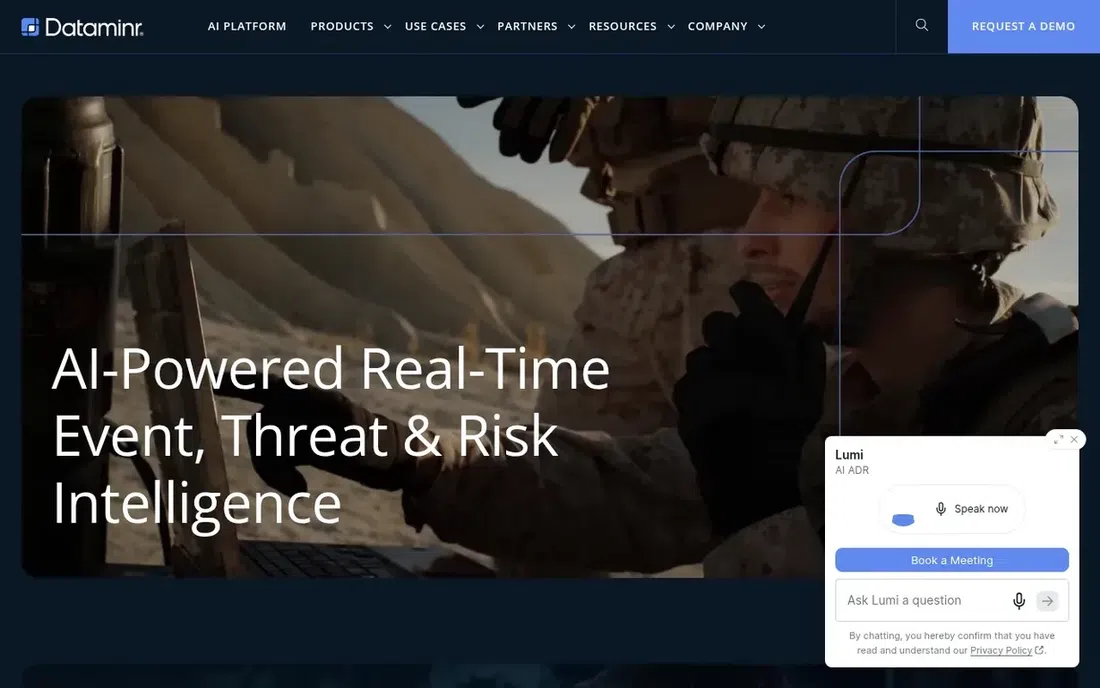
For live event and risk alerts, Dataminr is a natural candidate. Choose it when speed of event awareness is the central requirement. Also, for remote teams scattered across time zones, that speed helps a central team brief staff before a local situation escalates.
From a buyer's view, teams wanting deeper cyber-specific analysis or travel health support may pair it with a more specialized system. It is built to surface emerging incidents rapidly so security and operations teams can act with clarity. The strength in wide live coverage can also mean a high volume of signals that needs tuning to your locations and priorities. No starting price is listed for Dataminr here; confirm pricing on the vendor site. Free access: Not stated.
Watch-outs: Broad event coverage may need filtering for relevance.
- AI-driven alerting for quick situational clarity
- Suited to organizations with wide geographic exposure
- Alert volume can need tuning
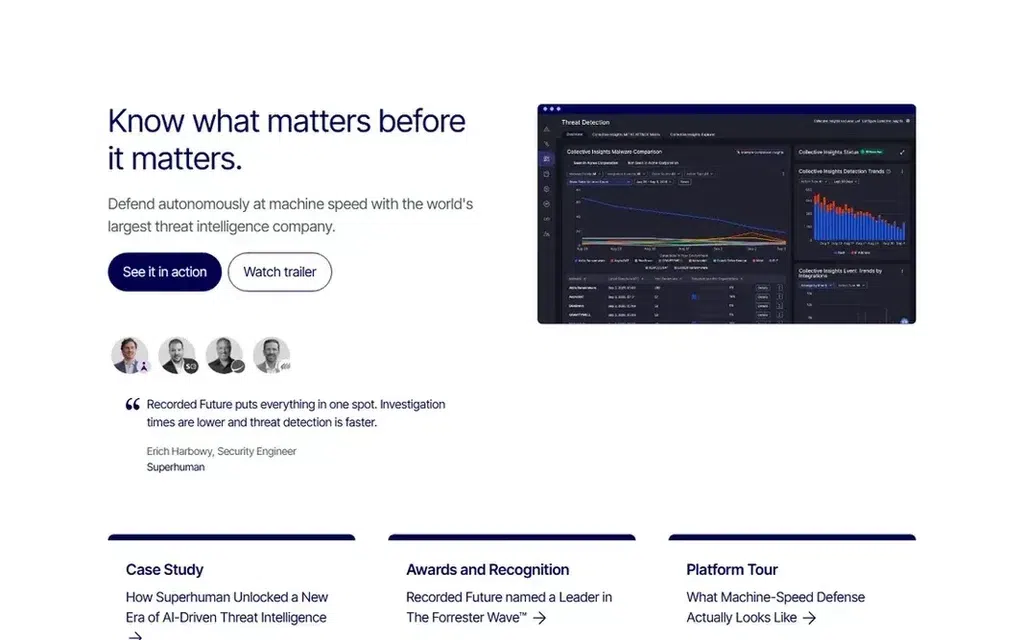
Recorded Future is aimed squarely at cyber threat prioritization. Recorded Future gives you live, actionable cyber threat intelligence targeted at helping organizations mitigate cyber risk and prioritize threats. Worth adding: pick it when digital risk is the primary concern for your distributed staff.
What to check first: Needs analysts to interpret intelligence.
Worth adding: the system is oriented toward proactive defense, giving analysts context to decide what to address first instead of reacting to every alert equally. Its emphasis is cyber rather than physical or travel safety. So teams needing event alerts or employee health support should look elsewhere or combine tools. It also rewards teams with the analyst capacity to act on intelligence. This comparison lists no price for Recorded Future; ask the vendor. Trial and free access: Not stated.
- Live
- Actionable cyber threat intelligence
- Cyber focus instead of physical safety events
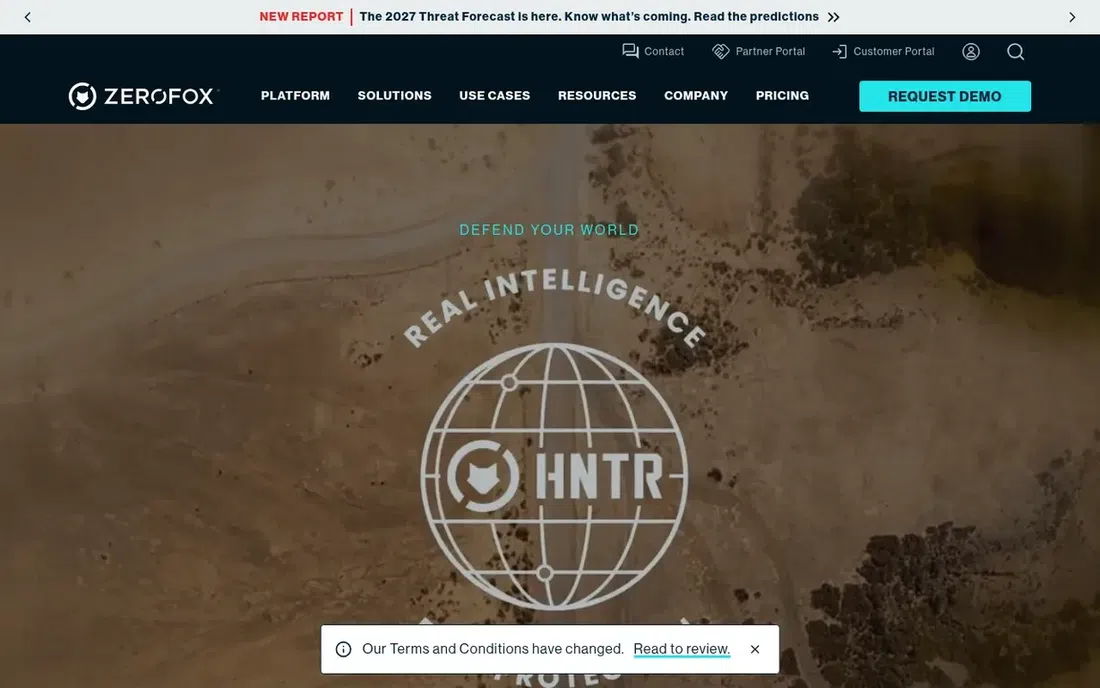
ZeroFox is a good fit for external threat discovery and disruption. ZeroFox provides actionable intelligence to discover, validate and disrupt external threats at scale. It is geared toward organizations that want to cut risk and protect reputation across their external footprint, including brand and social channels.
In daily use, choose it when external exposure and reputation protection are priorities. As for the details, for remote teams, that external view can help surface impersonation or exposure that affects staff and customers. From a buyer's view, disruption actions also work best when roles and escalation paths are defined. ZeroFox does not show a starting price in this comparison, so check the vendor site for current pricing. On free options: Not stated.
Upsides: Actionable intelligence on external threats.
Where it falls short: Disruption workflows need clear ownership.
- Aims to safeguard reputation and revenue
- Discover
- External focus may miss internal incidents
How these tools were picked
Selection started from tools commonly considered for protective intelligence platforms for remote teams, then narrowed to 5 that have clear pricing information or a clear quote process. Plan names, prices and limits change often. Treat the figures here as a starting point and verify them with the vendor. The sequence is a judgement call: typical use case first, then pricing transparency, then free access. Use the profiles to check fit.
Things to verify first
- Request quotes from Flashpoint, ZeroFox and the others; the list shows no fixed prices.
- Before choosing Flashpoint, weigh its main limit: breadth may need focus for smaller teams.
- Confirm the exact Dataminr plan that includes your must-have features.
- Let daily users try Flashpoint on real work; their feedback beats any feature checklist.
- Work out what ZeroFox costs with your real seat count, add-ons and usage, not just the entry price.
FAQ
Can I try these tools before paying?
Not by default. None of the tools, from Flashpoint to ZeroFox, lists a free plan or a free trial here, so ask each vendor for a demo before committing.
Do these tools publish their prices?
No. None of the tools, from Flashpoint to ZeroFox, shows a fixed starting price here, so budget time for quotes.
What is protective intelligence for remote teams?
It is the practice of gathering and acting on information about threats that could affect employees, wherever they work. Systems in this category help teams detect issues early and respond in a coordinated way.
Does any tool for protective intelligence platforms for remote teams here have a free plan?
No tool in this list, Flashpoint and ZeroFox included, has a permanent free plan. Trials and quotes are the usual route, so plan a short evaluation period.
How are the tools for protective intelligence platforms for remote teams ordered?
The order follows typical fit for protective intelligence platforms for remote teams, with Flashpoint first and ZeroFox last, then price clarity and free access. It is editorial judgement, not a score, so another team could rank the tools differently.
Sources
- https://www.flashpoint.io
- https://www.internationalsos.com
- https://www.dataminr.com
- https://www.recordedfuture.com
- https://www.zerofox.com