Best Scheduling Software for Home Service Businesses for 2026: Our 6 Vetted Picks
Best scheduling software for home service businesses: 6 contenders ranked by fit, with entry costs and free tiers. Plain-spoken summaries throughout. No filler.
- Editor's choice
 Service Fusion
Contractors wanting an all-in-one field service tool
Starts at$220 a monthVisit servicefusion.comFull review - Great alternative
 Housecall Pro
Expanding home service firms
Starts at$59 a monthVisit housecallpro.comFull review - Also consider
 FieldEdge
Tracking dispatches and service history
Starts atSee websiteVisit fieldedge.comFull review
Direct answer
Start with Service Fusion if you need contractors wanting an all-in-one field service tool. Listed starting prices: Service Fusion from $220 a month, Housecall Pro from $59 a month and ServiceM8 from $29 a month. Housecall Pro fits expanding home service firms; FieldEdge fits tracking dispatches and service history. The remaining 3 options are covered below with prices and limits.
TL;DR:
- This list starts with Service Fusion, which is built for contractors wanting an all-in-one field service tool.
- The main caution on Service Fusion: homepage claims should be verified in a demo.
- ServiceM8 is the lowest-priced starter here at $29 per month.
- ServiceTitan fits bigger contractors running complex operations.
- ServiceM8 stands alone as the one tool in this list with a free plan.
Last checked November 2026. Prices and plan details were read from the vendors' own pages in November 2026; vendors change plans often, so confirm the current price on the vendor site before you buy.
Quick comparison
| Tool | Best for | Starts at | Free plan? | |
|---|---|---|---|---|
| Service Fusion | Contractors wanting an all-in-one field service tool | $220 a month | No | Visit |
| Housecall Pro | Expanding home service firms | $59 a month | Free trial | Visit |
| FieldEdge | Tracking dispatches and service history | See website | No | Visit |
 Jobber | Small teams wanting quoting and scheduling together | See website | Not stated | Visit |
 ServiceM8 | Trade contractors cutting paperwork | $29 a month | Yes | Visit |
 ServiceTitan | Bigger contractors running complicated operations | See website | Free trial | Visit |
The 6 tools in detail
LinkVetted compared 6 scheduling software for home service businesses. The goal is a practical shortlist: published prices, free plan facts, best-fit use cases and honest limits for every entry.
Service Fusion
Best for: Contractors wanting an all-in-one field service tool
Think of Service Fusion for contractors wanting an all-in-one field service tool. Service Fusion supplies all-in-one field service management software designed for service firms and contractors. Its homepage emphasizes saving time and increasing productivity, positioning the product around efficiency for field teams.
Limits to weigh: Fit relies on workflow complexity.
On top of that, pick Service Fusion when an all-in-one field service approach aligns with how your crews work. Productivity claims on a homepage are a starting point, not a guarantee, so confirm the workflow matches your operation during evaluation. Starting cost for Service Fusion: $220 per month. Service Fusion has no permanent free option.
- All-in-one field service management
- Aims to save time and boost productivity
- Homepage claims should be verified in a demo
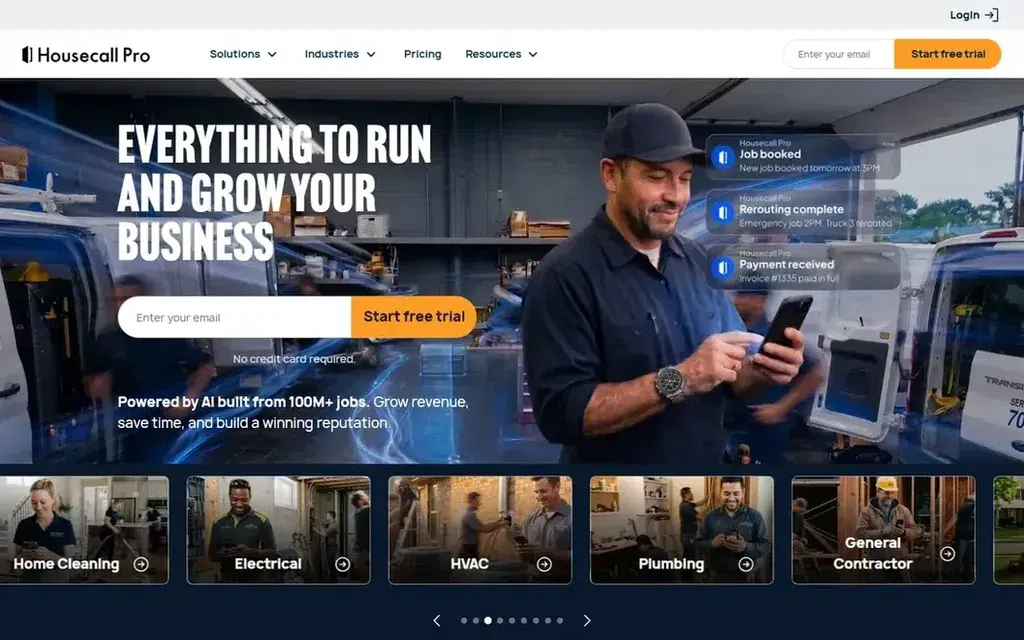
Where Housecall Pro fits: expanding home service businesses. Housecall Pro presents itself as a software option for home service companies, pitched at field service professionals who want management tools in one place.
Limits to weigh: Feature depth may vary by business type.
It suits firms that schedule technicians, run customer work and keep operations organized through a dedicated home services product. Housecall Pro cost at the entry level: $59 per month. As for free access: Free trial.
- Management features in one option
- Designed for home service firms
- Some teams may want more construction focus
FieldEdge serves tracking dispatches and service history. FieldEdge provides field service management software with efficient ways to track customers, dispatches and service history.
Drawbacks to consider: Centred on field service instead of project work.
Also, consider FieldEdge when dispatch tracking and service history are priorities. On top of that, the focus sits on field service management instead of construction project scheduling, so project-heavy contractors may want a broader system. Check the vendor site for FieldEdge pricing; none is listed in this comparison. No free plan comes with FieldEdge.
- Tracks customers and dispatches
- Field service app included
- Demo request needed before evaluating
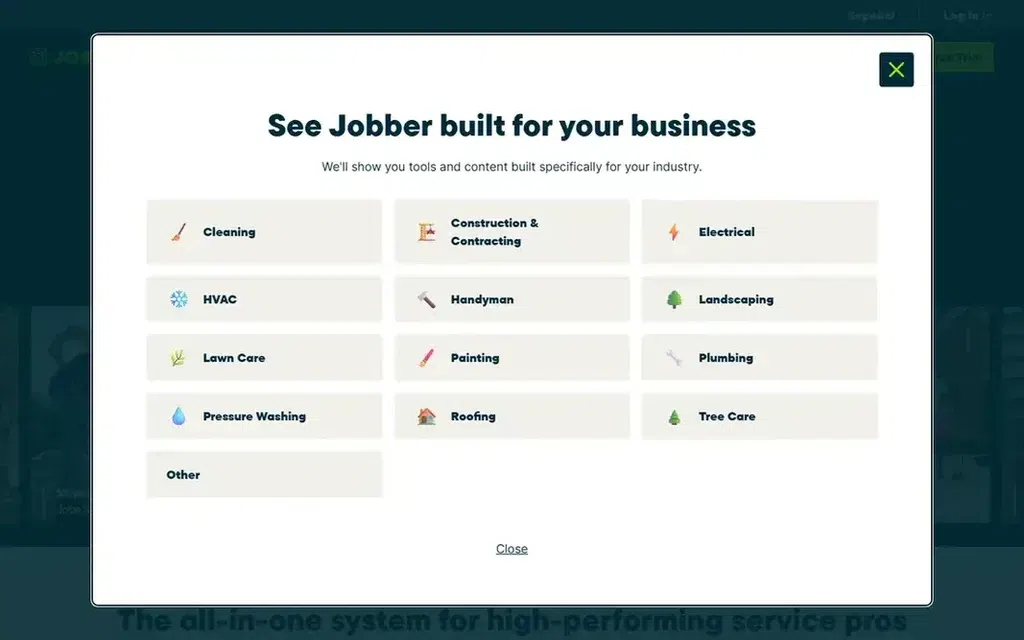
Jobber works best for small teams wanting quoting and scheduling together. Jobber describes itself as home and commercial service software for organizing a service business. Its homepage flags quoting, scheduling, invoicing and getting premium all in one place, with an easy-to-use app that supports sales, operations and customer service.
Upsides: Easy-to-use app for operations.
Points against: Advanced needs may need extras.
In practice, very specialized workflows can also push past what a general service app handles. More specifically, pick Jobber when simplicity across quoting through payment matters most. Jobber is oriented toward service work, so contractors whose scheduling revolves around long construction projects may need something broader. Jobber does not show a starting price in this comparison, so check the vendor site for current pricing. Trial and free access: Not stated.
- Invoice and get premium in one place
- Powers sales and customer service
- Geared toward service firms instead of large construction
Where ServiceM8 fits: trade contractors cutting paperwork. ServiceM8 gives you smart job management software with job tracking and CRM for trade contractors and home service firms.
Trade-offs to know: Evaluate fit for multi-crew dispatch.
Consider ServiceM8 when straightforward job tracking and CRM for trades are the primary goals. Price to start with ServiceM8: $29 per month. A free plan is available with ServiceM8.
- Job tracking and CRM for trade contractors
- Aims to cut paperwork
- Trade-focused scope may not fit every industry

ServiceTitan is designed for larger contractors running complicated operations. Consider ServiceTitan when scheduling must link to a wider operational picture.
More specifically, since it positions itself as a thorough trades product, smaller shops with straightforward scheduling needs may find it heavier than necessary. ServiceTitan does not show a starting price in this comparison, so check the vendor site for current pricing. Free plan details: Free trial.
Where it is weaker: Wide product may be more than small crews need.
- All-in-one software for the trades
- Spans service visits and construction projects
- Setup needs planning
How the list was put together
Selection started from tools commonly considered for scheduling software for home service businesses, then narrowed to 6 that have clear pricing information or a clear quote process. Where a vendor does not publish a price, the entry says quote. Where a price depends on seats or billing term, the entry says so. We ordered the tools by general fit, then by how clearly pricing is shown, then by free access. A buyer with unusual needs may reorder them.
Things to verify first
- Ask FieldEdge, Jobber and ServiceTitan for a written quote, since no starting price is shown.
- Test the free plan from ServiceM8 against your real workload before relying on it.
- Run a trial of Housecall Pro and ServiceTitan with real work before paying for a year; your own workflow is the best test.
- Read the limits listed for Service Fusion first: homepage claims should be verified in a demo.
- Work out what Jobber costs with your real seat count, add-ons and usage, not just the entry price.
- Involve the people who will use ServiceTitan daily; a short pilot beats a long feature checklist.
FAQ
How are the tools for scheduling software for home service businesses ordered?
The order follows typical fit for scheduling software for home service businesses, with Service Fusion first and ServiceTitan last, then price clarity and free access. It is editorial judgement, not a score, so another team could rank the tools differently.
Do trade contractors need different scheduling software?
Trade contractors frequently want job tracking and CRM tied together, which is the focus ServiceM8 describes. If your work mixes service calls with bigger projects, compare tools that include both, for example ServiceTitan.
Can I try these tools before paying?
Often, yes. ServiceM8 has a free plan and Housecall Pro and ServiceTitan offer a free trial. Use your own data and a real task during the test, and check what the free tier or trial limits before you rely on it. For the full picture, the cards above cover all 6 entries of this scheduling software for home service businesses list, including price, free plan and limits.
What should a home service business look for in scheduling software?
Start with how you dispatch work: single technician or several crews, routine service or project jobs. A mobile app for field staff and clear customer history are also worth checking.
Which options for scheduling software for home service businesses have a free plan?
ServiceM8 is the only tool in this list with a free plan. Free plans usually cap users, projects or features, so check the limits on the vendor page. Several others offer a trial instead. Prices, free plan details and limits for all 6 tools in this scheduling software for home service businesses roundup sit on the individual cards above.
What is the cheapest option for scheduling software for home service businesses in this list?
On published monthly entry prices, ServiceM8 is the lowest here at $29 per month. Entry price is only part of the cost, because seats, add-ons and billing terms can change the total. Each of the 6 options in this scheduling software for home service businesses guide has its own card above with the price, free plan and limits.
Sources
- https://www.servicefusion.com
- https://www.housecallpro.com
- https://www.fieldedge.com
- https://www.getjobber.com
- https://www.servicem8.com
- https://www.servicetitan.com