Best Retail Scheduling Software in 2026: Prices, Free Plans and 5 Picks
Need the best retail scheduling software? We compare 5 tools on cost, free access and who each suits. Trade-offs are spelled out for each entry. Decide faster.
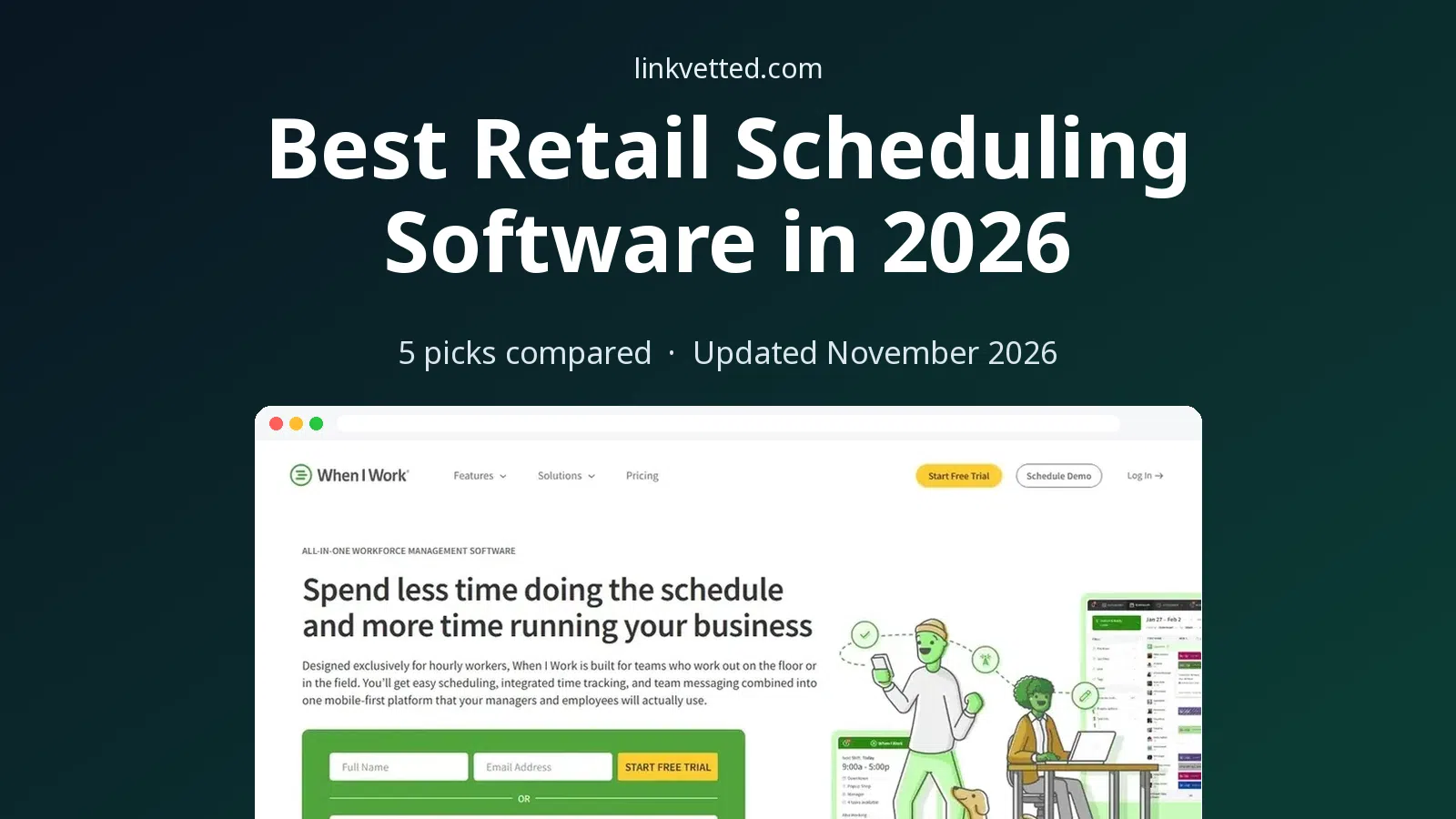
- Editor's choice
 ADP Workforce Now
Retailers wanting scheduling within broader HCM
Starts atSee websiteVisit adp.comFull review - Great alternative
 Sling
Straightforward shift planning and communication
Starts at$1.70 per user a monthVisit getsling.comFull review - Also consider
 When I Work
Shift scheduling with team messaging
Starts at$2.50 per user a monthVisit wheniwork.comFull review
Direct answer
ADP Workforce Now comes first here, mainly for retailers wanting scheduling within broader HCM. Listed starting prices: Sling from $1.70 per user a month, When I Work from $2.50 per user a month and Deputy from $5 per user per month. Sling is the stronger choice for straightforward shift planning and communication, while When I Work suits shift scheduling with team messaging. Prices, free plans and limits for all 5 tools follow.
TL;DR:
- The list opens with ADP Workforce Now, aimed at retailers wanting scheduling within broader HCM.
- The main caution on When I Work: payroll relies on integrations.
- 2 of 5 tools offer a free plan: Sling, Homebase.
- Sling is the lowest-priced starter here at $1.70 per user per month.
- For small hourly teams needing all-in-one tools, Homebase is worth a look.
Last checked November 2026. Prices and plan details were read from the vendors' own pages in November 2026; vendors change plans often, so confirm the current price on the vendor site before you buy.
Quick comparison
| Tool | Best for | Starts at | Free plan? | |
|---|---|---|---|---|
| ADP Workforce Now | Retailers wanting scheduling within broader HCM | See website | Not stated | Visit |
| Sling | Straightforward shift planning and communication | $1.70 per user a month | Yes | Visit |
| When I Work | Shift scheduling with team messaging | $2.50 per user a month | Free trial | Visit |
 Deputy | Scheduling with labor forecasting and payroll | $5 per user per month | Free trial | Visit |
 Homebase | Small hourly teams needing all-in-one tools | $30 per location a month | Yes | Visit |
5 options for retail scheduling software in detail
Choosing retail scheduling software usually comes down to price, fit and limits. This LinkVetted guide sets 5 tools side by side on those three points, with the facts kept short and checkable.
Think of ADP Workforce Now for retailers wanting scheduling within broader HCM. For retail operations that want scheduling connected to payroll and HR administration, it can consolidate workforce management in a single vendor relationship.
Limits to weigh: Wide suite may be complicated for small shops.
Also, choose ADP Workforce Now when scheduling should live inside a wider payroll and HR system. ADP Workforce Now does not show a starting price in this comparison, so check the vendor site for current pricing. Free plan details: Not stated.
- Tax and HR in one suite
- Products built to scale
- Scheduling is one part of a bigger system
Think of Sling for straightforward shift planning and communication. Sling is employee shift scheduling and planning software that helps companies run shifts and communicate with employees. Its emphasis is on making scheduling and shift planning simple, which fits retail managers who want a clear, uncluttered way to publish schedules and keep staff in the loop.
Honest limits: Lighter on payroll and HR depth.
It does well for teams that prioritize straightforward shift coordination over broad HR features. On top of that, pick Sling when simple shift planning and communication are the core requirements. Complicated multi-location enterprises may also want more advanced controls. Sling cost at the entry level: $1.70 per user per month. Sling includes a free tier.
- Straightforward
- Easy-to-use approach
- May not suit complicated enterprise needs
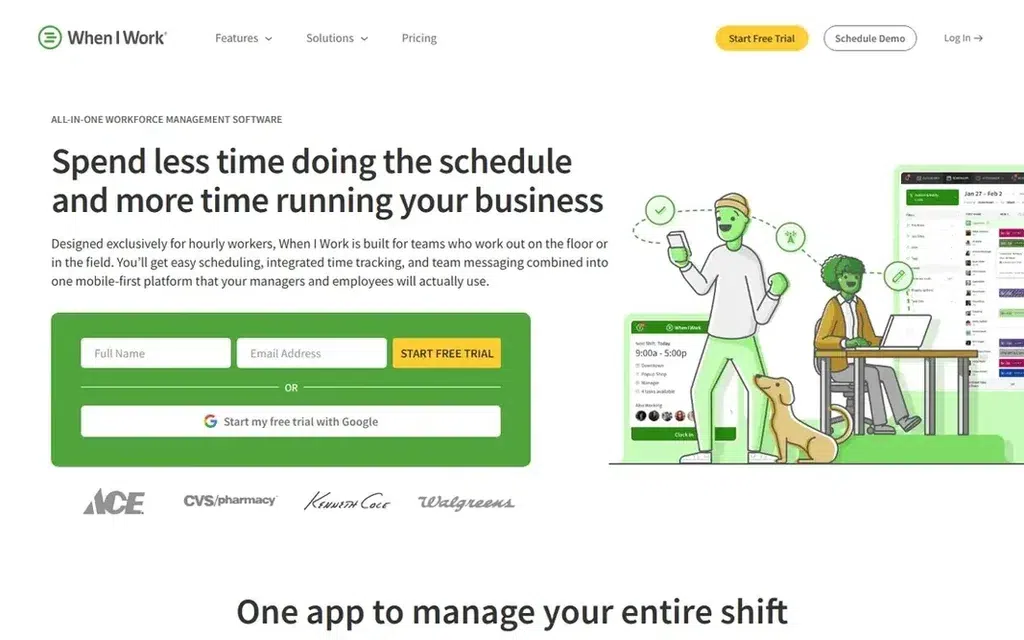
When I Work was built for shift scheduling with team messaging. Very large or complicated operations may also outgrow a scheduling-first approach. Also, When I Work is employee scheduling and management software that lets managers schedule shifts, track time and message the team in a single app.
The main drawbacks: Advanced needs may need more setup.
For retail locations with frequent shift changes, the combination of scheduling and built-in communication helps keep staff informed. For everyday use, pick When I Work when communication and shift management are the priority. Payroll is not the core of the product, so firms wanting payroll in the same system may have to link other tools. On cost, When I Work starts like this: $2.50 per user per month. Free plan details: Free trial.
- Message the team straight
- Track time alongside schedules
- Payroll relies on integrations
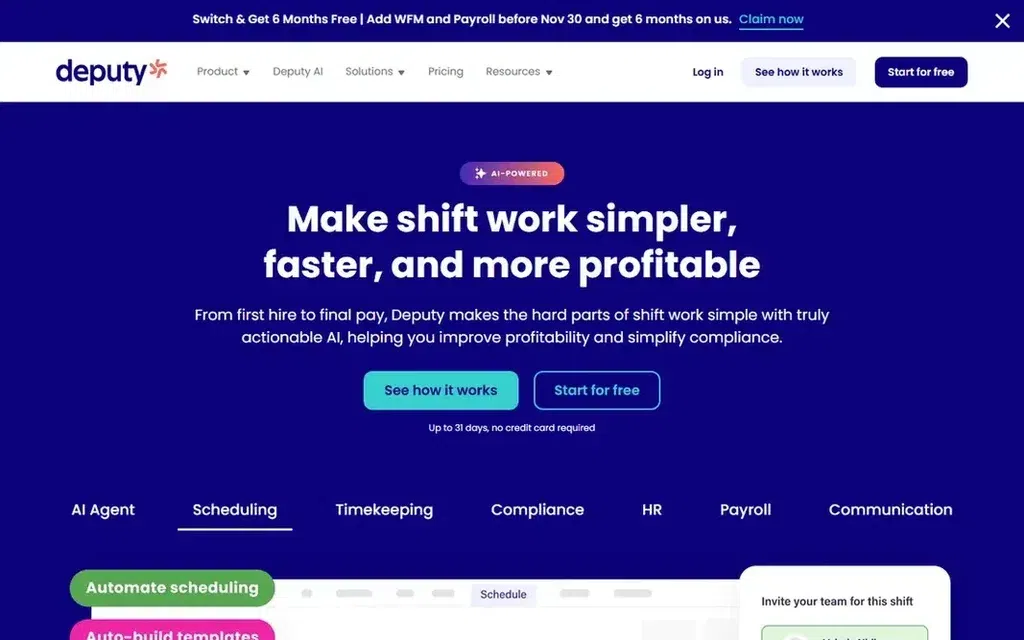
Where Deputy fits: scheduling with labor forecasting and payroll. Since it spans scheduling, HR and payroll, Deputy can be more than a small shop needs, and getting the setup right takes some effort.
Where it is weaker: Setup takes some configuration.
As for the details, teams that only want straightforward shift lists may prefer a lighter choice. On cost, Deputy starts like this: $5 per user per month. Free plan details: Free trial.
- Payroll features included
- AI labor forecasting
- Wide feature set may feel heavy for tiny teams
In short, Homebase is for small hourly teams needing all-in-one tools. As an all-in-one aimed at smaller firms, it may not match the depth of dedicated enterprise HR suites for complicated multi-location needs.
The starting price for Homebase: $30 per location per month. Homebase includes a free tier.
The main drawbacks: A good match for smaller firms.
- Scheduling and time clocks together
- Aimed at hourly teams
- Feature depth may lag bigger suites
How these tools were picked
Selection started from tools commonly considered for retail scheduling software, then narrowed to 5 that have clear pricing information or a clear quote process. Plan names, prices and limits change often. Treat the figures here as a starting point and verify them with the vendor. The order reflects how well each tool fits the most common buying scenario for retail scheduling software, then price clarity, then free plan access. It is a starting point, not a verdict.
Questions to settle before buying
- Ask ADP Workforce Now for a written quote, since no starting price is shown.
- Check what the free option really includes: Sling and Homebase offer a free plan, and usage caps differ.
- Use real work to test the free trial from When I Work and Deputy, rather than a demo project.
- Before choosing ADP Workforce Now, weigh its main limit: wide suite may be complicated for small shops.
- Price Deputy for your actual team size; headline prices rarely include add-ons or overage.
- Let daily users try Sling on real work; their feedback beats any feature checklist.
FAQ
How are the tools for retail scheduling software ordered?
The order follows typical fit for retail scheduling software, with ADP Workforce Now first and Homebase last, then price clarity and free access. It is editorial judgement, not a score, so another team could rank the tools differently.
Can I try these options before paying?
Often, yes. Sling and Homebase have a free plan and When I Work and Deputy offer a free trial. Use your own data and a real task during the test, and check what the free tier or trial limits before you rely on it. For the full picture, the cards above cover all 5 entries of this retail scheduling software list, including price, free plan and limits.
Which tool is a good match for small retail teams?
ADP Workforce Now comes first here and is built for retailers wanting scheduling within broader HCM. Buyers with other needs may prefer Sling (for straightforward shift planning and communication) or When I Work (for shift scheduling with team messaging). Compare costs and limits first.
Which options for retail scheduling software have a free plan?
On this list, Sling and Homebase include a free plan. Caps on seats, usage or features are common, so test the free plan against your real workload. Several others offer a trial instead. Prices, free plan details and limits for all 5 tools in this retail scheduling software roundup sit on the individual cards above.
Can scheduling software link to payroll?
Deputy bundles payroll features, Homebase bundles payroll, and ADP Workforce Now places scheduling within a wider payroll and HCM suite. Confirm the exact payroll handling on each vendor site for your region.
Do these tools publish their prices?
Not all of them. ADP Workforce Now publishes no starting price, so expect a quote request for it. The rest, Sling included, show a starting price, though seats and billing terms still change the final cost.
Sources
- https://www.adp.com
- https://getsling.com
- https://wheniwork.com
- https://www.deputy.com
- https://joinhomebase.com