Scheduling Software for Retail Stores in 2026: The 5 Best Options Side by Side
Best scheduling software for retail stores: 5 tools compared on price, free plans and fit. Each listing flags where it falls short. Full profiles inside.
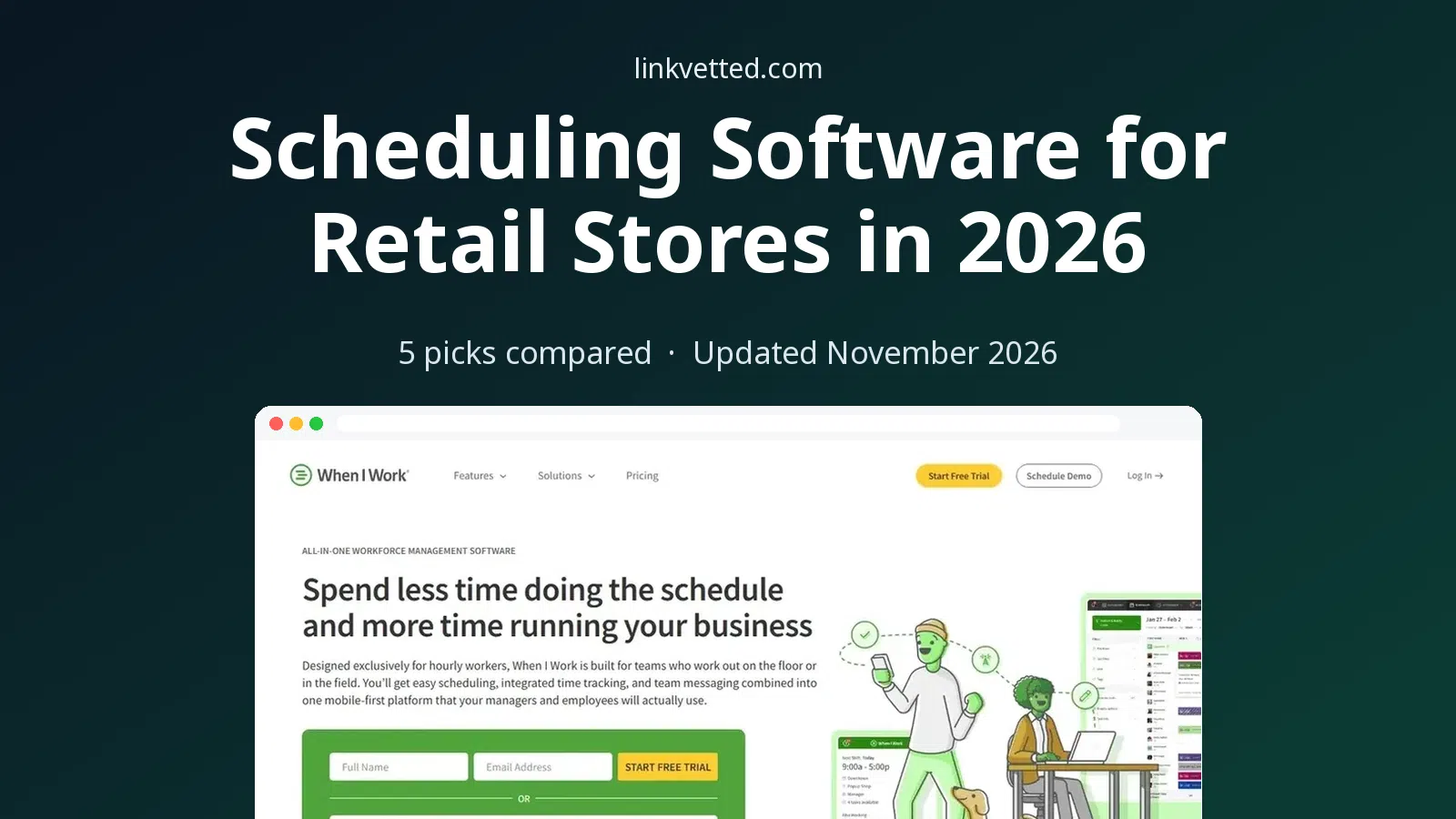
- Editor's choiceHotSchedules
Hospitality-focused scheduling and engagement
Starts atSee websiteVisit hotschedules.comFull review - Great alternative
 When I Work
Straightforward shift swaps and messaging
Starts at$2.50 per user per monthVisit wheniwork.comFull review - Also consider
 Workforce.com
Compliance-aware workforce management
Starts atSee websiteVisit workforce.comFull review
Direct answer
Start with HotSchedules if you need hospitality-focused scheduling and engagement. Listed starting prices: When I Work from $2.50 per user per month, Deputy from $5 per user per month and Sling from $1.70 per user per month. When I Work fits straightforward shift swaps and messaging; Workforce.com fits compliance-aware workforce management. Details, prices and limits for the rest of the 5 tools are below.
TL;DR:
- HotSchedules takes the first slot, best suited to hospitality-focused scheduling and engagement.
- Sling fits straightforward shift planning and communication.
- Sling is the only tool of the 5 with a free plan.
- Workforce.com comes with a trade-off: pitched at bigger operations.
Last checked November 2026. Prices and plan details were read from the vendors' own pages in November 2026; vendors change plans often, so confirm the current price on the vendor site before you buy.
Quick comparison
| Tool | Best for | Starts at | Free plan? | |
|---|---|---|---|---|
| HotSchedules | Hospitality-focused scheduling and engagement | See website | Not stated | Visit |
| When I Work | Straightforward shift swaps and messaging | $2.50 per user per month | Free trial | Visit |
| Workforce.com | Compliance-aware workforce management | See website | Not stated | Visit |
 Deputy | Scheduling with labor forecasting | $5 per user per month | Free trial | Visit |
 Sling | Straightforward shift planning and communication | $1.70 per user per month | Yes | Visit |
Scheduling Software for Retail Stores profiles
LinkVetted put together this guide to scheduling software for retail stores for readers who want a clear shortlist without reading every vendor page. It compares 5 tools on starting price, free plans, who each one suits and where each one falls short.
HotSchedules
Best for: Hospitality-focused scheduling and engagement
HotSchedules is aimed squarely at hospitality-focused scheduling and engagement. Its scheduling and team engagement features translate to retail environments where managers coordinate hourly staff and want employees involved in shift communication.
Where it falls short: Retail-specific features are less emphasized.
HotSchedules does not show a starting price in this comparison, so check the vendor site for current pricing. On free options: Not stated.
- Engagement tools for staff
- Online employee scheduling
- Positioned toward hospitality
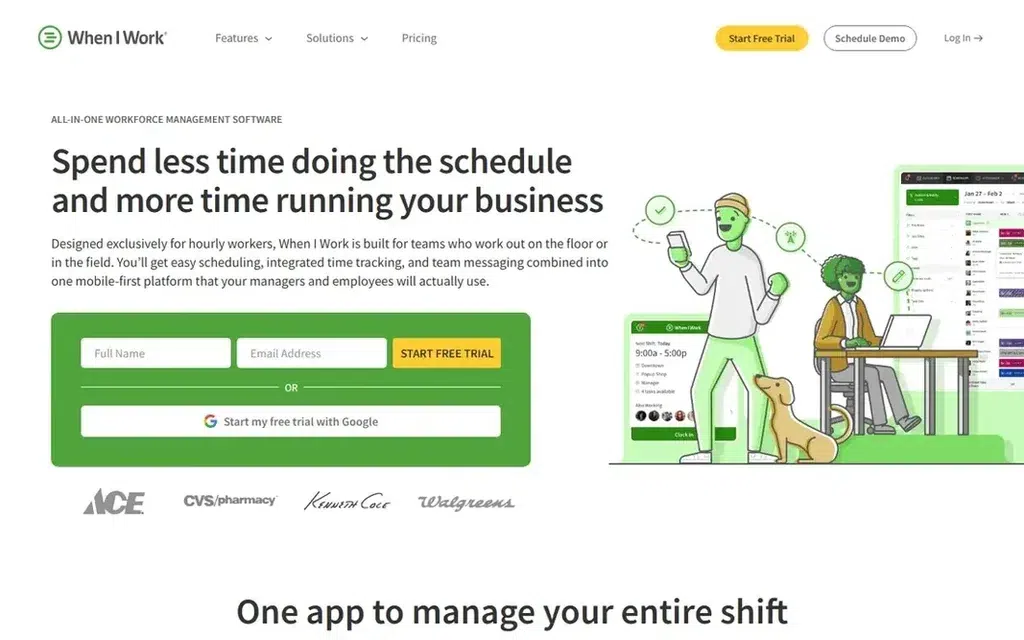
Choose When I Work for straightforward shift swaps and messaging. Keeps needing deep payroll processing or sophisticated demand forecasting should look at broader systems, since When I Work centers on scheduling and time tracking.
It performs well for keeps that want a clean, approachable tool without heavy configuration. What you pay to start with When I Work: $2.50 per user per month. On free options: Free trial.
Where it falls short: Advanced forecasting is restricted.
- Message the team in the same tool
- Track time alongside schedules
- Payroll is not the core focus
Workforce.com makes the most sense for compliance-aware workforce management. Workforce.com is workforce management software handling employee scheduling, time and attendance, and legal compliance. From a buyer's view, very small keeps with fixed shifts may not need that depth.
Where it is weaker: Setup is more involved.
Choose Workforce.com when attendance accuracy and compliance carry real weight in your store. For everyday use, the compliance and workforce management focus includes more setup and administration than a straightforward scheduling app. Pricing for Workforce.com is not stated here, so ask the vendor for current figures. As for free access: Not stated.
- Legal compliance features
- Employee scheduling and time attendance
- Pitched at larger operations
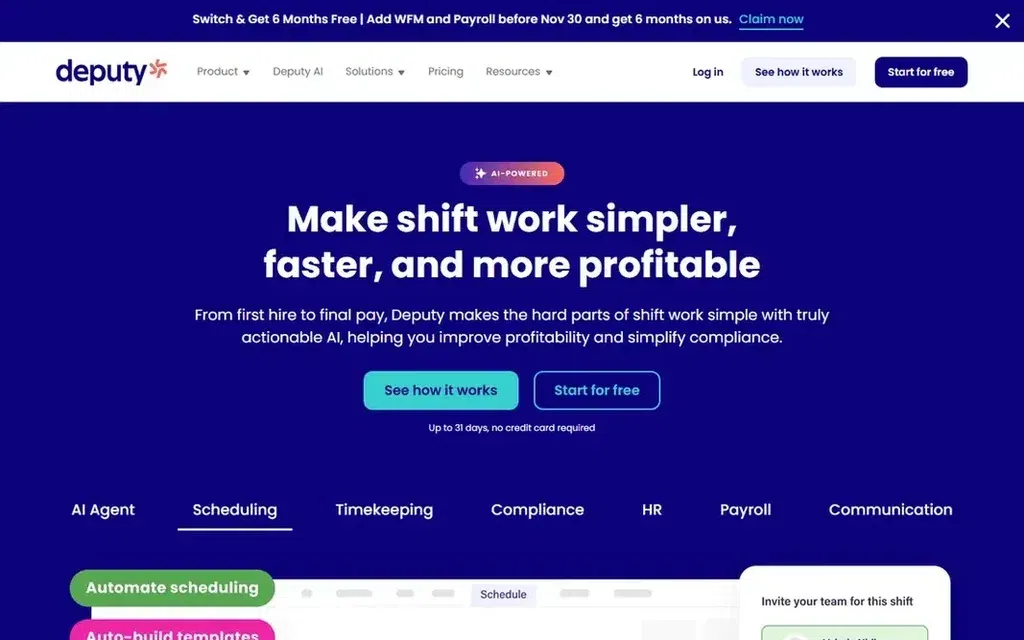
Pick Deputy if this describes you: scheduling with labor forecasting. Its AI labor forecasting aims to help managers align staffing with expected demand, which fits retail keeps that see busy and quiet periods across the week.
The main drawbacks: Feature depth may overwhelm very small keeps.
A small shop with fixed weekly shifts may find more straightforward tools faster to adopt. Deputy pricing: $5 per user per month. On free options: Free trial.
- Payroll features included
- AI labor forecasting
- Forecasting value relies on clean data
Sling was built for straightforward shift planning and communication. Sling is employee shift scheduling and planning software meant to help firms handle shifts and communicate with employees.
Downsides: Advanced analytics are entry-level.
Highly complicated scheduling rules across plenty of locations may also exceed what it deals with comfortably. From a buyer's view, small and mid-size shops with straightforward staffing patterns are the clearest fit. Sling starts at: $1.70 per user per month. You can start on Sling without paying.
- Team communication included
- Shift scheduling and planning
- Restricted payroll and HR depth
How these tools were picked
The comparison looks at four things: starting price, free access, how well the feature set matches scheduling software for retail stores, and the main limit of each tool. Where a price is missing, the vendor does not list one publicly or ties it to a quote. Always confirm before budgeting. The order reflects how well each tool fits the most common buying scenario for scheduling software for retail stores, then price clarity, then free plan access. It is a starting point, not a verdict.
What to confirm before you sign up
- Get a written quote from HotSchedules and Workforce.com; the list shows no starting price for them.
- Look at the free plan from Sling closely: its caps decide whether it is usable for real work.
- Take the trial from When I Work and Deputy and push a live task through it before you pay.
- Before choosing HotSchedules, weigh its main limit: positioned toward hospitality.
- Look at the help docs and support options for Sling before you commit.
- Before rolling out Deputy, verify the integrations your workflow depends on.
FAQ
What is the cheapest option for scheduling software for retail stores in this list?
On published monthly entry prices, Sling is the lowest here at $1.70 per user per month. Entry price is only part of the cost, because seats, add-ons and billing terms can change the total. For the full picture, the cards above cover all 5 entries of this scheduling software for retail stores list, including price, free plan and limits.
How are the tools for scheduling software for retail stores ordered?
HotSchedules sits first and Sling last because the order follows typical fit for scheduling software for retail stores, then price clarity and free access. It is a judgement call, so read each profile for fit and limits.
Is HotSchedules the right pick for everyone comparing scheduling software for retail stores?
No single tool suits every team. HotSchedules comes first because it fits hospitality-focused scheduling and engagement, while When I Work suits simple shift swaps and messaging and Workforce.com suits compliance-aware workforce management. Match the tool to your own size, budget and workflow before deciding.
Can I try these tools before paying?
Often, yes. Sling has a free plan and When I Work and Deputy offer a free trial. Use your own data and a real task during the test, and check what the free tier or trial limits before you rely on it.
Sources
- https://www.hotschedules.com
- https://wheniwork.com
- https://www.workforce.com
- https://www.deputy.com
- https://getsling.com