The 5 Best Restaurant POS Software for Fine Dining in 2026, Ranked
Best restaurant POS software for fine dining: 5 tools compared on price, free plans and fit. Trade-offs are spelled out for each entry. Numbers first.
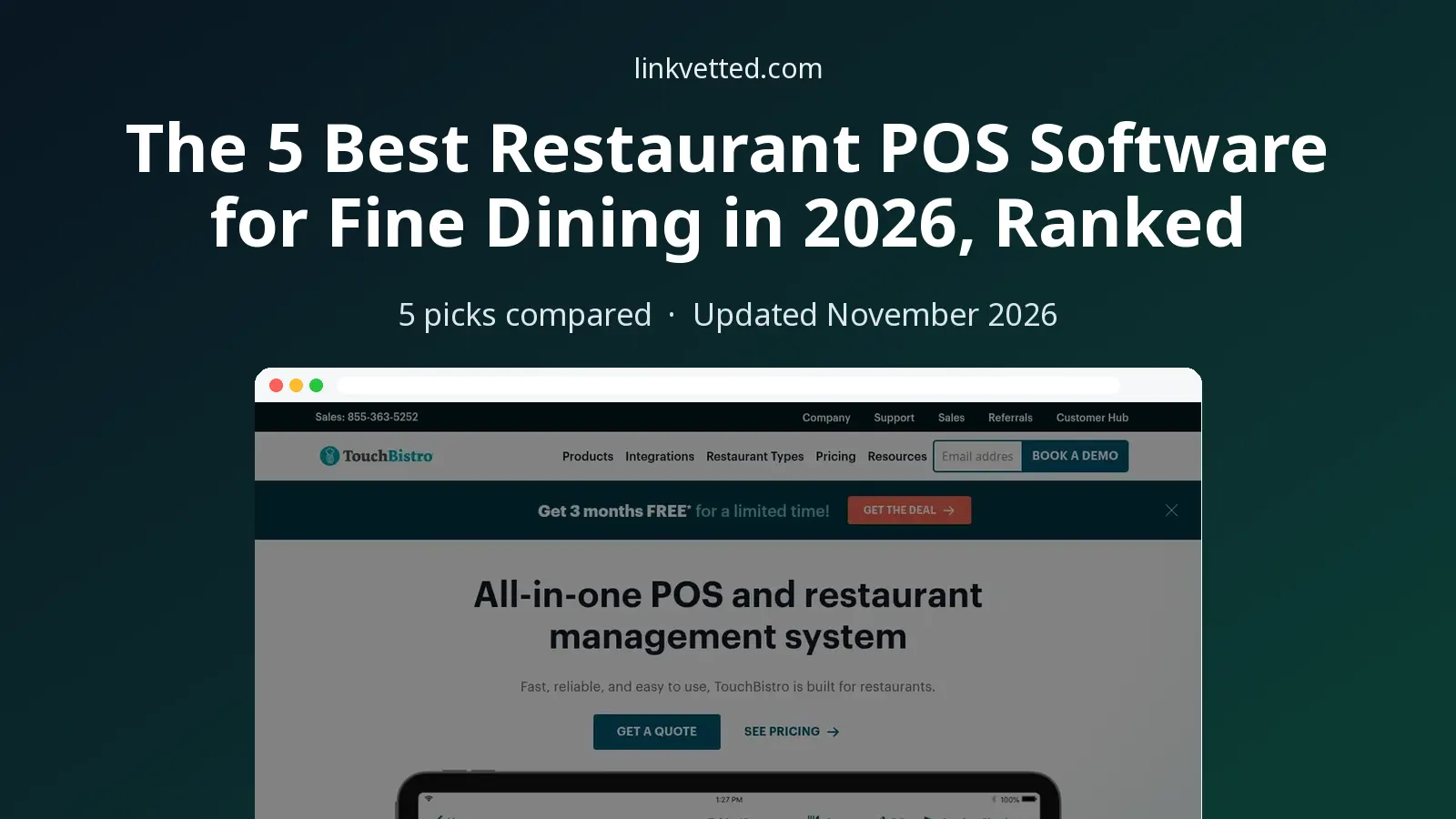
- Editor's choice
 TouchBistro
All-in-one POS and management
Starts at$69 a monthVisit touchbistro.comFull review - Great alternativeLavu
Restaurant POS with management tools
Starts atSee websiteVisit lavu.comFull review - Also consider
 Lightspeed Restaurant
Configurable POS with reporting insights
Starts atSee websiteVisit lightspeedhq.comFull review
Direct answer
Our first pick is TouchBistro, best for all-in-one POS and management. Listed starting prices: TouchBistro from $69 a month. Lavu is the stronger choice for Restaurant POS with management tools, while Lightspeed Restaurant suits configurable POS with reporting insights. Prices, free plans and limits for all 5 tools follow.
TL;DR:
- TouchBistro sits first on this list: all-in-one POS and management.
- TouchBistro is the lowest-priced starter here at $69 per month.
- A permanent free plan is missing from all 5 tools, TouchBistro and Toast POS included; plan for a trial or a premium start.
- The main caution on Lavu: feature details vary by configuration.
Last checked November 2026. Prices and plan details were read from the vendors' own pages in November 2026; vendors change plans often, so confirm the current price on the vendor site before you buy.
Quick comparison
| Tool | Best for | Starts at | Free plan? | |
|---|---|---|---|---|
| TouchBistro | All-in-one POS and management | $69 a month | Not stated | Visit |
| Lavu | Restaurant POS with management tools | See website | Not stated | Visit |
| Lightspeed Restaurant | Configurable POS with reporting insights | See website | Not stated | Visit |
 Clover | General POS with card readers | See website | Not stated | Visit |
| Toast POS | Restaurant-focused full-service operations | See website | Not stated | Visit |
Restaurant POS Software for Fine Dining, one by one
LinkVetted put together this guide to restaurant POS software for fine dining for readers who want a clear shortlist without reading every vendor page. It compares 5 tools on starting price, free plans, who each one suits and where each one falls short.
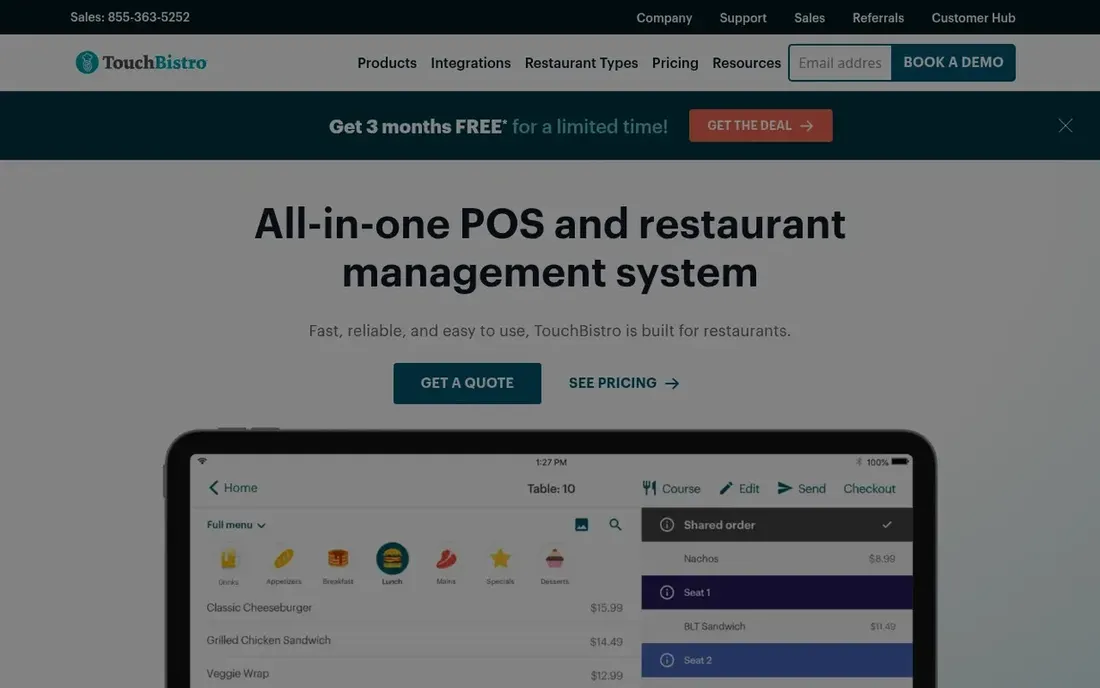
Pick TouchBistro if this describes you: all-in-one POS and management. TouchBistro presents itself as an all-in-one POS and restaurant management system, positioned around increasing sales, delighting guests and saving time. That combined approach appeals to fine dining operators who want ordering, payments and management under one roof rather than stitching together separate tools.
It is a reasonable starting point for restaurants seeking a single cohesive platform. Worth adding: verify that its management features match your service and reporting requirements. If you already have solid back-office tools, a lighter POS may be enough. What you pay to start with TouchBistro: $69 per month. Free plan details: Not stated.
Watch-outs: Breadth of features may exceed small needs. What works well: Targeted at saving time and increasing sales.
- Made for restaurant operations
- All-in-one POS and management system
- Setup relies on chosen components
Lavu
Best for: Restaurant POS with management tools
Lavu is designed for Restaurant POS with management tools. The precise feature set relies on the configuration you choose, so verify the specific capabilities you need.
Limits to weigh: Less suited to non-restaurant retail.
Otherwise, it remains a reasonable restaurant-focused choice to weigh. As for the details, operators comparing multiple restaurant-focused products will likely include it in their shortlist. Check the vendor site for Lavu pricing; none is listed in this comparison. On free options: Not stated.
- Suits table-service operations
- Restaurant-oriented point of sale
- Feature details vary by configuration
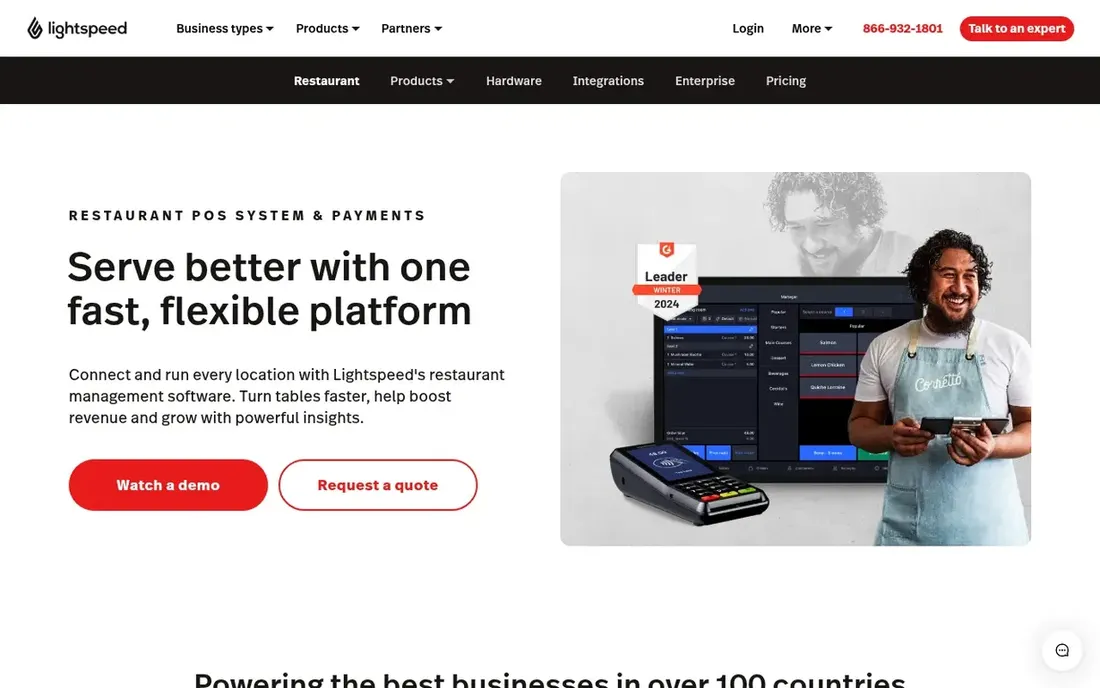
Think of Lightspeed Restaurant for configurable POS with reporting insights. If you want something more straightforward to deploy, a more standardized restaurant POS may suit you better. More specifically, for fine dining, that adaptability matters when floor plans, service courses and reporting needs differ from standard setups.
Drawbacks to consider: Customization can add setup complexity.
Lightspeed Restaurant is an adaptable, configurable restaurant point of sale, payments and management system with a stated focus on industry-leading insights. Confirm which reporting and management capabilities are included in the configuration you need. This comparison lists no price for Lightspeed Restaurant; ask the vendor. Free options: Not stated.
- Emphasis on reporting insights
- Payments and management in one platform
- Full value relies on using its management features
Clover is a good fit for general POS with card readers. Clover supplies point of sale systems and credit card readers across business types, including restaurants.
Where it is weaker: Not positioned solely for fine dining.
Its hardware-oriented approach can suit operators who want integrated payment devices alongside POS software. Review the restaurant capabilities carefully before committing. Check the vendor site for Clover pricing; none is listed in this comparison. Free options: Not stated.
- POS system with credit card readers
- Wide point of sale offering
- Restaurant-specific depth needs checking
Toast POS
Best for: Restaurant-focused full-service operations
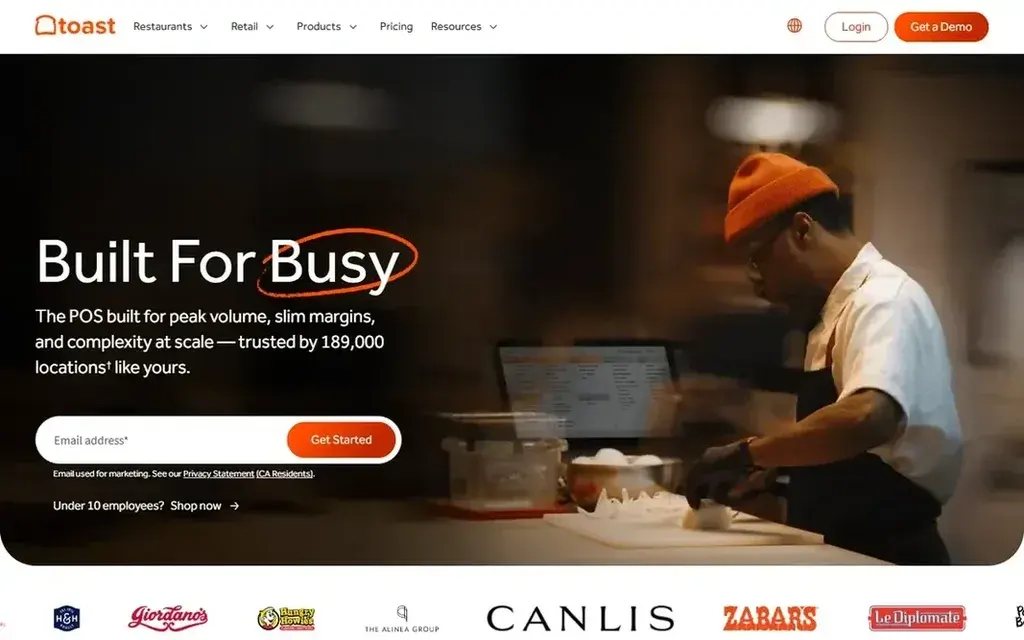
Think of Toast POS for Restaurant-focused full-service operations. Compare the documented modules carefully against your service style before deciding. On top of that, since configurations vary widely, the exact feature set relies on which modules and hardware you choose.
It may be less appealing if you need deep hotel or resort integration, where hospitality-specific systems are stronger. As for the details, operators who prefer a vendor centered on restaurants commonly start here. Toast POS does not show a starting price in this comparison, so check the vendor site for current pricing. Free options: Not stated.
Honest limits: Hardware and setup vary by configuration.
- Merges point of sale with management tools
- Fits table-service dining rooms
- Feature depth relies on the modules you adopt
Selection criteria
For each of the 5 tools we noted price, free plan or trial, fit for restaurant POS software for fine dining and the main limit, using vendor pages and documentation. Prices and plan limits come from vendor pages and can change, so confirm them on the vendor site before you buy. The sequence is a judgement call: typical use case first, then pricing transparency, then free access. Use the profiles to check fit.
Before you commit
- Ask Lavu, Lightspeed Restaurant, Clover and Toast POS for a written quote, since no starting price is shown.
- Read the limits listed for TouchBistro first: breadth of features may exceed small needs.
- Check the integration list for Lightspeed Restaurant against the tools you run today, and note which ones need a higher plan.
- Pick one real project and run it in Lavu first; a small pilot shows fit faster than a checklist.
- Work out what TouchBistro costs with your real seat count, add-ons and usage, not just the entry price.
FAQ
What should fine dining restaurants look for in a POS?
Prioritize precise table and course management, adaptable check handling and reporting that reflects your service style. Integration with reservations and kitchen workflows matters as well.
Do these tools publish their prices?
Not all of them. Lavu, Lightspeed Restaurant, Clover and Toast POS publish no starting price, so expect a quote request for those. The rest, TouchBistro included, show a starting price, though seats and billing terms still change the final cost.
Is a restaurant-specific POS better than a general one?
A restaurant-specific system is typically built around table service, coursing and menu management, which fits fine dining. More specifically, general POS systems can work but may need closer verification of restaurant features.
How are the tools for restaurant POS software for fine dining ordered?
The order follows typical fit for restaurant POS software for fine dining, with TouchBistro first and Toast POS last, then price clarity and free access. It is editorial judgement, not a score, so another team could rank the tools differently.
How can I compare these platforms fairly?
List the workflows your dining room depends on, then check each vendor's documented features against that list. Confirm limits and integrations straight with the vendor.
Is TouchBistro the right pick for everyone comparing restaurant POS software for fine dining?
No single tool suits every team. TouchBistro comes first because it fits all-in-one POS and management, while Lavu suits Restaurant POS with management tools and Lightspeed Restaurant suits customizable POS with reporting insights. Match the tool to your own size, budget and workflow before deciding.
Sources
- https://www.touchbistro.com
- https://www.lavu.com
- https://www.lightspeedhq.com/pos/restaurant
- https://www.clover.com
- https://pos.toasttab.com