Best POS for Small Restaurant Online Ordering in 2026: Prices, Free Plans and 6 Picks
Best POS for small restaurant online ordering in 2026: 6 tools with starting prices, free plans and limits. Each entry gets a plain verdict. Costs up front.
- Editor's choice
 ChowNow
Commission-free online ordering
Starts atSee websiteVisit chownow.comFull review - Great alternative
 BentoBox
Website-led ordering and reservations
Starts atSee websiteVisit getbento.comFull review - Also consider
 TouchBistro
All-in-one restaurant management
Starts at$69 a monthVisit touchbistro.comFull review
Direct answer
ChowNow leads the list, best for commission-free online ordering. Listed starting prices: TouchBistro from $69 a month. If your case is different, BentoBox suits website-led ordering and reservations and TouchBistro suits all-in-one restaurant management. Prices, free plans and limits for all 6 tools follow.
TL;DR:
- The list opens with ChowNow, aimed at commission-free online ordering.
- Olo is the one to check for scaled digital ordering operations.
- ChowNow comes with a trade-off: not a full POS replacement.
- None of the 6 tools, from ChowNow to Olo, has a free plan, so budget for a subscription or use a trial.
- TouchBistro has the lowest monthly starting price in this list: $69 per month.
Last checked November 2026. Prices and plan details were read from the vendors' own pages in November 2026; vendors change plans often, so confirm the current price on the vendor site before you buy.
Quick comparison
| Tool | Best for | Starts at | Free plan? | |
|---|---|---|---|---|
| ChowNow | Commission-free online ordering | See website | Not stated | Visit |
| BentoBox | Website-led ordering and reservations | See website | Not stated | Visit |
| TouchBistro | All-in-one restaurant management | $69 a month | Not stated | Visit |
 Lightspeed Restaurant | Configurable restaurant POS with insights | See website | Not stated | Visit |
 Square for Restaurants | All-in-one ordering and payments | See website | Not stated | Visit |
| Olo | Scaled digital ordering operations | See website | Not stated | Visit |
Tool-by-tool breakdown
If you are comparing POS for small restaurant online ordering, this page covers 6 tools in one place: what each is best for, what it costs to start, whether it has a free plan, and the main limit to know about.
Pick ChowNow if this describes you: commission-free online ordering. It suits restaurants that already have a POS and need a dedicated ordering channel.
ChowNow is not a point of sale, so it complements instead of replaces your in-house system. No starting price is listed for ChowNow here; confirm pricing on the vendor site. As for free access: Not stated.
Downsides: Not a full POS replacement.
- Commission-free ordering model
- Diner-facing ordering experience
- Ordering focus only
Think of BentoBox for website-led ordering and reservations. BentoBox is a restaurant marketing and commerce product handling website design, online ordering and reservations.
More specifically, the vendor says it helps restaurants build outstanding hospitality experiences for guests. Beyond that, pick BentoBox when your website is central to how guests order. BentoBox shows no starting price here, so confirm the cost on the vendor site. As for free access: Not stated.
Drawbacks to consider: Ordering tied to website setup.
- Restaurant website design
- Focus on guest hospitality
- Not a full POS system
TouchBistro is a good fit for all-in-one restaurant management. Exact ordering capabilities rely on the configuration you choose, so confirm details before committing. In practice, TouchBistro is an all-in-one POS and restaurant management system.
Worth adding: the vendor positions it around increasing sales, delighting guests and saving time and money, which suits small restaurants that want core front-of-house and management tools together. Also, compare with broader products if you also run retail or mixed operations. Worth adding: since it is designed for restaurants, it is not a fit for companies outside food service. TouchBistro cost at the entry level: $69 per month. Free access: Not stated.
Where it is weaker: Plan features vary by configuration.
- Pitched at improving guest experience
- POS and management in one system
- Restaurant-only focus limits other retail use
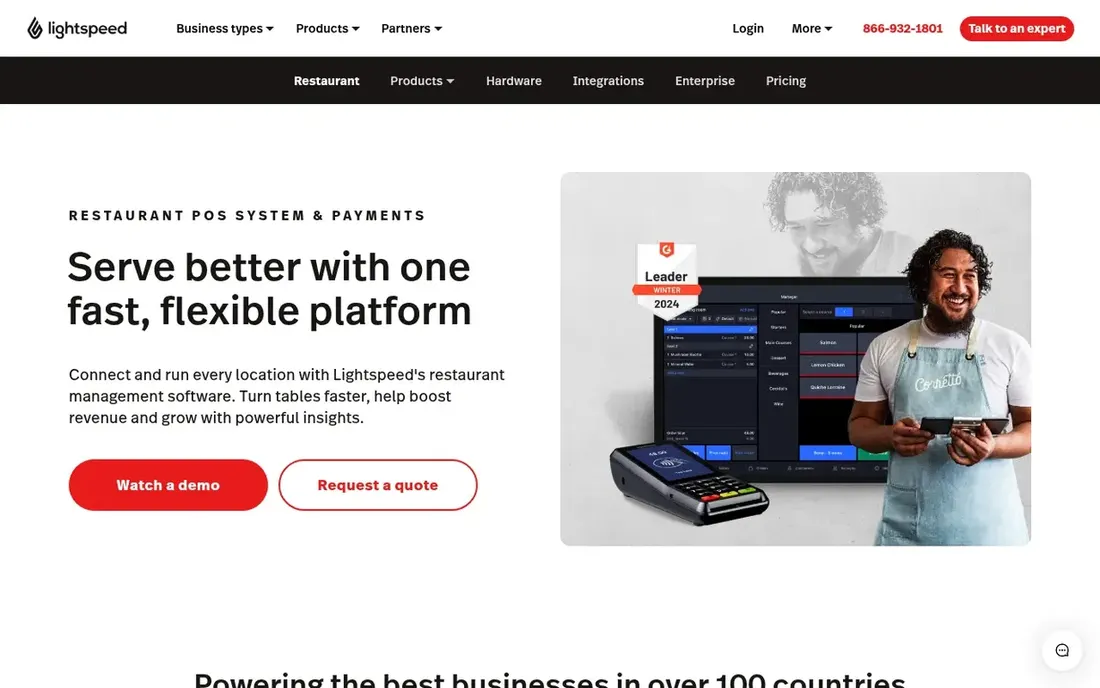
Lightspeed Restaurant serves configurable restaurant POS with insights. Very small teams may find they use only part of the product. Consider a lighter choice if you primarily need entry-level ordering and payments without extensive customization.
What to check first: Feature depth can feel large for tiny teams.
Lightspeed Restaurant is described as an adaptable, configurable restaurant point of sale, payments and management system with industry-leading insights. Worth adding: the breadth of configuration can mean more setup effort than a straightforward plug-in system. From a buyer's view, online ordering suits within a broader restaurant management setup instead of standing alone. Lightspeed Restaurant shows no starting price here, so confirm the cost on the vendor site. Free options: Not stated.
- Payments and management combined
- Insights for running the business
- Customization may take setup time
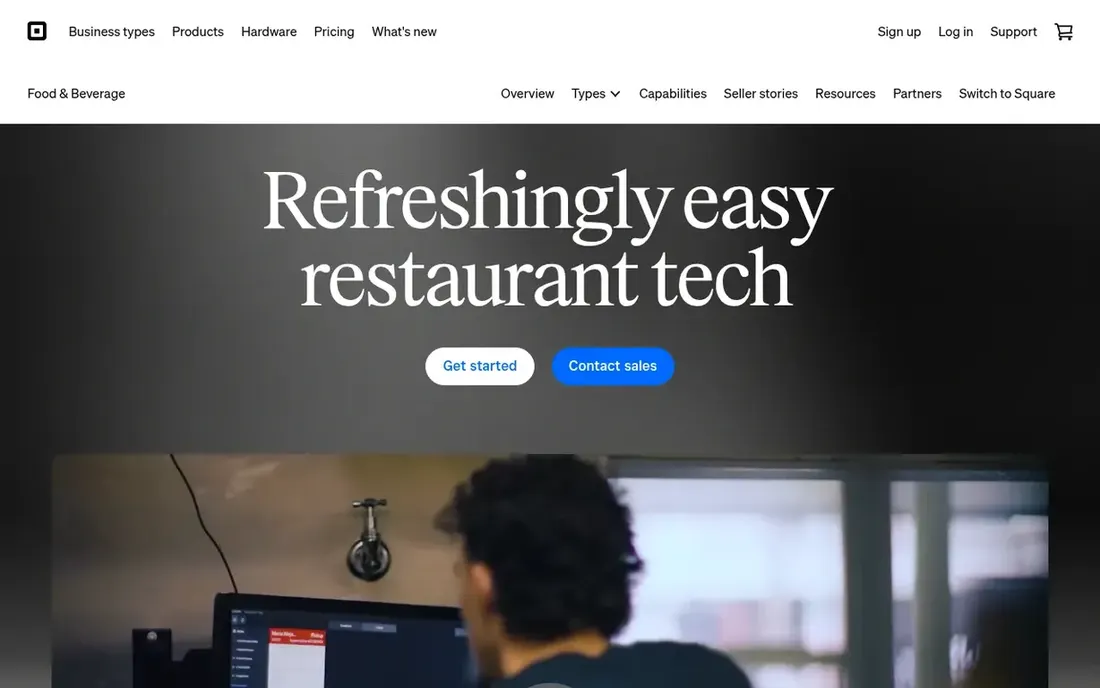
Square for Restaurants works best for all-in-one ordering and payments. Square for Restaurants is a restaurant-focused POS that runs and tracks orders, takes payments and organizes your team.
Since it is a wide system, some specialized workflows may rely on extra services or hardware decisions. Restaurants with unusual menu structures or heavy multi-location needs should compare against dedicated restaurant systems. No starting price is listed for Square for Restaurants here; confirm pricing on the vendor site. Free plan details: Not stated.
Honest limits: Advanced needs may need extras.
- Payments and team tools included
- Order management and tracking in one system
- Hardware choices take planning
Olo
Best for: Scaled digital ordering operations
Think of Olo for scaled digital ordering operations. Olo describes itself as restaurant technology and a digital ordering product that helps drive revenue and simplify operations. Its scope contains integrated digital ordering, catering, payments, marketing and loyalty.
Where it falls short: Targeted at bigger operations.
Also, consider Olo when online ordering is a core revenue channel you plan to grow. Worth adding: more straightforward ordering tools may be simpler to adopt at the start. Check the vendor site for Olo pricing; none is listed in this comparison. Free options: Not stated.
- Marketing and loyalty tools
- Catering and payments support
- May be more than a small shop needs
Our selection method
What to check before you buy
- Confirm the entry price on the vendor page. For ChowNow, BentoBox, Lightspeed Restaurant and others that means a quote rather than a fixed price.
- Before choosing ChowNow, weigh its main limit: not a full POS replacement.
- Read the plan comparison for Lightspeed Restaurant carefully; key features often start on a higher tier.
- Confirm minimum seats and billing terms with ChowNow before you commit to an annual plan.
- The entry price of Olo is only the starting point; model the full cost with seats and extras.
FAQ
How should I compare these systems fairly?
List the ordering channels you actually use, the hardware you already own and the reports you need. Then check each vendor page for those specifics, since feature depth varies between restaurant-focused systems and general POS systems.
Can a small restaurant start with a website-based ordering setup?
BentoBox merges restaurant website design with online ordering and reservations, which fits operators who want guests to order straight from their own site. You would still need a POS for in-house payments and order management.
Do these tools publish their prices?
Not all of them. ChowNow, BentoBox, Lightspeed Restaurant and others publish no starting price, so expect a quote request for those. The rest, TouchBistro included, show a starting price, though seats and billing terms still change the final cost.
How are the tools for POS for small restaurant online ordering ordered?
The order follows typical fit for POS for small restaurant online ordering, with ChowNow first and Olo last, then price clarity and free access. It is editorial judgement, not a score, so another team could rank the tools differently.
Does any tool for POS for small restaurant online ordering here have a free plan?
A permanent free plan is not offered by ChowNow, Olo or the other tools here. Plan a short evaluation period instead.
Is ChowNow the right pick for everyone comparing POS for small restaurant online ordering?
No single tool suits every team. ChowNow comes first because it fits commission-free online ordering, while BentoBox suits website-led ordering and reservations and TouchBistro suits all-in-one restaurant management. Match the tool to your own size, budget and workflow before deciding.
Sources
- https://www.chownow.com
- https://www.getbento.com
- https://www.touchbistro.com
- https://www.lightspeedhq.com/pos/restaurant
- https://squareup.com/us/en/restaurants
- https://www.olo.com