Best All-in-One POS App for Restaurant in 2026: Prices, Free Plans and 6 Picks
Best All-in-One POS app for restaurant: 6 tools compared on price, free plans and fit. Trade-offs are spelled out for each entry. Budget notes included.
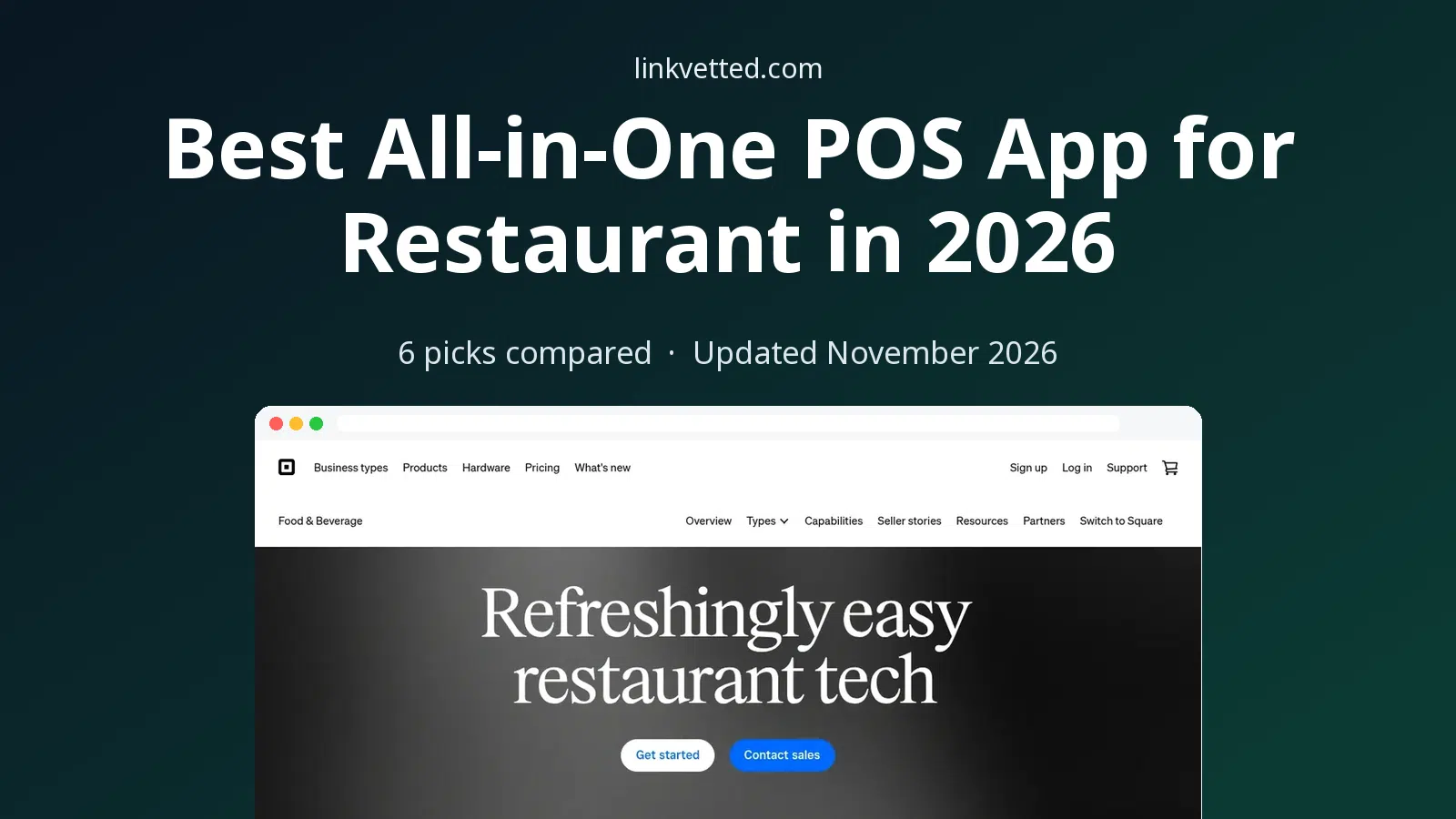
- Editor's choiceLavu
Restaurant POS with add-on adaptability
Starts atSee websiteVisit lavu.comFull review - Great alternative
 TouchBistro
Full-service restaurant management
Starts at$69 per monthVisit touchbistro.comFull review - Also considerUpserve
POS plus analytics and inventory
Starts at$59 per monthVisit upserve.comFull review
Direct answer
Lavu is the first pick on this list for Restaurant POS with add-on flexibility. Listed starting prices: TouchBistro from $69 per month and Upserve from $59 per month. For a different need, TouchBistro covers full-service restaurant management and Upserve covers POS plus analytics and inventory. The remaining 3 options are covered below with prices and limits.
TL;DR:
- The list opens with Lavu, aimed at Restaurant POS with add-on adaptability.
- Toast POS suits Restaurants wanting one connected system.
- For the cheapest start, look at Upserve: $59 per month.
- Only Upserve offers a free plan among these 6 tools.
- Check the limits for Lavu before you commit: configuration choices affect the experience.
Last checked November 2026. Prices and plan details were read from the vendors' own pages in November 2026; vendors change plans often, so confirm the current price on the vendor site before you buy.
Quick comparison
| Tool | Best for | Starts at | Free plan? | |
|---|---|---|---|---|
| Lavu | Restaurant POS with add-on adaptability | See website | Not stated | Visit |
| TouchBistro | Full-service restaurant management | $69 per month | Not stated | Visit |
| Upserve | POS plus analytics and inventory | $59 per month | Yes | Visit |
 Lightspeed Restaurant | Configurable setups with solid insights | See website | Not stated | Visit |
 Square for Restaurants | Straightforward order and payment flow | See website | Not stated | Visit |
| Toast POS | Restaurants wanting one connected system | See website | Not stated | Visit |
6 options for All-in-One POS app for restaurant in detail
LinkVetted compared 6 tools for All-in-One POS app for restaurant. The goal is a practical shortlist: published prices, free plan facts, best-fit use cases and honest limits for every entry.
Lavu
Best for: Restaurant POS with add-on adaptability
Lavu works best for Restaurant POS with add-on adaptability. Lavu is a restaurant point of sale system that includes ordering, payments and management tasks, with a modular approach that lets operators assemble the functions they need. As for the details, since the product is modular, the experience depends heavily on the configuration you select.
The main drawbacks: Confirm current feature set with the vendor.
So it pays to map your workflow first. If you prefer a single tightly integrated package with less assembly, TouchBistro or Toast POS may be a better match. Pricing for Lavu is not stated here, so ask the vendor for current figures. Free access: Not stated.
- Supports payments and management tasks
- Restaurant-oriented point of sale
- Configuration choices affect the experience
TouchBistro is designed for full-service restaurant management. TouchBistro is an all-in-one POS and restaurant management system built to help operators increase sales, delight guests, and save time and money.
Points against: Feature breadth can feel heavy for tiny venues.
The breadth of the system can be more than a small counter shop needs, and getting it configured takes thought. Price to start with TouchBistro: $69 per month. Trial and free access: Not stated.
- All-in-one POS and management system
- Geared toward sales
- Setup needs planning around your workflow
Upserve
Best for: POS plus analytics and inventory
Upserve is aimed squarely at POS plus analytics and inventory. The broad scope can be more than a tiny operation needs, and the value relies on actually using the analytics and inventory tools.
Where it shines: POS.
Where it falls short: Wide scope may overwhelm very small venues. From a buyer's view, if you primarily need quick order taking and payments, a leaner option for example Square for Restaurants may be sufficient. Starting cost for Upserve: $59 per month. You can start on Upserve without paying.
- Inventory and analytics in one product
- Positioned as all-in-one restaurant management
- Confirm integrations with your other tools
For configurable setups with capable insights, Lightspeed Restaurant is a natural candidate. Lightspeed Restaurant is an adaptable, configurable restaurant point of sale, payments and management product with insights positioned as a central strength.
Where it is weaker: Customization can lengthen setup.
It fits operators who expect their system to adapt to a specific service model and who want reporting to inform decisions across the business. This comparison lists no price for Lightspeed Restaurant; ask the vendor. Free plan details: Not stated.
- Payments and management in one product
- Adaptable and configurable configuration
- Advanced features may suit bigger operations
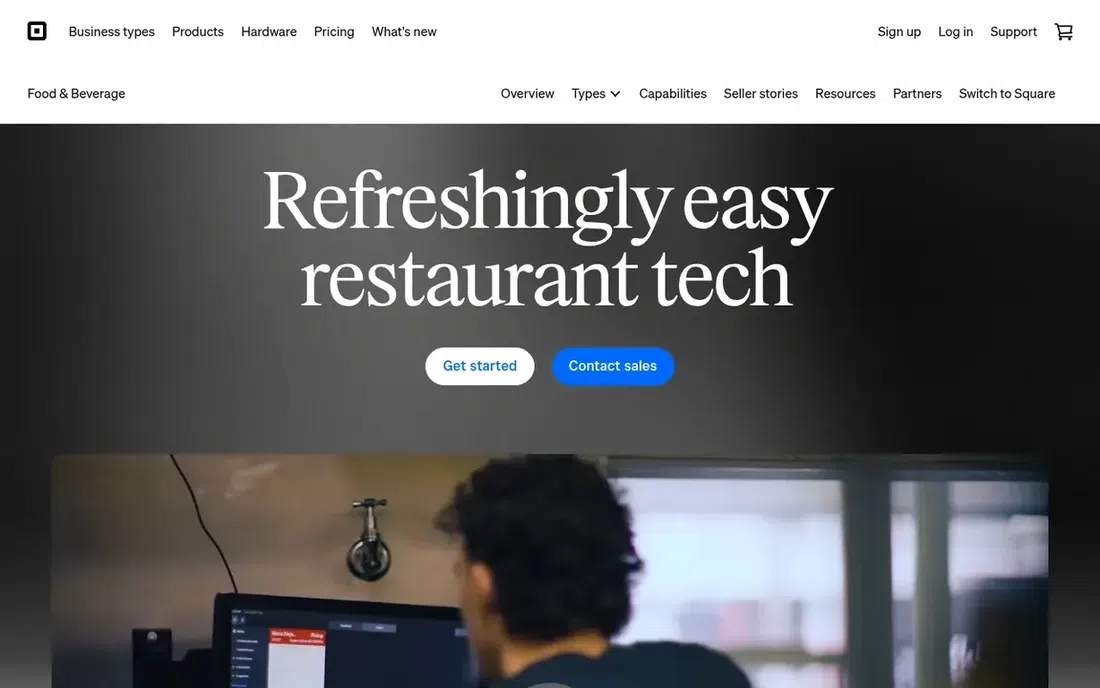
Think of Square for Restaurants for straightforward order and payment flow. Square for Restaurants is a point of sale aimed at food service that lets you run and track orders, take payments, organize your team, and work on attracting new diners and regulars.
If you need heavy inventory or enterprise reporting, compare Lightspeed Restaurant or Upserve before deciding. The system is most solid when you stay within its ecosystem, and very complicated multi-venue operations may find deeper back office needs unmet. Square for Restaurants does not show a starting price in this comparison, so check the vendor site for current pricing. As for free access: Not stated.
Honest limits: Best value relies on using Square payments.
- Take payments and organize your team
- Tools targeted at attracting diners and regulars
- Deep back office features may be restricted
Toast POS
Best for: Restaurants wanting one connected system
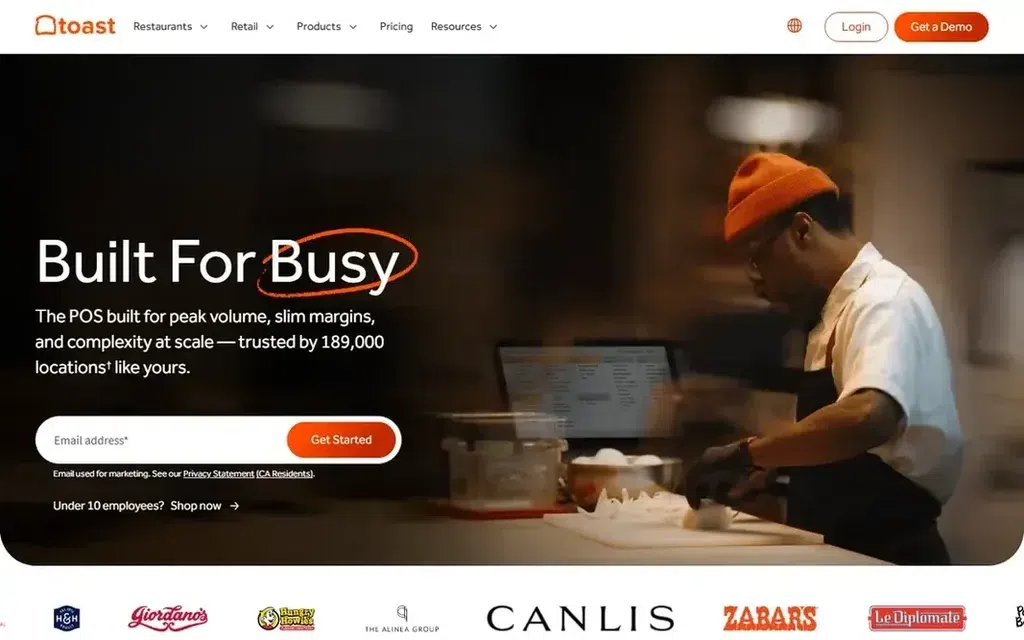
Pick Toast POS if this describes you: Restaurants wanting one connected system. Toast POS is a restaurant-focused point of sale product that brings ordering, payments and daily management into a single system.
No starting price is listed for Toast POS here; confirm pricing on the vendor site. On free options: Not stated.
Downsides: Feature depth varies by configuration.
- Designed around restaurant workflows
- Merges point of sale with management tools
- Hardware and setup add complexity
How we compared the tools
Selection started from tools commonly considered for All-in-One POS app for restaurant, then narrowed to 6 that have clear pricing information or a clear quote process. Treat prices as a snapshot: vendors change plans often, so check the vendor site for the figure that applies today. Order on the page follows fit for the typical buyer first, then price transparency and free access. Your own requirements should decide the final pick.
What to confirm before you sign up
- Get a written quote from Lavu, Lightspeed Restaurant, Square for Restaurants and Toast POS; the list shows no starting price for them.
- Look at the free plan from Upserve closely: its caps decide whether it is usable for real work.
- Read the limits listed for Lavu first: configuration choices affect the experience.
- Run a one or two week pilot of TouchBistro with the people who will use it every day.
- Add up seats, add-ons and usage charges for Lavu before comparing it with cheaper entries.
FAQ
How important are analytics and inventory in a restaurant POS?
Upserve and Lightspeed Restaurant position insights as a core part of their systems, whereas more straightforward systems may handle only the basics.
Is Lavu the right pick for everyone comparing All-in-One POS app for restaurant?
No single tool suits every team. Lavu comes first because it fits Restaurant POS with add-on flexibility, while TouchBistro suits full-service restaurant management and Upserve suits POS plus analytics and inventory. Match the tool to your own size, budget and workflow before deciding.
Can I switch restaurant POS systems later?
Before committing, confirm how your data can be exported and whether existing card readers and tablets will carry over to the new system.
Do these tools publish their prices?
Not all of them. Lavu, Lightspeed Restaurant, Square for Restaurants and Toast POS publish no starting price, so expect a quote request for those. The rest, TouchBistro included, show a starting price, though seats and billing terms still change the final cost.
What is the cheapest option for All-in-One POS app for restaurant in this list?
On published monthly entry prices, Upserve is the lowest here at $59 per month. Entry price is only part of the cost, because seats, add-ons and billing terms can change the total. All 6 picks in this All-in-One POS app for restaurant comparison list a starting price, free plan details and the main limits on their cards above.
What makes a POS app all-in-one for restaurants?
An all-in-one restaurant POS generally merges order taking and payments with management functions for example team organization, inventory or reporting. More specifically, the right mix relies on your service style and how much back office work you want in the same system.
Sources
- https://www.lavu.com
- https://www.touchbistro.com
- https://www.upserve.com
- https://www.lightspeedhq.com/pos/restaurant
- https://squareup.com/us/en/restaurants
- https://pos.toasttab.com