5 Best Bike Shop POS Software for 2026, Vetted and Compared
Weighing the best bike shop POS software? We lined up 5 products by cost, free access and fit. Trade-offs are spelled out for each entry. Checked this month.
- Editor's choiceAscend Retail Management
Bike retail inventory workflows
Starts atSee websiteVisit ascendrms.comFull review - Great alternativeLoyverse POS
Small shops wanting straightforward mobile POS
Starts at$5 per store a monthVisit loyverse.comFull review - Also considerClover POS
Adaptable countertop and mobile checkout
Starts atSee websiteVisit clover.comFull review
Direct answer
For bike retail inventory workflows, Ascend Retail Management is where this list starts. Listed starting prices: Loyverse POS from $5 per store a month. If your case is different, Loyverse POS suits small shops wanting straightforward mobile POS and Clover POS suits adaptable countertop and mobile checkout. The full list of 5 tools follows, with prices and free plan facts.
TL;DR:
- Top of the list is Ascend Retail Management, which targets bike retail inventory workflows.
- Lightspeed Retail suits unified inventory and wholesale buying.
- The main caution on Loyverse POS: lighter depth for complicated retail.
- Just one of the 5 tools, Loyverse POS, has a free plan.
Last checked November 2026. Prices and plan details were read from the vendors' own pages in November 2026; vendors change plans often, so confirm the current price on the vendor site before you buy.
Quick comparison
| Tool | Best for | Starts at | Free plan? | |
|---|---|---|---|---|
| Ascend Retail Management | Bike retail inventory workflows | See website | Not stated | Visit |
| Loyverse POS | Small shops wanting straightforward mobile POS | $5 per store a month | Yes | Visit |
| Clover POS | Adaptable countertop and mobile checkout | See website | Not stated | Visit |
 Shopify POS | Keeps selling in person and online | See website | Not stated | Visit |
 Lightspeed Retail | Unified inventory and wholesale buying | See website | Not stated | Visit |
Tool-by-tool breakdown
LinkVetted put together this guide to bike shop POS software for readers who want a clear shortlist without reading every vendor page. It compares 5 tools on starting price, free plans, who each one suits and where each one falls short.
Ascend Retail Management
Best for: Bike retail inventory workflows
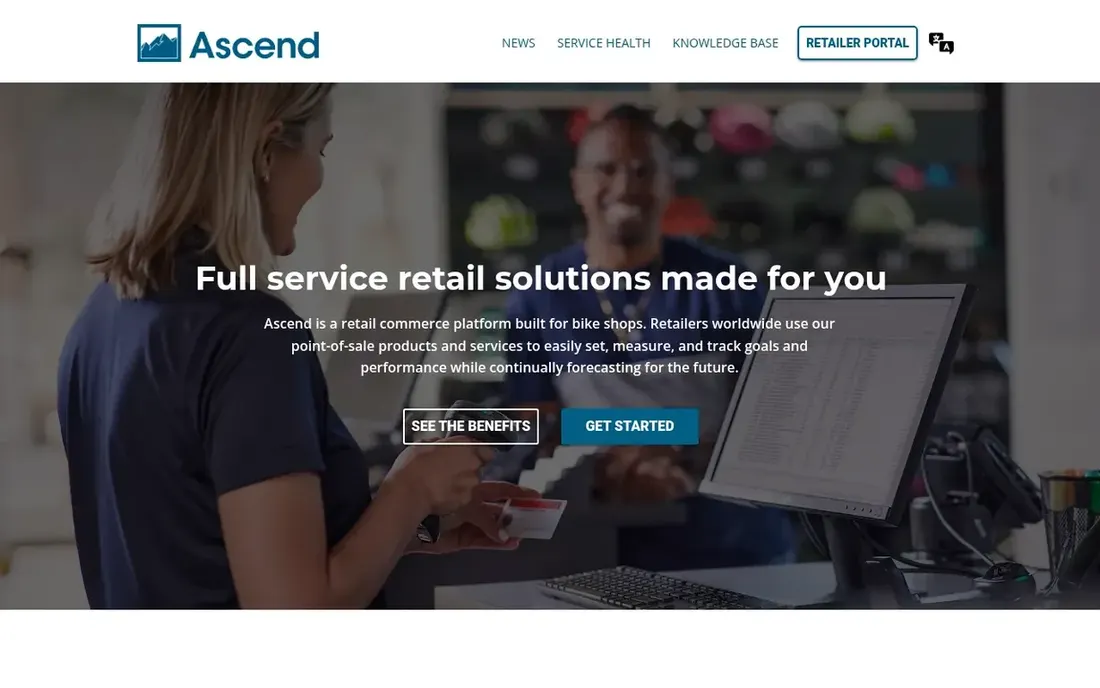
Ascend Retail Management makes the most sense for bike retail inventory workflows. Shops that require deep external integrations should compare carefully. That orientation tends to suit specialty keeps such as bike shops, where stock accuracy and daily retail management matter as much as taking payment.
Downsides: Details should be confirmed with the vendor.
It is worth a look for shops that want a retail management system instead of a general-purpose payment terminal. Worth adding: pick something else if you want a very wide app ecosystem. Check the vendor site for Ascend Retail Management pricing; none is listed in this comparison. Free options: Not stated.
- Retail management focus
- Suited to specialty retail operations
- Less widely known than large POS brands
Loyverse POS
Best for: Small shops wanting straightforward mobile POS
In short, Loyverse POS is for small shops wanting straightforward mobile POS. Consider a broader retail system if advanced inventory is essential.
The main drawbacks: Lighter depth for complicated retail.
Beyond that, as a small-business tool, it may not match the depth of full retail management systems for complicated catalogs or purchasing. As for the details, Loyverse POS is a mobile point-of-sale system that simplifies sales, inventory and employee management for small companies. Loyverse POS starts at: $5 per store per month. Loyverse POS has a free plan.
- Mobile point-of-sale system
- Targeted at small firms
- Specialty bike workflows may be restricted
Clover POS
Best for: Adaptable countertop and mobile checkout
Clover POS is aimed squarely at adaptable countertop and mobile checkout. It fits shops that want an integrated hardware and software package instead of assembling components separately.
Where it falls short: Confirm retail inventory fit with the vendor.
In daily use, pick a specialty retail system if deep inventory control is the priority. Clover POS shows no starting price here, so confirm the cost on the vendor site. As for free access: Not stated.
- Hardware and software together
- POS system with card readers
- Feature depth varies by configuration
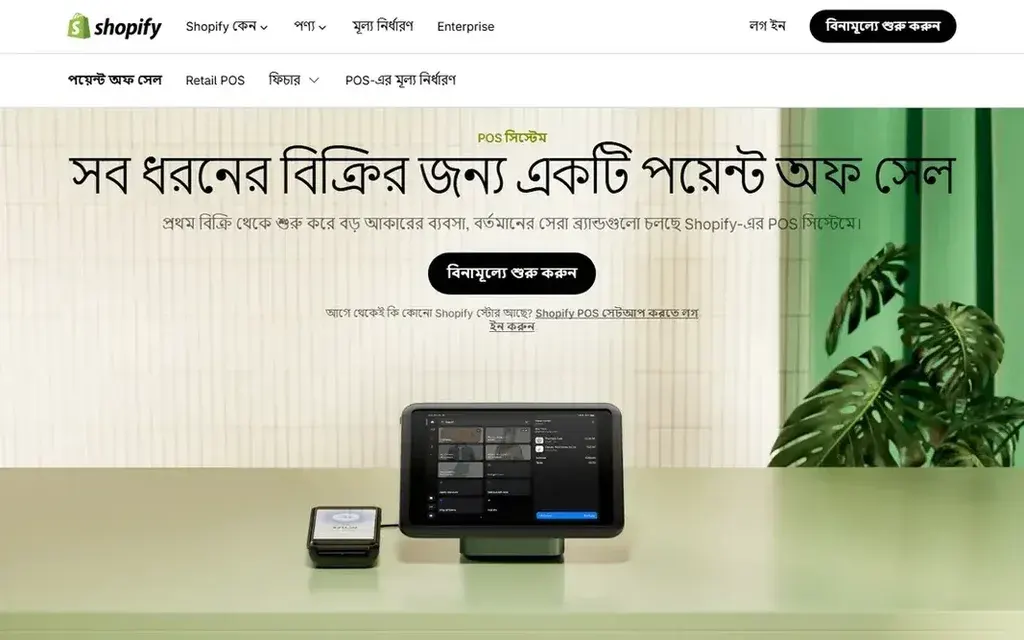
Shopify POS was built for keeps selling in person and online. Compare more straightforward in-store systems if online selling is not part of your plan.
Pricing for Shopify POS is not stated here, so ask the vendor for current figures. On free options: Not stated.
The main drawbacks: May be more than a pure walk-in shop needs.
- Ties in-store selling to online retail
- Links checkout with inventory management
- Best value if you also use Shopify online
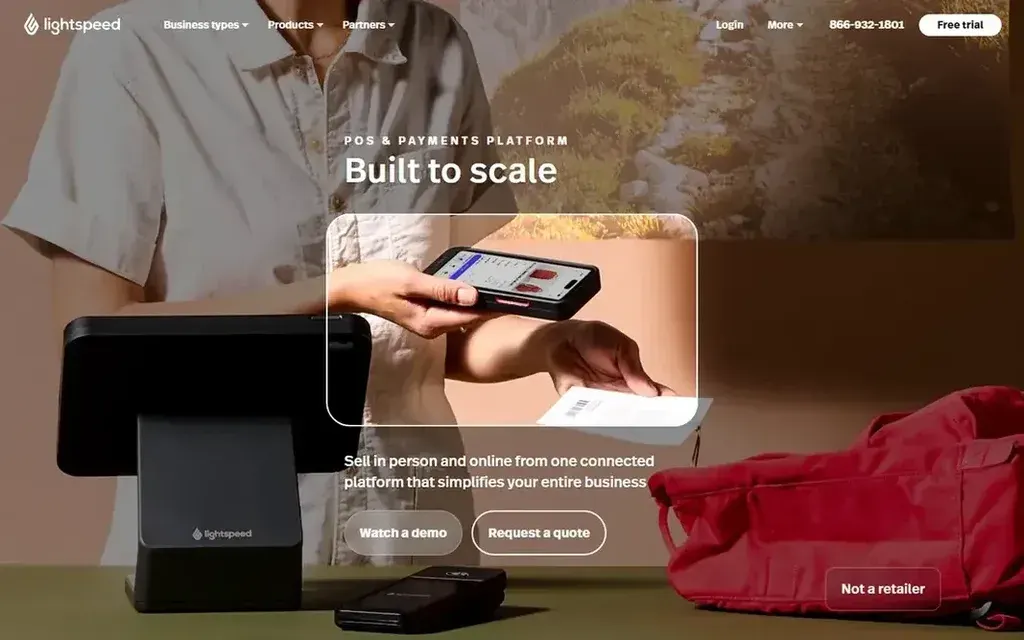
Lightspeed Retail targets unified inventory and wholesale buying. Since it serves plenty of kinds of retailers, bike-specific workflows may need configuration instead of coming built in. In practice, smaller shops with straightforward needs might find a lighter choice simpler to run.
Where Lightspeed Retail stands out: Deals with selling and stock together.
Trade-offs to know: Setup may need planning for complicated catalogs. For a bike shop that stocks parts, accessories and complete bikes, that combination keeps purchasing and stock visibility in a single workflow. Consider alternatives if you primarily want entry-level checkout with minimal setup. Check the vendor site for Lightspeed Retail pricing; none is listed in this comparison. Free options: Not stated.
- Wholesale buying and inventory in one place
- Aimed at in-person retail operations
- Wide retail focus instead of bike-specific
Selection criteria
LinkVetted used vendor pricing pages and product documentation as the base, then compared plans, free access and documented limits for 5 tools. Treat prices as a snapshot: vendors change plans often, so check the vendor site for the figure that applies today. The ranking is editorial: typical fit first, then clear pricing, then free access. If your needs are unusual, read the profiles rather than relying on position.
What to check before you buy
- Ask Ascend Retail Management, Clover POS, Shopify POS and Lightspeed Retail for a written quote, since no starting price is shown.
- Look at the free plan from Loyverse POS closely: its caps decide whether it is usable for real work.
- Read the limits listed for Ascend Retail Management first: less widely known than large POS brands.
- Check the integration list for Loyverse POS against the tools you run today, and note which ones need a higher plan.
- Pick one real project and run it in Shopify POS first; a small pilot shows fit faster than a checklist.
FAQ
Is Ascend Retail Management the right pick for everyone comparing bike shop POS software?
No single tool suits every team. Ascend Retail Management comes first because it fits bike retail inventory workflows, while Loyverse POS suits small shops wanting simple mobile POS and Clover POS suits flexible countertop and mobile checkout. Match the tool to your own size, budget and workflow before deciding.
Do these tools publish their prices?
Not all of them. Ascend Retail Management, Clover POS, Shopify POS and Lightspeed Retail publish no starting price, so expect a quote request for those. The rest, Loyverse POS included, show a starting price, though seats and billing terms still change the final cost.
Can I try these options before paying?
Often, yes. Loyverse POS has a free plan. Use your own data and a real task during the test, and check what the free tier or trial limits before you rely on it.
Which options for bike shop POS software have a free plan?
Loyverse POS is the only tool in this list with a free plan. Free plans usually cap users, projects or features, so check the limits on the vendor page.
Sources
- https://www.ascendrms.com
- https://loyverse.com
- https://www.clover.com
- https://www.shopify.com/pos
- https://www.lightspeedhq.com/retail