Top 5 Restaurant Management Software with POS for 2026 (Prices and Free Plans)
Best restaurant management software with POS: 5 tools compared on price, free plans and fit. Each profile ends with a plain caveat. Reviewed this month.
- Editor's choice
 TouchBistro
Full-service restaurants seeking all-in-one
Starts at$69 per monthVisit touchbistro.comFull review - Great alternativeUpserve
All-in-one management with analytics
Starts at$59 a monthVisit upserve.comFull review - Also consider
 Clover
Versatile POS with payment adaptability
Starts atSee websiteVisit clover.comFull review
Direct answer
Start with TouchBistro if you need full-service restaurants seeking all-in-one. Listed starting prices: TouchBistro from $69 per month and Upserve from $59 a month. Alternatives: Upserve for all-in-one management with analytics, and Clover for Versatile POS with payment adaptability. Prices, free plans and limits for all 5 tools follow.
TL;DR:
- TouchBistro is the opening pick, best for full-service restaurants seeking all-in-one.
- Just one of the 5 tools, Upserve, has a free plan.
- Before buying Upserve, weigh this: may be geared toward full-service.
- Starting prices begin at $59 per month with Upserve.
Last checked November 2026. Prices and plan details were read from the vendors' own pages in November 2026; vendors change plans often, so confirm the current price on the vendor site before you buy.
Quick comparison
| Tool | Best for | Starts at | Free plan? | |
|---|---|---|---|---|
| TouchBistro | Full-service restaurants seeking all-in-one | $69 per month | Not stated | Visit |
| Upserve | All-in-one management with analytics | $59 a month | Yes | Visit |
| Clover | Versatile POS with payment adaptability | See website | Not stated | Visit |
| Toast POS | Integrated restaurant payments and management | See website | Not stated | Visit |
| Lavu | Restaurants needing a POS foundation | See website | Not stated | Visit |
Tool-by-tool breakdown
LinkVetted put together this guide to restaurant management software with POS for readers who want a clear shortlist without reading every vendor page. It compares 5 tools on starting price, free plans, who each one suits and where each one falls short.
For full-service restaurants seeking all-in-one, TouchBistro is a natural candidate. TouchBistro may come with contractual commitments and extra costs for hardware or extras, which can be a consideration for some companies.
Drawbacks to consider: Hardware and extras can increase complexity.
It might be more than a small cafe needs. TouchBistro pricing: $69 per month. Free plan details: Not stated.
- Aims to increase sales and delight guests
- Helps save time and money
- May need long-term commitment
Upserve
Best for: All-in-one management with analytics
Pick Upserve if this describes you: all-in-one management with analytics. Restaurants seeking a straightforward, low-cost POS may want to compare with other choices that offer more transparent pricing.
Upserve provides all-in-one restaurant management software that comes with POS, online ordering, payments, inventory, and analytics. Starting cost for Upserve: $59 per month. A free plan is available with Upserve.
Limits to weigh: Pricing not publicly listed.
- Online ordering and inventory management
- Simplifies restaurant operations
- May be geared toward full-service
Clover was built for Versatile POS with payment adaptability. Clover supplies POS systems and credit card readers that can be adapted for restaurant use. It provides adaptable hardware choices and payment processing, making it a versatile choice for firms that want a general-purpose POS with restaurant capabilities.
Drawbacks to consider: Restaurant-specific features may be restricted.
From a buyer's view, Clover is commonly considered by small to mid-size restaurants that require a steady payment system and entry-level management tools. In practice, Restaurants with complicated needs might prefer a restaurant-focused product, whereas those with more straightforward requirements may find Clover sufficient. Clover shows no starting price here, so confirm the cost on the vendor site. Free access: Not stated.
- Adaptable hardware choices
- POS system with credit card readers
- Pricing varies by reseller
Toast POS
Best for: Integrated restaurant payments and management
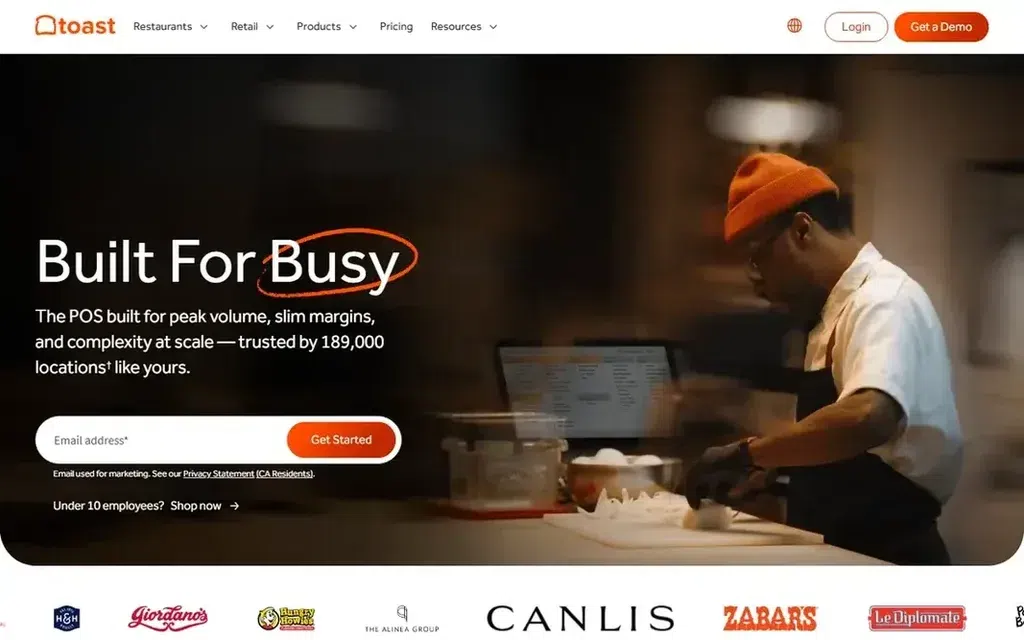
Toast POS serves integrated restaurant payments and management. Toast POS is a restaurant-focused point-of-sale system that brings together payment processing and management features. It is made for restaurants that want a single system to manage orders, payments, and backend tasks.
Businesses that prefer a modular approach or already have a payment provider might look at other choices. Since Toast POS is tailored to restaurants, it may be more than a small cafe needs, and pricing is not publicly listed. Toast POS shows no starting price here, so confirm the cost on the vendor site. Trial and free access: Not stated.
What to check first: Pricing details need a quote.
- Merges POS with restaurant management tools
- Supports payment processing
- Hardware choices may vary by location
Lavu
Best for: Restaurants needing a POS foundation
Choose Lavu for Restaurants needing a POS foundation. Lavu is a point-of-sale system aimed at restaurants, offering core POS and payment processing capabilities. It is intended to help restaurants run orders and payments efficiently.
What to check first: Restricted public information on features.
Restaurants needing deep built-in analytics or inventory tools might have to look elsewhere or consider extras. In-depth feature information for Lavu is not as publicly available as for some competitors, so buyers should request a demo to assess fit. Lavu shows no starting price here, so confirm the cost on the vendor site. Free options: Not stated.
- Restaurant-oriented POS
- Supports payment processing
- May need extras for full management
How we chose
We compared the tools on published pricing, free plan or trial availability, feature coverage for restaurant management software with POS, and the limits each vendor documents. Where a vendor does not publish a price, the entry says quote. Where a price depends on seats or billing term, the entry says so. We ordered the tools by general fit, then by how clearly pricing is shown, then by free access. A buyer with unusual needs may reorder them.
What to check before you buy
- Ask Clover, Toast POS and Lavu for a written quote, since no starting price is shown.
- Test the free plan from Upserve against your real workload before relying on it.
- Read the limits listed for TouchBistro first: may need long-term commitment.
- Pick one real project and run it in Clover first; a small pilot shows fit faster than a checklist.
- Ask TouchBistro about contract length, onboarding fees and user minimums before you sign.
FAQ
What is the cheapest option for restaurant management software with POS in this list?
On published monthly entry prices, Upserve is the lowest here at $59 per month. Entry price is only part of the cost, because seats, add-ons and billing terms can change the total. Each of the 5 options in this restaurant management software with POS guide has its own card above with the price, free plan and limits.
Is TouchBistro the right pick for everyone comparing restaurant management software with POS?
No single tool suits every team. TouchBistro comes first because it fits full-service restaurants seeking all-in-one, while Upserve suits all-in-one management with analytics and Clover suits Versatile POS with payment flexibility. Match the tool to your own size, budget and workflow before deciding.
Can I use these POS systems for several restaurant locations?
Numerous restaurant POS systems support multi-location management, but capabilities vary. Check whether the software gives you centralized reporting, menu management, and user permissions across locations.
How are the tools for restaurant management software with POS ordered?
TouchBistro sits first and Lavu last because the order follows typical fit for restaurant management software with POS, then price clarity and free access. It is a judgement call, so read each profile for fit and limits.
Can I try these tools before paying?
Often, yes. Upserve has a free plan. Use your own data and a real task during the test, and check what the free tier or trial limits before you rely on it. All 5 picks in this restaurant management software with POS comparison list a starting price, free plan details and the main limits on their cards above.
Sources
- https://www.touchbistro.com
- https://upserve.com
- https://www.clover.com
- https://pos.toasttab.com
- https://www.lavu.com