Top 6 Reporting Software for Field Service Teams for 2026 (Prices and Free Plans)
Best reporting software for field service teams: 6 contenders ranked by fit, with entry costs and free tiers. Pros and cons for every tool. See which fits.
- Editor's choiceMicrosoft Dynamics 365 Field Service
Teams wanting automation and live data
Starts atSee websiteVisit microsoft.comFull review - Great alternative
 FieldEdge
Tracking customers, dispatches and service history
Starts atSee websiteVisit fieldedge.comFull review - Also consider
 Housecall Pro
Home service companies wanting approachable reporting
Starts at$59 per monthVisit housecallpro.comFull review
Direct answer
Microsoft Dynamics 365 Field Service is the first pick on this list for teams wanting automation and live data. Listed starting prices: Housecall Pro from $59 per month. Alternatives: FieldEdge for tracking customers, dispatches and service history, and Housecall Pro for home service firms wanting approachable reporting. The remaining 3 options are covered below with prices and limits.
TL;DR:
- This list starts with Microsoft Dynamics 365 Field Service, which is built for teams wanting automation and live data.
- None of the 6 tools, from Microsoft Dynamics 365 Field Service to ServiceMax, has a free plan, so budget for a subscription or use a trial.
- What to know about Microsoft Dynamics 365 Field Service first: full product may need implementation effort.
- ServiceMax is the one to check for asset-centric teams centred on equipment uptime.
- For the cheapest start, look at Housecall Pro: $59 per month.
Last checked November 2026. Prices and plan details were read from the vendors' own pages in November 2026; vendors change plans often, so confirm the current price on the vendor site before you buy.
Quick comparison
| Tool | Best for | Starts at | Free plan? | |
|---|---|---|---|---|
| Microsoft Dynamics 365 Field Service | Teams wanting automation and live data | See website | Not stated | Visit |
| FieldEdge | Tracking customers, dispatches and service history | See website | No | Visit |
| Housecall Pro | Home service companies wanting approachable reporting | $59 per month | Free trial | Visit |
 ServiceTitan | Contractors wanting all-in-one operational reporting | See website | Free trial | Visit |
 Zoho Desk | Support-focused reporting alongside field work | See website | Not stated | Visit |
| ServiceMax | Asset-centric teams centred on equipment uptime | See website | Not stated | Visit |
The full reporting software for field service teams list
Short on time? The summary and table above give the quick view of 6 reporting software for field service teams, and the profiles that follow give the detail behind each entry.
Microsoft Dynamics 365 Field Service
Best for: Teams wanting automation and live data
Think of Microsoft Dynamics 365 Field Service for teams wanting automation and live data. Consider Dynamics 365 Field Service when automation and live operational data are central to how you report. Worth adding: Microsoft Dynamics 365 Field Service is field service management software with features like self-service scheduling, live data and automatic service reminders.
Getting the most from reporting normally means configuring the system to match your workflows, which takes planning. For everyday use, smaller teams without implementation support may find it heavy. This comparison lists no price for Microsoft Dynamics 365 Field Service; ask the vendor. As for free access: Not stated.
Honest limits: Full product may need implementation effort.
- Live data across field operations
- Self-service scheduling features
- Reporting value relies on configuration
FieldEdge is designed for tracking customers, dispatches and service history. Teams wanting deeper financial or asset reporting may need to pair it with other tools. On top of that, FieldEdge is worth a look when dispatch visibility is the priority; request a demo to confirm fit.
Where it is weaker: Reporting scope centers on dispatch and history.
FieldEdge offers field service management software with efficient ways to track customers, dispatches, service history and more. That makes its reporting useful for teams that want a clear record of who was dispatched where and what happened on each visit. Check the vendor site for FieldEdge pricing; none is listed in this comparison. FieldEdge has no free plan.
- Tracks customers and service history
- Field service app for technicians
- Evaluation usually needs a demo
Housecall Pro
Best for: Home service companies wanting approachable reporting
Where Housecall Pro fits: home service firms wanting approachable reporting. Its reporting supports the everyday needs of home service teams, from job tracking to customer records, in an approachable interface. For everyday use, organizations needing deep custom analytics should compare broader products.
Trade-offs to know: Home service focus may limit commercial depth.
Because it targets home service firms, teams with heavy commercial or asset-centric work may find reporting less specialized. As for the details, choose Housecall Pro when residential service reporting and simplicity are the central goals. Price to start with Housecall Pro: $59 per month. Free access: Free trial.
- Management features in one option
- Widely adopted among field service professionals
- Advanced reporting needs may need extras
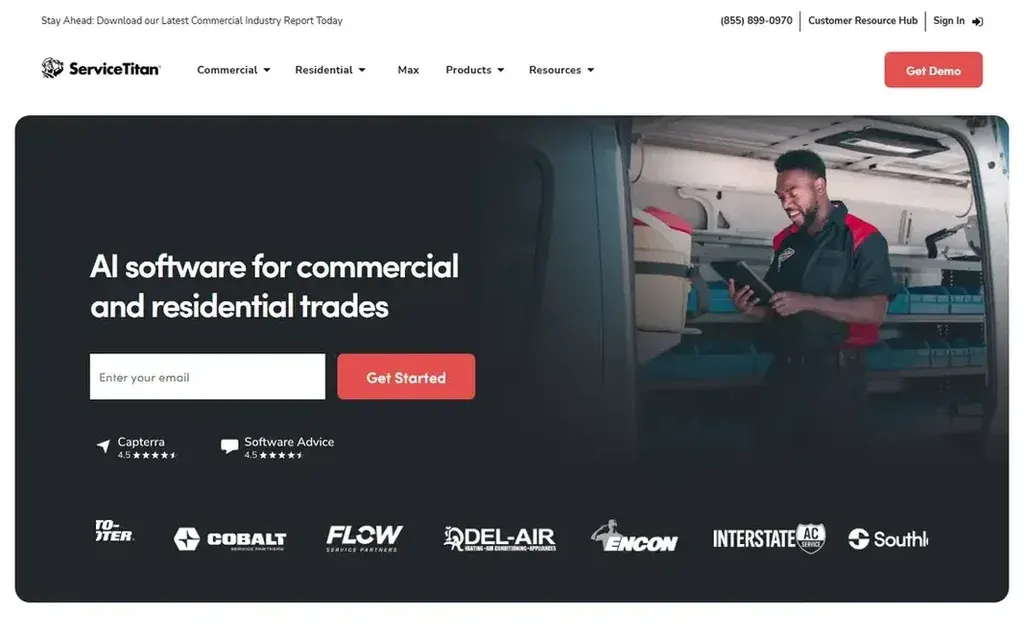
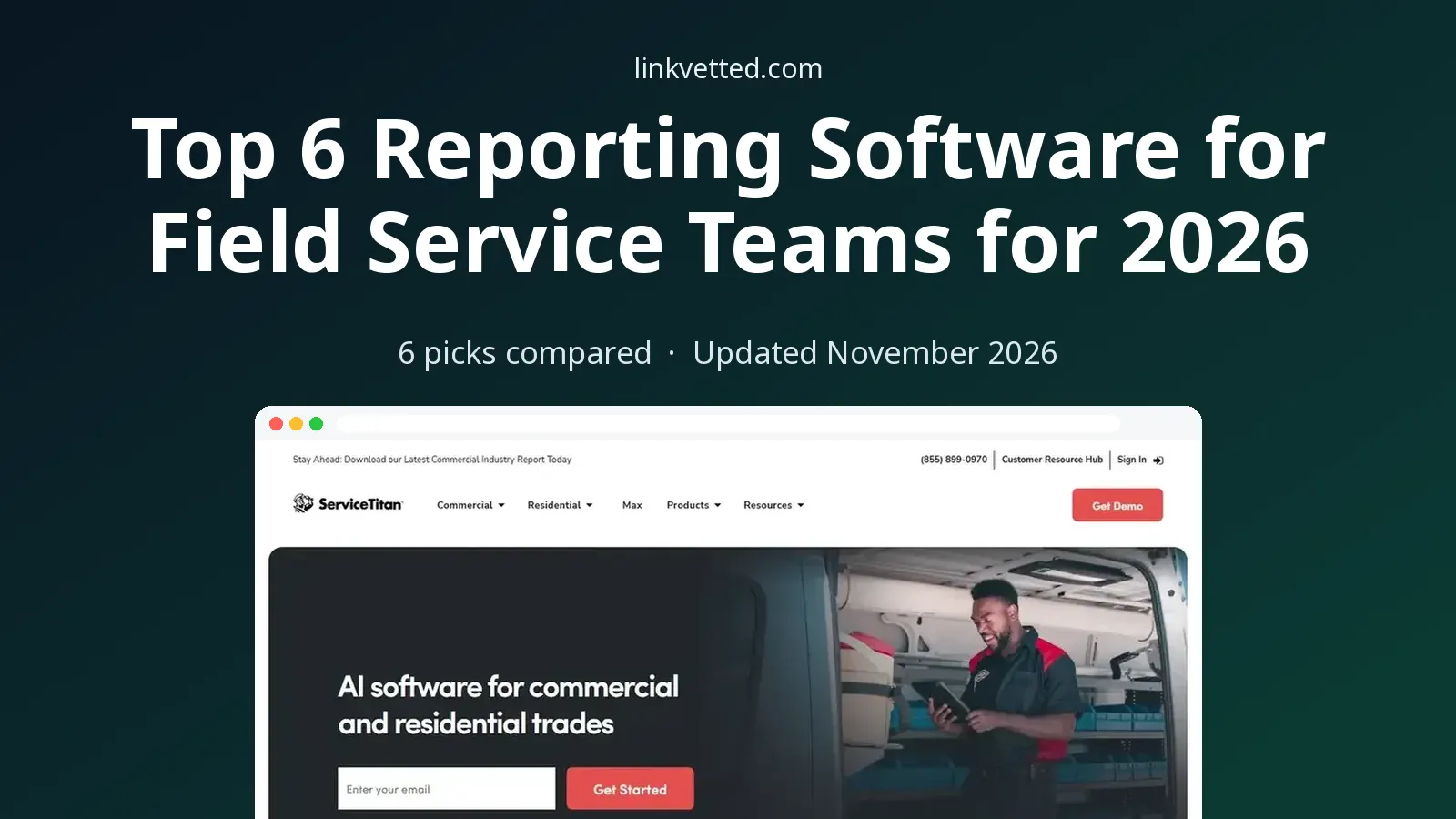
In short, ServiceTitan is for contractors wanting all-in-one operational reporting. ServiceTitan is an all-in-one software product for home and commercial contractors, built to keep service visits and construction projects running smoothly. Its reporting sits alongside scheduling, dispatch and job tracking, so teams can review operational performance without stitching separate tools together.
The main drawbacks: Wide system may feel heavy for small teams.
Teams that chiefly want straightforward job reports and invoicing may prefer a lighter tool. In daily use, the system is wide, so smaller shops may find more capability than they need day to day. ServiceTitan does not show a starting price in this comparison, so check the vendor site for current pricing. Free access: Free trial.
- Includes dispatch and job tracking in one system
- Designed for home and commercial trades
- Setup involves learning a full suite
In short, Zoho Desk is for support-focused reporting alongside field work. For field service teams, its reporting is most handy on the customer support side, like tracking inquiries and response activity that surround service calls.
Where it falls short: Not a dedicated field service system.
Check the vendor site for Zoho Desk pricing; none is listed in this comparison. As for free access: Not stated.
- AI-human collaboration features
- Reporting on support interactions
- Field dispatch reporting is out of scope
ServiceMax
Best for: Asset-centric teams centred on equipment uptime
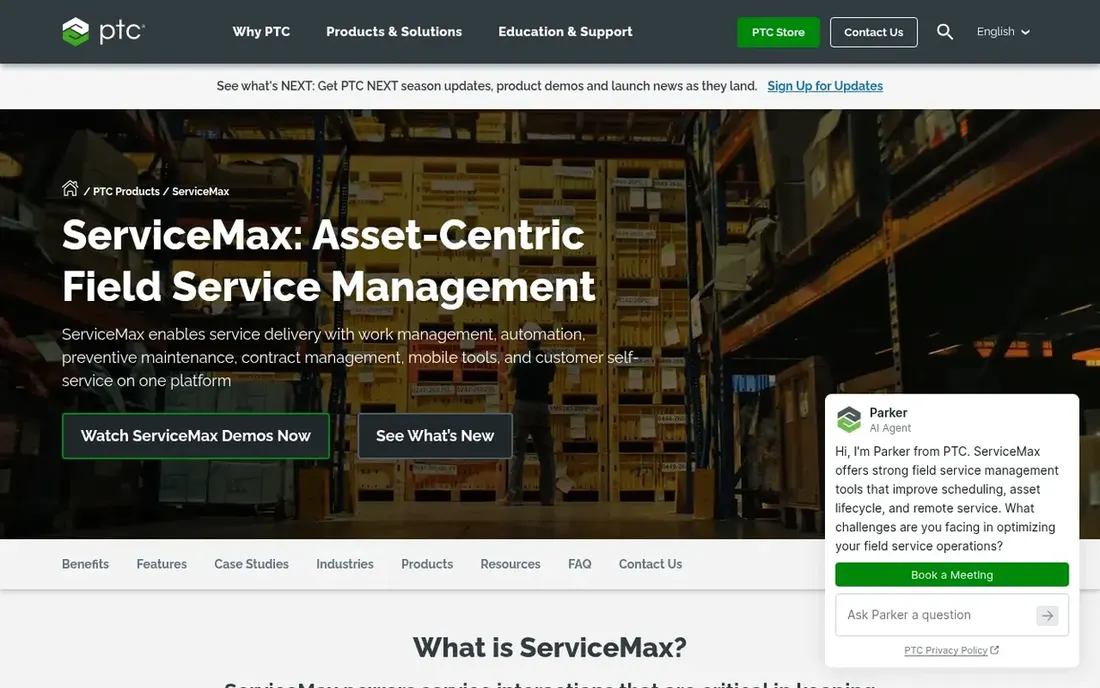
ServiceMax is a good fit for asset-centric teams concentrated on equipment uptime. Its reporting leans toward equipment history and service performance, which helps organizations that maintain installed assets.
Honest limits: Enterprise orientation can add complexity.
No starting price is listed for ServiceMax here; confirm pricing on the vendor site. Free access: Not stated.
- Cloud-based field service management
- Aims to boost technician productivity
- Asset focus may not fit straightforward service work
How we built this list
Pricing pages, product documentation and feature lists were the main sources, and every entry carries at least one honest drawback. Seat minimums, billing terms and add-ons can move the real cost, so the starting prices here are a guide and not a quote. The order reflects how well each tool fits the most common buying scenario for reporting software for field service teams, then price clarity, then free plan access. It is a starting point, not a verdict.
What to check before you buy
- Confirm the entry price on the vendor page. For Microsoft Dynamics 365 Field Service, FieldEdge, ServiceTitan and others that means a quote rather than a fixed price.
- Use real work to test the free trial from Housecall Pro and ServiceTitan, rather than a demo project.
- Before choosing Microsoft Dynamics 365 Field Service, weigh its main limit: full system may need implementation effort.
- A short pilot of ServiceTitan with your real workflow tells you more than a feature table.
- Work out what FieldEdge costs with your real seat count, add-ons and usage, not just the entry price.
FAQ
How do I evaluate reporting before committing to a product?
Ask vendors which reports come standard and which require configuration, then request a walkthrough using your own scenarios. Comparing a few tools on the same criteria keeps the decision grounded.
Does any tool for reporting software for field service teams here have a free plan?
No tool in this list, Microsoft Dynamics 365 Field Service and ServiceMax included, has a permanent free plan. Housecall Pro, ServiceTitan offer a trial. Trials and quotes are the usual route, so plan a short evaluation period.
Do these tools publish their prices?
Not all of them. Microsoft Dynamics 365 Field Service, FieldEdge, ServiceTitan and others publish no starting price, so expect a quote request for those. The rest, Housecall Pro included, show a starting price, though seats and billing terms still change the final cost.
Is Microsoft Dynamics 365 Field Service the right pick for everyone comparing reporting software for field service teams?
No single tool suits every team. Microsoft Dynamics 365 Field Service comes first because it fits teams wanting automation and real-time data, while FieldEdge suits tracking customers, dispatches and service history and Housecall Pro suits home service businesses wanting approachable reporting. Match the tool to your own size, budget and workflow before deciding.
What should asset-heavy teams look for in reporting software?
Teams maintaining equipment should prioritize reporting on asset history, uptime and technician productivity. As for the details, ServiceMax is built around asset-centric field service management, and Microsoft Dynamics 365 Field Service brings live operational data.
Can a help desk tool like Zoho Desk replace field service reporting?
No. Zoho Desk concentrates on customer support interactions instead of dispatch, scheduling or asset maintenance. It performs well alongside a field service product when you need support reporting, but it does not handle job-level field operations.
Sources
- https://www.microsoft.com/en-us/dynamics-365/products/field-service
- https://www.fieldedge.com
- https://www.housecallpro.com
- https://www.servicetitan.com
- https://www.zoho.com/desk
- https://www.servicemax.com