6 Remote Support Software for Helpdesk Worth Shortlisting in 2026
Best remote support software for helpdesk in 2026: 6 tools with starting prices, free plans and limits. The catches are listed up front. See which fits.
- Editor's choiceN-able Take Control
MSPs resolving issues rapidly
Starts atPricing on requestVisit n-able.comFull review - Great alternativeISL Online
Straightforward remote support from any device
Starts atPricing on requestVisit islonline.comFull review - Also consider
 Zoho Assist
IT and support team remote troubleshooting
Starts atPricing on requestVisit zoho.comFull review
Direct answer
Our first pick is N-able Take Control, best for MSPs resolving issues rapidly. ISL Online is the stronger choice for straightforward remote support from any device, while Zoho Assist suits IT and support team remote troubleshooting. Details and limits for the rest of the 6 tools are below. None of these vendors publish plan prices, so pricing is on request for every option.
TL;DR:
- The list opens with N-able Take Control, aimed at MSPs resolving issues rapidly.
- A fair warning about ISL Online: less emphasis on broader IT management.
- None of the 6 tools, from N-able Take Control to TeamViewer Remote, has a free plan, so budget for a subscription or use a trial.
- Every tool from N-able Take Control to TeamViewer Remote works by quote, with no list price shown.
Last checked November 2026. Pricing on request: vendors did not publish plan prices when this guide was last checked (November 2026), so ask each vendor for a written quote.
Quick comparison
| Tool | Best for | Starts at | Free plan? | |
|---|---|---|---|---|
| N-able Take Control | MSPs resolving issues rapidly | Pricing on request | Not stated | Visit |
| ISL Online | Straightforward remote support from any device | Pricing on request | Free trial | Visit |
| Zoho Assist | IT and support team remote troubleshooting | Pricing on request | Not stated | Visit |
 GoTo Resolve | Expanding organizations managing endpoints | Pricing on request | Free trial | Visit |
| Splashtop SOS | Quick, secure on-demand support sessions | Pricing on request | Not stated | Visit |
| TeamViewer Remote | All-around remote access and support | Pricing on request | Free trial | Visit |
The 6 tools in detail
Choosing remote support software for helpdesk usually comes down to price, fit and limits. This LinkVetted guide sets 6 tools side by side on those three points, with the facts kept short and checkable.
N-able Take Control
Best for: MSPs resolving issues rapidly
For MSPs resolving issues rapidly, N-able Take Control is a natural candidate. Internal helpdesks without a managed services model may find the MSP orientation less relevant.
Trade-offs to know: MSP orientation may not suit internal helpdesks.
For everyday use, the product is framed around the managed services context instead of general internal IT support. N-able Take Control shows no starting price here, so confirm the cost on the vendor site. On free options: Not stated.
- Built with MSP workflows in mind
- Remote control and support in one tool
- Feature set tuned to managed services
ISL Online
Best for: Straightforward remote support from any device
ISL Online targets straightforward remote support from any device. The product centers on remote desktop and support instead of wider IT management, so teams needing endpoint oversight may pair it with other tools.
Trade-offs to know: Less emphasis on broader IT management.
It suits helpdesks that value straightforward connections and the adaptability to work from different devices, including agents who require to respond whereas away from a desk. Pricing for ISL Online is not stated here, so ask the vendor for current figures. On free options: Free trial.
What ISL Online does well: straightforward remote desktop software.
- Steady
- Support and unattended access
- Feature depth varies by product line
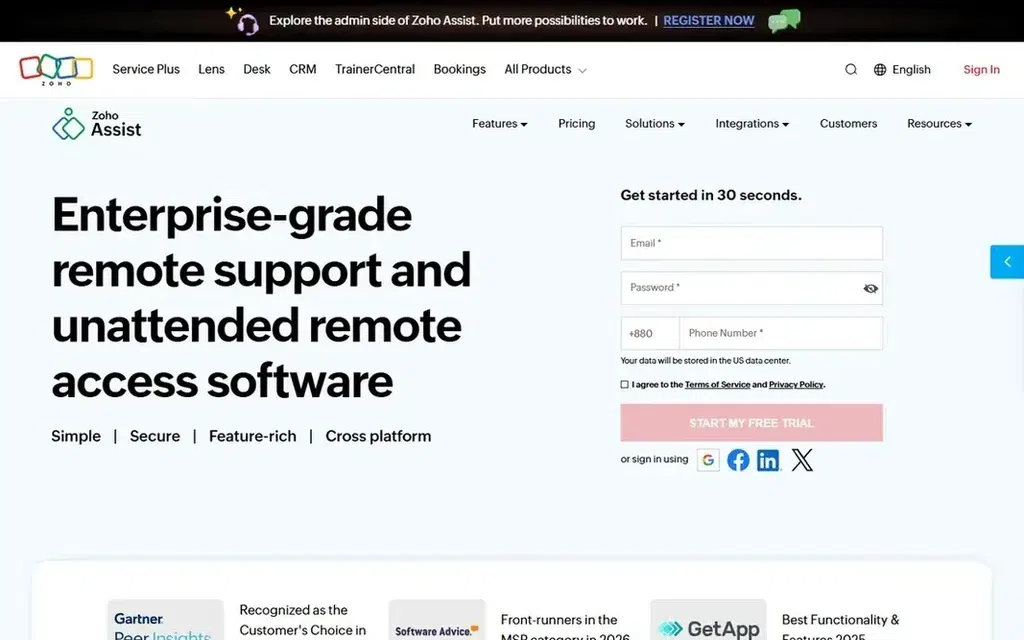
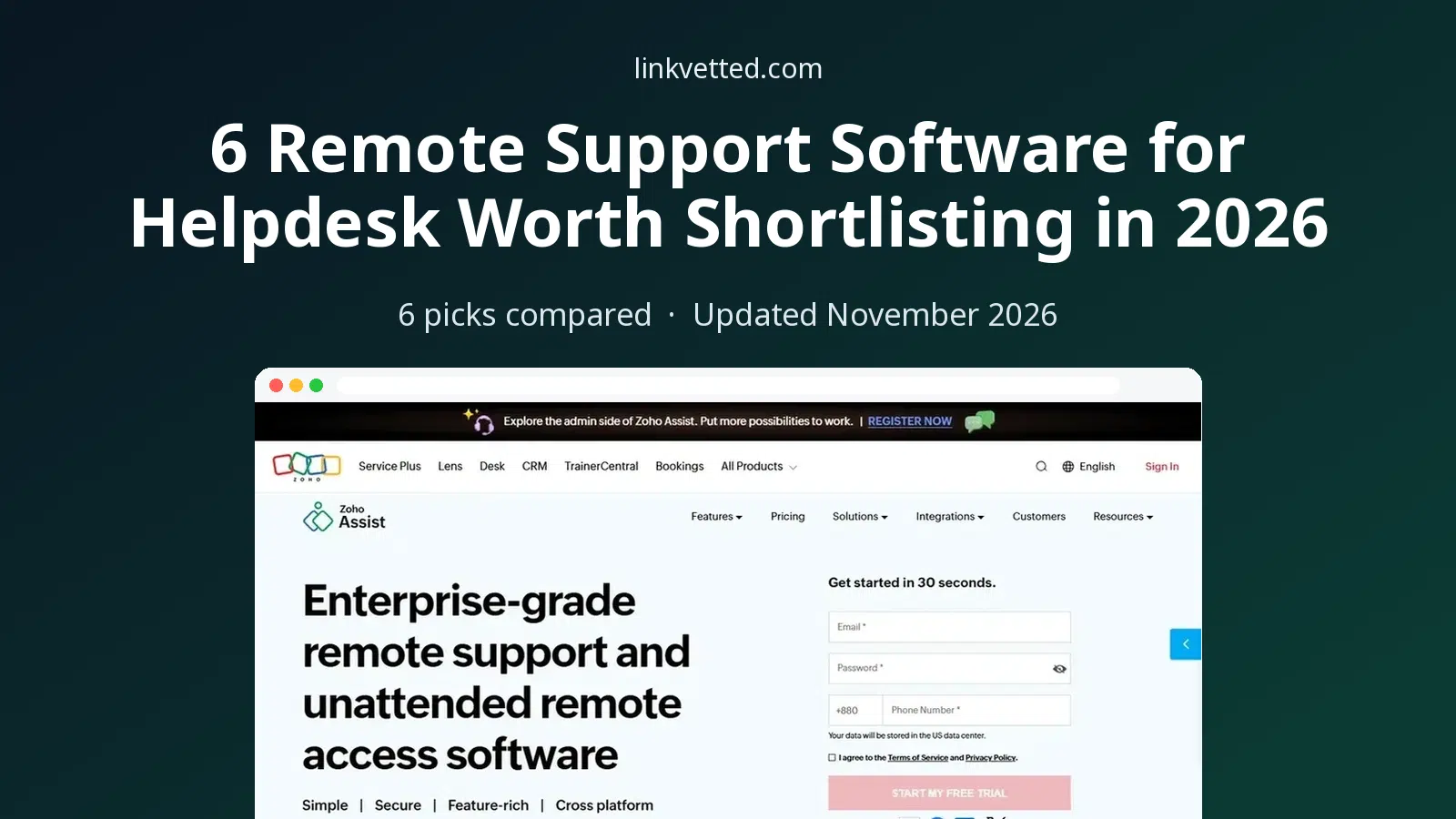
Zoho Assist is built with IT and support team remote troubleshooting in mind. Zoho Assist is described as secure, easy-to-use remote desktop software targeted at IT and support teams. On top of that, verify session and device limits on the vendor site.
As for the details, agents can access, control and troubleshoot devices from anywhere, which suits helpdesks handling a steady flow of inbound support requests. Its focus on support instead of general collaboration keeps the interface oriented toward troubleshooting sessions. Pricing for Zoho Assist is not stated here, so ask the vendor for current figures. On free options: Not stated.
Where it falls short: Best value may rely on wider Zoho use.
- Aimed at support workflows
- Secure remote desktop access
- Feature depth varies by edition
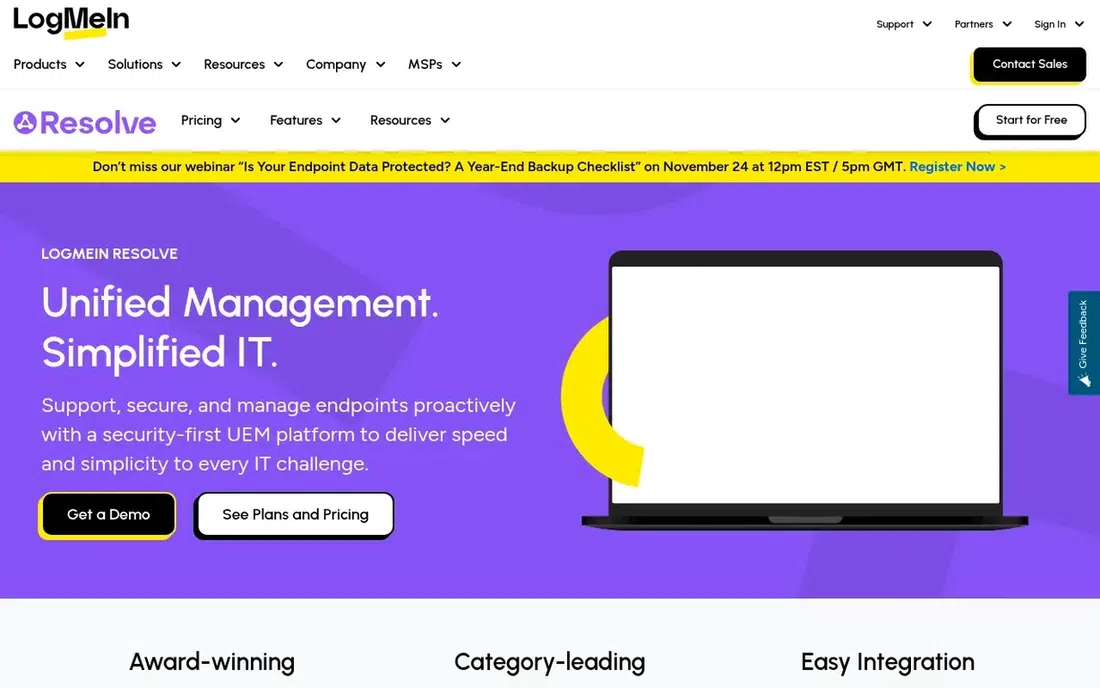
Think of GoTo Resolve for expanding organizations managing endpoints. GoTo Resolve, also presented as LogMeIn Resolve, is framed around unified endpoint management and IT management software for expanding organizations. That makes it a fit for helpdesks that want remote support alongside visibility into the wider IT landscape, instead of a standalone session tool.
Where it is weaker: Management focus may exceed straightforward helpdesk needs.
Review the support and management capabilities listed for your edition before committing. Helpdesks that only need fast on-demand support sessions may find the management orientation heavier than necessary. Smaller teams should weigh how much endpoint oversight they actually use. Pricing for GoTo Resolve is not stated here, so ask the vendor for current figures. Free access: Free trial.
- Geared toward expanding organizations
- Merges support with IT management
- Setup scope can be broader
Splashtop SOS
Best for: Quick, secure on-demand support sessions
Splashtop SOS makes the most sense for quick, secure on-demand support sessions. Splashtop SOS is presented as fast and secure remote support for IT and help desks, with a focus on efficiency and customer satisfaction.
Confirm which support features are included in the edition you are considering. Splashtop SOS does not show a starting price in this comparison, so check the vendor site for current pricing. Trial and free access: Not stated.
Where Splashtop SOS stands out: Emphasis on quick.
Limits to weigh: Advanced management needs may need other tools.
- Steady support
- Straightforward session-based approach
- Narrower scope than full IT systems
TeamViewer Remote
Best for: All-around remote access and support
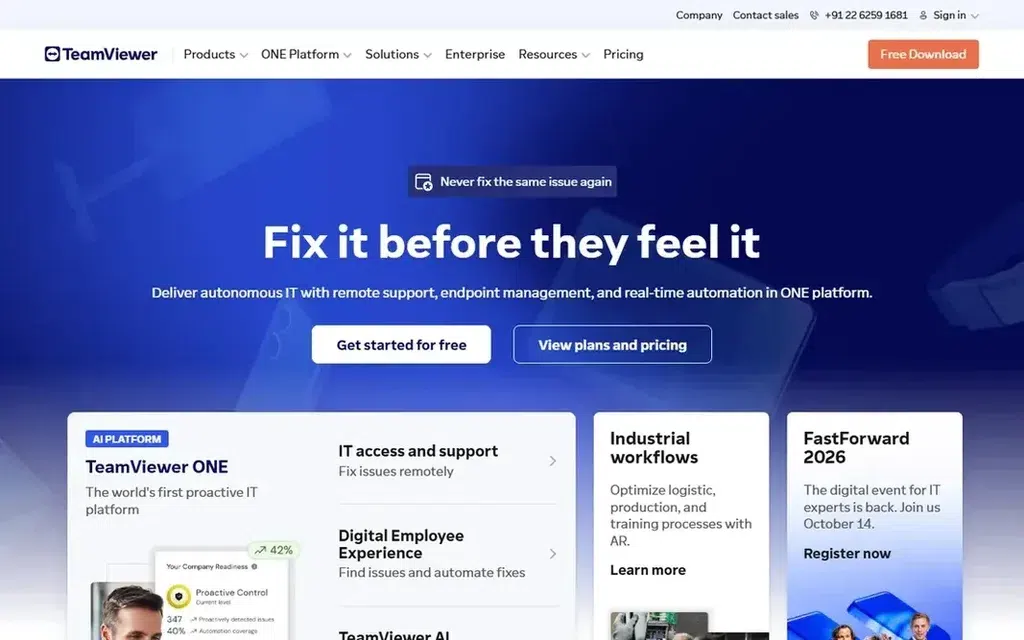
TeamViewer Remote is aimed squarely at all-around remote access and support. TeamViewer Remote is positioned as a digital workplace product that centers on remote desktop access.
Confirm which support features are included for your use case on the vendor site. Pricing for TeamViewer Remote is not stated here, so ask the vendor for current figures. As for free access: Free trial.
Where it is weaker: Advanced management features need review.
- Personal use choice noted on the vendor site
- Works across computers and mobile devices
- Wide product may feel large for small teams
How we compared the tools
We compared the tools on published pricing, free plan or trial availability, feature coverage for remote support software for helpdesk, and the limits each vendor documents. Where a vendor does not publish a price, the entry says quote. Where a price depends on seats or billing term, the entry says so. Order on the page follows fit for the typical buyer first, then price transparency and free access. Your own requirements should decide the final pick.
Pre-purchase checklist
- Confirm the entry price with every vendor: no tool from N-able Take Control to TeamViewer Remote shows a fixed starting price.
- Use real work to test the free trial from ISL Online, GoTo Resolve and TeamViewer Remote, rather than a demo project.
- Before choosing N-able Take Control, weigh its main limit: MSP orientation may not suit internal helpdesks.
- Find out whether the entry plan of Zoho Assist covers your must-haves or only a trimmed-down version.
- Confirm minimum seats and billing terms with GoTo Resolve before you commit to an annual plan.
FAQ
Does any tool for remote support software for helpdesk here have a free plan?
No tool in this list, N-able Take Control and TeamViewer Remote included, has a permanent free plan. ISL Online, GoTo Resolve, TeamViewer Remote offer a trial. Trials and quotes are the usual route, so plan a short evaluation period.
How do MSP-focused tools differ from internal helpdesk tools?
Tools for example N-able Take Control are framed around managed service providers who support numerous client environments. Match the tool to how your team is structured.
Can agents offer support from mobile devices?
Availability of mobile support can vary by product and edition. Confirm mobile capabilities on the vendor site if field or on-call support matters to your team.
What should a helpdesk look for in remote support software?
Look for quick session setup, secure connections and clear controls for on-demand compared with unattended access. Integration with your existing helpdesk tools can cut friction.
Can I try these tools before paying?
Often, yes. ISL Online, GoTo Resolve and TeamViewer Remote offer a free trial. Use your own data and a real task during the test, and check what the free tier or trial limits before you rely on it.
Do these tools publish their prices?
No. None of the tools, from N-able Take Control to TeamViewer Remote, shows a fixed starting price here, so budget time for quotes.
Sources
- https://www.n-able.com/products/take-control
- https://www.islonline.com
- https://www.zoho.com/assist
- https://www.goto.com/resolve
- https://www.splashtop.com/sos
- https://www.teamviewer.com