Best Helpdesk Software for Customer Service Teams in 2026: 8 Tools Compared
Our guide to the best helpdesk software for customer service teams in 2026 compares 8 tools on ticketing, automation, AI help and price per agent today.
- Editor's choice
 Zendesk
Mid-market and enterprise support teams
Starts at$55 per agent per monthVisit zendesk.comFull review - Great alternative
 Freshdesk
Growing teams wanting full ticketing at lower cost
Starts at$19 per agent per monthVisit freshdesk.comFull review - Also consider
 Help Scout
Small email-first teams wanting a clean inbox
Starts at$25 per user per monthVisit helpscout.comFull review
TL;DR:
- Freshdesk offers the best value for most growing teams, from $19 per agent per month on its Growth plan.
- Zendesk has the deepest ticketing and reporting, but Suite Team starts at $55 per agent per month.
- Help Scout and Zoho Desk suit small email-first teams that want simple pricing and a clean inbox.
- AI pricing now matters as much as seat pricing, so check per-resolution and copilot fees before buying.
Quick comparison
| Tool | Best for | Starts at | Free plan? | |
|---|---|---|---|---|
| Zendesk | Mid-market and enterprise support teams | $55 per agent per month | Free trial | Visit |
| Freshdesk | Growing teams wanting full ticketing at lower cost | $19 per agent per month | Free trial | Visit |
| Help Scout | Small email-first teams wanting a clean inbox | $25 per user per month | Yes | Visit |
 Zoho Desk | Budget teams, especially Zoho users | $14 per agent per month | Yes | Visit |
 Intercom | Product teams running chat-first support | $29 per seat per month | Free trial | Visit |
 HubSpot Service Hub | Teams already running HubSpot CRM | See website | Yes | Visit |
 LiveAgent | Small teams wanting chat, tickets and calls in one tool | $15 per agent per month | Free trial | Visit |
 Front | Teams managing high email volume in shared inboxes | $25 per seat per month | No | Visit |
The best helpdesk software for customer service teams
A helpdesk turns scattered emails, chats and social messages into tickets with owners, deadlines and history. The tools below suit different team sizes, so start with your channel mix and your budget per agent.

Zendesk remains the reference point for mature ticketing, and larger teams choose it for depth. Its routing, automation, service level tools and reporting handle complex queues that simpler tools struggle with.
The catch is cost: Suite Team starts at $55 per agent per month, and AI copilot adds more per agent. For teams weighing Zendesk against the rest of this list, the deciding question is fit: it rewards buyers whose needs match its strengths and who accept its limits with open eyes. Check the current pricing page before buying, since plans and add-on fees change during the year.
- Deepest ticketing and routing
- Large integration set
- Detailed reporting
- High entry price
- AI copilot is a paid add-on

Freshdesk is our pick for most growing teams that want real ticketing without enterprise pricing. It covers email, chat, phone and social tickets, with automations and a knowledge base on paid plans.
The catch is the free tier, which suits only one or two agents, so plan on a paid plan for a real team. For teams weighing Freshdesk against the rest of this list, the deciding question is fit: it rewards buyers whose needs match its strengths and who accept its limits with open eyes. Check the current pricing page before buying, since plans and add-on fees change during the year.
- Multichannel ticketing
- Freddy AI
- Automations and service level tools
- Free tier is limited
- Interface can feel busy
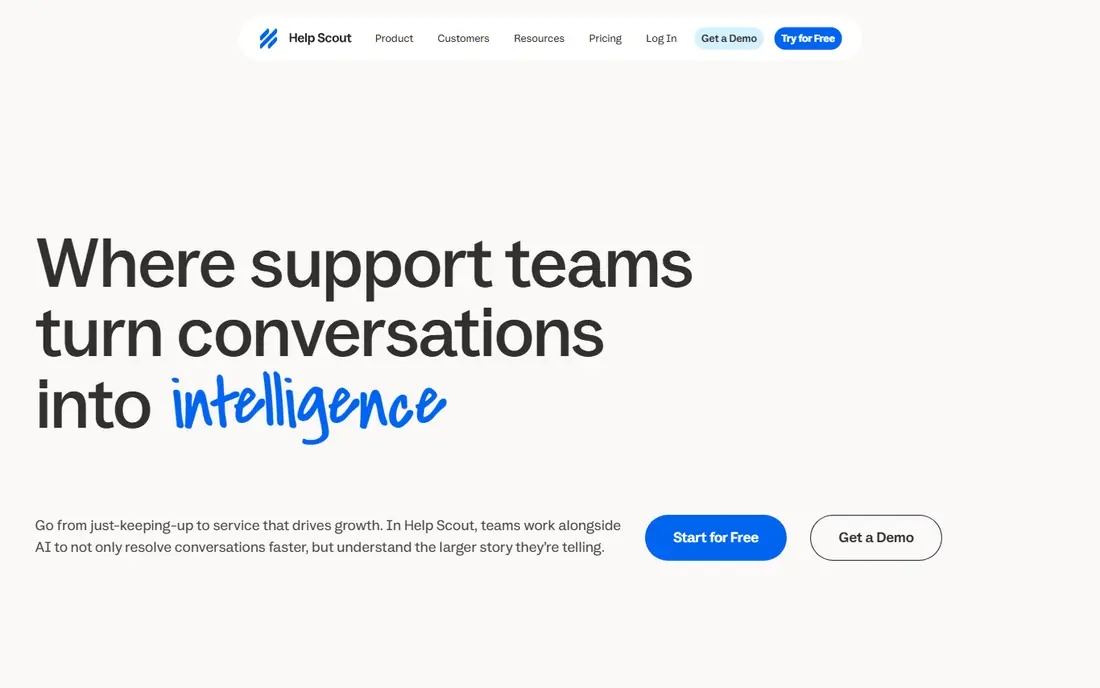
Help Scout suits teams whose support is mostly email and who hate cluttered ticket screens. The inbox feels like email, docs are easy to build, and new agents learn it in a day.
The catch is scope: phone support and advanced routing are thinner than on Zendesk or Freshdesk. For teams weighing Help Scout against the rest of this list, the deciding question is fit: it rewards buyers whose needs match its strengths and who accept its limits with open eyes. Check the current pricing page before buying, since plans and add-on fees change during the year.
- Feels like email, not a ticket system
- Good knowledge base
- Fast onboarding
- Limited phone support
- AI answers billed per resolution
Zoho Desk is the budget pick for teams already using Zoho apps. Its free edition covers up to three agents, and paid plans add automation, service levels and Zia AI help.
The catch is the interface, which can feel crowded once you add several Zoho modules. For teams weighing Zoho Desk against the rest of this list, the deciding question is fit: it rewards buyers whose needs match its strengths and who accept its limits with open eyes. Check the current pricing page before buying, since plans and add-on fees change during the year.
- Lowest seat cost in this list
- Zia AI on higher plans
- Deep Zoho bundle
- Interface complexity grows with added modules
- Smaller integration set outside Zoho
Intercom fits software teams whose customers ask for help inside the product. Fin AI resolves common questions in chat, and proactive messages can guide users before they file a ticket.
The catch is billing: seats plus $0.99 per Fin resolution add up in a busy month. For teams weighing Intercom against the rest of this list, the deciding question is fit: it rewards buyers whose needs match its strengths and who accept its limits with open eyes. Check the current pricing page before buying, since plans and add-on fees change during the year.
- Fin AI agent
- In-app messaging
- Proactive outreach tools
- Fin bills per resolution on top of seats
- Less suited to email-heavy teams
HubSpot Service Hub makes sense when support, sales and marketing already share HubSpot. Tickets sit on the same contact timeline as deals and emails, which gives agents full context.
The catch is the jump to Professional, which costs far more than the free and Starter tiers. For teams weighing HubSpot Service Hub against the rest of this list, the deciding question is fit: it rewards buyers whose needs match its strengths and who accept its limits with open eyes. Check the current pricing page before buying, since plans and add-on fees change during the year.
- Shared timeline with sales and marketing
- Free tools for up to 2 users
- Ticketing included
- Professional tier is $90 per seat per month with onboarding fees
LiveAgent bundles ticketing, live chat and a call center at a price smaller teams can afford. That bundle suits teams that handle all three channels but cannot justify separate tools for each.
The catch is polish: the interface looks older, and reporting is less detailed than larger rivals. For teams weighing LiveAgent against the rest of this list, the deciding question is fit: it rewards buyers whose needs match its strengths and who accept its limits with open eyes. Check the current pricing page before buying, since plans and add-on fees change during the year.
- Ticketing plus live chat and call center
- Good value bundle
- 30-day trial
- Interface looks dated
- Reporting is less deep than Zendesk
Front suits teams drowning in shared email inboxes and needing clear ownership. Internal comments, assignments and collision detection stop two agents answering the same message.
The catch is price growth: Starter is fair, but advanced features move you to much higher tiers. For teams weighing Front against the rest of this list, the deciding question is fit: it rewards buyers whose needs match its strengths and who accept its limits with open eyes. Check the current pricing page before buying, since plans and add-on fees change during the year.
- Shared inbox with internal comments
- Multichannel collaboration
- Good assignment tools
- No free plan
- Enterprise features push price up fast
How we picked these
We compared official pricing pages and recent independent helpdesk roundups for tools actively sold in October 2026. We favored tools with published per-agent pricing, multichannel tickets, automation and service level controls, and we weighed AI costs separately from seat costs. We included email-first, chat-first and enterprise tools, since customer service teams differ in channel mix.
We also checked whether each option is still actively sold and supported in October 2026, and we left out products that had shut down, merged away, or stopped publishing clear terms. That filter matters because listicles often repeat old names that no longer exist, and a buyer who picks a dead product wastes weeks on setup. Where a vendor page was unclear, we used See website rather than inventing a price, and we encourage readers to confirm the current plan detail on the vendor site before paying, since pricing pages change during the year and annual billing terms vary by plan.
How to choose helpdesk software for your team
Start with channels, not features
List where customers actually reach you: email, chat, phone, social, or in-app messages. A tool that excels at email but handles chat poorly will frustrate a chat-heavy team. Pick the tool that covers your top two channels well, and treat the rest as a bonus.
Price the whole team, not one seat
Multiply the per-agent price by your real agent count, then add AI copilot or per-resolution fees. A $19 plan with a $29 copilot add-on costs more than a $25 plan with AI included. Model a busy month, including seasonal hires, before signing an annual contract.
Test triage with real tickets
Import or recreate twenty real tickets during a trial, and run them through routing, automation and service level rules. Watch how long triage takes, whether agents can find history fast, and whether managers can see queue health at a glance. A helpdesk that slows triage down will cost you every day.
FAQ
What does helpdesk software do?
Helpdesk software collects customer messages from email, chat, phone and social channels into tickets with owners, priorities and deadlines. It adds automation, knowledge bases, service level tracking and reporting so teams resolve issues faster and nothing gets lost.
How much does helpdesk software cost?
Entry paid plans in this list run from $14 to $55 per agent per month on annual billing, with free tiers on several tools for tiny teams. AI features often cost extra, either per agent or per resolution, so check those fees too.
Is Zendesk or Freshdesk better for a small team?
Freshdesk usually wins for small and growing teams on value, since Growth starts at $19 per agent per month. Zendesk wins for larger teams that need deeper routing, reporting and integrations and can afford Suite pricing.
Do we need AI in a helpdesk?
AI helps most with drafting replies, summarizing long tickets and answering routine questions, but it is not required to run good support. Start with solid ticketing and automation, then add AI where it saves measurable agent time.
Can a helpdesk replace live chat software?
Many helpdesks include live chat, so a separate chat tool may not be needed. If chat is your main channel and you need advanced chat routing or AI, a dedicated chat tool like LiveChat or Intercom may still be worth it alongside a helpdesk.