Choosing Remote Onboarding Software in 2026: 5 Options Compared
Best remote onboarding software: 5 contenders ranked by fit, with entry costs and free tiers. Clear notes on pricing gaps and limits. Quick comparison inside.
- Editor's choiceEnboarder
Personalized onboarding journeys
Starts atSee websiteVisit enboarder.comFull review - Great alternative
 Workday
Enterprise HR and finance
Starts atSee websiteVisit workday.comFull review - Also consider
 Rippling
Unified HR, IT, and Finance
Starts at$8 per employee a monthVisit rippling.comFull review
Direct answer
Our first pick is Enboarder, best for personalized onboarding journeys. Listed starting prices: Rippling from $8 per employee a month, BambooHR from $10 per employee a month and GoCo from $11.40 per month. Workday is better for enterprise HR and finance, and Rippling is better for unified HR, IT, and Finance. The full list of 5 tools follows, with prices and free plan facts.
TL;DR:
- This list starts with Enboarder, which is built for personalized onboarding journeys.
- GoCo fits all-in-one HR for SMBs.
- For the cheapest start, look at Rippling: $8 per employee per month.
- A fair warning about Rippling: can be complicated to set up.
Last checked November 2026. Prices and plan details were read from the vendors' own pages in November 2026; vendors change plans often, so confirm the current price on the vendor site before you buy.
Quick comparison
| Tool | Best for | Starts at | Free plan? | |
|---|---|---|---|---|
| Enboarder | Personalized onboarding journeys | See website | Not stated | Visit |
| Workday | Enterprise HR and finance | See website | Not stated | Visit |
| Rippling | Unified HR, IT, and Finance | $8 per employee a month | Not stated | Visit |
 BambooHR | Thorough HR and onboarding | $10 per employee a month | No | Visit |
 GoCo | All-in-one HR for SMBs | $11.40 per month | Yes | Visit |
Remote Onboarding Software compared in detail
Short on time? The summary and table above give the quick view of 5 tools for remote onboarding software, and the profiles that follow give the detail behind each entry.
Enboarder
Best for: Personalized onboarding journeys
Where Enboarder fits: personalized onboarding journeys. It centres on engaging new hires with tailored content and automatic workflows, making it a strong match for remote teams that want to produce a welcoming and structured onboarding experience without a full HR suite.
Points against: Restricted to onboarding and journey mapping.
It is a good match for organizations prioritizing the onboarding experience. This comparison lists no price for Enboarder; ask the vendor. Trial and free access: Not stated.
- Cross-functional collaboration
- Intelligent onboarding system
- May need integration with HRIS
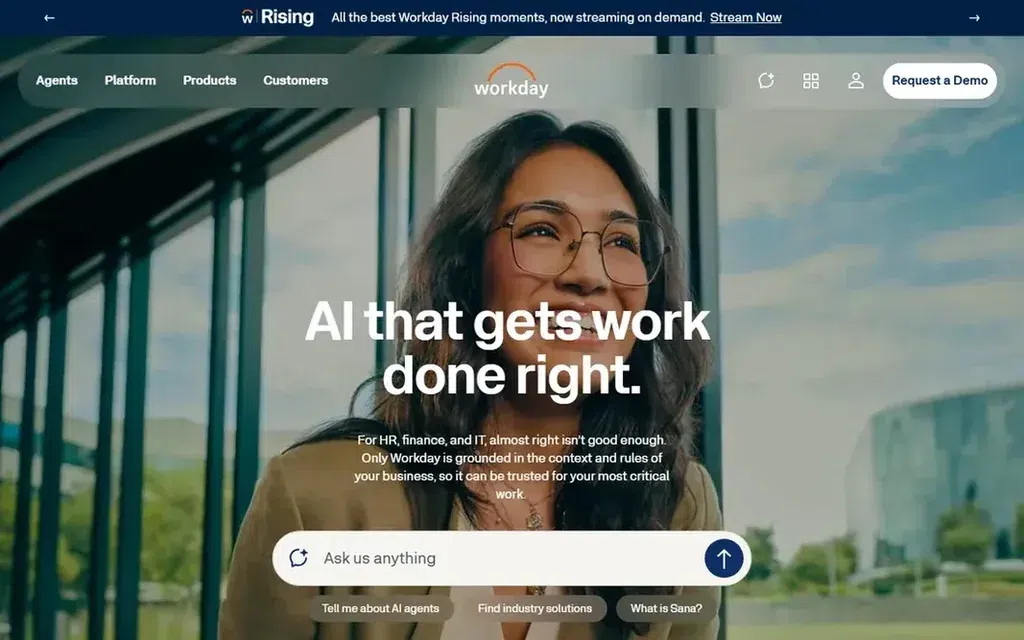
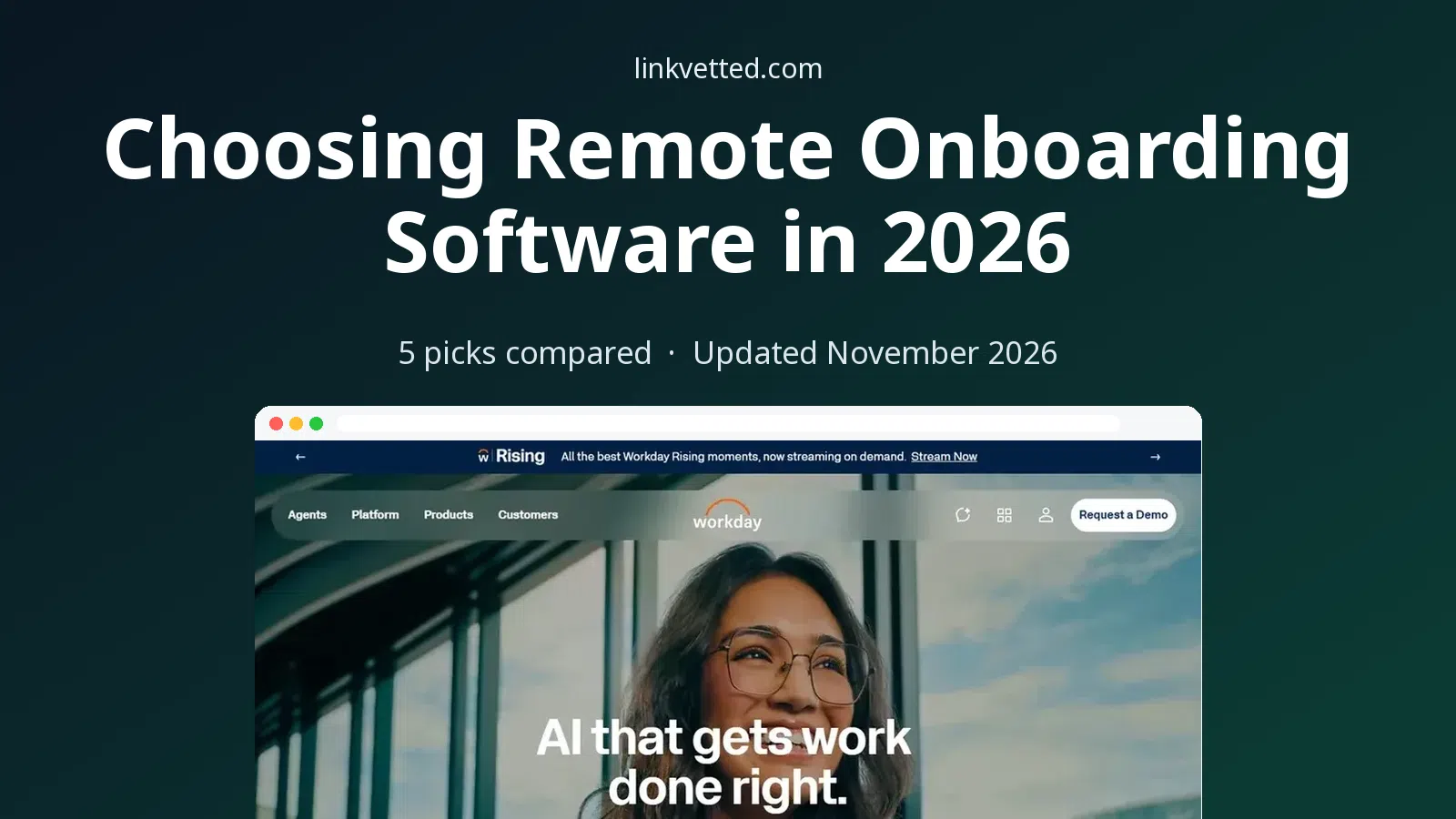
Workday is a good fit for enterprise HR and finance. If you need a light onboarding solution, Workday may be excessive.
More specifically, implementation can be lengthy, and the ramp-up time is steep. No starting price is listed for Workday here; confirm pricing on the vendor site. Free access: Not stated.
Limits to weigh: High complexity and cost.
- AI-powered insights
- Thorough HR and finance suite
- Steep ramp-up time
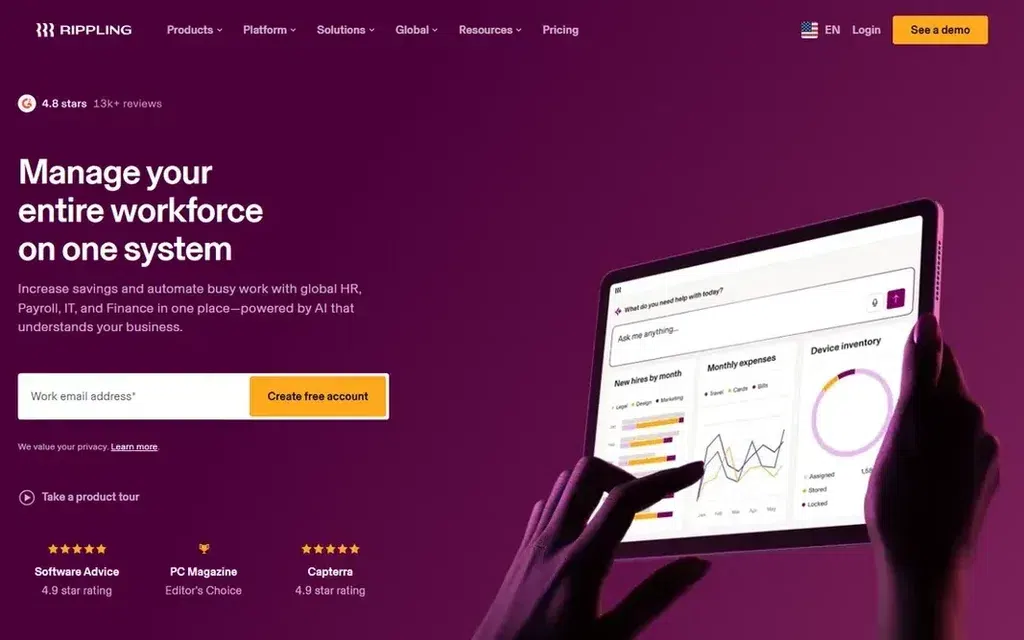
Rippling makes the most sense for unified HR, IT, and Finance. Rippling eliminates friction by combining HR, IT, and Finance apps on a unified data system. This permits for smooth onboarding across departments, automating tasks like equipment provisioning and payroll setup.
What to check first: May need training for full utilization.
On top of that, setup may need significant time and training. The system's breadth can be overwhelming for organizations without dedicated IT or HR operations. Rippling pricing: $8 per employee per month. Trial and free access: Not stated.
- Unified data platform
- Automatic cross-department workflows
- Can be complicated to set up
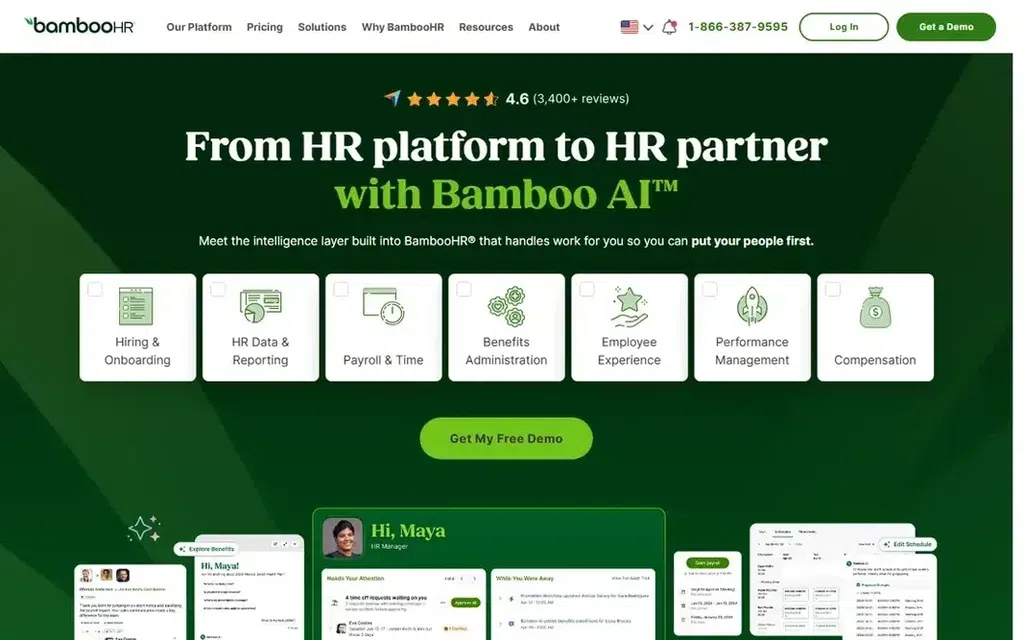
BambooHR was built for thorough HR and onboarding. BambooHR is a complete HR software that eases HR tasks from hiring to retirement. Even so, BambooHR may be overkill for very small teams or those needing highly specialized onboarding workflows.
Its onboarding features are part of a broader HR suite, so if you only need standalone onboarding software, you might consider a dedicated tool. Still, for numerous organizations, it offers a balanced approach. Entry price for BambooHR: $10 per employee per month. BambooHR has no free plan.
Drawbacks to consider: May be complicated for small teams.
- Simplified hire-to-retire process
- Approachable interface
- Restricted customization for onboarding workflows
GoCo was built for all-in-one HR for SMBs. If you have complicated onboarding needs, you might need a more focused tool. Beyond that, Whereas GoCo handles essential HR functions, its onboarding features may not be as deep or configurable as dedicated onboarding tools.
Honest limits: May lack advanced onboarding customization.
Beyond that, GoCo is an all-in-one HR software that simplifies manual tasks, with features including digital onboarding, benefits administration, payroll, and compliance. It is built for small to midsize companies that want an integrated product to run HR processes, including remote onboarding, without juggling several systems. GoCo pricing: $11.40 per month. You can start on GoCo without paying.
What GoCo does well: All-in-one HR, payroll, benefits.
- Digital onboarding features
- Simplifies manual tasks
- Restricted enterprise scalability
How we built this list
We compared the tools on published pricing, free plan or trial availability, feature coverage for remote onboarding software, and the limits each vendor documents. Figures are shown as the vendors publish them. Billing terms, seat minimums and add-ons can change the real cost. Tools are placed by general fit for remote onboarding software, with price clarity and free access as tie-breakers. A different team can reasonably rank them differently.
Before you commit
- Get a written quote from Enboarder and Workday; the list shows no starting price for them.
- Test the free plan from GoCo against your real workload before relying on it.
- Before choosing Enboarder, weigh its main limit: restricted to onboarding and journey mapping.
- Get the contract term, renewal terms and any onboarding fees from GoCo in writing.
- Compare total cost, not headline price: for Enboarder, add extra seats, add-ons and any usage-based charges.
FAQ
Do these tools publish their prices?
Not all of them. Enboarder and Workday publish no starting price, so expect a quote request for those. The rest, Rippling included, show a starting price, though seats and billing terms still change the final cost. All 5 picks in this remote onboarding software comparison list a starting price, free plan details and the main limits on their cards above.
How are the tools for remote onboarding software ordered?
Enboarder sits first and GoCo last because the order follows typical fit for remote onboarding software, then price clarity and free access. It is a judgement call, so read each profile for fit and limits.
What is the cheapest option for remote onboarding software in this list?
On published monthly entry prices, Rippling is the lowest here at $8 per employee per month. Entry price is only part of the cost, because seats, add-ons and billing terms can change the total. For the full picture, the cards above cover all 5 entries of this remote onboarding software list, including price, free plan and limits.
Is Enboarder the right pick for everyone comparing remote onboarding software?
No single tool suits every team. Enboarder comes first because it fits personalized onboarding journeys, while Workday suits enterprise HR and finance and Rippling suits unified HR, IT, and Finance. Match the tool to your own size, budget and workflow before deciding.
Sources
- https://enboarder.com
- https://www.workday.com
- https://www.rippling.com
- https://www.bamboohr.com
- https://www.goco.io