Best Corporate LMS for Onboarding Remote Employees for 2026: Our 6 Vetted Picks
6 best corporate LMS for onboarding remote employees, compared on pricing, free plans and best-fit use. Every tool lists pros and cons. Checked this month.
- Editor's choice
 Cornerstone OnDemand
Workforce readiness and skills visibility
Starts atSee websiteVisit cornerstoneondemand.comFull review - Great alternative
 Absorb LMS
AI-powered enterprise training programs
Starts atSee websiteVisit absorblms.comFull review - Also consider
 Docebo
Skills-driven remote onboarding at scale
Starts atSee websiteVisit docebo.comFull review
Direct answer
Our first pick is Cornerstone OnDemand, best for workforce readiness and skills visibility. Listed starting prices: TalentLMS from $119 per month. Look at Absorb LMS for AI-powered enterprise training programs, and at Docebo for skills-driven remote onboarding at scale. Details, prices and limits for the rest of the 6 tools are below.
TL;DR:
- Cornerstone OnDemand takes the first slot, best suited to workforce readiness and skills visibility.
- Just one of the 6 tools, TalentLMS, has a free plan.
- Cornerstone OnDemand comes with a trade-off: enterprise focus can suit bigger structures better.
- Adobe Learning Manager fits personalized learning at scale.
- For the cheapest start, look at TalentLMS: $119 per month.
Last checked November 2026. Prices and plan details were read from the vendors' own pages in November 2026; vendors change plans often, so confirm the current price on the vendor site before you buy.
Quick comparison
| Tool | Best for | Starts at | Free plan? | |
|---|---|---|---|---|
| Cornerstone OnDemand | Workforce readiness and skills visibility | See website | Not stated | Visit |
| Absorb LMS | AI-powered enterprise training programs | See website | Not stated | Visit |
| Docebo | Skills-driven remote onboarding at scale | See website | Not stated | Visit |
 TalentLMS | Straightforward cloud course delivery | $119 per month | Yes | Visit |
 LearnUpon | Agent-assisted learning experiences | See website | Not stated | Visit |
| Adobe Learning Manager | Personalized learning at scale | See website | Not stated | Visit |
Corporate LMS for Onboarding Remote Employees profiles
Short on time? The summary and table above give the quick view of 6 corporate LMS for onboarding remote employees, and the profiles that follow give the detail behind each entry.
Cornerstone OnDemand
Best for: Workforce readiness and skills visibility
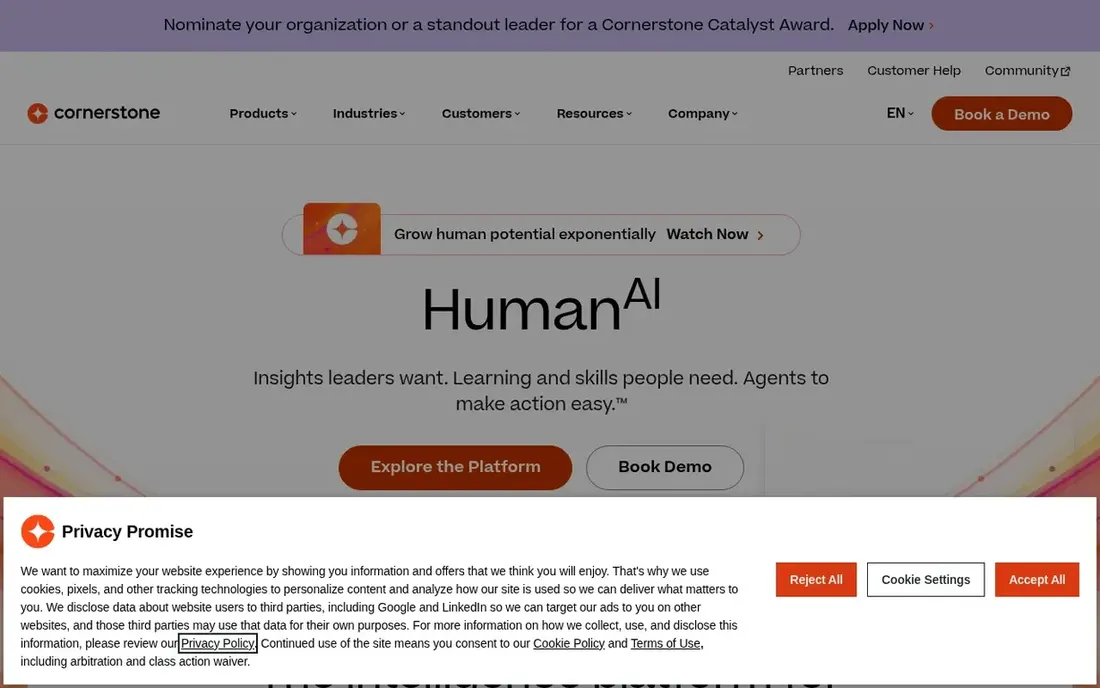
Cornerstone OnDemand is aimed squarely at workforce readiness and skills visibility. Cornerstone OnDemand positions its intelligence product around workforce readiness, delivering insights leaders want alongside the skills and learning people need.
Limits to weigh: Enterprise focus can suit bigger structures better.
On top of that, if your onboarding needs are straightforward and self-contained, a more focused LMS could be the better match. The product leans toward enterprise structures, so smaller teams may find it heavier than necessary. No starting price is listed for Cornerstone OnDemand here; confirm pricing on the vendor site. Free access: Not stated.
- Intelligence product for workforce readiness
- Geared toward insight-driven learning leaders
- Needs internal ownership to configure
Think of Absorb LMS for AI-powered enterprise training programs. Absorb LMS describes itself as an enterprise learning management system with AI-powered training that proves itself in performance.
The main drawbacks: Enterprise scope may exceed small team needs.
More specifically, for remote onboarding, this means new hires can follow structured programs whereas the organization tracks how training links to performance. If you want a fast start with minimal administration, a lighter cloud LMS is worth considering. Absorb LMS shows no starting price here, so confirm the cost on the vendor site. Trial and free access: Not stated.
- Enterprise-oriented LMS positioning
- AI-powered training focus
- Full value relies on structured rollout
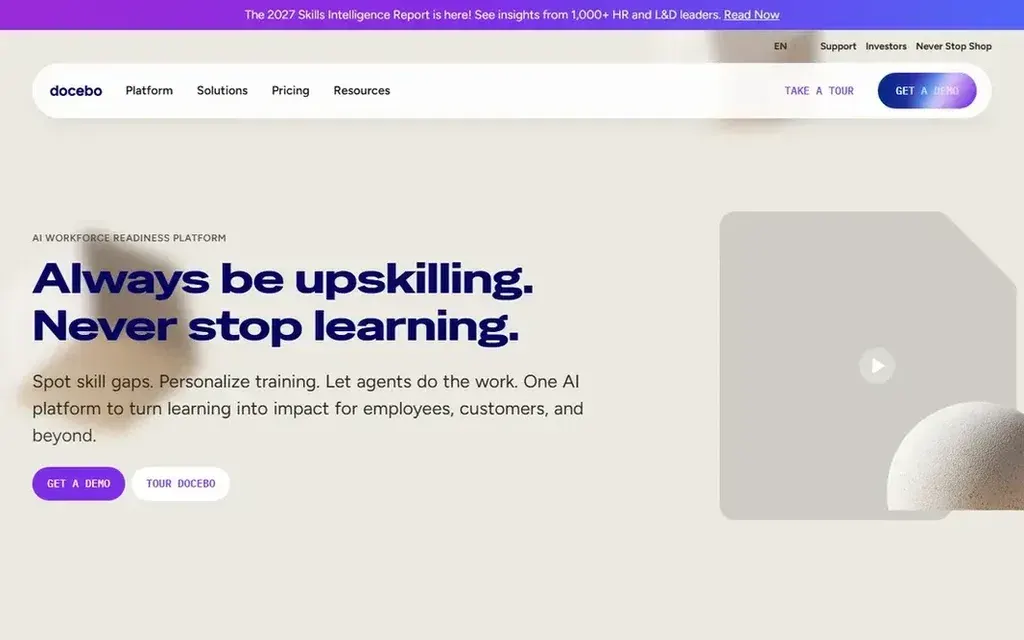
Docebo is built with skills-driven remote onboarding at scale in mind. If you only need straightforward course delivery for a handful of remote hires, a lighter cloud LMS may be simpler to run.
The main drawbacks: Wide system may feel complicated for small teams.
Docebo shows no starting price here, so confirm the cost on the vendor site. Free access: Not stated.
- Links skills intelligence with learning content
- Supports workforce readiness visibility
- Setup needs planning across modules
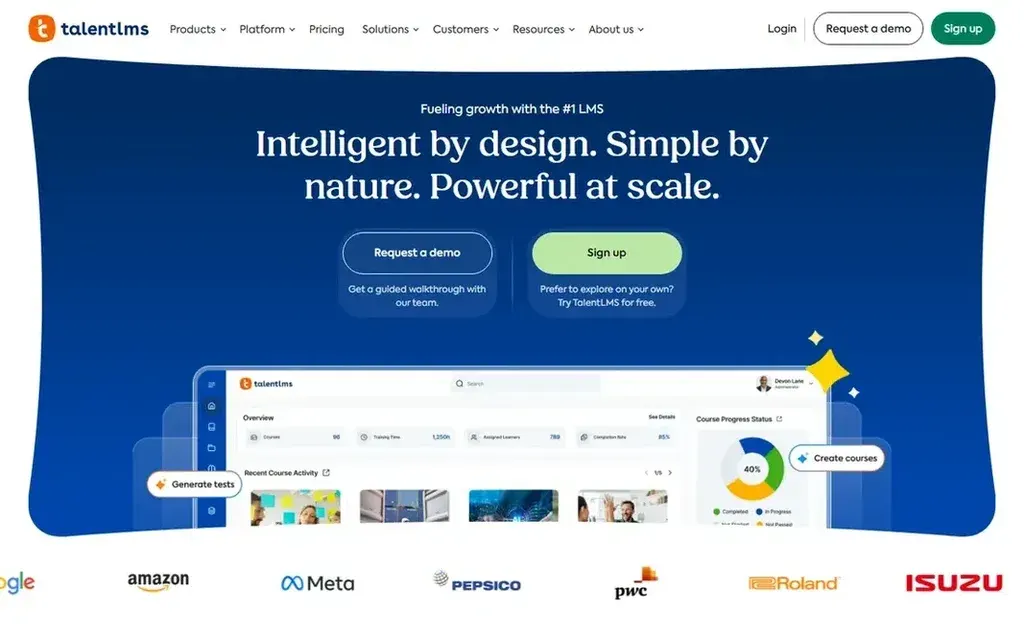
TalentLMS is aimed squarely at straightforward cloud course delivery. For remote onboarding, that translates into a practical way to build welcome modules, policy training, and role introductions that new hires complete at their own pace.
Limits to weigh: Advanced readiness analytics may be restricted.
If onboarding is part of a bigger talent strategy, consider a broader system instead. The system centers on course delivery, so organizations wanting deep skills intelligence or readiness modeling may need more. TalentLMS pricing: $119 per month. You can start on TalentLMS without paying.
- Straightforward positioning for online training
- Made for managing learners and content
- Less emphasis on deep skills intelligence
Think of LearnUpon for agent-assisted learning experiences. For remote onboarding, this points toward guided, responsive learning experiences that support new hires as they work through introductory material.
In daily use, the agentic positioning is newer, so buyers should confirm how it applies to onboarding workflows. Worth adding: if you need proven, conventional onboarding structure, a more traditional LMS may be the safer choice. Check the vendor site for LearnUpon pricing; none is listed in this comparison. On free options: Not stated.
Downsides: Less detail on onboarding-specific features.
- Focus on raising human capability
- Moves beyond traditional LMS limits
- Newer positioning may need vendor clarification
Adobe Learning Manager
Best for: Personalized learning at scale
Choose Adobe Learning Manager for personalized learning at scale. Adobe Learning Manager is an AI-powered LMS for creating, managing, and delivering personalized learning experiences at scale, spanning customer training, partner education, and employee skilling. On top of that, the broad scope means onboarding setup takes planning, and teams should confirm how new hire workflows are handled.
Points against: Onboarding specifics need vendor confirmation.
From a buyer's view, if you want a narrow onboarding tool with minimal configuration, a more straightforward LMS may serve better. For remote onboarding, that means new hire paths can be personalized whereas fitting into a wider learning ecosystem. Pricing for Adobe Learning Manager is not stated here, so ask the vendor for current figures. Free options: Not stated.
- Partner training
- Built to deliver learning at scale
- Wide scope may need more planning
What went into this list
The comparison looks at four things: starting price, free access, how well the feature set matches corporate LMS for onboarding remote employees, and the main limit of each tool. Figures are shown as the vendors publish them. Billing terms, seat minimums and add-ons can change the real cost. The sequence is a judgement call: typical use case first, then pricing transparency, then free access. Use the profiles to check fit.
What to check before you buy
- Ask Cornerstone OnDemand, Absorb LMS, Docebo and others for a written quote, since no starting price is shown.
- Look at the free plan from TalentLMS closely: its caps decide whether it is usable for real work.
- Read the limits listed for Cornerstone OnDemand first: enterprise focus can suit bigger structures better.
- Add up seats, add-ons and usage charges for Adobe Learning Manager before comparing it with cheaper entries.
- Test how quickly TalentLMS answers a pre-sales question; it hints at how support will feel later.
FAQ
How are the tools for corporate LMS for onboarding remote employees ordered?
Cornerstone OnDemand sits first and Adobe Learning Manager last because the order follows typical fit for corporate LMS for onboarding remote employees, then price clarity and free access. It is a judgement call, so read each profile for fit and limits.
What is the cheapest option for corporate LMS for onboarding remote employees in this list?
On published monthly entry prices, TalentLMS is the lowest here at $119 per month. Entry price is only part of the cost, because seats, add-ons and billing terms can change the total. For the full picture, the cards above cover all 6 entries of this corporate LMS for onboarding remote employees list, including price, free plan and limits.
Is Docebo a solid fit for onboarding remote employees?
Docebo links skills intelligence, learning, knowledge, and AI agents, which supports guiding new hires whereas showing readiness. It fits organizations that want onboarding tied to a broader skills strategy instead of a standalone course list.
Can I try these tools before paying?
Often, yes. TalentLMS has a free plan. Use your own data and a real task during the test, and check what the free tier or trial limits before you rely on it. Prices, free plan details and limits for all 6 tools in this corporate LMS for onboarding remote employees roundup sit on the individual cards above.
Which options for corporate LMS for onboarding remote employees have a free plan?
TalentLMS is the only tool in this list with a free plan. Free plans usually cap users, projects or features, so check the limits on the vendor page. Each of the 6 options in this corporate LMS for onboarding remote employees guide has its own card above with the price, free plan and limits.
Sources
- https://www.cornerstoneondemand.com
- https://www.absorblms.com
- https://www.docebo.com
- https://www.talentlms.com
- https://www.learnupon.com
- https://business.adobe.com/products/learning-manager/adobe-learning-manager.html