Best Payroll Software for 1099 Employees in 2026: 8 Tools Compared
We compared the best payroll software for 1099 employees and contractors, covering 1099-NEC filing, contractor payments, pricing, and global options today.
- Editor's choice
 Gusto
US small businesses with contractors
Starts at$35 per monthVisit gusto.comFull review - Great alternative
 Deel
Global contractor payments
Starts at$49 per contractor per monthVisit deel.comFull review - Also consider
 Remote
International contractor compliance
Starts at$29 per contractor per monthVisit remote.comFull review
TL;DR:
- Gusto, OnPay, and Patriot suit US small businesses that pay employees and contractors in one system.
- Deel and Remote suit teams with contractors abroad, where compliance and local contracts matter.
- QuickBooks Contractor Payments suits businesses that already run QuickBooks and want low-cost contractor pay.
- Square Payroll and Rippling suit teams that want payroll beside point-of-sale or broader HR tools.
- Note that 1099 workers are contractors, not employees, so the right tool files 1099-NEC forms and keeps contractor records separate.
Quick comparison
| Tool | Best for | Starts at | Free plan? | |
|---|---|---|---|---|
| Gusto | US small businesses with contractors | $35 per month | No | Visit |
| Deel | Global contractor payments | $49 per contractor per month | No | Visit |
| Remote | International contractor compliance | $29 per contractor per month | No | Visit |
 QuickBooks Contractor Payments | QuickBooks users paying contractors | $25 per month | No | Visit |
 OnPay | Small businesses with mixed teams | $49 per month | No | Visit |
 Patriot | Low-cost US contractor payroll | $17 per month | No | Visit |
 Square Payroll | Square users with contractors | See website | No | Visit |
 Rippling | Growing teams with broader HR needs | See website | No | Visit |
The best payroll software for 1099 employees
Strictly speaking, 1099 workers are independent contractors, not employees, and they receive a 1099-NEC form instead of a W-2. The tools below pay contractors, collect W-9 forms, and file 1099 forms, and several also run full employee payroll for mixed teams. We compared official pricing pages and feature pages for tools actively sold in October 2026.

Gusto's contractor-only plan starts at $35 per month plus $6 per contractor, and its full payroll plans start at $49 per month plus $6 per person. Contractors self-onboard, submit W-9 forms, and get paid by direct deposit, while Gusto prepares and files 1099-NEC forms at year end. Businesses with both employees and contractors can run both in one system.
Gusto is our pick for most US small businesses, because its setup is simple and its pricing is published. The catch is that the contractor-only plan requires at least one US-based contractor, and contractor pay timing on entry plans can take several days, so plan payment dates accordingly.
- Contractor-only plan plus full payroll
- 1099 and W-2 filing
- Global contractor payments in many countries
- Contractor-only plan requires at least one US contractor
- Pay timing is slower on entry plans
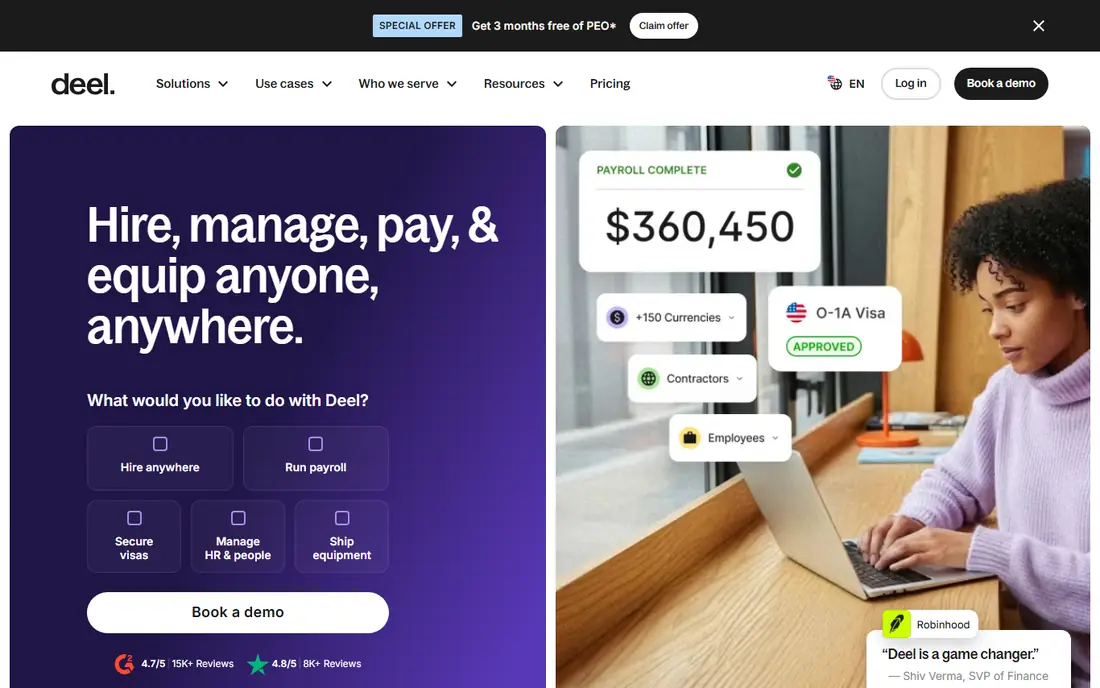
Deel Contractor Management costs $49 per contractor per month and covers onboarding, localized contracts, compliance checks, and payments in more than 150 countries. Contractors can be paid through many methods, including bank transfer, PayPal, and Wise, and Deel prepares tax documents for the countries it serves. That breadth makes it a standard choice for distributed teams.
Deel fits companies with contractors in several countries that want one system for all of them. The trade-off is price. At $49 per contractor, a team with many contractors will pay far more than with a flat-fee US tool, so compare Deel's total against a US-only tool plus a separate global tool before signing.
- Payments in 150 plus countries and many currencies
- Localized contracts
- Many payment methods
- Most expensive per contractor in this list
- Classification protection is limited at base level
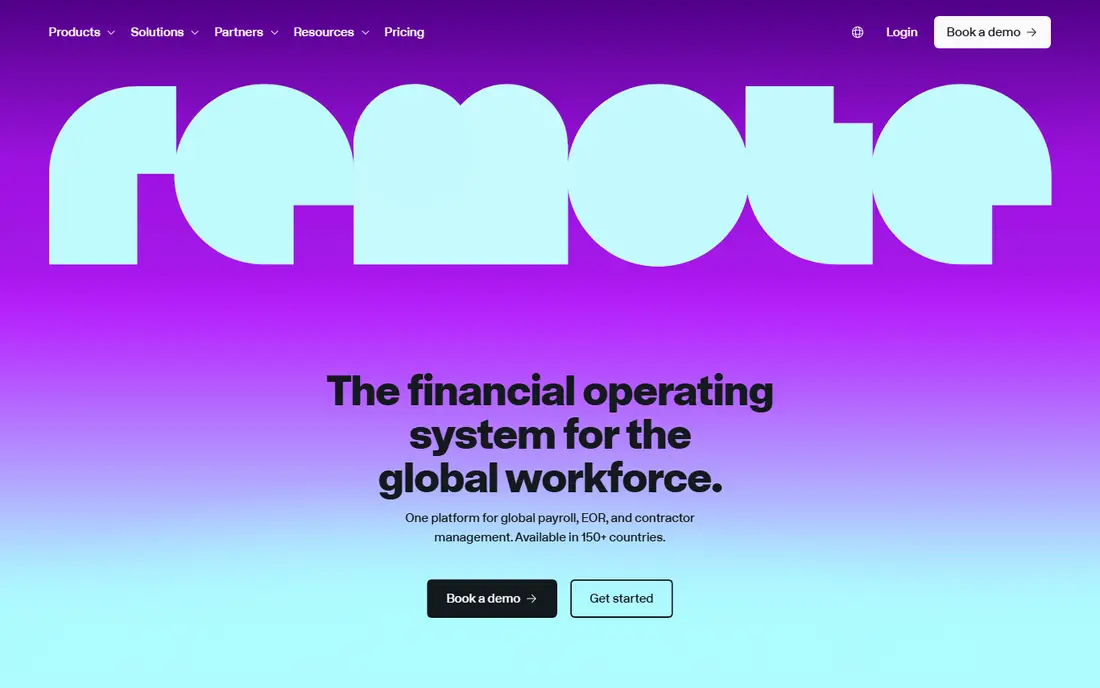
Remote Contractor Management costs $29 per active contractor per month, with free onboarding and payment only for active contractors. It provides localized contracts, compliance checks, and misclassification risk assessments, backed by its own legal entities in many countries. That compliance focus is why distributed-first companies choose it.
Remote fits teams that plan to convert contractors to employees later, because the same platform handles employer-of-record hiring. The catch is payment flexibility. It offers fewer payout methods than Deel, and at $29 per contractor it still costs more than a flat-fee US tool for a large domestic group.
- Contractor management in many countries
- Misclassification risk tools
- Owned legal entities
- Fewer payment methods than Deel
- Higher cost than US-only tools for large contractor groups
QuickBooks Contractor Payments
Best for: QuickBooks users paying contractors
QuickBooks Contractor Payments costs $25 per month for up to 20 contractors, then $2 per additional contractor, which makes it one of the cheapest ways to pay a domestic contractor group. Contractors are paid from QuickBooks, and 1099-NEC preparation and e-filing are included. Accounting entries stay in the same system as the rest of the business books.
QuickBooks Contractor Payments fits businesses that already run QuickBooks and pay US contractors. The trade-off is scope. It is not a global contractor platform, so teams with many overseas contractors should pair it with, or replace it by, Deel or Remote.
- Low flat price for up to 20 contractors
- 1099 filing
- Accounting data stays in QuickBooks
- Best only for QuickBooks users
- Fewer global contractor features than Deel or Remote
OnPay charges $49 per month plus $6 per person, covering employees and contractors in one payroll run. It handles tax filings, including 1099 forms for contractors, and it suits small businesses that want a single straightforward payroll tool without a large HR suite. Setup is quick, and support is US based.
OnPay fits small businesses with a mixed team that want predictable pricing and no fuss. The catch is breadth. It lacks the global contractor depth of Deel and Remote, and its integration list is narrower than Gusto's, so check your accounting and time-tracking tools before switching.
- One price for employees and contractors
- 1099 filing
- Simple setup
- Fewer global features than Deel
- Integrations are narrower than Gusto
Patriot's basic payroll starts at $17 per month plus $4 per person, which makes it the cheapest entry point in this list for a small US team. It pays contractors, collects tax information, and prepares 1099 forms, with a simple interface that small business owners find easy to learn. Higher tiers add time tracking, HR, and accounting integrations.
Patriot fits very small businesses and contractor-only operations that want the lowest bill. The trade-off is feature depth. It does not match Gusto or Rippling on HR, benefits, or integrations, and some features are paid add-ons, so compare the tier you actually need, not just the base price.
- Lowest base price in this list
- 1099 filing
- Simple interface
- Fewer HR features than larger platforms
- Add-ons cost extra
Square Payroll lets businesses that use Square for sales and payments also run payroll for employees and contractors, including 1099 filing. Team members, time tracking, and pay can sit beside point-of-sale data, which suits restaurants, retailers, and service businesses that already run on Square. Contractors get paid and receive tax documents through the same system.
Square Payroll fits Square-based businesses with hourly staff and contractors. The catch is that its value drops if you do not use Square elsewhere, and pricing varies by plan, so check the current Square Payroll page for your state and team size before budgeting.
- Works beside Square point of sale
- Contractor payments and 1099 filing
- Team management in one place
- Best value only for Square users
- Pricing depends on plan and state
Rippling combines payroll, HR, benefits, and IT device management in one platform, and it automatically generates and distributes 1099 forms to contractors. Growing companies use it to manage onboarding, payroll, app access, and compliance from one system, with automation that reduces manual work as headcount grows.
Rippling fits companies that are scaling and want one system for people, pay, and devices. The trade-off is price transparency and scope. It publishes no list pricing, its platform fee is billed before the payroll module, and a contractor-only business will find cheaper tools here. Choose Rippling when the broader platform justifies the cost.
- Payroll, HR, and IT management in one platform
- Automatic 1099 generation
- Strong automation
- No published list pricing
- Platform fee applies before payroll module
- More than small teams need
How we picked these
We compared official pricing pages and feature pages for payroll tools that pay independent contractors and file 1099 forms in October 2026. We kept tools that serve US contractors, global contractors, or both, and we favored a mix of low-cost, small business, and enterprise options. We excluded pure payment rails that do not file 1099 forms, because filing is the core need for this topic.
What to check before you buy
Start by counting contractors and their locations. A flat-fee US tool is cheapest for a domestic group, while a per-contractor global tool is the right choice for an international group, even at a higher unit price. Then check filing: confirm the tool prepares and e-files federal and state 1099-NEC forms, collects W-9 forms, and handles corrections.
Also check worker classification. Paying an employee as a contractor to save on taxes creates legal risk, so use the platform's classification guidance and, when in doubt, get professional advice. Finally, confirm payment timing, methods, and fees, because a contractor who is paid late or charged to receive pay will not stay long.
FAQ
What is the best payroll software for 1099 employees?
The best payroll software for 1099 contractors depends on your team. Gusto suits most US small businesses, QuickBooks Contractor Payments suits QuickBooks users, and Patriot suits the lowest budget. Deel and Remote suit teams with contractors abroad, while Rippling suits growing companies that want payroll plus HR.
What is the best payroll software for 1 employee?
For a business with one employee plus contractors, Gusto, OnPay, and Patriot all work, because they charge a base fee plus a per-person fee and handle both W-2 and 1099 filing. Compare the base fee at your headcount, since a low per-person fee can still lose to a lower base fee at very small sizes.
What is the best payroll software for 250 employees?
For 250 employees, Rippling, Deel, and enterprise payroll suites suit the scale, because they offer automation, integrations, and compliance controls that small business tools lack. At that size, expect a quoted price and an implementation project, and compare total cost including HR, benefits, and IT features you will actually use.
Do these tools file 1099-NEC forms for me?
Yes, the tools in this list prepare and e-file 1099-NEC forms for contractors, and most also collect W-9 forms during onboarding. Confirm state filing coverage, since some states require separate state 1099 filing, and check whether corrections and reprints are included or charged extra.
Can I pay international contractors with these tools?
Deel and Remote are built for international contractors, with localized contracts and payments in many countries and currencies. Gusto also pays global contractors in many countries. US-only tools such as Patriot and QuickBooks Contractor Payments suit domestic contractors better, so match the tool to where your contractors live.