Choosing Remote Desktop Software for IT Troubleshooting in 2026: 6 Options Compared
Best remote desktop software for IT troubleshooting in 2026: 6 tools with starting prices, free plans and limits. Every pick gets a straight assessment.
- Editor's choice
 GoTo Resolve
Unified endpoint management and support
Starts atSee websiteVisit goto.comFull review - Great alternative
 Zoho Assist
Simple remote support for IT teams
Starts atSee websiteVisit zoho.comFull review - Also considerSplashtop Business Access
Secure remote access for teams
Starts at$6 per monthVisit splashtop.comFull review
Direct answer
Our first pick is GoTo Resolve, best for unified endpoint management and support. Listed starting prices: Splashtop Business Access from $6 per month. Zoho Assist is better for simple remote support for IT teams, and Splashtop Business Access is better for secure remote access for teams. The remaining 3 options are covered below with prices and limits.
TL;DR:
- Top of the list is GoTo Resolve, which targets unified endpoint management and support.
- The lowest published monthly entry price here is $6 per month, from Splashtop Business Access.
- N-able Take Control fits MSPs needing efficient remote support.
- None of the 6 tools, from GoTo Resolve to N-able Take Control, has a free plan, so budget for a subscription or use a trial.
- Check the limits for TeamViewer Remote before you commit: may be overkill for straightforward troubleshooting.
Last checked November 2026. Prices and plan details were read from the vendors' own pages in November 2026; vendors change plans often, so confirm the current price on the vendor site before you buy.
Quick comparison
| Tool | Best for | Starts at | Free plan? | |
|---|---|---|---|---|
| GoTo Resolve | Unified endpoint management and support | See website | Free trial | Visit |
| Zoho Assist | Simple remote support for IT teams | See website | Not stated | Visit |
| Splashtop Business Access | Secure remote access for teams | $6 per month | Free trial | Visit |
| TeamViewer Remote | Full remote support and collaboration | See website | Free trial | Visit |
 AnyDesk | Quick and light remote connections | See website | Not stated | Visit |
| N-able Take Control | MSPs needing efficient remote support | See website | Not stated | Visit |
Remote Desktop Software for IT Troubleshooting profiles
If you are comparing remote desktop software for IT troubleshooting, this page covers 6 tools in one place: what each is best for, what it costs to start, whether it has a free plan, and the main limit to know about.
GoTo Resolve targets unified endpoint management and support. It fits IT departments that need a centralized option.
Where it is weaker: May need training to use completely.
Its UEM capabilities can add complexity, so organizations without dedicated IT staff may prefer a more straightforward remote desktop tool. Pricing for GoTo Resolve is not stated here, so ask the vendor for current figures. As for free access: Free trial.
- Scales for expanding organizations
- Merges remote support with UEM
- Can be complicated for small teams
In short, Zoho Assist is for simple remote support for IT teams. Zoho Assist is a secure and easy-to-use remote desktop software for IT and support teams. Otherwise, Zoho Assist offers an approachable experience.
Points against: May lack advanced management features.
If your IT team needs deep system management alongside remote troubleshooting, consider a more thorough tool. The tool is well-suited for help desks and support teams that require a straightforward remote support option. Zoho Assist shows no starting price here, so confirm the cost on the vendor site. Free options: Not stated.
- Aimed at IT and support teams
- Secure and simple to use
- Integration options could be restricted
Splashtop Business Access
Best for: Secure remote access for teams
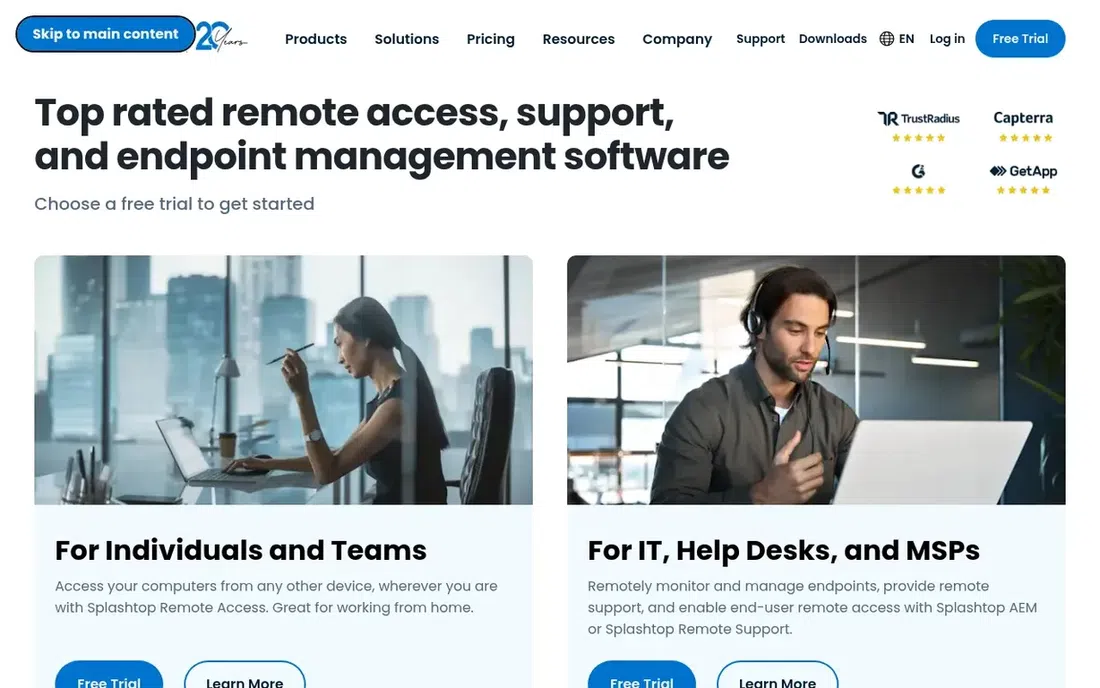
Splashtop Business Access works best for secure remote access for teams. Splashtop Business Access gives you secure remote access and remote support software. It is designed for remote work, support, and learning, with a focus on speed and security.
Splashtop Business Access is primarily a remote access tool, so it may not bundle deep IT management capabilities. More specifically, if you need integrated endpoint management or advanced support workflows, other tools might be better. It performs well for teams that prioritize secure and quick remote connections. From a buyer's view, IT teams that require steady access to remote computers for troubleshooting will find it a solid choice. Starting cost for Splashtop Business Access: $6 per month. On free options: Free trial.
Limits to weigh: Restricted support-specific features.
- Quick performance
- Emphasizes security
- May need configuration for advanced security
TeamViewer Remote
Best for: Full remote support and collaboration
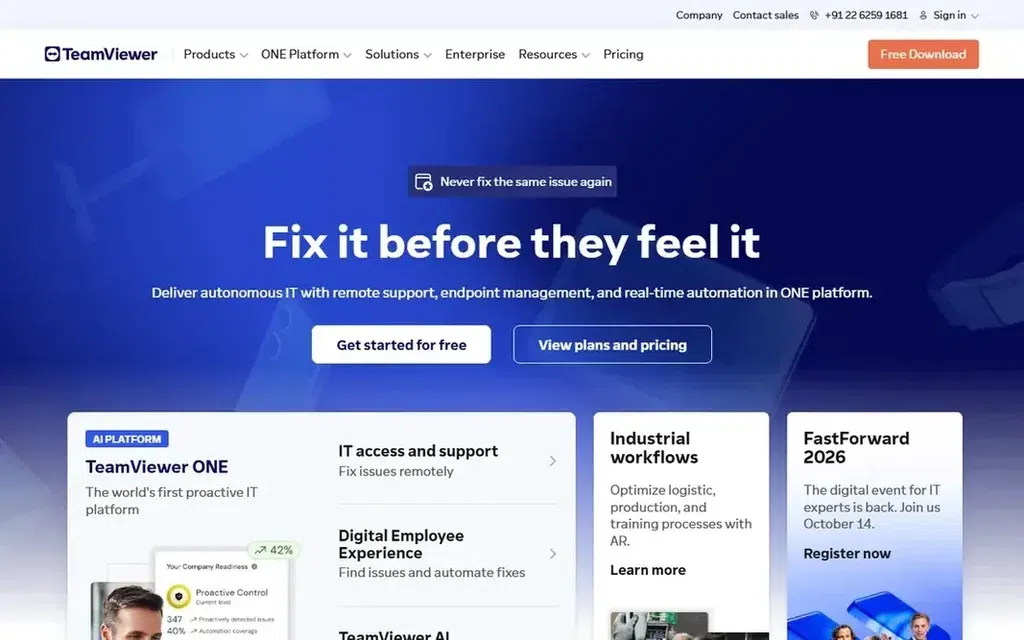
TeamViewer Remote was built for comprehensive remote support and collaboration. Whereas TeamViewer Remote is feature-rich, some smaller teams may find its broader platform unnecessary for entry-level troubleshooting.
What to check first: May be overkill for straightforward troubleshooting.
TeamViewer Remote shows no starting price here, so confirm the cost on the vendor site. On free options: Free trial.
- Supports collaboration during sessions
- Broad feature set for remote access and support
- Needs internet connectivity
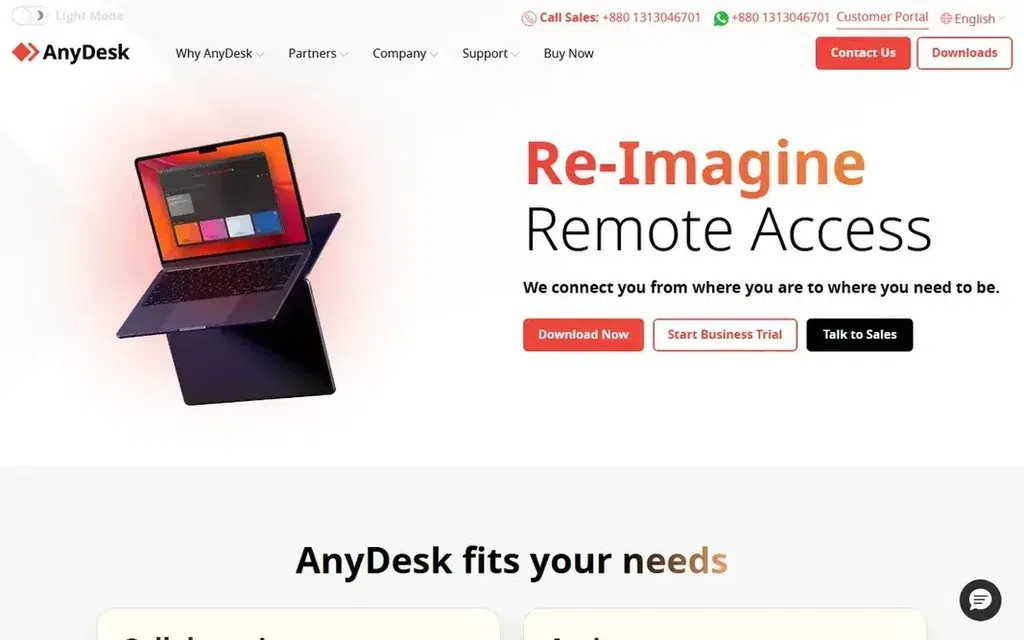
AnyDesk is designed for quick and light remote connections. It lets IT professionals to access remote devices rapidly, making it right for troubleshooting tasks that need immediate attention.
Where it falls short: Restricted collaboration tools.
For everyday use, if your IT team needs thorough troubleshooting workflows, consider a system with more built-in tools. AnyDesk does not show a starting price in this comparison, so check the vendor site for current pricing. On free options: Not stated.
- Light client
- Known for low latency
- Fewer built-in management features
N-able Take Control
Best for: MSPs needing efficient remote support
N-able Take Control was built for MSPs needing efficient remote support. N-able Take Control is optimized for MSP workflows, so internal IT teams might find it less aligned with their needs. N-able Take Control is a remote-control and support tool built to help managed service providers swiftly resolve issues whereas delivering very good customer service.
It is made for MSPs that require steady remote troubleshooting capabilities. On top of that, if you are not a MSP, a more general-purpose remote desktop tool could be a better fit. That said, for MSPs, it supplies targeted features for remote support. N-able Take Control does not show a starting price in this comparison, so check the vendor site for current pricing. As for free access: Not stated.
Trade-offs to know: May be specialized for MSPs.
- Focus on customer service
- Fast issue resolution
- Less right for internal IT only
How the list was put together
Selection started from tools commonly considered for remote desktop software for IT troubleshooting, then narrowed to 6 that have clear pricing information or a clear quote process. Plan names, prices and limits change often. Treat the figures here as a starting point and verify them with the vendor. Tools are placed by general fit for remote desktop software for IT troubleshooting, with price clarity and free access as tie-breakers. A different team can reasonably rank them differently.
Questions to settle before buying
- Get a written quote from GoTo Resolve, Zoho Assist, TeamViewer Remote and others; the list shows no starting price for them.
- Take the trial from GoTo Resolve, Splashtop Business Access and TeamViewer Remote and push a live task through it before you pay.
- Before choosing GoTo Resolve, weigh its main limit: can be complex for small teams.
- Find out whether the entry plan of GoTo Resolve covers your must-haves or only a trimmed-down version.
- Test how quickly Splashtop Business Access answers a pre-sales question; it hints at how support will feel later.
FAQ
Do these tools publish their prices?
Not all of them. GoTo Resolve, Zoho Assist, TeamViewer Remote and others publish no starting price, so expect a quote request for those. The rest, Splashtop Business Access included, show a starting price, though seats and billing terms still change the final cost.
Can I try these tools before paying?
Often, yes. GoTo Resolve, Splashtop Business Access and TeamViewer Remote offer a free trial. Use your own data and a real task during the test, and check what the free tier or trial limits before you rely on it.
What should I look for in remote desktop software for IT troubleshooting?
Security is also critical, so ensure the tool offers encryption and access controls. Worth adding: consider whether you need advanced management features or just entry-level remote control.
Is GoTo Resolve the right pick for everyone comparing remote desktop software for IT troubleshooting?
No single tool suits every team. GoTo Resolve comes first because it fits unified endpoint management and support, while Zoho Assist suits easy remote support for IT teams and Splashtop Business Access suits secure remote access for teams. Match the tool to your own size, budget and workflow before deciding.
What is the cheapest option for remote desktop software for IT troubleshooting in this list?
On published monthly entry prices, Splashtop Business Access is the lowest here at $6 per month. Entry price is only part of the cost, because seats, add-ons and billing terms can change the total.
Is TeamViewer Remote right for small IT teams?
TeamViewer Remote provides a wide feature set that can benefit small IT teams, but it may be more than needed for entry-level troubleshooting. Small teams might prefer a more straightforward tool if they do not need collaboration or extensive support features.
Sources
- https://www.goto.com/resolve
- https://www.zoho.com/assist
- https://www.splashtop.com
- https://www.teamviewer.com
- https://anydesk.com
- https://www.n-able.com/products/take-control