6 Best Network Troubleshooting Software for 2026, Vetted and Compared
Best network troubleshooting software: 6 contenders ranked by fit, with entry costs and free tiers. Plus the drawbacks of each tool. Read before you buy.
- Editor's choice
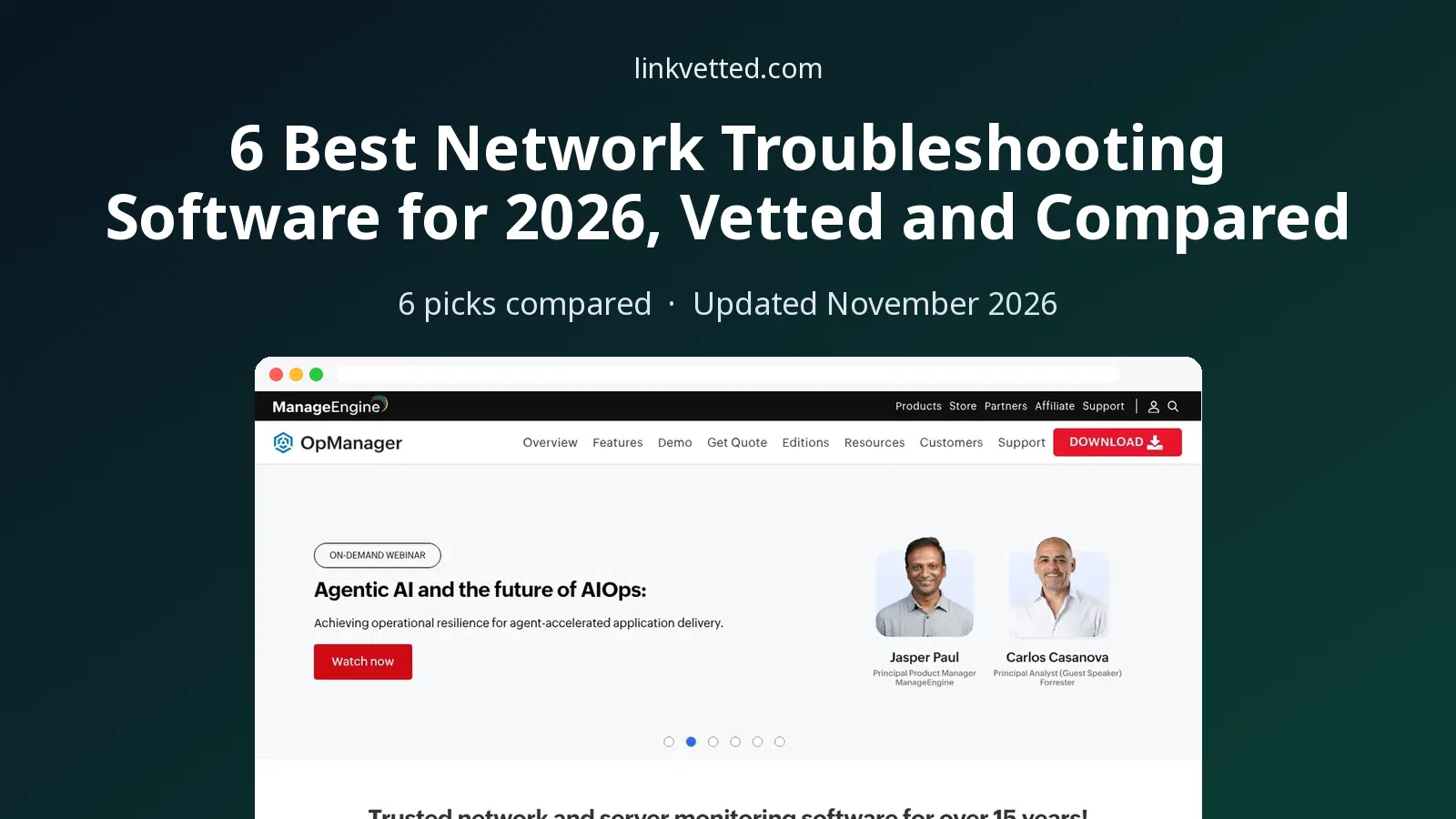
 ManageEngine OpManager
Easy-to-use device monitoring
Starts atSee websiteVisit manageengine.comFull review - Great alternativeDatadog Network Monitoring
Full-stack cloud and hybrid visibility
Starts atSee websiteVisit datadoghq.comFull review - Also considerCisco ThousandEyes
Digital experience assurance across networks
Starts atSee websiteVisit thousandeyes.comFull review
Direct answer
If you need easy-to-use device monitoring, ManageEngine OpManager is the first tool to look at here. Listed starting prices: Dynatrace from $7 per host a month. Datadog Network Monitoring is the stronger choice for full-stack cloud and hybrid visibility, while Cisco ThousandEyes suits digital experience assurance across networks. The other 3 tools in the list cover narrower or pricier cases.
TL;DR:
- ManageEngine OpManager is the opening pick, best for easy-to-use device monitoring.
- The cheapest monthly starting price in the list is $7 per host per month, offered by Dynatrace.
- A permanent free plan is missing from all 6 tools, ManageEngine OpManager and Auvik included; plan for a trial or a premium start.
- Datadog Network Monitoring comes with a trade-off: may need other Datadog components for full value.
Last checked November 2026. Prices and plan details were read from the vendors' own pages in November 2026; vendors change plans often, so confirm the current price on the vendor site before you buy.
Quick comparison
| Tool | Best for | Starts at | Free plan? | |
|---|---|---|---|---|
| ManageEngine OpManager | Easy-to-use device monitoring | See website | Not stated | Visit |
| Datadog Network Monitoring | Full-stack cloud and hybrid visibility | See website | Not stated | Visit |
| Cisco ThousandEyes | Digital experience assurance across networks | See website | Free trial | Visit |
 SolarWinds Network Performance Monitor | Deep hybrid IT troubleshooting | See website | Not stated | Visit |
 Dynatrace | AI-driven observability and automation | $7 per host a month | Free trial | Visit |
 Auvik | Cloud-based network management | See website | Free trial | Visit |
Network Troubleshooting Software compared in detail
If you are comparing network troubleshooting software, this page covers 6 tools in one place: what each is best for, what it costs to start, whether it has a free plan, and the main limit to know about.
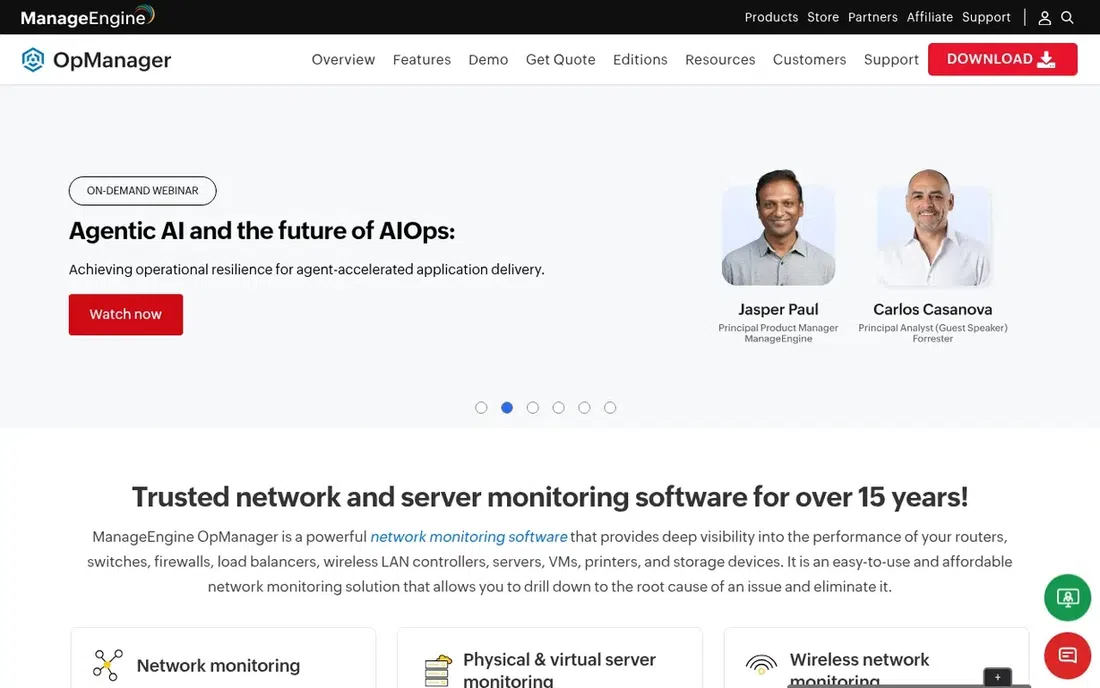
ManageEngine OpManager is built with easy-to-use device monitoring in mind. ManageEngine OpManager is described as easy-to-use network monitoring software that watches network devices like routers and switches.
This comparison lists no price for ManageEngine OpManager; ask the vendor. On free options: Not stated.
Points against: May lack advanced AI-driven analytics.
- Straightforward to use for network monitoring
- Positioned as a budget-friendly option
- Integration choices can be restricted compared with broader systems
Datadog Network Monitoring
Best for: Full-stack cloud and hybrid visibility
Datadog Network Monitoring was built for full-stack cloud and hybrid visibility. Datadog Network Monitoring gives you full visibility into every layer of your environment, whether in the cloud, on-premise, or hybrid.
In daily use, the network monitoring product may deliver the most value when used alongside other Datadog offerings, which could increase overall complexity. Also, for teams seeking a standalone network troubleshooting tool without a broader product commitment, more straightforward choices may be preferable. Datadog Network Monitoring shows no starting price here, so confirm the cost on the vendor site. Free access: Not stated.
Points against: May need other Datadog components for full value.
- Full visibility into every layer
- Supports cloud, on-premise, hybrid
- Can become complicated in large environments
Cisco ThousandEyes
Best for: Digital experience assurance across networks
In short, Cisco ThousandEyes is for digital experience assurance across networks. Cisco ThousandEyes enables organizations to assure every digital experience across every network, everywhere, every time. It is made for teams that require to understand and troubleshoot how applications and services perform from the user's perspective, across internet, cloud, and enterprise networks.
Where it falls short: May be complicated to set up for straightforward networks.
This makes it a solid choice for digital experience management. Beyond that, ThousandEyes is centred on experience assurance and may not supply the same depth of device-level monitoring as traditional network performance tools. Cisco ThousandEyes shows no starting price here, so confirm the cost on the vendor site. Free plan details: Free trial.
- Backed by Cisco's networking expertise
- Assures digital experiences across every network
- Concentrated on experience assurance instead of deep device monitoring
SolarWinds Network Performance Monitor
Best for: Deep hybrid IT troubleshooting
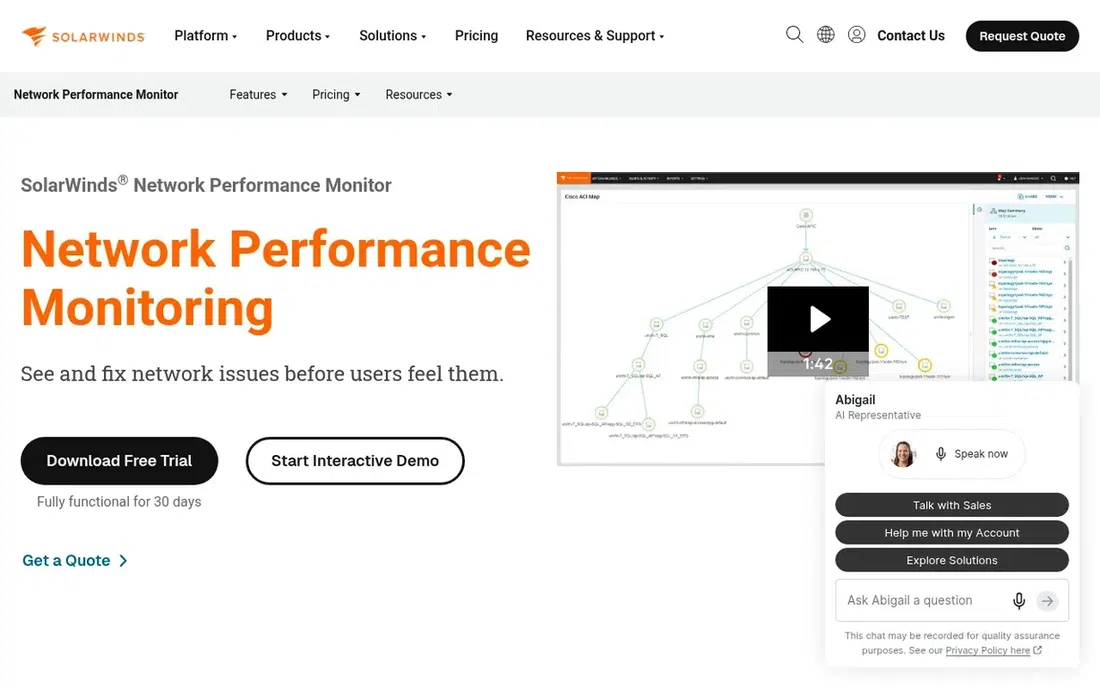
Pick SolarWinds Network Performance Monitor if this describes you: deep hybrid IT troubleshooting. It aims to unlock complete visibility and control of hybrid IT environments, making it a fit for organizations that require deep insights into both on-premises and cloud-connected networks.
For everyday use, teams that value granular performance data and centralized control will find it especially relevant. Its deep feature set can also mean a ramp-up time for new users. SolarWinds Network Performance Monitor shows no starting price here, so confirm the cost on the vendor site. Free options: Not stated.
Drawbacks to consider: Self-hosted deployment may need infrastructure.
- Delivers deep insights to boost network efficiency
- Troubleshoots network health and performance issues
- Feature depth can mean a steeper ramp-up time
For AI-driven observability and automation, Dynatrace is a natural candidate. Its automation capabilities can help cut manual effort in identifying and resolving issues.
What users get: Aims to drive better business outcomes.
For everyday use, Dynatrace's wide system may be more than needed for teams focused solely on entry-level network troubleshooting, and onboarding can need significant effort. On cost, Dynatrace starts like this: $7 per host per month. Free plan details: Free trial.
What to check first: Could need significant onboarding effort.
- Merges AI, automation
- Application security
- System breadth may be overwhelming for narrow needs
Auvik is designed for cloud-based network management. Auvik is cloud-based network management software made for today's changing workforce, offering true network visibility and control. It is a solid fit for managed service providers and IT teams that require to run distributed networks without maintaining on-premises monitoring infrastructure.
Honest limits: May lack deep packet-level analysis.
Its cloud delivery eases deployment and ongoing administration. Auvik may not offer the deep packet-level analysis or advanced troubleshooting features of some dedicated performance watches. This comparison lists no price for Auvik; ask the vendor. Free plan details: Free trial.
- Gain true network visibility and control
- Simple to deploy without on-premises infrastructure
- Centred on management instead of advanced troubleshooting
Our selection method
Selection started from tools commonly considered for network troubleshooting software, then narrowed to 6 that have clear pricing information or a clear quote process. Prices and plan limits come from vendor pages and can change, so confirm them on the vendor site before you buy. Position on the page reflects fit for a typical buyer first, with price clarity and free access breaking ties. Treat it as a guide, not a ruling.
Before you commit
- Ask ManageEngine OpManager, Datadog Network Monitoring, Cisco ThousandEyes and others for a written quote, since no starting price is shown.
- Take the trial from Cisco ThousandEyes, Dynatrace and Auvik and push a live task through it before you pay.
- Read the limits listed for ManageEngine OpManager first: may lack advanced AI-driven analytics.
- Check how data leaves Cisco ThousandEyes: formats, limits and whether exports are available on every plan.
- Add up seats, add-ons and usage charges for ManageEngine OpManager before comparing it with cheaper entries.
FAQ
Do these tools publish their prices?
Not all of them. ManageEngine OpManager, Datadog Network Monitoring, Cisco ThousandEyes and others publish no starting price, so expect a quote request for those. The rest, Dynatrace included, show a starting price, though seats and billing terms still change the final cost.
Is ManageEngine OpManager the right pick for everyone comparing network troubleshooting software?
No single tool suits every team. ManageEngine OpManager comes first because it fits easy-to-use device monitoring, while Datadog Network Monitoring suits full-stack cloud and hybrid visibility and Cisco ThousandEyes suits digital experience assurance across networks. Match the tool to your own size, budget and workflow before deciding.
What should I look for in network troubleshooting software?
Focus on the visibility you need, like device-level monitoring, cloud network insights, or digital experience assurance. Also consider deployment model, simplicity, and how well the tool plugs into your existing systems.
Can I try these options before paying?
Often, yes. Cisco ThousandEyes, Dynatrace and Auvik offer a free trial. Use your own data and a real task during the test, and check what the free tier or trial limits before you rely on it.
What is the difference between network monitoring and network troubleshooting?
Monitoring is about continuously observing network health and performance, whereas troubleshooting is the process of diagnosing and resolving issues when they arise.
How are the tools for network troubleshooting software ordered?
ManageEngine OpManager sits first and Auvik last because the order follows typical fit for network troubleshooting software, then price clarity and free access. It is a judgement call, so read each profile for fit and limits.
Sources
- https://www.manageengine.com/network-monitoring
- https://www.datadoghq.com/product/network-monitoring
- https://www.thousandeyes.com
- https://www.solarwinds.com/network-performance-monitor
- https://www.dynatrace.com
- https://www.auvik.com