Top 6 Desktop Manager Software for 2026 (Prices and Free Plans)
Best desktop manager software in 2026: 6 contenders with entry costs and free tiers. Fit, price and catches for every tool. Last reviewed November 2026.
- Editor's choicePath Finder
Mac power users wanting advanced file tools
Starts at$2.95 per monthVisit cocoatech.ioFull review - Great alternativeBeyond Compare
Comparing and syncing files and folders
Starts atSee websiteVisit scootersoftware.comFull review - Also considerDirectory Opus
Windows power users wanting deep customization
Starts atSee websiteVisit gpsoft.com.auFull review
Direct answer
Path Finder is the first pick on this list for Mac power users wanting advanced file tools. Listed starting prices: Path Finder from $2.95 per month. If your case is different, Beyond Compare suits comparing and syncing files and folders and Directory Opus suits Windows power users wanting deep customization. Prices, free plans and limits for all 6 tools follow.
TL;DR:
- The list opens with Path Finder, aimed at Mac power users wanting advanced file tools.
- Commander One is the one to check for Mac users needing dual-pane file management.
- Neither Path Finder nor Commander One, nor any of the other 4 tools, has a permanent free plan; trials and quotes are the norm.
- The cheapest monthly starting price in the list is $2.95 per month, offered by Path Finder.
- One limit worth knowing about Beyond Compare: not a full file manager.
Last checked November 2026. Prices and plan details were read from the vendors' own pages in November 2026; vendors change plans often, so confirm the current price on the vendor site before you buy.
Quick comparison
| Tool | Best for | Starts at | Free plan? | |
|---|---|---|---|---|
| Path Finder | Mac power users wanting advanced file tools | $2.95 per month | Free trial | Visit |
| Beyond Compare | Comparing and syncing files and folders | See website | Not stated | Visit |
| Directory Opus | Windows power users wanting deep customization | See website | Not stated | Visit |
| Microsoft Windows File Explorer | Everyday file browsing on Windows | See website | Not stated | Visit |
| FileZilla Pro | File transfer and remote server management | See website | Not stated | Visit |
| Commander One | Mac users needing dual-pane file management | See website | Not stated | Visit |
Every option for desktop manager software explained
If you are comparing desktop manager software, this page covers 6 tools in one place: what each is best for, what it costs to start, whether it has a free plan, and the main limit to know about.
Path Finder
Best for: Mac power users wanting advanced file tools
Path Finder serves Mac power users wanting advanced file tools. Path Finder is a file manager for macOS that aims to offer a more feature-rich alternative to Finder. It comes with dual-pane browsing, a Drop Stack for gathering files, batch renaming, and folder synchronization.
Watch-outs: Can be resource-intensive.
It is built for Mac users who require advanced file management features and want to simplify their workflow with tools not available in the default Finder. Path Finder is only available for macOS and may use more system resources than Finder. Its broad feature set can be overwhelming for casual users. In daily use, if you only perform entry-level file operations, Finder may be sufficient. Entry price for Path Finder: $2.95 per month. On free options: Free trial.
- Batch rename and folder sync
- Dual-pane browsing
- Mac only
Beyond Compare
Best for: Comparing and syncing files and folders
Beyond Compare works best for comparing and syncing files and folders. It supplies side-by-side comparisons with highlighting and supports several file types. Beyond Compare is specialized for comparison and does not replace a full file manager for everyday browsing.
It may be overkill for users who seldom have to compare files. It is most useful for tasks where accuracy and in-depth diffs are important. As for the details, whereas not a general-purpose file manager, it excels at comparison and merge tasks. Beyond Compare shows no starting price here, so confirm the cost on the vendor site. Free options: Not stated.
Points against: Not a full file manager.
- Powerful comparison features
- Supports folders and files
- Concentrated on comparison tasks
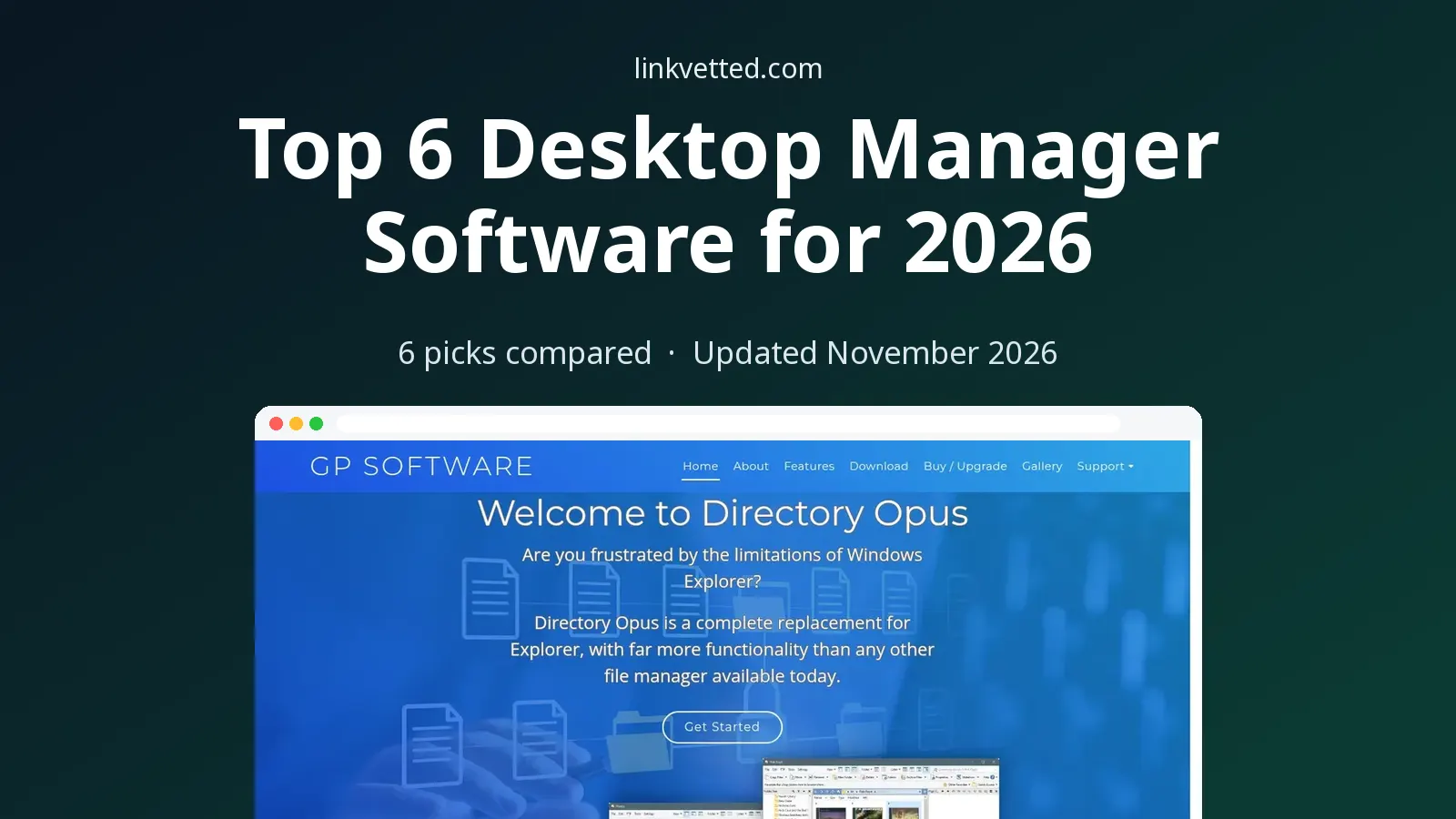
Directory Opus
Best for: Windows power users wanting deep customization
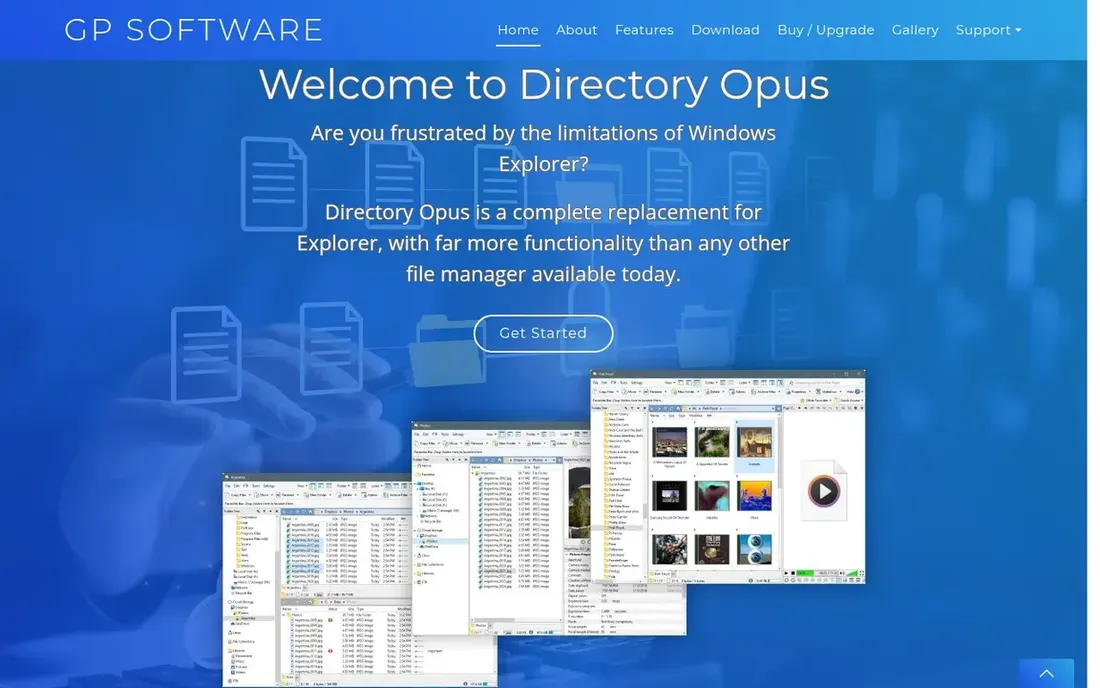
Directory Opus is a good fit for Windows power users wanting deep customization. Directory Opus is a file manager for Windows aimed at users who want deep control over how they browse and run files.
The main drawbacks: Windows only.
For everyday use, if you only need entry-level file management, the default File Explorer may be sufficient. Directory Opus shows no starting price here, so confirm the cost on the vendor site. Trial and free access: Not stated.
- Highly customizable interface
- Deep built-in tools
- Steeper ramp-up time
Microsoft Windows File Explorer
Best for: Everyday file browsing on Windows

Microsoft Windows File Explorer targets everyday file browsing on Windows. Since it is part of the operating system, it integrates smoothly with other Windows features and needs no separate setup.
Where it is weaker: Few customization choices.
More specifically, users who often run large numbers of files or need specialized workflows may find it limiting. For everyday use, consider an external file manager if you need tabs, batch renaming, or deep integration with external tools. Microsoft Windows File Explorer does not show a starting price in this comparison, so check the vendor site for current pricing. Free plan details: Not stated.
- Familiar interface
- Links up with system features
- Restricted advanced features
FileZilla Pro
Best for: File transfer and remote server management
FileZilla Pro targets File transfer and remote server management. FileZilla Pro is a file transfer tool that supports FTP, FTPS, and SFTP, along with cloud storage protocols.
Points against: Concentrated on transfers.
It gives you a dual-pane interface for local and remote file management, making it simple to upload and download files. If you have to run files on your own computer, a different tool is more appropriate. No starting price is listed for FileZilla Pro here; confirm pricing on the vendor site. Free plan details: Not stated.
- Steady transfers
- Supports FTP and other protocols
- Not a local file manager
Commander One
Best for: Mac users needing dual-pane file management
Where Commander One fits: Mac users needing dual-pane file management. Commander One is a file manager for macOS that provides a dual-pane interface, tabs, and support for FTP, SFTP, and cloud storage services. It contains features like batch renaming, archive handling, and a built-in terminal.
More specifically, Commander One is exclusive to macOS, so it is not a choice for Windows users. From a buyer's view, if you are satisfied with Finder's entry-level capabilities, you may not need it. Even so, for power users seeking a more feature-rich file manager on Mac, it is a solid contender. No starting price is listed for Commander One here; confirm pricing on the vendor site. Trial and free access: Not stated.
Trade-offs to know: Mac only.
- Supports tabs
- Dual-pane interface
- Some features need extras
How we built this list
For each of the 6 tools we noted price, free plan or trial, fit for desktop manager software and the main limit, using vendor pages and documentation. Prices and plan limits come from vendor pages and can change, so confirm them on the vendor site before you buy. The sequence is a judgement call: typical use case first, then pricing transparency, then free access. Use the profiles to check fit.
What to confirm before you sign up
- Get a written quote from Beyond Compare, Directory Opus, Microsoft Windows File Explorer and others; the list shows no starting price for them.
- Use real work to test the free trial from Path Finder, rather than a demo project.
- Before choosing Path Finder, weigh its main limit: Mac only.
- A short pilot of Microsoft Windows File Explorer with your real workflow tells you more than a feature table.
- List the apps you already depend on and check that Directory Opus supports each one on the plan you would buy.
FAQ
Is Path Finder the right pick for everyone comparing desktop manager software?
No single tool suits every team. Path Finder comes first because it fits Mac power users wanting advanced file tools, while Beyond Compare suits comparing and syncing files and folders and Directory Opus suits Windows power users wanting deep customization. Match the tool to your own size, budget and workflow before deciding.
What is desktop manager software?
Desktop manager software, frequently called a file manager, helps you organize, browse, and manipulate files and folders on your computer. It generally provides more features than the default file explorer, like dual panes, tabs, and advanced search.
Can I try these options before paying?
Often, yes. Path Finder offers a free trial. Use your own data and a real task during the test, and check what the free tier or trial limits before you rely on it.
What is the cheapest option for desktop manager software in this list?
On published monthly entry prices, Path Finder is the lowest here at $2.95 per month. Entry price is only part of the cost, because seats, add-ons and billing terms can change the total.
Do these tools publish their prices?
Not all of them. Beyond Compare, Directory Opus, Microsoft Windows File Explorer and others publish no starting price, so expect a quote request for those. The rest, Path Finder included, show a starting price, though seats and billing terms still change the final cost.
Sources
- https://www.cocoatech.io
- https://www.scootersoftware.com
- https://www.gpsoft.com.au
- https://www.microsoft.com/windows
- https://filezilla-project.org
- https://mac.eltima.com