7 Corporate Password Manager Software Options Ranked for 2026
Compare 7 picks for the best corporate password manager software, with prices, free plans and who each fits. Every entry states what it lacks. Updated for 2026.
- Editor's choice
 Zoho Vault
Zoho shops and budget teams that require a credible business vault
Starts at$0.90/user/month (Standard, billed yearly)Visit zoho.comFull review - Great alternative
 TeamPassword
Non-technical teams replacing shared spreadsheets
Starts atFrom $2.41/user/monthVisit teampassword.comFull review - Also consider
 1Password Business
Businesses where employee adoption is the primary risk
Starts at$8.99/user/month (billed yearly)Visit 1password.comFull review
Direct answer
Start with Zoho Vault if you need Zoho shops and budget teams that require a credible business vault. TeamPassword is the stronger choice for non-technical teams replacing shared spreadsheets, while 1Password Business suits companies where employee adoption is the central risk. The other 4 tools in the list cover narrower or pricier cases.
TL;DR:
- Zoho Vault is the opening pick, best for Zoho shops and budget teams that require a credible business vault.
- The main caution on Passbolt: 10-user minimum on Pro.
- Only 2 of the 7 tools have a free plan (Zoho Vault, Passbolt), so check the caps.
- The cheapest monthly starting price in the list is $0.90/user/month, offered by Zoho Vault.
- For small teams wanting low-cost, straightforward password management, NordPass is worth a look.
Quick comparison
| Tool | Best for | Starts at | Free plan? | |
|---|---|---|---|---|
| Zoho Vault | Zoho shops and budget teams that require a credible business vault | $0.90/user/month (Standard, billed yearly) | Yes | Visit |
| TeamPassword | Non-technical teams replacing shared spreadsheets | From $2.41/user/month | No | Visit |
| 1Password Business | Businesses where employee adoption is the primary risk | $8.99/user/month (billed yearly) | No | Visit |
 Passbolt | Technical teams that want open-source, self-hosted credential management | $4.90/user/month (Pro, minimum 10 users) | Yes | Visit |
 RoboForm | Cost-sensitive deployments and managed service providers | See website | No | Visit |
 Dashlane | Businesses that want credential-risk detection alongside the vault | See website | No | Visit |
 NordPass | Small teams wanting budget-friendly, straightforward password management | $3.59/user/month (Business, billed yearly) | No | Visit |
The best corporate password manager software
LinkVetted compared 7 tools for corporate password manager software. The goal is a practical shortlist: published prices, free plan facts, best-fit use cases and honest limits for every entry.
Zoho Vault
Best for: Zoho shops and budget teams that require a credible business vault

Zoho Vault was built for Zoho shops and budget teams that require a credible business vault. SSO at the top level means most buyers pay $7.20, not $0.90, for proper enterprise integration.
More specifically, Zoho Vault's Standard plan at $0.90 per user per month is the cheapest credible business password manager available, adding team sharing, admin controls, cloud backup and priority support to the free edition's unlimited personal storage. Price to start with Zoho Vault: $0.90/user/month. Zoho Vault offers a free plan.
Honest limits: Interface feels like enterprise software.
- Forever-free individual edition
- Deep Zoho ecosystem integration
- Best inside the Zoho suite
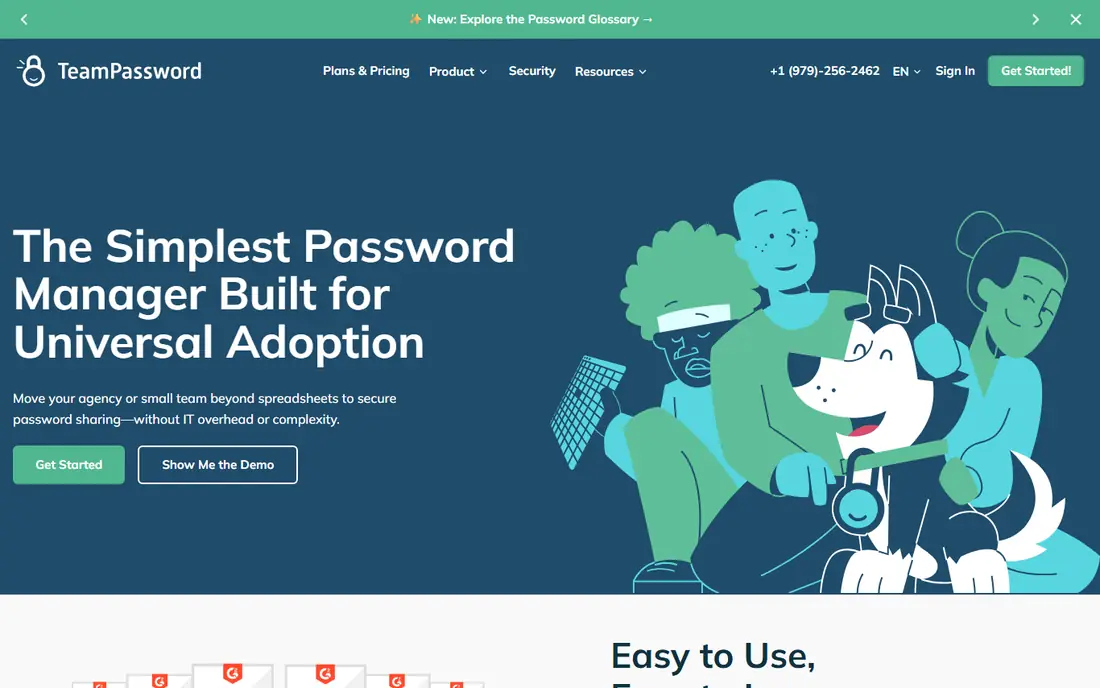
TeamPassword is aimed squarely at non-technical teams replacing shared spreadsheets. Agencies, marketing teams and startups adopt it without IT involvement since group-based sharing maps to how they already think about access. In practice, passwords live in one encrypted vault with permissions, audit logs and instant revocation when someone leaves.
Downsides: No free plan.
In daily use, pricing begins from $2.41 per user a month. This is deliberately not an enterprise IAM tool. But for small teams whose current system is a shared spreadsheet, TeamPassword is the smallest step to real security. The smallest step is the one teams actually take. TeamPassword pricing: From $2.41/user/month. There is no free plan with TeamPassword.
- SOC 2 certified
- Simplest onboarding in the category
- Lighter admin and compliance feature set
1Password Business
Best for: Businesses where employee adoption is the primary risk
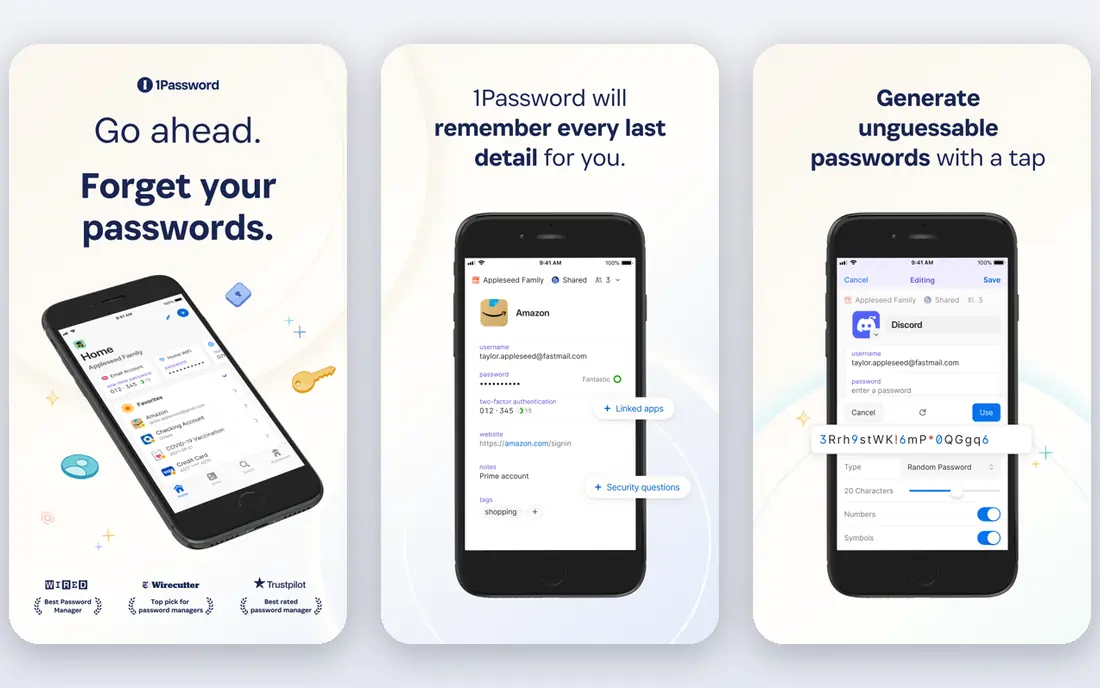
1Password Business is a good fit for firms where employee adoption is the central risk. 1Password's apps are genuinely pleasant across every system, which is why it has become the default recommendation for businesses willing to pay for polish.
Where it is weaker: Teams Starter Pack caps at 10 users before the price cliff.
Small teams should note the Teams Starter Pack at $24.95 per month flat for up to 10 users. But user 11 moves the entire account to per-user Business pricing, so budget for the cliff. Starting cost for 1Password Business: $8.99/user/month. No free plan comes with 1Password Business.
- SSO and SCIM included on Business
- Best-in-class user experience
- No free level
Passbolt
Best for: Technical teams that want open-source, self-hosted credential management
Passbolt is built with technical teams that want open-source, self-hosted credential management in mind. Passbolt is the only tool here aimed at self-hosting first. In practice, the main limit is operational: you run the server, you deal with backups and uptime.
In practice, the Community Edition is free and open source under AGPL v3, deployable via Docker or packages in minutes. Even Pro is open source: your subscription buys updates and support, not the code. Worth adding: teams with DevOps capacity get a sovereign, auditable vault for less than SaaS alternatives. Passbolt pricing: $4.90/user/month. Free access exists with Passbolt.
Downsides: Self-hosting means you own uptime.
Reasons to shortlist it: Granular per-credential permissions.
- Self-hosted by design
- Completely open source (AGPL v3)
- 10-user minimum on Pro
RoboForm is a good fit for cost-sensitive deployments and managed service providers. The product presents its age in places: the brand and admin console lack the polish of 1Password or Dashlane, and business pricing is not displayed on the homepage, so check the pricing page or talk to sales. But on pure cost per managed seat, few tools touch it.
More specifically, RoboForm is the quiet value pick that has been filling forms since before most competitors existed. More specifically, the Business level contains separate personal and work vaults per employee, centralized admin controls, SSO integration, SCIM provisioning, custom security policies and dark web monitoring, at a per-seat price external research places well below the category average. Pricing for RoboForm is not stated here, so ask the vendor for current figures. RoboForm has no permanent free option.
Points against: Brand feels dated next to rivals.
- Capable form-filling heritage
- Very low per-seat cost
- Pricing not shown on the homepage
Dashlane
Best for: Businesses that want credential-risk detection alongside the vault
Dashlane was built for firms that want credential-risk detection alongside the vault. Dashlane has moved beyond password storage into proactive credential security.
Drawbacks to consider: No self-hosting.
The Omnix product watches for risky credentials in the browser, flags phishing sites before employees enter passwords, and nudges users toward fixes. More specifically, the company provides a 14-day trial, and the admin console handles policies, groups and reporting. Dashlane shows no starting price here, so confirm the cost on the vendor site. Dashlane has no free plan.
- Refined admin console
- Omnix credential-risk detection and phishing alerts
- Free level is tightly capped
NordPass
Best for: Small teams wanting budget-friendly, straightforward password management
For small teams wanting low-cost, straightforward password management, NordPass is a natural candidate. The Business plan at $3.59 per user a month includes encrypted vaults, autofill, breach monitoring, password policies, activity logs and a sharing hub, plus extras like built-in email masking and an integrated authenticator that removes the need for a separate 2FA app.
Drawbacks to consider: Nord ecosystem upsell pressure.
For everyday use, the limitation to know is SSO depth. Price to start with NordPass: $3.59/user/month. There is no free plan with NordPass.
- Low per-seat cost
- Data breach scanner
- Full SSO (Okta, Entra ID) needs the Enterprise level
What went into this list
Selection started from tools commonly considered for corporate password manager software, then narrowed to 7 that have clear pricing information or a clear quote process. Figures are shown as the vendors publish them. Billing terms, seat minimums and add-ons can change the real cost. The order reflects how well each tool fits the most common buying scenario for corporate password manager software, then price clarity, then free plan access. It is a starting point, not a verdict.
Questions to settle before buying
- Ask RoboForm and Dashlane for a written quote, since no starting price is shown.
- Check what the free option really includes: Zoho Vault and Passbolt offer a free plan, and usage caps differ.
- Read the limits listed for Zoho Vault first: SSO needs the $7.20 Enterprise level.
- Check whether the features you need in 1Password Business sit on the entry plan or only on higher tiers.
- Ask TeamPassword about contract length, onboarding fees and user minimums before you sign.
FAQ
How are the tools for corporate password manager software ordered?
The order follows typical fit for corporate password manager software, with Zoho Vault first and NordPass last, then price clarity and free access. It is editorial judgement, not a score, so another team could rank the tools differently.
Do these tools publish their prices?
Not all of them. RoboForm and Dashlane publish no starting price, so expect a quote request for those. The rest, Zoho Vault included, show a starting price, though seats and billing terms still change the final cost.
Is Zoho Vault the right pick for everyone comparing corporate password manager software?
No single tool suits every team. Zoho Vault comes first because it fits Zoho shops and budget teams that need a credible business vault, while TeamPassword suits non-technical teams replacing shared spreadsheets and 1Password Business suits companies where employee adoption is the main risk. Match the tool to your own size, budget and workflow before deciding.
What is the cheapest option for corporate password manager software in this list?
On published monthly entry prices, Zoho Vault is the lowest here at $0.90/user/month. Entry price is only part of the cost, because seats, add-ons and billing terms can change the total.