Best Password Manager for Families (2026): 5 Picks Checked on Vendor Pages
Best password manager for families: 5 contenders ranked by fit, with entry costs and free tiers. Plus the drawbacks of each tool. Full profiles inside.
- Editor's choice
 LastPass
Password generation and login security
Starts atSee websiteVisit lastpass.comFull review - Great alternative
 Dashlane
Refined, guided credential security
Starts at$4 per user a monthVisit dashlane.comFull review - Also consider
 Proton Pass
Aliases and open-source privacy
Starts at$2.49 a monthVisit proton.meFull review
Direct answer
Our first pick is LastPass, best for password generation and login security. Listed starting prices: Dashlane from $4 per user a month, Proton Pass from $2.49 a month and Bitwarden from $1.65 a month. Look at Dashlane for refined, guided credential security, and at Proton Pass for aliases and open-source privacy. The full list of 5 tools follows, with prices and free plan facts.
TL;DR:
- Top of the list is LastPass, which targets password generation and login security.
- Proton Pass, Bitwarden: these are the 2 tools out of 5 that offer a free plan.
- A fair warning about Proton Pass: newer to password management than rivals.
- For open source sharing and passkeys, Bitwarden is worth a look.
Last checked November 2026. Prices and plan details were read from the vendors' own pages in November 2026; vendors change plans often, so confirm the current price on the vendor site before you buy.
Quick comparison
| Tool | Best for | Starts at | Free plan? | |
|---|---|---|---|---|
| LastPass | Password generation and login security | See website | Free trial | Visit |
| Dashlane | Refined, guided credential security | $4 per user a month | Free trial | Visit |
| Proton Pass | Aliases and open-source privacy | $2.49 a month | Yes | Visit |
 1Password | Shared vaults and secrets management | See website | Not stated | Visit |
 Bitwarden | Open source sharing and passkeys | $1.65 a month | Yes | Visit |
The 5 tools in detail
LinkVetted compared 5 password manager for families. The goal is a practical shortlist: published prices, free plan facts, best-fit use cases and honest limits for every entry.
Pick LastPass if this describes you: password generation and login security. LastPass is a password manager that secures logins and gives you shadow IT visibility and AI governance across SaaS and AI tools employees use. It creates solid passwords and keeps them in an encrypted vault.
More specifically, households should confirm how shared folders work before relying on it. Pick LastPass when password generation and encrypted storage are the central needs and enterprise features can be ignored. This comparison lists no price for LastPass; ask the vendor. On free options: Free trial.
Limits to weigh: Enterprise governance messaging dominates.
- Capable password generation
- Visibility into shadow IT and AI tools
- Family workflows need verification
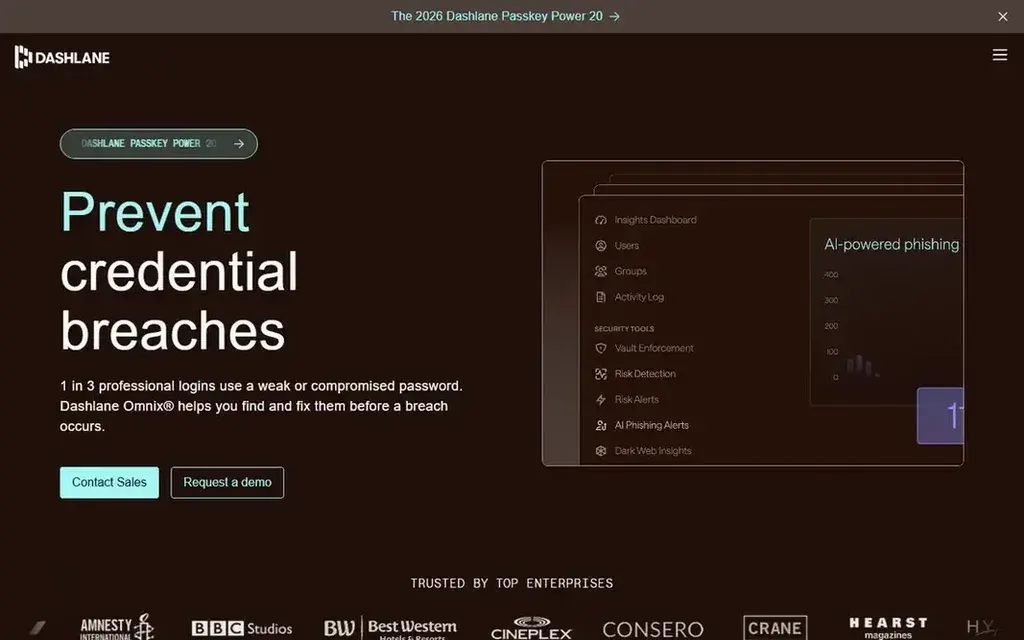
Dashlane serves refined, guided credential security. Its core promise is protecting logins and credentials across devices.
Downsides: Enterprise messaging dominates the site.
More specifically, families that want a guided, consumer-friendly experience alongside business-grade security features may find it a reasonable fit, notably if they prefer a single vendor for personal and work use. Entry price for Dashlane: $4 per user per month. Free options: Free trial.
- Credential protection focus
- Positioned for individuals and firms
- Less emphasis on family-specific setup
Proton Pass serves aliases and open-source privacy. Proton Pass keeps, shares, and syncs passwords, passkeys, email aliases, and more on any device, and the vendor describes it as an open-source password manager.
Families deeply invested in other ecosystems may prefer a tool that integrates more tightly. On cost, Proton Pass starts like this: $2.49 per month. Proton Pass includes a free tier.
Trade-offs to know: Some features tied to the Proton ecosystem.
- Keeps passwords and passkeys
- Open source and privacy focused
- Newer to password management than rivals
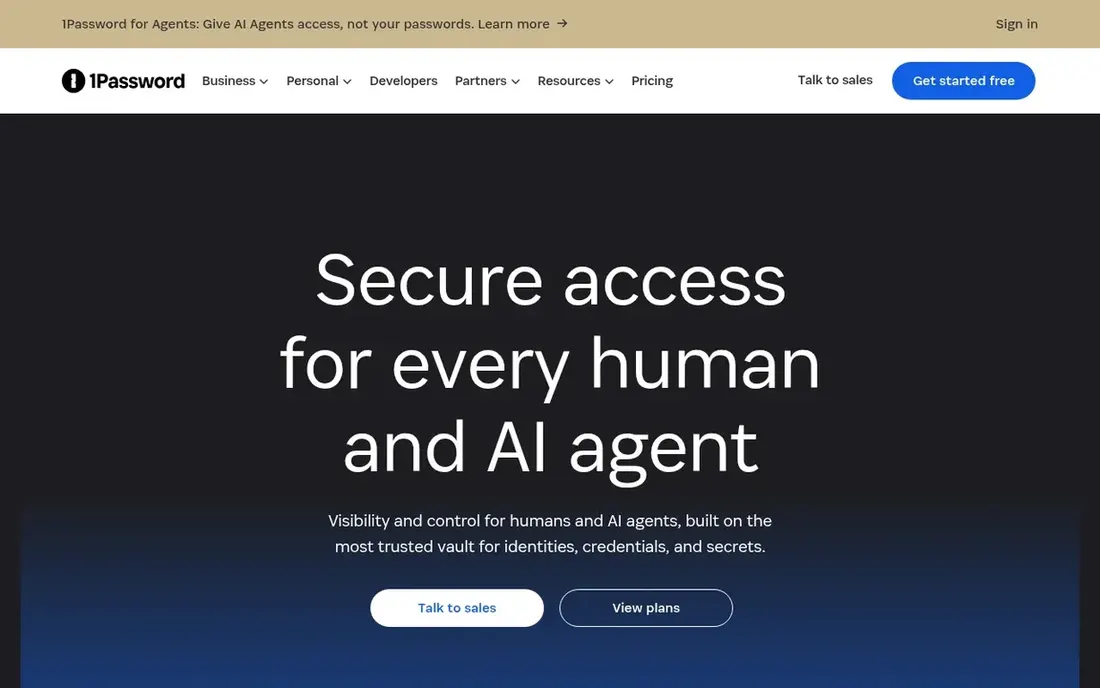
Pick 1Password if this describes you: shared vaults and secrets management. The product leans toward organizations, so some administration features may be more than a family needs. In daily use, 1Password is a password manager and secrets product that guards passwords, runs app access, and secures AI tools.
For everyday use, families wanting a minimal, set-and-forget tool may prefer a more straightforward choice. In daily use, choose 1Password when shared vaults and secrets handling matter more than a stripped-down interface. This comparison lists no price for 1Password; ask the vendor. On free options: Not stated.
What to check first: Advanced administration targeted at organizations.
- Works across expanding teams and enterprises
- Shared vaults for household logins
- Feature depth can feel heavy for casual users
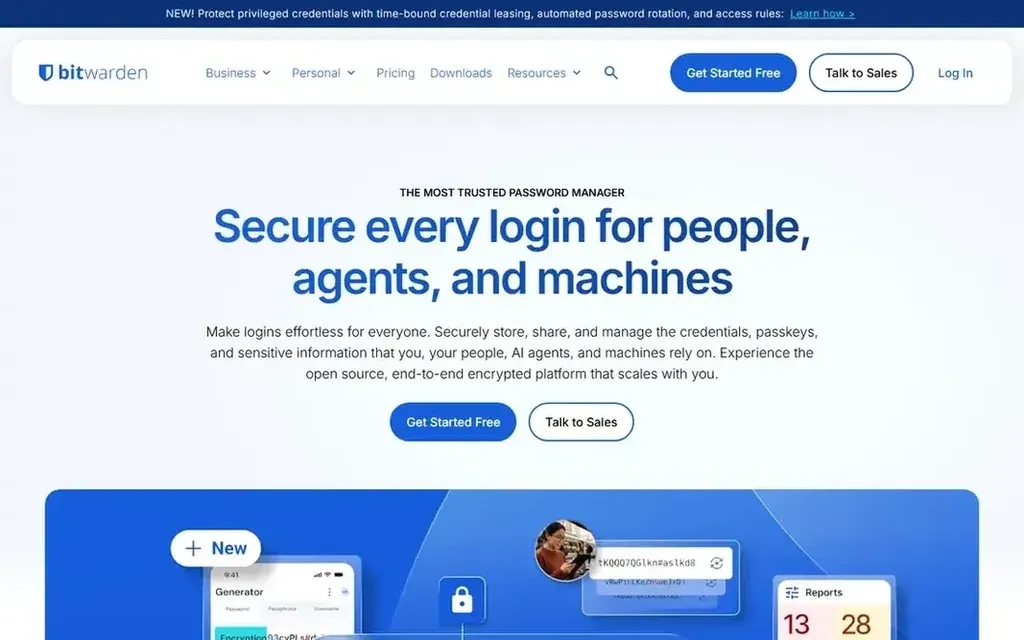
Bitwarden serves open source sharing and passkeys. The vendor notes it is free to start.
Watch-outs: Interface is more utilitarian than refined.
In practice, for families, the appeal is transparency and sharing features that work across devices, plus the capacity to handle secrets beyond straightforward logins. For everyday use, Bitwarden is an open source password manager for individuals, teams, and enterprises that securely keeps, shares, and runs passwords, passkeys, and secrets. What you pay to start with Bitwarden: $1.65 per month. You can start on Bitwarden without paying.
- Keeps passwords, passkeys, secrets
- Built for individuals, teams, enterprises
- Advanced choices can overwhelm beginners
What went into this list
A buyer's checklist
- Get a written quote from LastPass and 1Password; the list shows no starting price for them.
- Check what the free option really includes: Proton Pass and Bitwarden offer a free plan, and usage caps differ.
- Use real work to test the free trial from LastPass and Dashlane, rather than a demo project.
- Before choosing LastPass, weigh its main limit: enterprise governance messaging dominates.
- Check the support hours and onboarding help LastPass offers; smaller vendors vary a lot here.
- Total up the real monthly cost of Proton Pass, including add-ons, extra users and usage-based fees.
FAQ
What should families look for in a password manager?
Recovery choices matter too, since a locked-out family member should have a safe way back in. Confirm family sharing details straight with each vendor.
What is the cheapest option for password manager for families in this list?
On published monthly entry prices, Bitwarden is the lowest here at $1.65 per month. Entry price is only part of the cost, because seats, add-ons and billing terms can change the total.
Is LastPass the right pick for everyone comparing password manager for families?
No single tool suits every team. LastPass comes first because it fits password generation and login security, while Dashlane suits polished, guided credential security and Proton Pass suits aliases and open-source privacy. Match the tool to your own size, budget and workflow before deciding.
Can I try these tools before paying?
Often, yes. Proton Pass and Bitwarden have a free plan and LastPass and Dashlane offer a free trial. Use your own data and a real task during the test, and check what the free tier or trial limits before you rely on it.
Can families share passwords without sharing one master account?
Yes. Most password managers offer shared vaults or folders so each person keeps a private vault plus a shared space. This keeps individual logins separate whereas allowing typical accounts like streaming services to be shared.
Is open source important for a family password manager?
Open source tools like Bitwarden and Proton Pass let anyone inspect the code, which some families value for transparency. Weigh it against simplicity and sharing features that fit your household.
Sources
- https://www.lastpass.com
- https://www.dashlane.com
- https://proton.me/pass
- https://1password.com
- https://bitwarden.com