5 Best Refrigeration Software for 2026, Vetted and Compared
Best refrigeration software: 5 contenders ranked by fit, with entry costs and free tiers. Short, factual notes on every option. Built for quick decisions.
- Editor's choice
 Jobber
Quoting, scheduling and invoicing
Starts atSee websiteVisit getjobber.comFull review - Great alternative
 Kickserv
Jobs, customers and payments
Starts at$60 per monthVisit kickserv.comFull review - Also consider
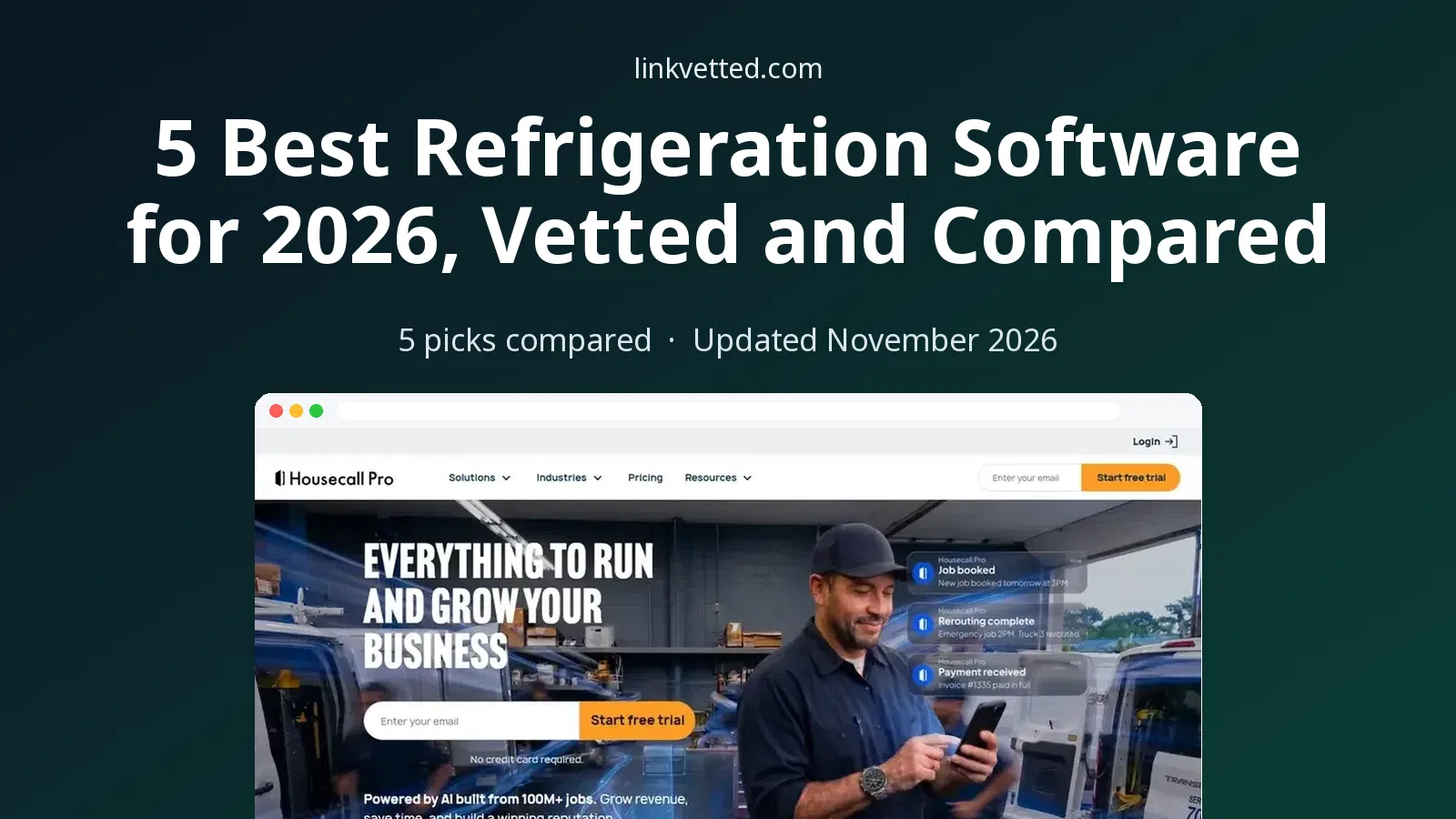
 Housecall Pro
Home service business management
Starts at$59 a monthVisit housecallpro.comFull review
Direct answer
If you need quoting, scheduling and invoicing, Jobber is the first tool to look at here. Listed starting prices: Kickserv from $60 per month, Housecall Pro from $59 a month and Service Fusion from $220 per month. Kickserv is the stronger choice for jobs, customers and payments, while Housecall Pro suits home service business management. The other 2 tools in the list cover narrower or pricier cases.
TL;DR:
- Jobber sits first on this list: quoting, scheduling and invoicing.
- Before buying Jobber, weigh this: may lack deep commercial project tools.
- Service Fusion fits all-in-one field service management.
- Jobber, Service Fusion and the 3 others all need a premium plan or a trial, since no free plan is listed.
Last checked November 2026. Prices and plan details were read from the vendors' own pages in November 2026; vendors change plans often, so confirm the current price on the vendor site before you buy.
Quick comparison
| Tool | Best for | Starts at | Free plan? | |
|---|---|---|---|---|
| Jobber | Quoting, scheduling and invoicing | See website | Not stated | Visit |
| Kickserv | Jobs, customers and payments | $60 per month | Free trial | Visit |
| Housecall Pro | Home service business management | $59 a month | Free trial | Visit |
 ServiceTitan | All-in-one trades system | See website | Free trial | Visit |
 Service Fusion | All-in-one field service management | $220 per month | No | Visit |
Our 5 picks for refrigeration software
Choosing refrigeration software usually comes down to price, fit and limits. This LinkVetted guide sets 5 tools side by side on those three points, with the facts kept short and checkable.
Jobber is built with quoting, scheduling and invoicing in mind. Jobber is oriented toward service firms, so refrigeration businesses with extensive project management or asset-heavy maintenance contracts may need more specialized tools.
Downsides: May lack deep commercial project tools.
Worth adding: choose Jobber when quoting and scheduling simplicity matter most. Pricing for Jobber is not stated here, so ask the vendor for current figures. Trial and free access: Not stated.
- Easy-to-use app for service companies
- Supports sales and customer service
- Better for smaller service operations
Kickserv makes the most sense for jobs, customers and payments. Pick Kickserv when straightforward job and customer management is the central requirement.
Kickserv field service management software supplies management of jobs, customers, communication and payments for home service firms. Entry price for Kickserv: $60 per month. Trial and free access: Free trial.
Watch-outs: Restricted emphasis on project management.
- Runs jobs and customer communication
- Takes care of payments for home service companies
- May be entry-level for complicated commercial refrigeration

Housecall Pro targets home service business management. Housecall Pro is a software for home service companies, including the daily scheduling, customer communication and payment tasks that keep crews moving.
Also, refrigeration businesses that serve residential customers and want an approachable system will find it relevant. For refrigeration work that involves large commercial projects or in-depth job costing, Housecall Pro may not go as deep as some alternatives. Housecall Pro cost at the entry level: $59 per month. As for free access: Free trial.
What to check first: May not handle complicated commercial projects.
- Straightforward for small teams
- Designed for home service firms
- A good match for standard service calls
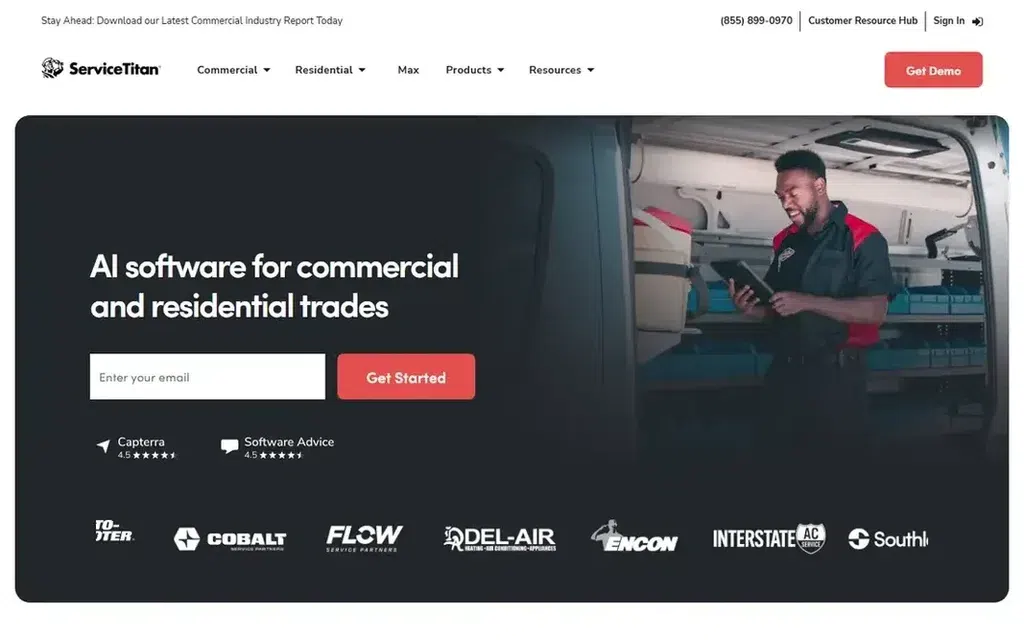
ServiceTitan is designed for all-in-one trades platform. ServiceTitan is an all-in-one software designed for home and commercial contractors, built to keep service visits and construction projects running smoothly.
Teams that chiefly want straightforward scheduling and invoicing might prefer a lighter choice. ServiceTitan shows no starting price here, so confirm the cost on the vendor site. Free options: Free trial.
Limits to weigh: Setup needs planning.
- Includes service visits and construction projects
- Centralizes operations in one system
- Wide system may feel heavy for small shops
Service Fusion works best for all-in-one field service management. Vendor productivity statements are general, so confirm how the features map to your refrigeration workflows during evaluation. More specifically, refrigeration teams that want a single system for field operations will find it relevant.
What to check first: May need setup time to match refrigeration processes.
Consider Service Fusion when you want an all-in-one field service tool and can invest time in setup. Beyond that, Service Fusion offers all-in-one field service management software aimed at service firms and contractors, with a focus on saving time and increasing productivity. Starting cost for Service Fusion: $220 per month. No free plan comes with Service Fusion.
- Made for service companies and contractors
- Merges field service functions in one tool
- Productivity claims should be validated for your workflow
Our selection method
Before you commit
- Confirm the entry price on the vendor page. For Jobber and ServiceTitan that means a quote rather than a fixed price.
- Take the trial from Kickserv, Housecall Pro and ServiceTitan and push a live task through it before you pay.
- Before choosing Jobber, weigh its main limit: may lack deep commercial project tools.
- Total up the real monthly cost of ServiceTitan, including add-ons, extra users and usage-based fees.
- Let daily users try Housecall Pro on real work; their feedback beats any feature checklist.
FAQ
Can I try these options before paying?
Often, yes. Kickserv, Housecall Pro and ServiceTitan offer a free trial. Use your own data and a real task during the test, and check what the free tier or trial limits before you rely on it. Each of the 5 options in this Refrigeration software guide has its own card above with the price, free plan and limits.
Is Jobber the right pick for everyone comparing refrigeration software?
No single tool suits every team. Jobber comes first because it fits quoting, scheduling and invoicing, while Kickserv suits jobs, customers and payments and Housecall Pro suits home service business management. Match the tool to your own size, budget and workflow before deciding.
Do these tools publish their prices?
Not all of them. Jobber and ServiceTitan publish no starting price, so expect a quote request for those. The rest, Kickserv included, show a starting price, though seats and billing terms still change the final cost. All 5 picks in this Refrigeration software comparison list a starting price, free plan details and the main limits on their cards above.
How are the tools for refrigeration software ordered?
The order follows typical fit for refrigeration software, with Jobber first and Service Fusion last, then price clarity and free access. It is editorial judgement, not a score, so another team could rank the tools differently.
Sources
- https://www.getjobber.com
- https://www.kickserv.com
- https://www.housecallpro.com
- https://www.servicetitan.com
- https://www.servicefusion.com