5 Best Receipt Scanning Software for Small Business Owners for 2026, Vetted and Compared
Best receipt scanning software for small business owners in 2026: 5 contenders with entry costs and free tiers. Each pick lists its main limit. Compare quickly.
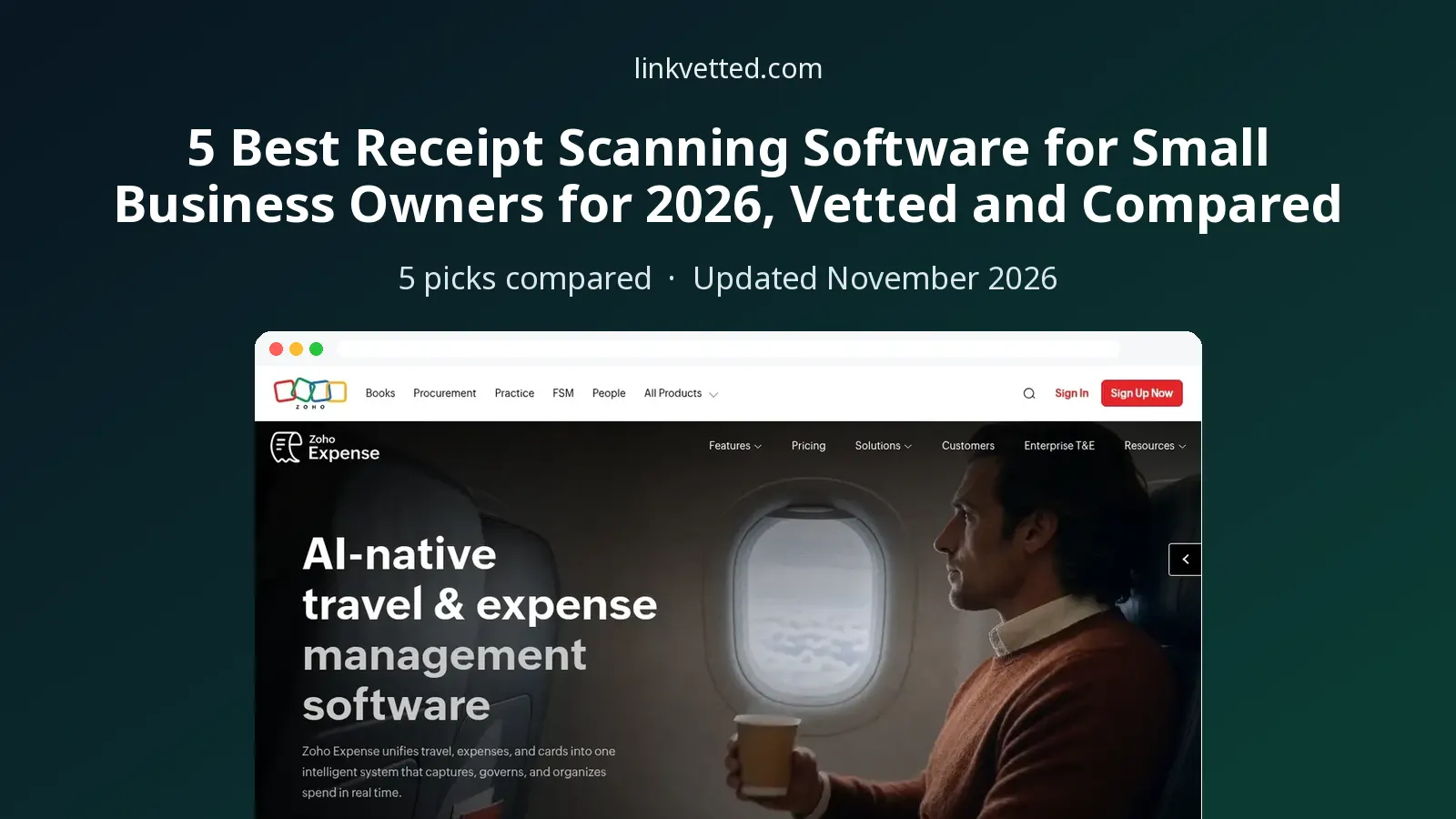
- Editor's choice
 Zoho Expense
Travel and expense control with cards
Starts atSee websiteVisit zoho.comFull review - Great alternative
 Hubdoc
Getting documents into accounting software
Starts at$12 a monthVisit hubdoc.comFull review - Also consider
 QuickBooks Online
Receipt capture inside existing bookkeeping
Starts at$11.40 a monthVisit quickbooks.intuit.comFull review
Direct answer
If you need travel and expense control with cards, Zoho Expense is the first tool to look at here. Listed starting prices: Hubdoc from $12 a month, QuickBooks Online from $11.40 a month and Shoeboxed from $9 per month. For a different need, Hubdoc covers getting documents into accounting software and QuickBooks Online covers receipt capture inside existing bookkeeping. All 5 tools are compared below on price, free plan and limits.
TL;DR:
- Top of the list is Zoho Expense, which targets travel and expense control with cards.
- Neither Zoho Expense nor Shoeboxed, nor any of the other 3 tools, has a permanent free plan; trials and quotes are the norm.
- Starting prices begin at $9 per month with Shoeboxed.
- For receipt scanning with mileage tracking, Shoeboxed is worth a look.
Last checked November 2026. Prices and plan details were read from the vendors' own pages in November 2026; vendors change plans often, so confirm the current price on the vendor site before you buy.
Quick comparison
| Tool | Best for | Starts at | Free plan? | |
|---|---|---|---|---|
| Zoho Expense | Travel and expense control with cards | See website | Not stated | Visit |
| Hubdoc | Getting documents into accounting software | $12 a month | Free trial | Visit |
| QuickBooks Online | Receipt capture inside existing bookkeeping | $11.40 a month | Free trial | Visit |
 Expensify | Receipt capture tied to expense reports | See website | Not stated | Visit |
 Shoeboxed | Receipt scanning with mileage tracking | $9 per month | Free trial | Visit |
Tool-by-tool breakdown
Short on time? The summary and table above give the quick view of 5 receipt scanning software for small business owners, and the profiles that follow give the detail behind each entry.

Zoho Expense makes the most sense for travel and expense control with cards. The travel and expense framing means it is designed for fuller programs, which can be more structure than a one-person business needs.
Downsides: Targeted at fuller T&E programs.
Worth adding: owners who just want receipts captured and filed may prefer a lighter tool. This comparison lists no price for Zoho Expense; ask the vendor. Free options: Not stated.
- Corporate card spend visibility
- Handles travel and expense in one product
- May be heavy for solo owners
Hubdoc is a good fit for getting documents into accounting software. Since its value relies on connecting to accounting software, it is less handy as a standalone receipt app for owners without that setup.
Downsides: Accounting integration is central.
Starting cost for Hubdoc: $12 per month. Free access: Free trial.
- Document and data capture focus
- Cuts manual data entry
- Restricted standalone expense workflow
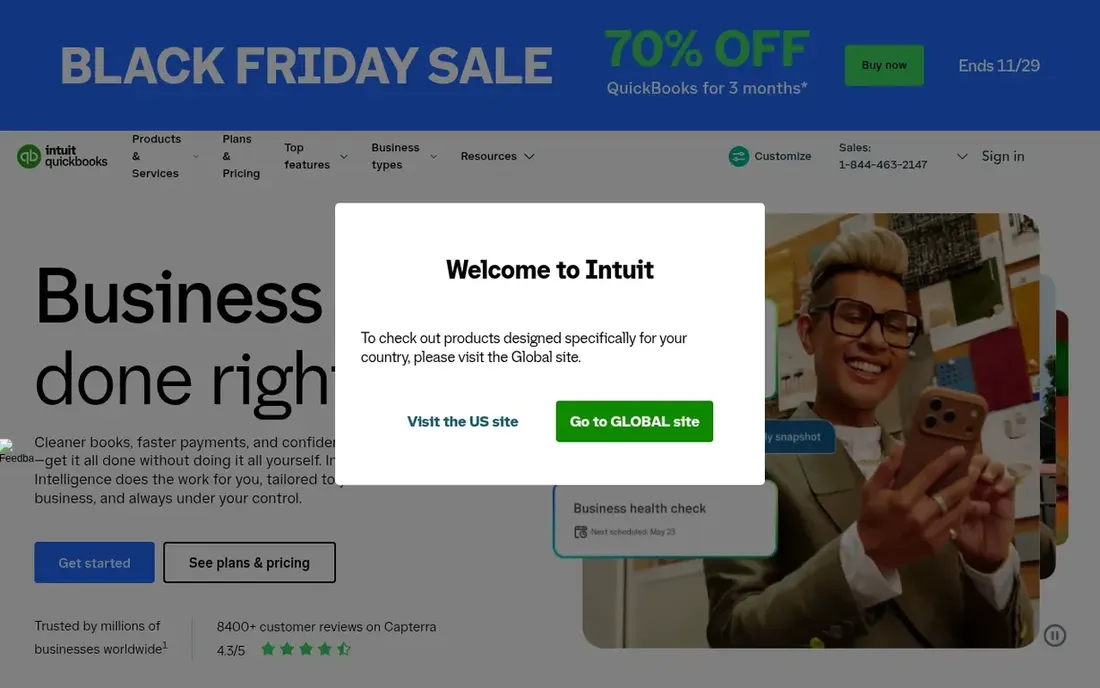
QuickBooks Online is aimed squarely at receipt capture inside existing bookkeeping. Its homepage emphasizes organizing and managing a business with quick, simple setup.
What to check first: Not a dedicated scanning app.
It is not a standalone receipt scanner, so the value relies on using the accounting system itself. QuickBooks Online cost at the entry level: $11.40 per month. Trial and free access: Free trial.
- Setup geared toward small companies
- Receipt tools alongside core accounting
- Full platform needed for full value
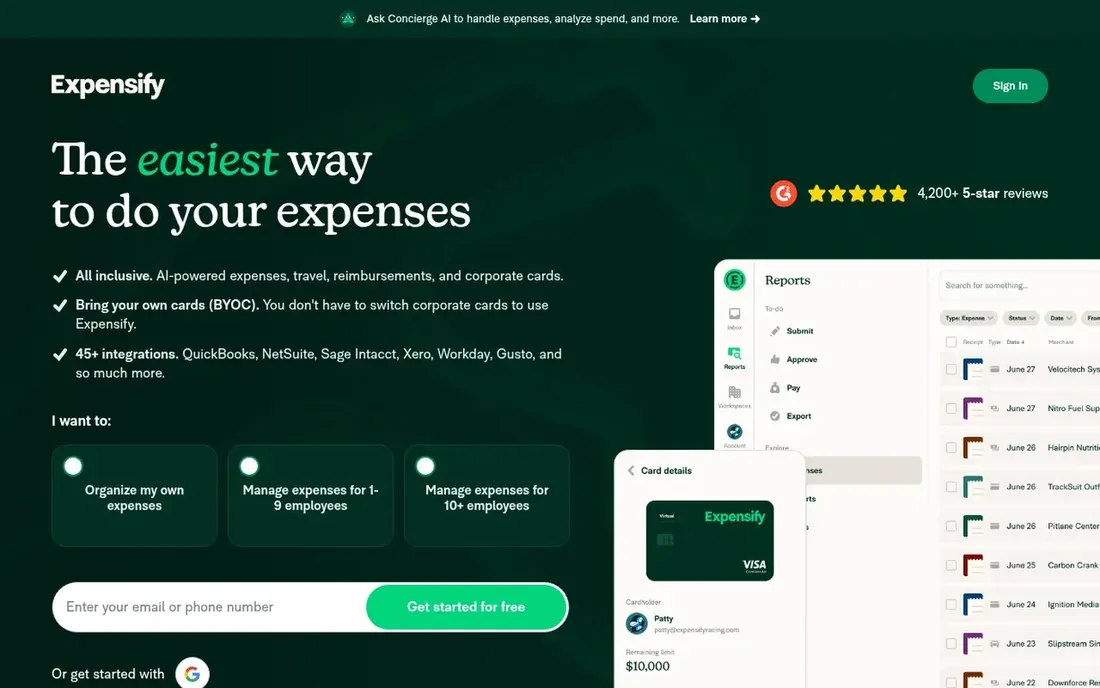
Pick Expensify if this describes you: receipt capture tied to expense reports. Expensify is spend management software built around receipts and expenses.
Drawbacks to consider: More than an entry-level scanner.
Beyond that, owners with employees who submit expenses on a regular basis are the clearest fit. Check the vendor site for Expensify pricing; none is listed in this comparison. As for free access: Not stated.
- Spend management features beyond straightforward capture
- Fits teams submitting and approving expenses
- May overlap with existing accounting tools
Shoeboxed was built for receipt scanning with mileage tracking. Its homepage describes document capture for owners who accumulate paper receipts and want them digitized without building an expense program. That makes it a natural fit for sole proprietors and small teams digitizing records for bookkeeping and tax time.
Where it falls short: Needs pairing with bookkeeping.
It is a capture and organization tool instead of a full accounting product, so the books still live elsewhere. From a buyer's view, owners needing approvals or corporate card controls should look at expense management tools. From a buyer's view, choose Shoeboxed when the priority is turning paper receipts and mileage into organized digital records. On cost, Shoeboxed starts like this: $9 per month. Trial and free access: Free trial.
- Mileage tracking included with plans
- Receipt scanner app focus
- Narrower than full accounting
How the list was put together
What to confirm before you sign up
- Get a written quote from Zoho Expense and Expensify; the list shows no starting price for them.
- Run a trial of Hubdoc, QuickBooks Online and Shoeboxed with real work before paying for a year; your own workflow is the best test.
- Before choosing Zoho Expense, weigh its main limit: pitched at fuller T&E programs.
- Add up seats, add-ons and usage charges for QuickBooks Online before comparing it with cheaper entries.
- Involve the people who will use Expensify daily; a short pilot beats a long feature checklist.
FAQ
Is a dedicated receipt scanner better than accounting software with receipt tools?
Accounting software with built-in receipt tools, like QuickBooks Online, cuts duplicate systems when the books already live there. From a buyer's view, the right choice relies on whether bookkeeping or capture is the priority.
What is the cheapest option for receipt scanning software for small business owners in this list?
On published monthly entry prices, Shoeboxed is the lowest here at $9 per month. Entry price is only part of the cost, because seats, add-ons and billing terms can change the total. Prices, free plan details and limits for all 5 tools in this receipt scanning software for small business owners roundup sit on the individual cards above.
Does any tool for receipt scanning software for small business owners here have a free plan?
A permanent free plan is not offered by Zoho Expense, Shoeboxed or the other tools here. Hubdoc, QuickBooks Online, Shoeboxed offer a trial. Plan a short evaluation period instead.
Can I try these tools before paying?
Often, yes. Hubdoc, QuickBooks Online and Shoeboxed offer a free trial. Use your own data and a real task during the test, and check what the free tier or trial limits before you rely on it.
Do these tools publish their prices?
Not all of them. Zoho Expense and Expensify publish no starting price, so expect a quote request for those. The rest, Hubdoc included, show a starting price, though seats and billing terms still change the final cost.
Sources
- https://www.zoho.com/expense
- https://www.hubdoc.com
- https://quickbooks.intuit.com
- https://www.expensify.com
- https://www.shoeboxed.com