Best Receipt Rewards App in 2026: 9 Apps Compared
Looking for the best receipt rewards app in 2026? We compared 9 free apps that pay for scanned receipts, brand offers, gas, dining, and online shopping.
- Editor's choice
 Fetch Rewards
Scanning any receipt fast
Starts atFreeVisit fetch.comFull review - Great alternative
 Ibotta
Brand offers on groceries
Starts atFreeVisit ibotta.comFull review - Also consider
 Receipt Hog
Simple points for any receipt
Starts atFreeVisit receipthog.comFull review
TL;DR:
- Fetch Rewards is the lowest effort starting point, because it pays points for almost any receipt without asking you to pick offers first.
- Ibotta usually pays more per grocery trip, but only when you activate brand offers before you shop and reach its higher cash out threshold.
- Receipt Hog, Checkout 51, and CoinOut work well as second apps, since many shoppers scan the same receipt in more than one app where the rules allow it.
- Rewards here are a small discount on spending you already planned, not a reliable income source, and payout minimums and receipt age limits matter more than headline rates.
- Check privacy settings before you start, because these apps read purchase details from your receipts and, in some cases, from linked loyalty accounts.
Quick comparison
| Tool | Best for | Starts at | Free plan? | |
|---|---|---|---|---|
| Fetch Rewards | Scanning any receipt fast | Free | Yes | Visit |
| Ibotta | Brand offers on groceries | Free | Yes | Visit |
| Receipt Hog | Simple points for any receipt | Free | Yes | Visit |
 Checkout 51 | Weekly grocery offers | Free | Yes | Visit |
 Swagbucks | Receipts plus other earning tasks | Free | Yes | Visit |
 Rakuten | Online shopping cash back | Free | Yes | Visit |
 Upside | Gas, groceries, and dining offers | Free | Yes | Visit |
 CoinOut | A second scan for the same receipt | Free | Yes | Visit |
 Makeena | Natural and organic brands | Free | Yes | Visit |
The best receipt rewards apps
We compared free receipt apps on how easy scanning feels, what you can redeem, payout minimums, and how much planning each one demands. The list below mixes broad apps that accept most receipts with narrower apps that pay better in one shopping category.
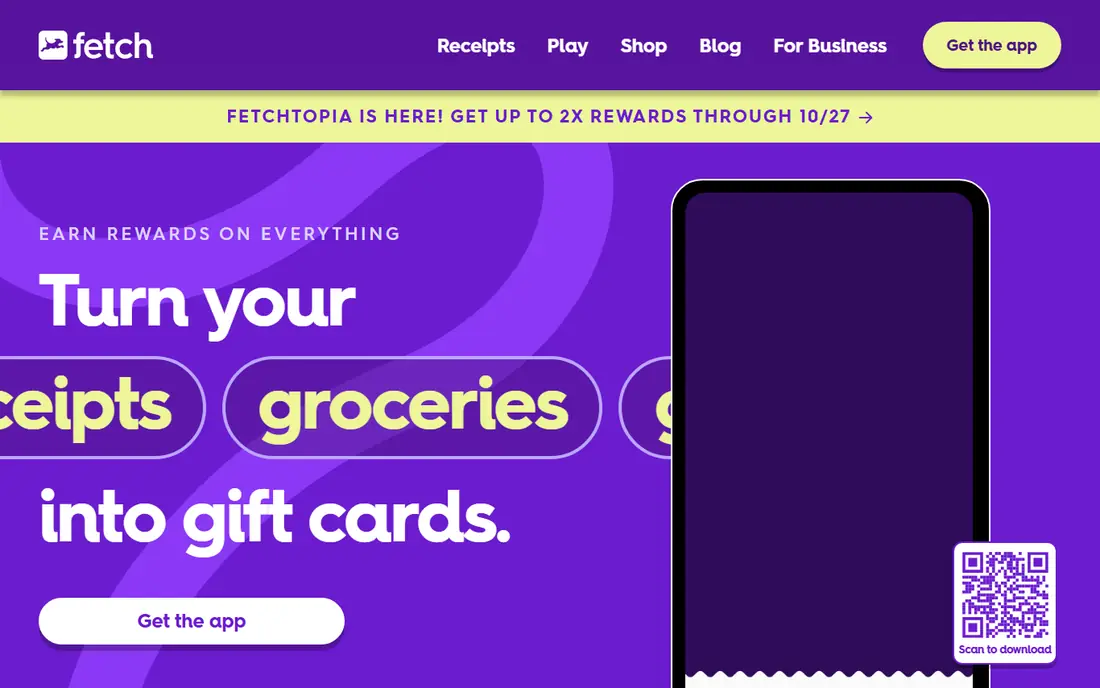
For most people, Fetch Rewards is where we would start. You photograph a receipt, the app reads it, and points land in your account. That simplicity is the point. You do not need to study a weekly offer list before a grocery run, and you do not need to remember which brand was on sale. If you shop at different stores and you want one habit that sticks, this app fits that routine well. The value is modest, and gift cards rather than cash may not suit everyone, but the habit itself is easy to keep.
- Accepts receipts from many stores
- No offer selection needed for base points
- Gift card redemption is simple to understand
- Base points per receipt are low
- Points are for gift cards rather than cash
- Receipts must be scanned within a set window
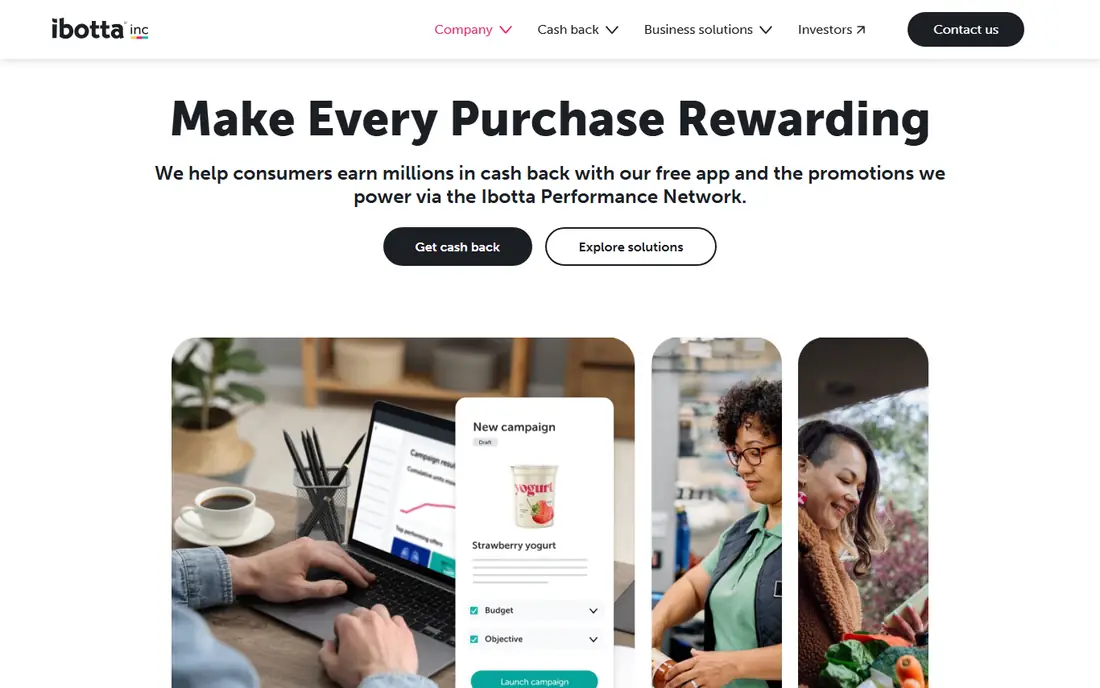
Ibotta rewards planning. Before you shop, you browse offers tied to specific products, activate the ones you already intend to buy, then scan the receipt or use a linked loyalty account. When your list overlaps with the offer list, the return per trip can beat a points only app by a clear margin. That is why regular grocery shoppers often keep Ibotta as their main app even when they also use Fetch. The catch is discipline, since an offer you forgot to activate will not pay, and reaching the cash out minimum takes longer for light shoppers.
- Brand rebates can be larger than base receipt points
- Cash out options include PayPal and bank transfer
- Linked loyalty accounts can remove manual scanning at some stores
- Offers must usually be activated before purchase
- Cash out minimum is higher than some rivals
- Inactive accounts can face a fee after a long period
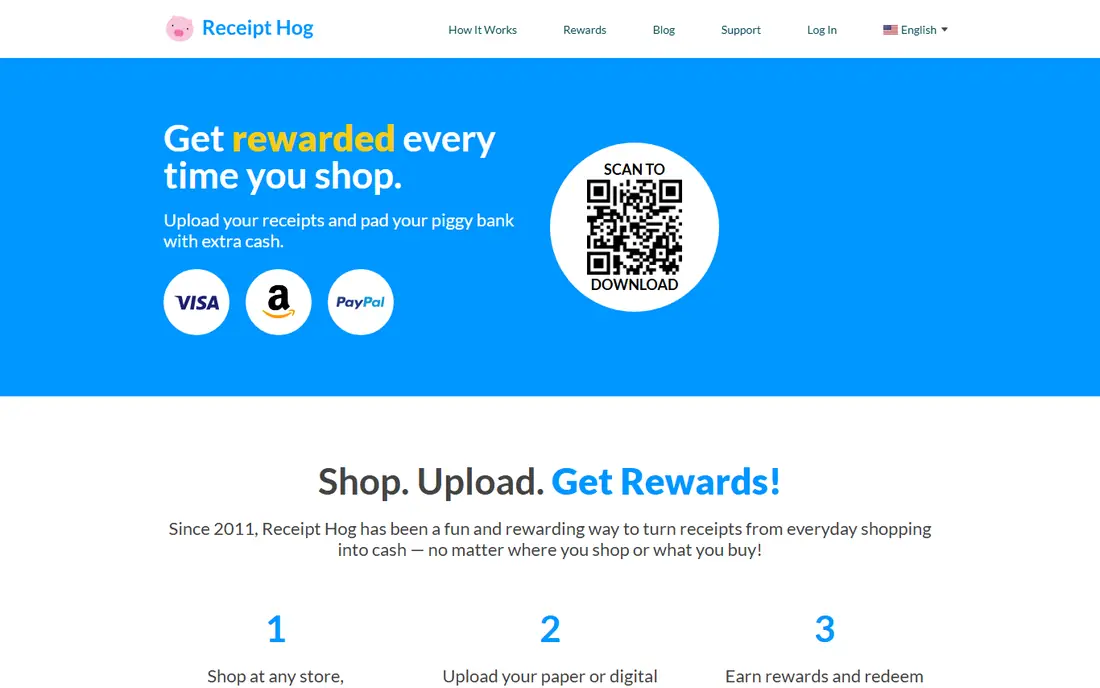
Receipt Hog feels close to Fetch in daily use, which is part of its appeal. You scan a receipt, earn coins based in part on the spend level, and work toward a payout. It also adds extras such as surveys and bonus features, but the core habit stays the same. That makes it a good second app for people who already scan receipts and want another return from the same shopping trip, subject to each app's own rules. Payouts take patience for light shoppers, and clear photos help reduce rejections.
- Accepts many receipt types
- Coin system is easy to follow
- PayPal and gift card options are available at set thresholds
- Coins per receipt are modest
- Some receipts may be rejected if details are unclear
- Reaching a payout takes patience for light shoppers
Checkout 51 is built around a weekly list. You check the offers, buy the listed items, upload the receipt, and claim the rebate. For shoppers who buy the same staples each week, that rhythm becomes quick. A five minute review before shopping is often enough to spot one or two matches, and those matches are where the value sits. If no weekly offers match your list, it earns nothing that week, so it works best as a companion app.
- Weekly offer list is focused and easy to review
- Cash back can be withdrawn once the threshold is reached
- Works alongside other receipt apps for many shoppers
- Cash out minimum is relatively high
- Offers are limited to the current list
- Some offers require a specific product size or variant
Swagbucks is not a pure receipt app, and that changes how we judge it. If you already use it for online shopping cash back or surveys, adding grocery receipts is a sensible extra. The receipt feature itself is straightforward, and the account balance can grow from several small sources at once. That variety suits people who like one account for many small rewards. If you only want receipt rewards, the extra features can feel like clutter. You may also find that time spent on surveys returns very little per hour, so we would not recommend chasing every task. Use Swagbucks for receipts and for shopping trips you already planned, and treat the rest as optional. Set a time limit, and let the app prove its worth on receipts first.
- Receipt scanning sits alongside surveys, shopping cash back, and other tasks
- Gift card and PayPal redemption are available
- Low cash out options exist for some gift cards
- Receipt rewards are only one part of a busy app
- Survey and task earnings vary a lot
- It is easy to spend time on low value tasks
Rakuten earns its place here for a different shopping pattern. If most of your spending happens online, starting a purchase through Rakuten can return cash back without any receipt photo at all. The app and browser extension remind you when a store offers cash back, which removes much of the friction. For in store grocery receipts, though, other apps on this list are a better first choice. The quarterly payout schedule is the main adjustment. You do not cash out whenever you like, and you need to wait for the payout window. Rates also vary, so a store that paid well last month may pay less this month. Still, for online shoppers, Rakuten is one of the simplest ways to add a return to orders you were already placing, and it stacks in many cases with a store loyalty program.
- Cash back at many online stores
- Browser extension and app make activation easier
- Payouts include PayPal and check options in the United States
- Receipt scanning is not its main strength
- Payouts are quarterly rather than on demand
- Cash back rates change by store and promotion
Upside starts with a habit that other receipt apps handle less well: claiming an offer before you fill up. Drivers who commute or drive for work can see a return on a cost they cannot avoid, and the app has added grocery and restaurant offers over time. That mix makes it useful for households where fuel is a major weekly cost. Local coverage is the variable to check first. If few stations near you participate, or offers are small in your area, the app will disappoint. It also rewards attention, since claiming after payment may not count. Check the map for your regular routes before you rely on it, and use it for stations you already visit rather than driving extra miles for a small rebate.
- Gas offers can add up for regular drivers
- Grocery and dining offers widen its use
- Cash out options include bank transfer and gift cards
- You must claim an offer before you pay in many cases
- Participating locations vary by area
- Savings depend on local offer availability
CoinOut is best understood as a top up app. On its own, the return per receipt is small, and reaching a payout can take a long time for a light shopper. As a second scan after Fetch or Receipt Hog, however, it adds a little more from the same piece of paper. That is why many receipt stackers keep it installed even though they would not recommend it alone. The app also offers linked account and bonus features, but the receipt scan remains the simplest path. Keep expectations low, scan clearly, and do not let a tiny balance change where you shop. If you enjoy stacking and you already scan receipts elsewhere, CoinOut is a low friction extra. If you want one app only, pick a stronger main app from higher in this list.
- Accepts receipts from many stores
- Low effort second scan
- Gift card and cash out options exist at set levels
- Earnings per receipt are very small
- Payout thresholds and levels can confuse new users
- It works best as an add on rather than a main app
Makeena is the specialist on this list. If your basket leans toward organic, natural, or specialty brands, you may find offers here that larger apps miss. Shoppers at stores such as Whole Foods or a local health food shop are the natural audience, and for them the app can beat a generic points app on the items they buy most. For everyone else, the fit is weak. A conventional grocery basket will match few offers, and the smaller library means more weeks with no return. That is not a flaw in the app, it is a sign that it serves a narrower shopper. Try it only if your regular purchases already overlap with its brand list, and keep a broad app as your main receipt scanner.
- Focus on natural and organic products fills a gap left by larger apps
- PayPal payout is available
- Offers suit shoppers at health food stores
- Offer library is smaller than mainstream apps
- Little value for conventional grocery shoppers
- Payout threshold can take time to reach
How we picked these
We compared official feature pages, pricing and help pages, app store listings, privacy policies, and public reviews for each app. We looked for apps that accept real receipts in 2026, explain their payout rules in plain terms, and offer a clear redemption path. We favored a mix of broad scanners and category specialists, so the list covers grocery, gas, dining, and online shopping rather than repeating the same model nine times. We did not test payouts ourselves, and we did not treat marketing claims about yearly earnings as fact. Where an app charges a fee after inactivity, limits receipts by age, or sets a payout minimum, we noted it, because those rules shape the real return more than any headline rate. Prices and offer terms change, so check the app's current help page before you count on a specific rate.
What to check before you pick a receipt app
Match the app to your shopping pattern
Start with where you spend. A weekly grocery shopper benefits most from Ibotta or Checkout 51, while a driver benefits most from Upside. A shopper who buys from many stores with little planning will get more from Fetch or Receipt Hog. ### Read the payout rules first Look at three numbers before you install: the minimum payout, the receipt age limit, and whether rewards are cash or gift cards. A low minimum matters if you shop rarely. A short receipt window matters if you tend to scan late. Cash suits people who want flexibility, while gift cards suit people who already buy from those retailers.
Protect your receipt data
These apps need purchase details to pay you, so read the privacy policy and check what is shared with brands. Use the app's settings to limit linked accounts, and avoid uploading receipts that show payment card numbers.
Stack carefully, and keep it honest
Follow each app's terms, do not alter receipts, and do not upload the same receipt twice to the same app.
FAQ
What is the best receipt rewards app for beginners?
Fetch Rewards is the easiest start for most beginners, because it pays points for almost any receipt without advance offer selection. Add Ibotta later if you want larger grocery rebates and you are willing to activate offers before shopping.
Can I use more than one receipt app for the same receipt?
In many cases, yes, but you should check each app's terms first. Fetch, Receipt Hog, and CoinOut are often used together, while brand offer apps may have their own rules about duplicate claims. Never edit a receipt or submit it twice to the same app.
How much money can I really make scanning receipts?
For most households, expect a small monthly return, often a few dollars from base points, plus more when brand offers match your list. Treat it as a discount on planned spending, not as income, and be wary of any claim that promises hundreds of dollars with little effort.
Do receipt apps pay cash or gift cards?
It depends on the app. Ibotta, Rakuten, and Upside offer cash style payouts in many cases, while Fetch pays in gift cards. Check the redemption page for your country and for the payout method you prefer before you build up a large balance.
Are receipt rewards apps safe to use?
Reputable apps use standard account security, but they do read your purchase data, so privacy matters. Read the privacy policy, use a strong password, avoid linking accounts you do not need, and only upload receipts through the official app. This article is general information, not financial advice.
Why was my receipt rejected?
Common reasons include a blurry photo, a missing store name, date, or total, a receipt older than the app's limit, or a receipt that does not match an activated offer. Photograph the full receipt in good light, scan promptly, and check the app's help page for its receipt rules.