Best Apps for Small Business Owners in 2026: 10 Apps Compared
Compare the best apps for small business owners, from free accounting and payments to CRM, tasks, and marketing, with pricing and free plans for owners in 2026.
- Editor's choice
 QuickBooks Online
Growing businesses that need full accounting
Starts at$38 per monthVisit quickbooks.intuit.comFull review - Great alternative
 Wave
Free accounting for freelancers and startups
Starts atFreeVisit waveapps.comFull review - Also consider
 Xero
Clean accounting with unlimited users
Starts at$25 per monthVisit xero.comFull review
TL;DR:
- Wave is the best free accounting starting point, while QuickBooks Online scales further for inventory, payroll, and multi-user books.
- Square covers in-person and online payments with no monthly fee for the basic point-of-sale app, though transaction fees apply.
- HubSpot CRM, Trello, and Slack all offer useful free plans, so a small team can run sales, tasks, and chat at no cost.
- Canva and Mailchimp cover design and email marketing on free plans, with paid upgrades for larger teams and lists.
- Start with one app per job, such as money, customers, tasks, and marketing, rather than buying a suite you will not use.
Quick comparison
| Tool | Best for | Starts at | Free plan? | |
|---|---|---|---|---|
| QuickBooks Online | Growing businesses that need full accounting | $38 per month | Free trial | Visit |
| Wave | Free accounting for freelancers and startups | Free | Yes | Visit |
| Xero | Clean accounting with unlimited users | $25 per month | Free trial | Visit |
 FreshBooks | Service businesses that bill by time and project | $23 per month | Free trial | Visit |
 Square | In-person and online payments | Free | Yes | Visit |
 HubSpot CRM | Free customer and pipeline management | Free | Yes | Visit |
 Trello | Simple visual task boards | Free | Yes | Visit |
 Slack | Team chat that replaces email threads | Free | Yes | Visit |
 Canva | Fast marketing design without a designer | Free | Yes | Visit |
 Mailchimp | Email marketing for small lists | Free | Yes | Visit |
The best apps for small business owners
We compared these apps on core features, free plan value, ease of use, and price, using vendor pricing pages and October 2026 small business app comparisons.
QuickBooks Online
Best for: Growing businesses that need full accounting
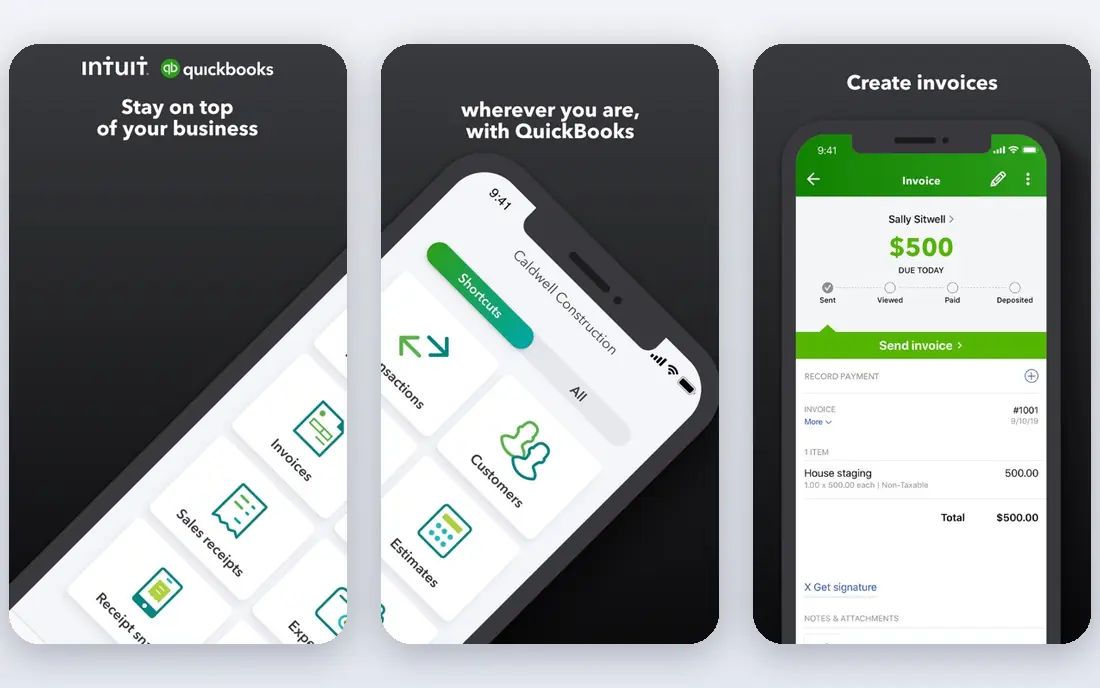
QuickBooks Online is the standard choice for businesses that expect to grow. Simple Start starts at $38 per month list price, with Essentials at $75 and Plus at $115, and higher plans add inventory, project profitability, and more users. Bank feeds, invoicing, expense tracking, and tax reports cover the core bookkeeping job in one place.
The cost and complexity are real. Promotional pricing often discounts the first months, so check the list price that applies afterwards, and budget separately for payroll and payment processing. If your business is a solo freelance operation, Wave may be enough, but for a team with stock and staff, QuickBooks scales better.
- Full invoicing, expenses, payroll add-ons, and reporting
- Inventory and project tracking on higher plans
- Large accountant network
- List price is higher than Wave or Xero entry plans
- Learning curve is steeper for new owners
- Payroll and payments cost extra
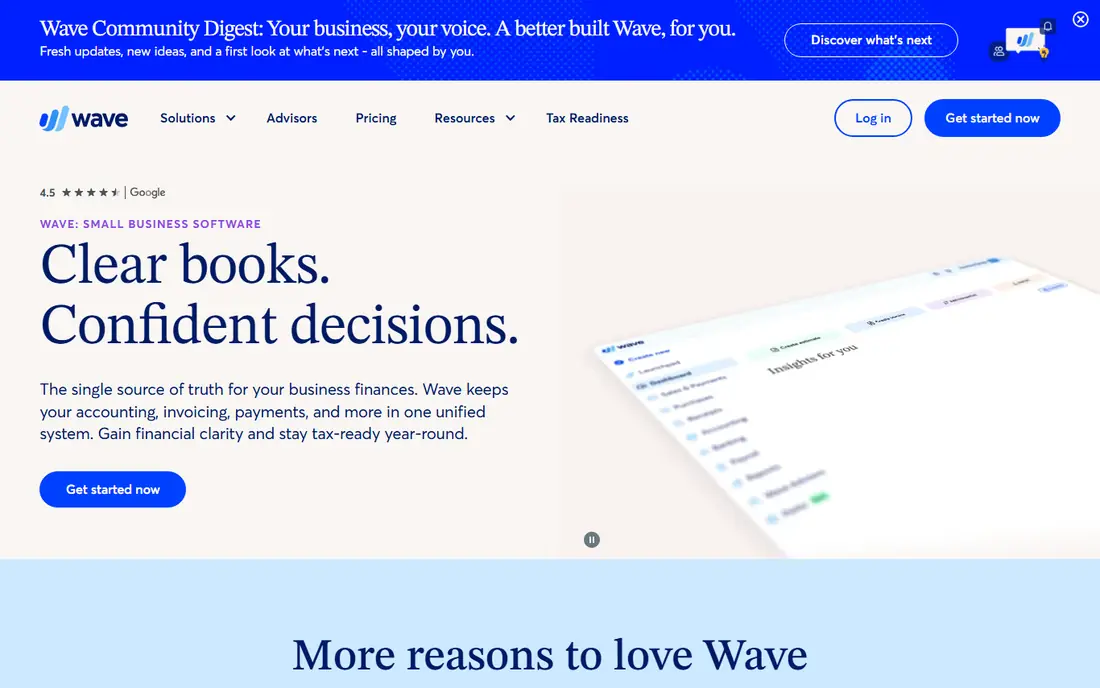
Wave gives freelancers and tiny teams free accounting, invoicing, and receipt scanning, with a Pro plan at $19 per month for bank imports and reminders. That free core covers income, expenses, and invoices without a monthly bill, which is rare in accounting software. Payments and payroll are paid add-ons, with transaction fees for card payments.
Wave will not suit product businesses that need inventory, or larger teams that need deep reporting and many integrations. For a service business with simple books, it is the best free starting point, and you can move to QuickBooks or Xero later without losing your early records if you export regularly.
- Free Starter plan with invoicing and accounting
- Unlimited invoices and collaborators
- Simple setup
- No inventory management
- Reporting is thinner than QuickBooks
- Support is limited on the free plan
Xero is popular with small businesses and accountants for its clean design and unlimited users, which helps teams that share books with staff and advisors. Entry plans start at $25 per month, with higher plans raising invoice, bill, and multi-currency limits. Bank reconciliation is straightforward, and the app marketplace covers payroll, payments, and inventory add-ons.
The entry plan invoice limit can bite growing businesses, so check the plan that matches your monthly volume. Xero sits between Wave and QuickBooks: more polished and scalable than Wave, simpler to learn than QuickBooks for many owners.
- Clean interface
- Unlimited users on all plans
- Strong bank feeds and app marketplace
- Entry plan limits invoices and bills
- Inventory features are lighter than QuickBooks Plus
FreshBooks is built for service businesses that invoice clients, track time, and manage projects. Starting at $23 per month, it offers a client portal, estimates, invoices, expenses, and time tracking, with higher plans raising client counts and adding features. For consultants, designers, and agencies, that workflow feels more natural than a general ledger-first tool.
The limit is scale and accounting depth. Lower plans cap billable clients, and businesses with inventory or complex multi-entity books may need QuickBooks or Xero instead. For project-based income, FreshBooks is a focused, easy-to-use choice.
- Client portal, time tracking, and project billing
- Clean invoicing
- Good for freelancers and agencies
- Client limits on lower plans
- Accounting depth is thinner than QuickBooks for complex books
Square lets a small business take card payments in person, online, or by invoice, with the basic point-of-sale app free and hardware sold separately. It covers sales, inventory basics, customer records, and reporting, which suits cafes, shops, salons, and market stalls. Online checkout and payment links extend the same system to remote sales.
Square charges a fee per card transaction, so high-volume businesses should compare total processing costs with a merchant account. For a new or small business, the lack of a monthly fee and the speed of setup make Square an easy first payments tool.
- Free point-of-sale app
- Card readers and online checkout
- Inventory and customer tools included
- Transaction fees apply to every card payment
- Larger businesses may need a fuller POS or ecommerce platform
HubSpot CRM is free for contacts, companies, deals, and pipelines, which covers the core sales job for a small business. Email templates, tracking, and meeting scheduling are included, and the free plan has no time limit. As the business grows, paid Marketing, Sales, and Service Hubs add automation and reporting.
The risk is cost creep. Paid hubs are priced by contacts and features, so a growing list can raise the bill quickly. Start on the free CRM, define your pipeline stages clearly, and only upgrade when a paid feature saves real time each week.
- Free CRM with contacts, deals, and pipelines
- Email tracking and templates
- Scales into marketing and sales hubs
- Paid hubs get expensive as contacts and features grow
- Setup takes time for larger pipelines
Trello turns work into boards, lists, and cards that anyone can understand in minutes. A small team can track orders, content, hiring, or client work on one board, with checklists, due dates, and attachments on each card. The free plan covers unlimited cards and core collaboration, which is enough for many small teams.
Complex projects with dependencies, workloads, and detailed reporting may outgrow Trello, at which point tools such as Asana or Monday offer more structure. For simple, visual task tracking, Trello remains the fastest tool to adopt.
- Easy board, list, and card workflow
- Free plan covers core boards and collaboration
- Power-Ups add calendars and automation
- Less suited to complex project dependencies
- Reporting is light compared with dedicated project tools
Slack organizes team chat into channels by topic, project, or client, which beats long email threads for day-to-day work. The free plan covers core messaging, file sharing, and integrations, while paid plans add full message history, larger storage, and guest access. Huddles and video calls cover quick check-ins without a separate meeting tool.
The free history limit matters: after 90 days, older messages are hidden, so important decisions should be recorded in docs or a project tool as well. With clear channel rules, Slack keeps a small team aligned, but without them it can become noisy.
- Channels keep conversations organized
- Searchable history on paid plans
- Broad app integrations
- Free plan limits message history to 90 days
- Notification overload needs channel discipline
Canva lets a small business make social posts, flyers, menus, presentations, and ads from templates, without design training. The free plan covers a large template and asset library, while Pro adds brand kit, background removal, and premium content. Teams can share templates and keep logos and colors consistent.
Canva will not replace Photoshop or Illustrator for complex print or brand work, and free users will hit premium asset limits. For everyday marketing content, it saves time and money, and it is one of the most useful free tools a small business can adopt.
- Free plan with templates for social, print, and presentations
- Brand kit and team features on Pro
- Easy drag-and-drop editor
- Free plan limits brand kit and premium assets
- Not a replacement for professional design software for complex work
Mailchimp helps small businesses send newsletters, promotions, and automated welcome emails, with a drag-and-drop builder and templates. The free plan covers small audiences and basic campaigns, which suits a new business building its first list. Paid plans add segmentation, advanced automation, and testing.
As your list grows, Mailchimp pricing rises, so compare it with alternatives such as ConvertKit or Brevo when you pass the free limits. For a small list and simple campaigns, Mailchimp is a reliable, easy starting point for email marketing.
- Free plan for small lists and basic campaigns
- Drag-and-drop email builder
- Audience insights and automation on paid plans
- Free plan limits contacts and sends
- Pricing rises quickly as lists and features grow
How we picked these
We compared vendor pricing pages and October 2026 small business app guides, keeping only apps that exist and work today and that cover a real job for owners: money, payments, customers, tasks, chat, design, or email. We favored apps with a useful free plan or trial, since small businesses should test value before paying.
Build a starter stack without overspending
Pick one app for each job and resist adding more until a gap is clear. A typical starter stack is Wave or QuickBooks for money, Square for payments, HubSpot for customers, Trello for tasks, Slack for chat, and Canva plus Mailchimp for marketing.
Review the stack every quarter
Check which apps you actually opened in the last month, and cancel or downgrade the rest. Small subscriptions add up quietly, and a quarterly review keeps the stack lean. When a business outgrows a free plan, upgrade that one app rather than buying a whole suite at once.
FAQ
What are the best free apps for small business owners?
Wave for accounting, Square for payments, HubSpot CRM for customers, Trello for tasks, Slack for chat, Canva for design, and Mailchimp for small email lists all offer useful free plans. Together they cover most early-stage needs at no monthly cost, apart from payment transaction fees.
Is QuickBooks or Wave better for a small business?
Wave is better for freelancers and tiny service businesses that want free, simple books, while QuickBooks is better for growing businesses that need inventory, payroll, multi-user access, and deeper reporting. Start with Wave if your books are simple, and move to QuickBooks when inventory or staff needs grow.
Do I need a CRM as a small business owner?
A CRM helps once you track more leads, quotes, and follow-ups than a spreadsheet handles comfortably. HubSpot CRM is free, so there is little cost to trying it, and it keeps customer history in one place instead of scattered across email and notes.
How much should a small business spend on apps each month?
It depends on revenue and team size, but many small businesses can start under $100 per month by using free plans and paying only for accounting or payments. Review subscriptions quarterly, and upgrade only when a paid feature saves time or wins sales.
Can these apps work together?
Many of these apps integrate directly or through tools such as Zapier, so invoices, contacts, tasks, and emails can share data. Check the integration list for your core apps before buying, since a missing link can create manual work that wipes out the time saved.
Sources
- https://quickbooks.intuit.com/pricing
- https://www.waveapps.com/pricing
- https://www.xero.com/pricing
- https://www.freshbooks.com/pricing
- https://squareup.com/pricing
- https://www.hubspot.com/pricing/crm
- https://trello.com/pricing
- https://slack.com/pricing
- https://www.canva.com/pricing
- https://mailchimp.com/pricing