5 Best Receipt Scanning Software for Bookkeepers for 2026, Vetted and Compared
Weighing the best receipt scanning software for bookkeepers? We lined up 5 products by cost, free access and fit. Real limits included. Pick by budget.
- Editor's choice
 Hubdoc
Centralized document capture and storage
Starts at$12 a monthVisit hubdoc.comFull review - Great alternative
 Veryfi
API-based receipt and document extraction
Starts at$500 per month in creditsVisit veryfi.comFull review - Also consider
 Rydoo
Expense and AP automation for finance teams
Starts at$9 per user per monthVisit rydoo.comFull review
Direct answer
Hubdoc comes first here, mainly for centralized document capture and storage. Listed starting prices: Hubdoc from $12 a month, Veryfi from $500 per month in credits and Rydoo from $9 per user per month. For a different need, Veryfi covers API-based receipt and document extraction and Rydoo covers Expense and AP automation for finance teams. The full list of 5 tools follows, with prices and free plan facts.
TL;DR:
- Number one here is Hubdoc, a fit for centralized document capture and storage.
- Just one of the 5 tools, Veryfi, has a free plan.
- Rydoo has the lowest monthly starting price in this list: $9 per user per month.
- The main caution on Rydoo: geared toward bigger teams.
Last checked November 2026. Prices and plan details were read from the vendors' own pages in November 2026; vendors change plans often, so confirm the current price on the vendor site before you buy.
Quick comparison
| Tool | Best for | Starts at | Free plan? | |
|---|---|---|---|---|
| Hubdoc | Centralized document capture and storage | $12 a month | Free trial | Visit |
| Veryfi | API-based receipt and document extraction | $500 per month in credits | Yes | Visit |
| Rydoo | Expense and AP automation for finance teams | $9 per user per month | Not stated | Visit |
 Dext Prepare | Automatic bookkeeping and receipt capture | $7 per client | Free trial | Visit |
 Expensify | Expense reporting with receipt scanning | See website | Not stated | Visit |
Receipt Scanning Software for Bookkeepers, one by one
If you are comparing receipt scanning software for bookkeepers, this page covers 5 tools in one place: what each is best for, what it costs to start, whether it has a free plan, and the main limit to know about.
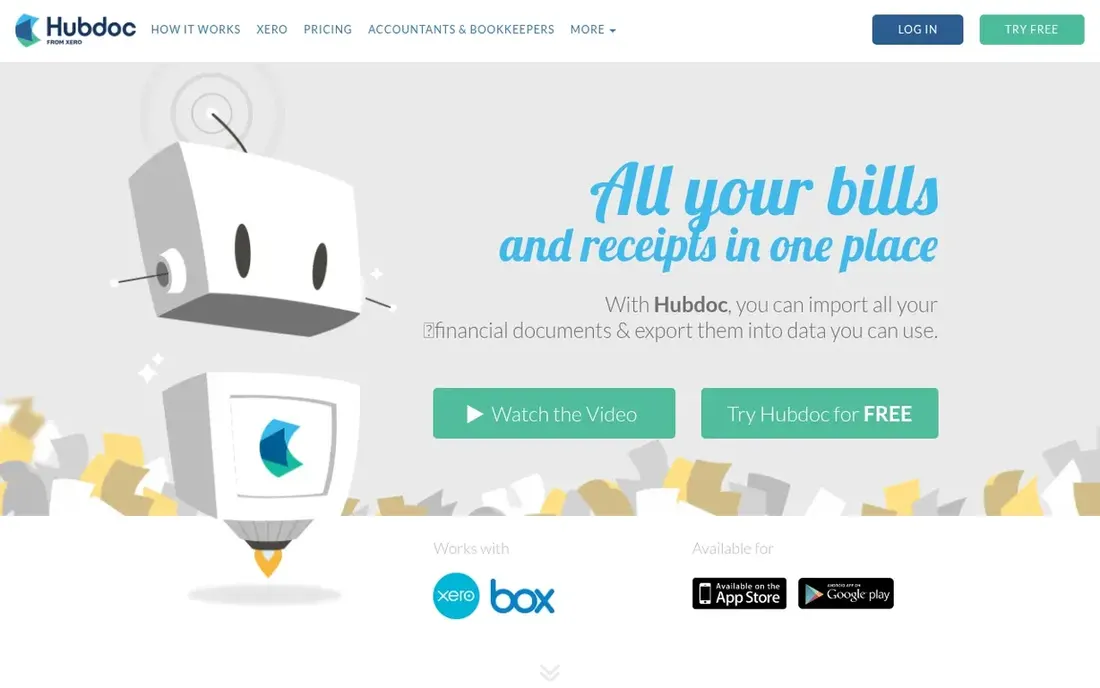
Where Hubdoc fits: centralized document capture and storage. Hubdoc is document and data capture software that helps bookkeepers get bills and receipts into accounting software without manual entry. It keeps documents online in a central place, making it easy to retrieve and run client records.
Limits to weigh: May need manual review.
For everyday use, Hubdoc is a solid fit for practices that primarily need document collection and entry-level data extraction. If you need advanced automation or fraud detection, consider Dext Prepare or Veryfi. Entry price for Hubdoc: $12 per month. As for free access: Free trial.
- Centralized online storage
- Links up with accounting software
- Restricted expense management features
Veryfi makes the most sense for API-based receipt and document extraction. Veryfi offers AI APIs that read documents and extract data, with fraud detection to catch inconsistencies. It is built for developers and businesses that want to build custom receipt scanning workflows.
Veryfi is not an off-the-shelf option for bookkeepers; it needs development to implement. On top of that, Veryfi is a good match for businesses building their own tools or needing advanced fraud detection. Veryfi cost at the entry level: $500 per month in credits. Veryfi offers a free plan.
Limits to weigh: Not a ready-to-use app for end users.
- Fraud detection capabilities
- OCR APIs for data extraction
- Needs technical knowledge
For Expense and AP automation for finance teams, Rydoo is a natural candidate. Rydoo automates expense management and accounts payable for multinational finance teams. In practice, consider Rydoo when expense and AP automation are key requirements.
Where it is weaker: May need training.
In daily use, Rydoo is designed for finance teams with complicated needs, so it may be more than a small bookkeeping practice needs. Also, Bookkeepers working with bigger or international clients may benefit from Rydoo's automation and compliance features. Starting cost for Rydoo: $9 per user per month. Free plan details: Not stated.
- Accounts payable automation
- Policy enforcement features
- Geared toward bigger teams
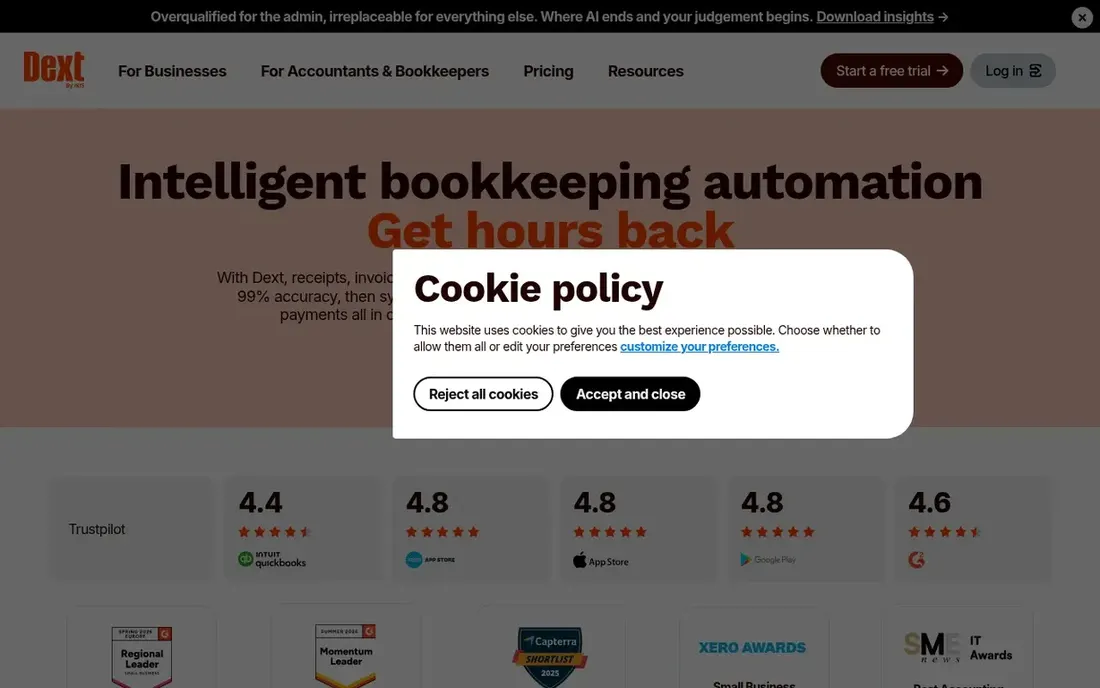
In short, Dext Prepare is for automated bookkeeping and receipt capture. If you only need entry-level receipt storage, a more straightforward tool like Hubdoc might suffice. In daily use, consider Dext when automation and payment integration are priorities.
Dext Prepare is an intelligent bookkeeping automation system that records, processes, and pays invoices and receipts. It uses AI to extract data with high accuracy and links up with widely used accounting systems. Price to start with Dext Prepare: $7 per client. On free options: Free trial.
What to check first: Needs setup for optimal use.
- Connects with accounting software
- Deals with invoices and receipts
- May be complicated for straightforward needs
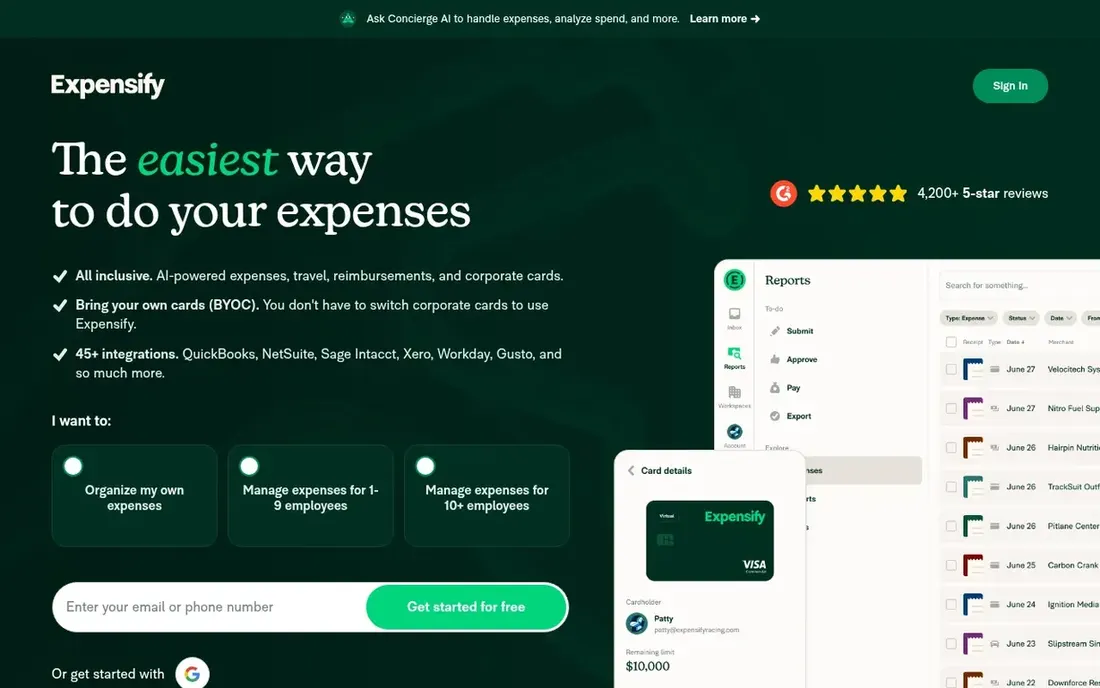
For Expense reporting with receipt scanning, Expensify is a natural candidate. Bookkeepers serving firms with employee expenses may find Expensify useful for simplifying the expense reporting process.
Downsides: May be overkill for straightforward receipt capture.
From a buyer's view, choose Expensify when expense reporting and reimbursement are part of the workflow. Expensify does not show a starting price in this comparison, so check the vendor site for current pricing. As for free access: Not stated.
- Expense report creation
- Receipt scanning via mobile app
- Focus on employee expenses
How we built this list
Before you commit
- Confirm the entry price on the vendor page. For Expensify that means a quote rather than a fixed price.
- Test the free plan from Veryfi against your real workload before relying on it.
- Use real work to test the free trial from Hubdoc and Dext Prepare, rather than a demo project.
- Before choosing Hubdoc, weigh its main limit: restricted expense management features.
- Ask the daily users to test Rydoo on a live task before you roll it out to everyone.
- Ask whether Veryfi integrates with your current software, and whether that comes standard or as an add-on.
FAQ
Which options for receipt scanning software for bookkeepers have a free plan?
Veryfi is the only tool in this list with a free plan. Free plans usually cap users, projects or features, so check the limits on the vendor page. Several others offer a trial instead.
Can I try these tools before paying?
Often, yes. Veryfi has a free plan and Hubdoc and Dext Prepare offer a free trial. Use your own data and a real task during the test, and check what the free tier or trial limits before you rely on it.
What is the cheapest option for receipt scanning software for bookkeepers in this list?
On published monthly entry prices, Rydoo is the lowest here at $9 per user per month. Entry price is only part of the cost, because seats, add-ons and billing terms can change the total.
Is Hubdoc the right pick for everyone comparing receipt scanning software for bookkeepers?
No single tool suits every team. Hubdoc comes first because it fits centralized document capture and storage, while Veryfi suits API-based receipt and document extraction and Rydoo suits Expense and AP automation for finance teams. Match the tool to your own size, budget and workflow before deciding.
What should bookkeepers look for in receipt scanning software?
Bookkeepers should prioritize accurate data extraction, integration with accounting software, and efficient workflows for managing several clients. Consider the volume of receipts and whether you need expense reporting or pure capture.
Sources
- https://www.hubdoc.com
- https://www.veryfi.com
- https://www.rydoo.com
- https://dext.com
- https://www.expensify.com