5 Best Recurring Revenue Finance Software for Small Business for 2026, Vetted and Compared
Best recurring revenue finance software for small business: 5 contenders ranked by fit, with entry costs and free tiers. Every tool lists pros and cons.
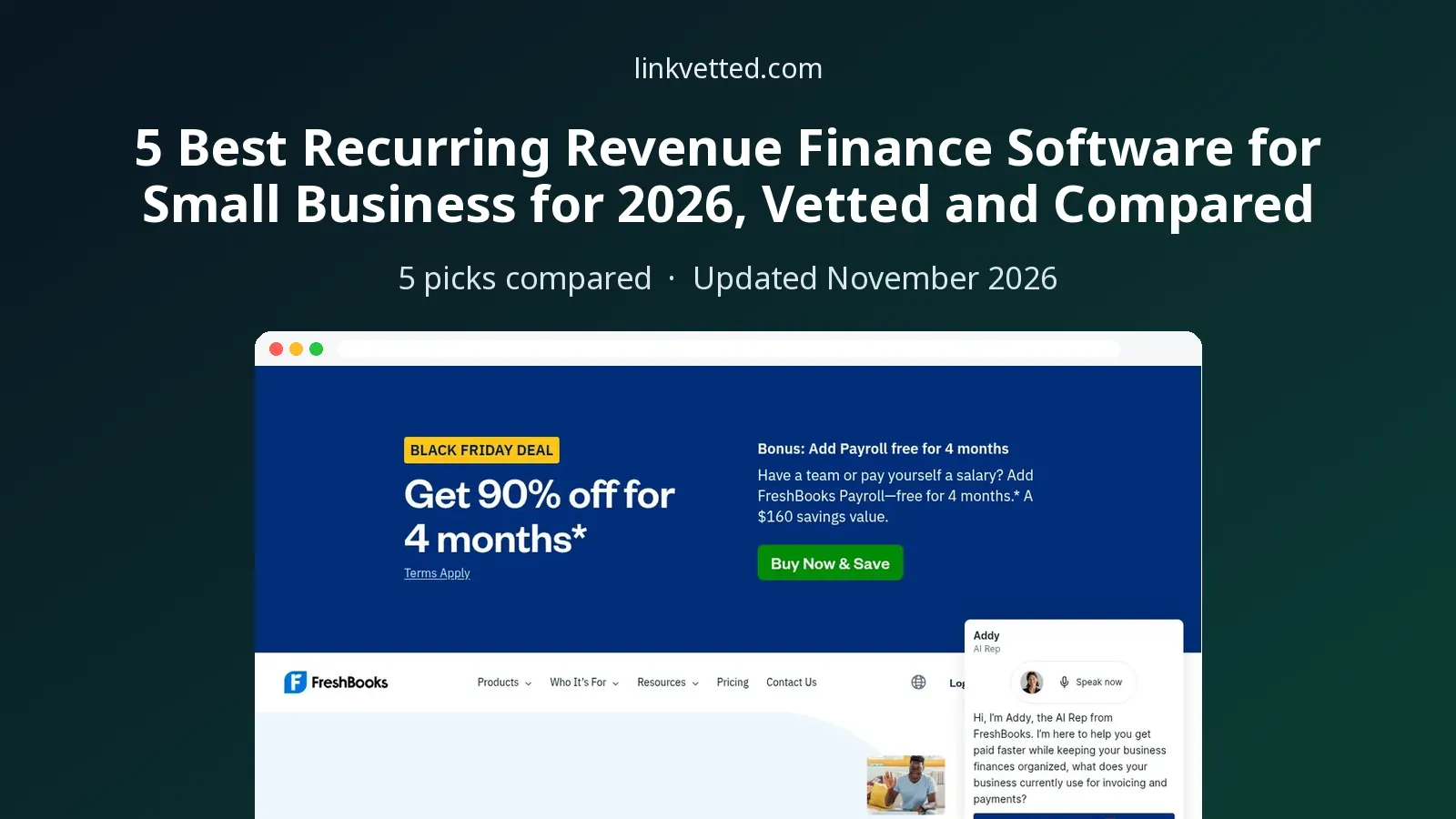
- Editor's choice
 FreshBooks
Service companies invoicing and tracking time
Starts at$23.00 a monthVisit freshbooks.comFull review - Great alternative
 Zoho Books
Low-cost cloud accounting within Zoho
Starts atSee websiteVisit zoho.comFull review - Also consider
 Recurly
Retaining and recovering subscription revenue
Starts at$249 per monthVisit recurly.comFull review
Direct answer
FreshBooks comes first here, mainly for service companies invoicing and tracking time. Listed starting prices: FreshBooks from $23.00 a month, Recurly from $249 per month and Xero from $7 a month. Zoho Books is the stronger choice for low-cost cloud accounting within Zoho, while Recurly suits retaining and recovering subscription revenue. Prices, free plans and limits for all 5 tools follow.
TL;DR:
- FreshBooks takes the first slot, best suited to service companies invoicing and tracking time.
- FreshBooks, QuickBooks Online and the 3 others all need a premium plan or a trial, since no free plan is listed.
- For the cheapest start, look at Xero: $7 per month.
- Check the limits for Recurly before you commit: narrower than full ERP suites.
- QuickBooks Online suits small companies wanting all-in-one accounting.
Last checked November 2026. Prices and plan details were read from the vendors' own pages in November 2026; vendors change plans often, so confirm the current price on the vendor site before you buy.
Quick comparison
| Tool | Best for | Starts at | Free plan? | |
|---|---|---|---|---|
| FreshBooks | Service companies invoicing and tracking time | $23.00 a month | Free trial | Visit |
| Zoho Books | Low-cost cloud accounting within Zoho | See website | Not stated | Visit |
| Recurly | Retaining and recovering subscription revenue | $249 per month | Free trial | Visit |
 Xero | Bank-connected accounting with app integrations | $7 a month | Free trial | Visit |
 QuickBooks Online | Small firms wanting all-in-one accounting | $11.40 a month | Free trial | Visit |
Every option for recurring revenue finance software for small business explained
If you are comparing recurring revenue finance software for small business, this page covers 5 tools in one place: what each is best for, what it costs to start, whether it has a free plan, and the main limit to know about.
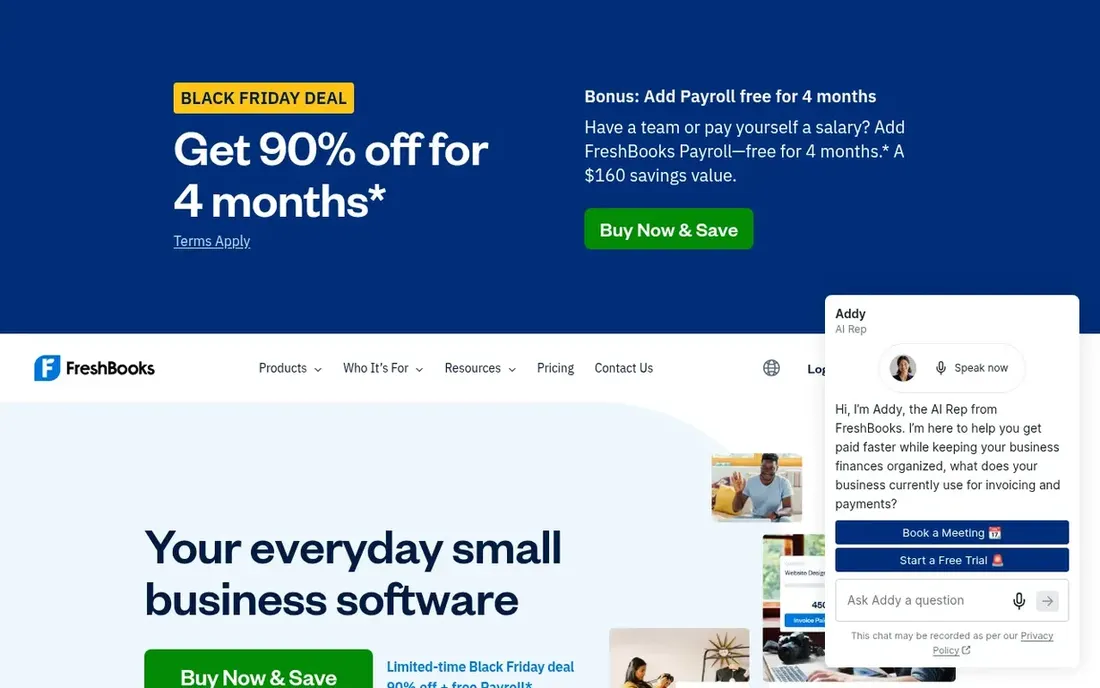
FreshBooks is a good fit for service firms invoicing and tracking time. It suits service providers and small teams that bill clients on a regular basis and want a straightforward, approachable workflow.
On top of that, consider a billing product when plan changes, usage billing or automatic recovery become central to your revenue. On cost, FreshBooks starts like this: $23.00 per month. Trial and free access: Free trial.
The main drawbacks: Fewer advanced accounting controls.
- Solid invoicing and time tracking
- Receipt and expense capture
- Restricted subscription billing logic
Zoho Books serves low-cost cloud accounting within Zoho. Zoho Books is cloud-based accounting software that eases invoicing, expenses, tax management, bank reconciliation and financial reporting for small firms.
In practice, firms with sophisticated subscription models should pair it with a dedicated billing system. Choose Zoho Books when accounting discipline and suite integration outweigh advanced revenue automation. No starting price is listed for Zoho Books here; confirm pricing on the vendor site. Trial and free access: Not stated.
Downsides: Subscription billing is not the focus.
- Bank reconciliation and tax tools
- Financial reporting included
- Best value inside the Zoho ecosystem
Recurly works best for retaining and recovering subscription revenue. It fits subscription businesses that want to protect recurring revenue through better retention and recovery workflows.
Teams needing wide accounting, inventory or CRM should look elsewhere or integrate. Entry price for Recurly: $249 per month. Free access: Free trial.
Downsides: Needs accounting integration.
- Plan and billing management
- Failed-payment recovery tools
- Narrower than full ERP suites
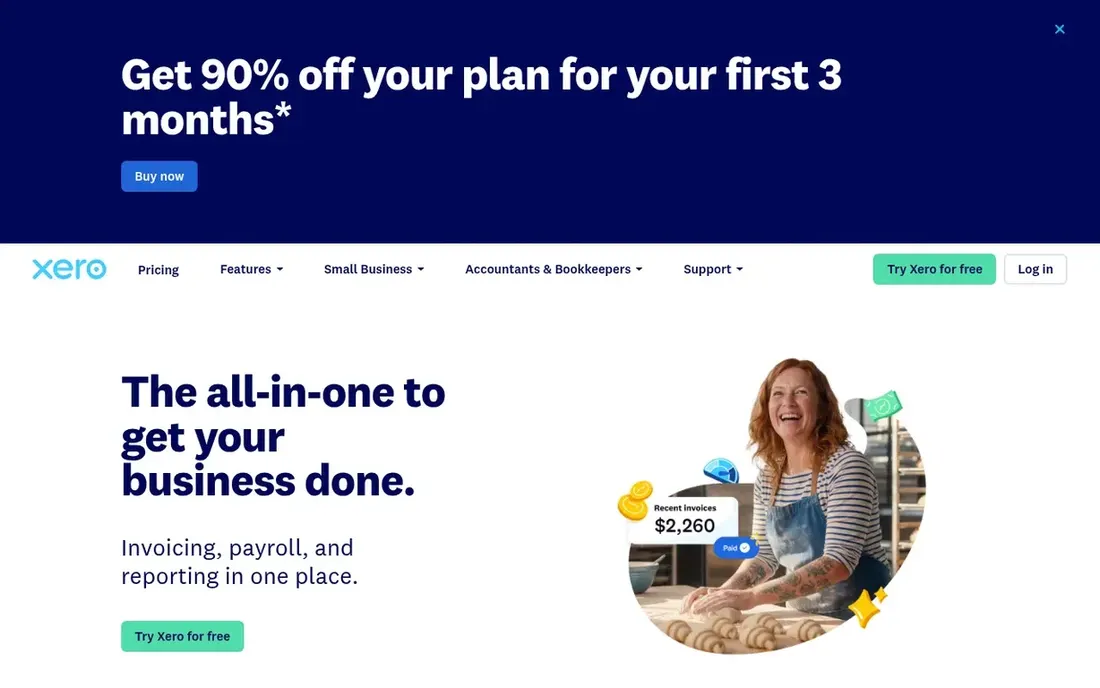
Xero is a good fit for bank-connected accounting with app integrations. Pick Xero when connected accounting and advisor collaboration matter most.
Trade-offs to know: Recurring billing features are entry-level.
From a buyer's view, subscription-heavy companies may outgrow its billing features and need a dedicated tool for plans, payment recovery and churn reporting. Price to start with Xero: $7 per month. As for free access: Free trial.
- Clear financial reporting
- Wide app marketplace
- Setup benefits from advisor help
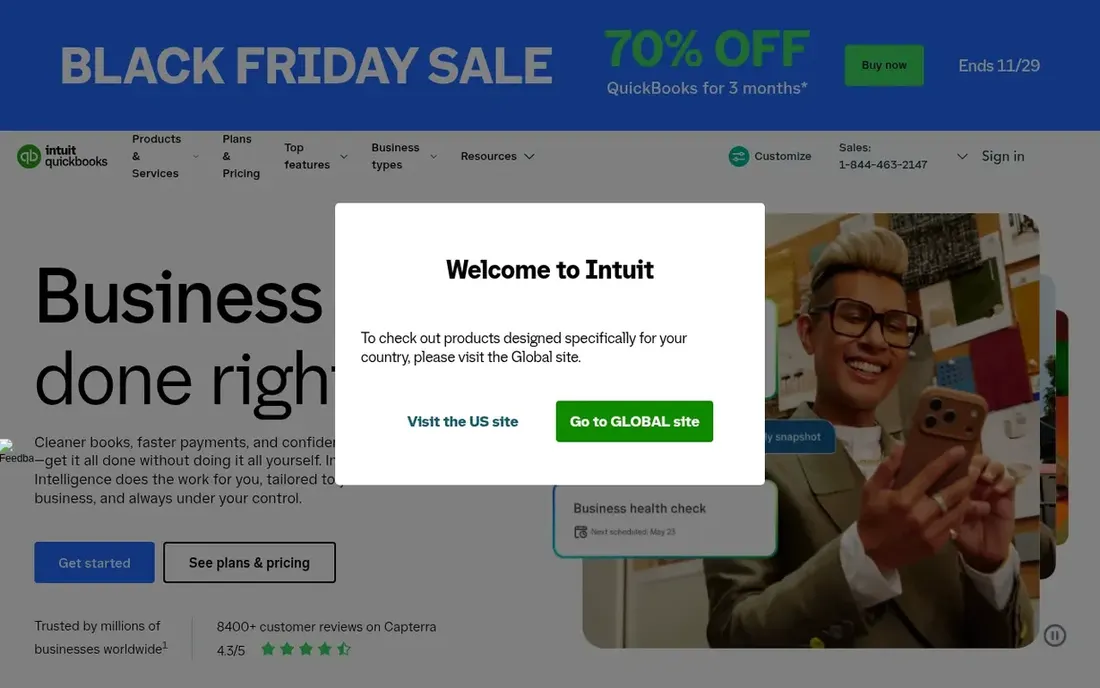
QuickBooks Online works best for small businesses wanting all-in-one accounting. QuickBooks Online is a cloud accounting system for organizing and managing a business, including invoicing, expense tracking, bank connections and reporting.
Beyond that, for complicated subscription models for example usage-based pricing or dunning automation, a dedicated billing system is a better match. On cost, QuickBooks Online starts like this: $11.40 per month. Free plan details: Free trial.
What to check first: Advanced needs may need extras.
- Quick
- Expenses and reporting
- Recurring billing depth is restricted
Our selection method
LinkVetted looked at what each vendor publishes: pricing, plan limits, feature coverage for recurring revenue finance software for small business and stated drawbacks. No hands-on testing is claimed. Figures are shown as the vendors publish them. Billing terms, seat minimums and add-ons can change the real cost. The sequence is a judgement call: typical use case first, then pricing transparency, then free access. Use the profiles to check fit.
Before you commit
- Confirm the entry price on the vendor page. For Zoho Books that means a quote rather than a fixed price.
- Run a trial of FreshBooks, Recurly, Xero and QuickBooks Online with real work before paying for a year; your own workflow is the best test.
- Read the limits listed for FreshBooks first: restricted subscription billing logic.
- Add up seats, add-ons and usage charges for FreshBooks before comparing it with cheaper entries.
- See whether Zoho Books offers onboarding or training, and whether it is included in the price.
FAQ
Can I try these tools before paying?
Often, yes. FreshBooks, Recurly, Xero and QuickBooks Online offer a free trial. Use your own data and a real task during the test, and check what the free tier or trial limits before you rely on it.
Does any tool for recurring revenue finance software for small business here have a free plan?
A permanent free plan is not offered by FreshBooks, QuickBooks Online or the other tools here. FreshBooks, Recurly, Xero, QuickBooks Online offer a trial. Plan a short evaluation period instead.
What is the cheapest option for recurring revenue finance software for small business in this list?
On published monthly entry prices, Xero is the lowest here at $7 per month. Entry price is only part of the cost, because seats, add-ons and billing terms can change the total. All 5 picks in this recurring revenue finance software for small business comparison list a starting price, free plan details and the main limits on their cards above.
Do these tools publish their prices?
Not all of them. Zoho Books publishes no starting price, so expect a quote request for it. The rest, FreshBooks included, show a starting price, though seats and billing terms still change the final cost.
Sources
- https://www.freshbooks.com
- https://www.zoho.com/books
- https://recurly.com
- https://www.xero.com
- https://quickbooks.intuit.com