Best Card Scanning Apps in 2026: 8 Apps Compared
The best card scanning apps turn paper business cards into contacts fast, with batch scanning, CRM export, and digital cards for events and sales in 2026.
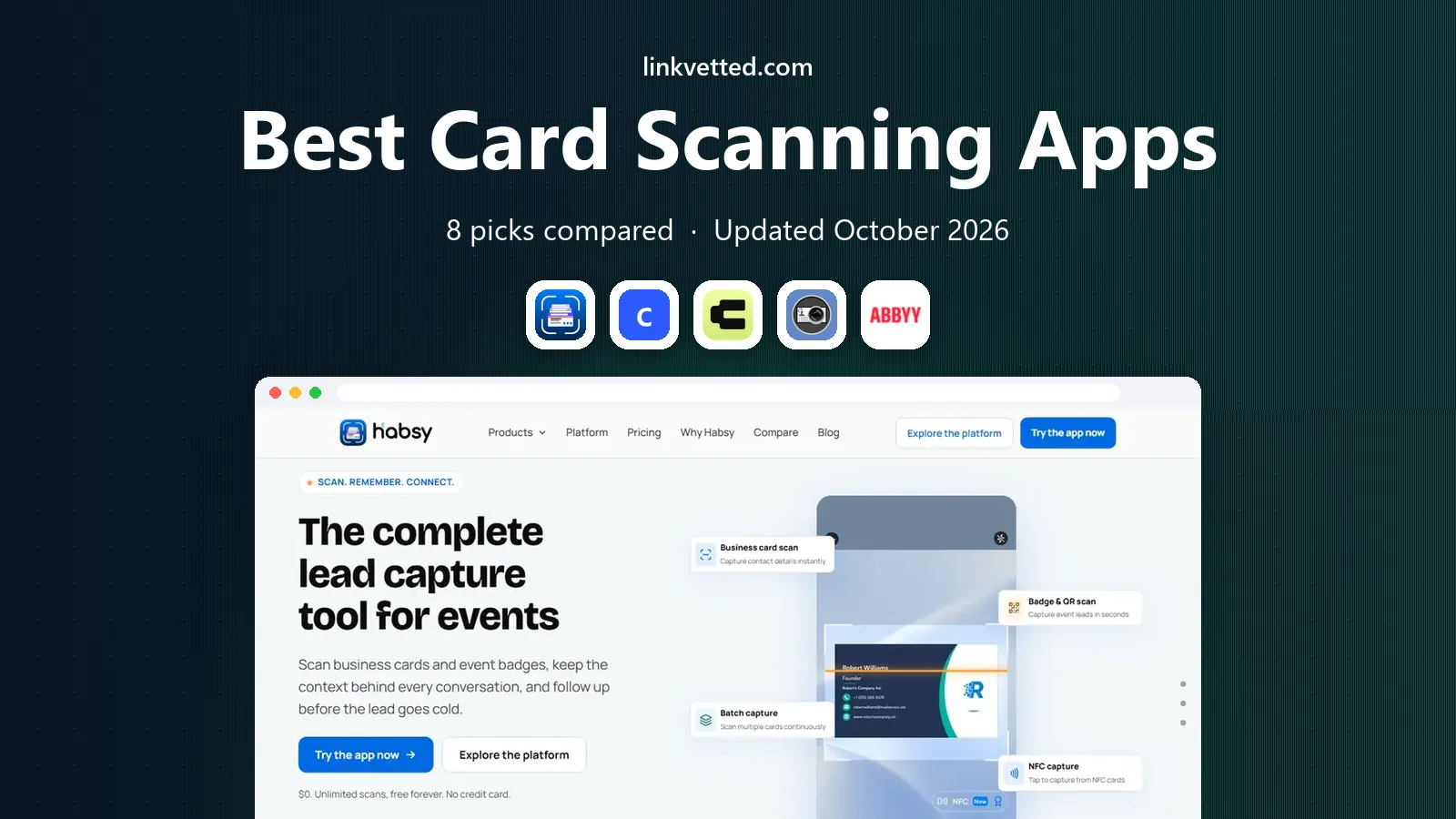
- Editor's choice
 Habsy
Unlimited free scanning
Starts atFreeVisit habsy.aiFull review - Great alternative
 CamCard
All-round individual scanning
Starts at$9.99 per monthVisit camcard.comFull review - Also consider
 Covve
Contact intelligence and reminders
Starts at$119 per yearVisit covve.comFull review
TL;DR:
- Habsy is the best free card scanning app, with unlimited free scanning and batch capture after events.
- CamCard is the best all-rounder for individuals, with broad language support and CRM export.
- Covve suits people who want contact intelligence and follow-up reminders after the scan.
- Sansan is the enterprise pick, while HiHello and Blinq suit people who also want a digital business card.
Quick comparison
| Tool | Best for | Starts at | Free plan? | |
|---|---|---|---|---|
| Habsy | Unlimited free scanning | Free | Yes | Visit |
| CamCard | All-round individual scanning | $9.99 per month | Yes | Visit |
| Covve | Contact intelligence and reminders | $119 per year | Free trial | Visit |
 ScanBizCards | Team scanning with CRM export | $100 per year | Yes | Visit |
 ABBYY Business Card Reader | Accurate multilingual OCR | $29.99 per year | Yes | Visit |
 HiHello | Scanning plus digital cards | $6 per month | Yes | Visit |
 Blinq | Digital cards with scanning | $9.99 per month | Yes | Visit |
 Sansan | Enterprise contact management | See website | No | Visit |
The best card scanning apps
This article covers business card scanning apps: tools that photograph a paper card and save the name, title, company, email, and phone as a contact. We compared official pricing pages, app store listings, and October 2026 comparisons to judge accuracy, batch scanning, export, and price. The right app depends on whether you scan a few cards a month or a stack after every event.
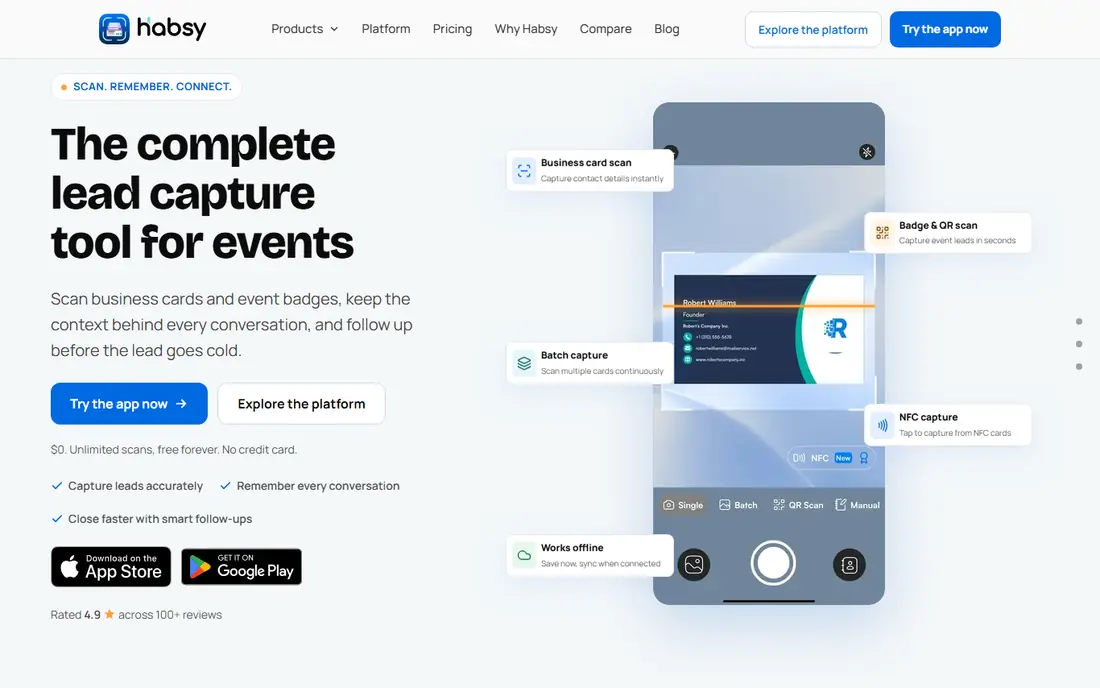
Habsy stands out with a free plan that has no scan limit, which is rare in this category. It reads cards with OCR plus AI sorting, so each value lands in the right field even on vertical or busy layouts, and it handles cards in many languages with translation into English. Batch mode scans up to 150 cards in about five minutes, and export to Excel, CSV, or VCF is free on every plan.
The trade-offs are youth and depth. Habsy is a newer brand than CamCard or ABBYY, so its long-term track record is shorter, and advanced features like CRM integrations sit behind Habsy Plus at $99.99 per user per year. For individuals and small teams who scan often and hate paywalls, the free tier alone is the best deal on this list.
- Unlimited free scanning with no monthly cap
- Batch scanning up to 150 cards
- Free export to Excel, CSV, and VCF
- Newer brand with a smaller track record
- Advanced CRM integrations need the paid plan
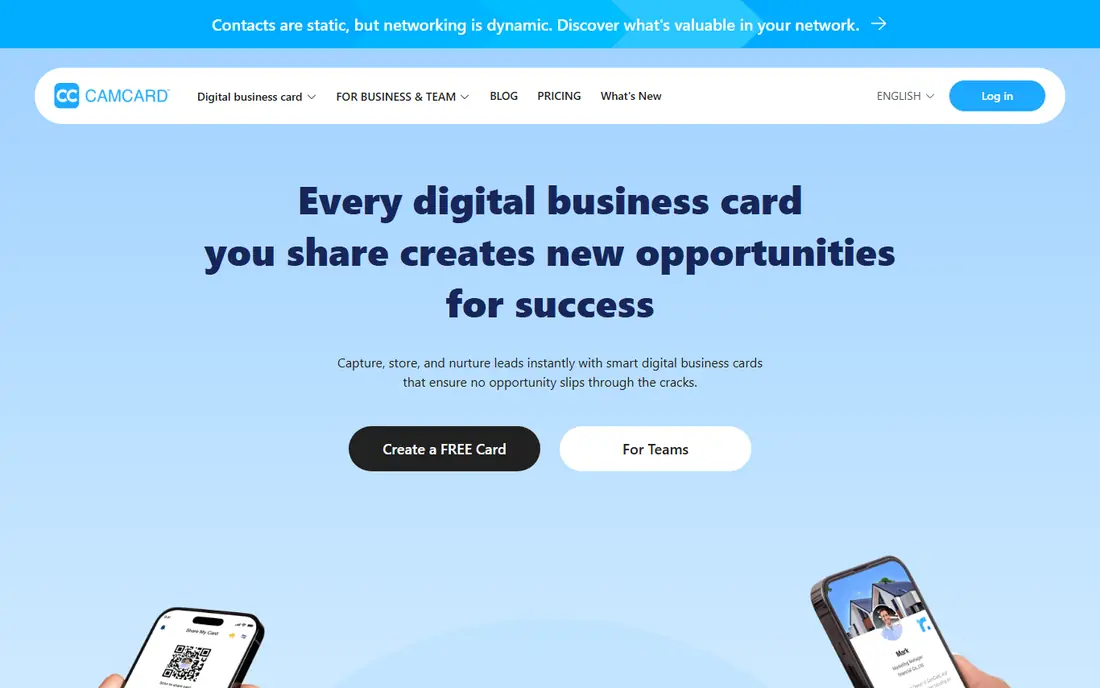
CamCard has been the default business card scanner for years, and its breadth shows. It recognizes cards in many languages, scans batches after events, and exports to Excel, CSV, Salesforce, Google Contacts, and Outlook. A built-in proofreading step lets you check fields against the card photo before saving.
Accuracy is good but not perfect. Complex layouts can jumble company names or titles, so a quick review after each scan is wise. Premium costs $9.99 per month or $49.99 per year and adds unlimited scans and exports. If you want a proven all-rounder for personal use, CamCard remains a safe pick.
- Recognizes 16-plus languages
- Batch scanning and Excel or CSV export
- CRM connections for sales teams
- Recognition can jumble fields on complex cards
- Premium at $9.99 per month or $49.99 per year
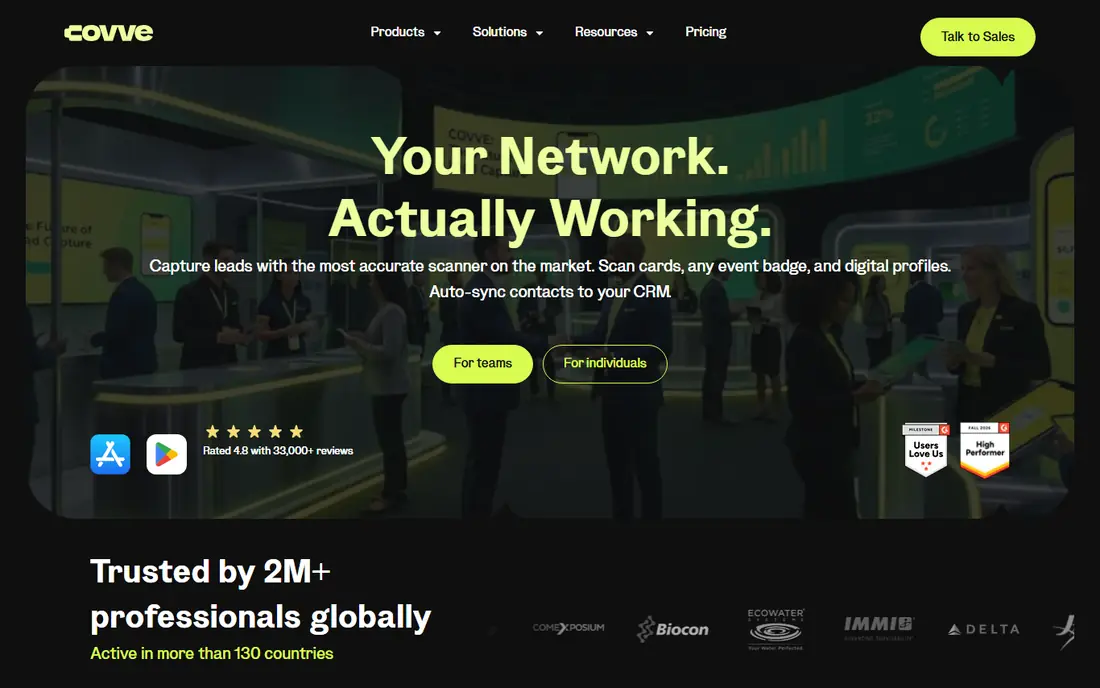
Covve focuses on what happens after the scan. It pairs accurate capture with reminders to follow up, notes on each contact, and updates when a contact changes jobs, so your address book stays current instead of going stale. Users praise its accuracy, and the interface stays clean where some rivals feel crowded.
The free tier limits how many cards you can scan before paying, and the yearly price of $119 is higher than CamCard for an individual. For salespeople and networkers whose follow-up matters as much as capture, Covve's reminders and contact intelligence justify the extra cost.
- High accuracy praised by users
- Automatic reminders and job-change updates
- Clean, simple interface
- Free tier limits scans
- Yearly price is higher than CamCard for individuals
ScanBizCards suits teams that collect cards at events and push them into a CRM. Batch scanning handles stacks of cards, and exports cover Salesforce, HubSpot, and other major systems, so leads reach sales without retyping. Language support is broad, and a free plan with limits lets teams test it first.
The camera experience is weaker than rivals, since the viewer lacks a clear positioning guide for framing the card, and the editing view feels less polished than CamCard's. At $100 per user per year, it sits in the middle of this list on price. For team event capture with CRM export, it is a practical workhorse.
- Batch scanning for teams
- Exports to major CRMs
- Supports many languages
- Camera view lacks a positioning guide
- Editing view is less polished than CamCard
ABBYY brings document-recognition expertise to business cards. Its reader supports more than 25 languages, handles complex scripts well, and preserves card layout and logos better than many rivals, which helps when you review a scan later. Pricing starts with a small set of free scans, then $7.99 per month or $29.99 per year.
The limits matter. The Android app was discontinued, so this is an iPhone pick, and the app does little after capture beyond exporting the contact. If you use an iPhone and care most about reading accuracy, especially across languages, ABBYY is a strong, affordable choice.
- OCR from a leader in document recognition
- Supports 25-plus languages
- Keeps card layout and logos well
- IPhone focused, since the Android app was discontinued
- Little happens after the scan beyond export
HiHello pairs paper scanning with digital business cards, so you can capture the cards you receive and share your own card by QR code or link. The free plan covers 5 scans a month, Pro at $6 per month adds more scanning and features, and business plans cover teams. Batch scanning handles event stacks.
The free tier is thin for anyone who scans often, and buyers who only want scanning may find the digital card features extra weight. If you want one app for both receiving and sharing cards, HiHello covers both sides better than a pure scanner.
- Paper scanning plus shareable digital cards
- Batch scanning on paid plans
- Business plans for teams
- Free plan allows only 5 scans a month
- Digital card features may exceed what pure scanners need
Blinq is best known for digital business cards shared by QR code, link, or NFC tap, with team management and analytics for companies. It also scans paper cards you receive, so it works as a two-way tool at events: share your card digitally, capture theirs on paper, and keep both in one place.
Scanning is secondary here, so pure scanning fans may prefer Habsy or CamCard. Premium costs $9.99 per month, with business plans per user. If your team has moved to digital cards but still meets people handing out paper, Blinq bridges both worlds well.
- Strong digital card sharing by QR, link, or NFC
- Team management and analytics
- Scans paper cards too
- Premium at $9.99 per month
- Business pricing per user
- Scanning is secondary to digital cards
Sansan is the enterprise end of this list. It combines app scanning with dedicated high-speed scanners that digitize hundreds of cards, builds a shared company contact database, and cleans and deduplicates records so sales teams work from one accurate source. Large companies use it to turn event cards into a real corporate asset.
It is not for individuals. Pricing is quote only, with a minimum seat count and annual contracts reported for larger teams. If you run a company where contacts are shared across departments and data quality matters, Sansan is the serious option. Everyone else should pick from the apps above.
- High-volume scanning with dedicated scanners
- Company-wide contact database
- Strong data cleaning and deduplication
- Built for larger companies with a minimum seat count
- Pricing is quote only
- Overkill for individuals
How we picked these
We compared official pricing pages, app store listings, and October 2026 comparisons for business card scanning apps that are actively sold and working in October 2026. We favored a mix of free, individual, team, and enterprise options, and we judged accuracy claims against user reports rather than vendor marketing alone. Prices change, so check the vendor's page before buying, and note that Microsoft Lens was retired from iOS in early 2026 and is no longer a safe pick.
What to check before you choose
Test the app on your hardest cards, not clean ones. Foil logos, white text on dark backgrounds, and dense layouts are where accuracy gaps appear, and a confidently wrong email address is worse than a blank field you fill in yourself. Scan ten real cards during any trial and check every field.
Export matters as much as capture
A scanner that traps contacts inside its own app is a liability. Check that you can export to your phone contacts, a spreadsheet, or your CRM without a paid plan, or that the paid export cost is acceptable. Habsy and CamCard both export to common formats, while enterprise tools like Sansan focus on shared databases.
Batch scanning saves events
If you attend trade shows, batch mode is the feature that matters most. Habsy handles up to 150 cards in a batch, ScanBizCards and HiHello offer batch on paid plans, and Sansan adds hardware scanners for very high volumes. Count your typical event haul before choosing a tier.
Privacy deserves a look
Scanned cards contain other people's contact details, so check how the vendor stores and shares that data. Prefer apps with clear privacy policies and data deletion options, and avoid uploading cards to tools that sell contact data. For most users, the established vendors here publish clear policies.
FAQ
What is the best free card scanning app?
Habsy is our pick, with unlimited free scanning, batch capture, and free export to Excel, CSV, and VCF. CamCard and ABBYY also offer free tiers, but both limit scans or features before a paid plan is needed.
Can card scanning apps read cards in other languages?
Yes, with differences. ABBYY supports more than 25 languages, CamCard covers 16-plus languages, and Habsy reads cards in many languages with translation into English. Test with a real card in your most common second language before committing.
Do card scanning apps work with my CRM?
Most do. CamCard, ScanBizCards, and Covve export to major CRMs like Salesforce and HubSpot, while Sansan builds a shared company database. Check your specific CRM on the vendor's integrations page before buying a team plan.
What happened to Microsoft Lens?
Microsoft retired Lens from iOS starting in January 2026, with support ending in February 2026, so older lists that recommend it are out of date. The apps on this list are actively maintained replacements.
Should I use a digital business card instead?
Many people use both. Digital cards from HiHello or Blinq are easy to share and update, while paper scanning apps capture the cards other people still hand out. A two-way app covers events where both formats appear.