7 Best Invoice Scanning Software in 2026
Compare the best invoice scanning software for OCR, line items, approvals, and QuickBooks or Xero sync, with current pricing and honest trade-offs today.

- Editor's choice
 DocuClipper
Accountants, bookkeepers, and small AP teams that need line items and QuickBooks or Xero sync
Starts at$29 per monthVisit docuclipper.comFull review - Great alternative
 Nanonets
Teams with irregular invoice volume that want pay-as-you-go pricing
Starts at$0.30 per page, StarterVisit nanonets.comFull review - Also consider
 Dext
Bookkeeping firms that work mainly in Xero
Starts atSee websiteVisit dext.comFull review
TL;DR:
- The best invoice scanner for most small teams reads any vendor layout, captures line items, checks totals, and syncs to accounting software.
- DocuClipper and Dext suit bookkeepers and small AP teams, while Rossum and Nanonets suit higher volumes or custom workflows.
- Line-item capture matters more than header capture once you track costs by project, department, or item.
- Pay-per-page pricing suits irregular volume, while a flat monthly plan suits steady monthly invoice counts.
- Always test with your messiest vendor invoices, including scans, photos, and multi-page bills, before you commit.
Quick comparison
| Tool | Best for | Starts at | Free plan? | |
|---|---|---|---|---|
| DocuClipper | Accountants, bookkeepers, and small AP teams that need line items and QuickBooks or Xero sync | $29 per month | No | Visit |
| Nanonets | Teams with irregular invoice volume that want pay-as-you-go pricing | $0.30 per page, Starter | No | Visit |
| Dext | Bookkeeping firms that work mainly in Xero | See website | No | Visit |
 Veryfi | Teams and developers that need real-time OCR through an API | $500 per month, Starter | Yes | Visit |
 Rossum | Larger AP teams that need automation at scale | See website | No | Visit |
 Docsumo | Teams that want extraction plus a structured review step | $179 per month | No | Visit |
 BILL | Small businesses that want invoice capture plus vendor payments | $45 per user per month | No | Visit |
The best invoice scanning software
Manually typing invoices wastes hours and invites errors, especially when totals, tax, and line items must match a purchase order or a project budget. Invoice scanning software uses OCR to read a PDF, scan, or photo, pull out vendor, date, amounts, and line items, and send that data to your accounting system. The tools below cover simple scanning, full AP automation, and developer APIs.
DocuClipper
Best for: Accountants, bookkeepers, and small AP teams that need line items and QuickBooks or Xero sync
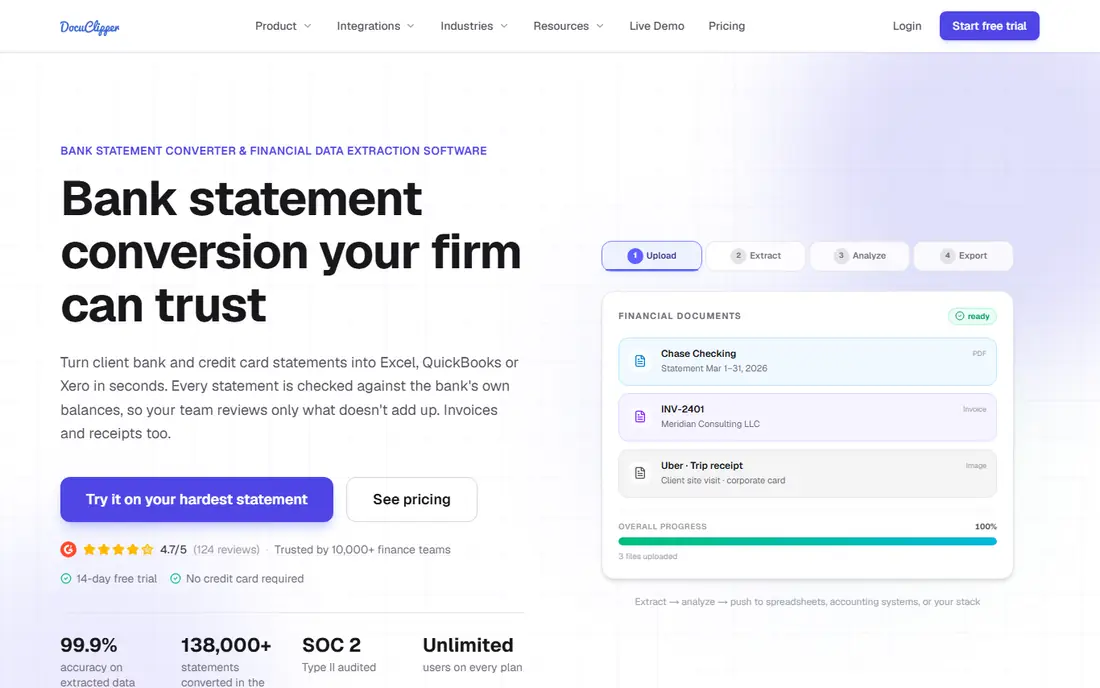
DocuClipper fits a bookkeeping firm or small finance team that processes invoices from many vendors with different layouts. It reads PDFs, scans, and photos without a template per vendor, captures line items, checks totals, and syncs the result to QuickBooks or Xero. Batch upload helps at month-end when a stack of invoices arrives at once. The concrete strength is line-item accuracy for accounting work. Tracking costs by item or project only works when line details transfer cleanly, and DocuClipper is built around that need. The honest weakness is payments. If you also need to pay vendors from the same tool, you will need a separate payment platform or a fuller AP tool such as BILL.
- Template-free extraction, line-item capture, totals checks, QuickBooks and Xero sync, batch upload
- Not a vendor payment tool, API use suits larger teams more than solo users
Nanonets
Best for: Teams with irregular invoice volume that want pay-as-you-go pricing
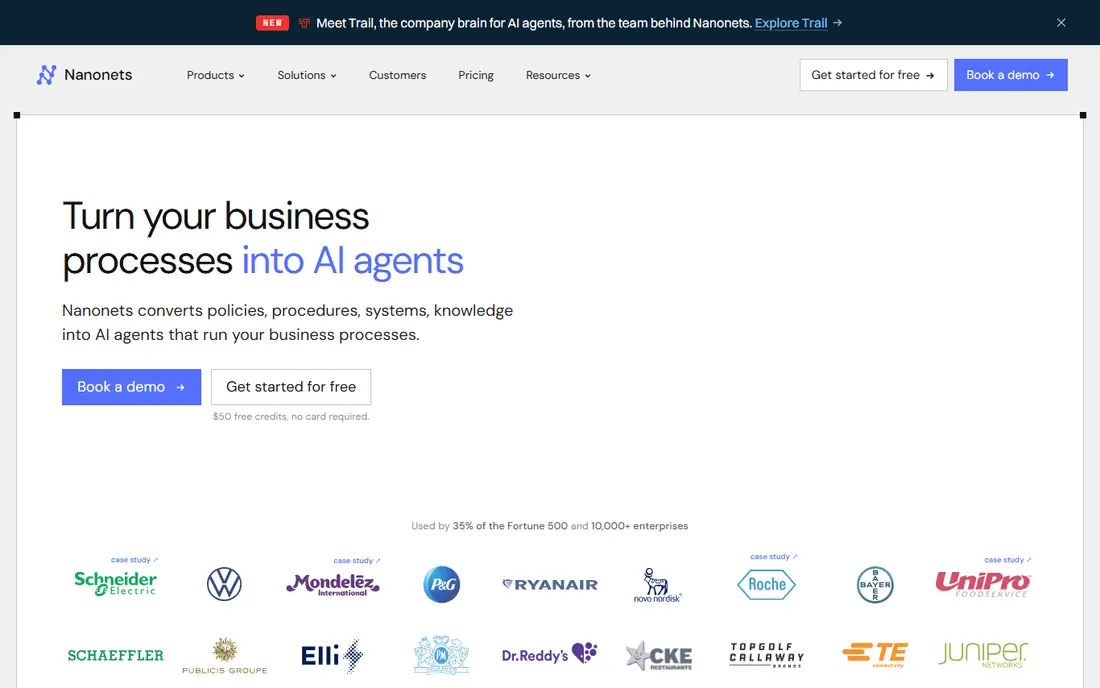
Nanonets suits a business whose invoice count swings from month to month. The Starter tier charges per page with no monthly commitment, so a quiet month costs little. Pre-trained invoice models handle common layouts, and teams can build custom models or workflows as volume and complexity grow. The concrete strength is flexible cost for uneven volume. A seasonal business does not pay for a high monthly plan during slow months. The honest weakness is pricing math. Some workflows consume several blocks per invoice, so test your real invoices and confirm the effective per-invoice cost before you scale up.
- Pay-per-page entry tier, pre-trained invoice models, free credits to start, API options
- Block-based pricing on some paths complicates estimates, advanced workflows sit on a higher tier
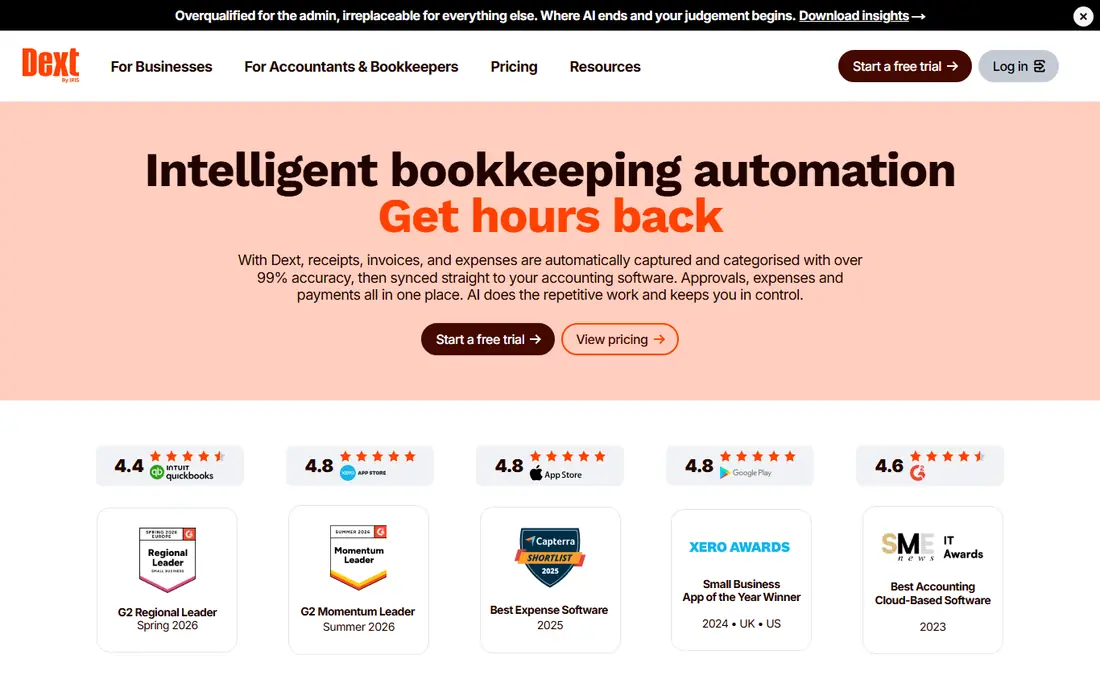
Dext fits a firm that collects client invoices and receipts through a mobile app and posts them to Xero. Staff and clients can photograph a document, Dext extracts the data, and supplier rules reduce repeated manual coding. That flow suits firms with many small clients sending documents throughout the month. The concrete strength is the client-to-books workflow. Capture, extraction, and posting stay connected, which cuts the email-and-spreadsheet loop many firms still use. The honest weakness is price clarity across plans and regions. Confirm the plan, document limits, and included users for your firm size before you move clients onto it.
- Mobile capture, supplier rules, Xero integration depth, receipt and invoice handling
- Pricing varies by plan and region, QuickBooks users should compare sync depth carefully
Veryfi suits a business building its own expense or AP flow, or a team that needs instant extraction from a mobile capture. The API returns structured invoice and receipt data in real time, and the free plan covers up to 100 documents per month for low-volume testing. That combination helps developers prototype without a large upfront contract. The concrete strength is speed and API quality for app builders. If your product needs OCR inside its own interface, Veryfi is designed for that job. The honest weakness is fit for non-technical teams. A small business that only wants to scan and sync to QuickBooks will likely get faster value from DocuClipper or Dext without API work.
- Genuine free plan for low volume, real-time OCR API, receipt and invoice models
- Starter monthly price is high for a small non-developer team, API setup needs technical skill
Rossum fits a mid-size or large company processing hundreds or thousands of invoices per month. Its AI reads varied layouts, flags low-confidence fields for human review, and learns from corrections. Integration options connect extraction to ERP and accounting systems, so approved invoices flow without retyping. The concrete strength is the review workflow at volume. Staff spend time on exceptions rather than on every field of every invoice. The honest weakness is cost and setup for small teams. A business with under 100 invoices per month will likely find a simpler monthly plan cheaper and faster to start.
- Template-free AI extraction, exception review queues, strong integration options
- Enterprise pricing, implementation takes time
Docsumo suits a finance team that needs both extraction and a clear approval trail. Documents move through capture, extraction, review, and export, with reviewers correcting fields before data reaches accounting. That trail helps when an auditor or manager asks who approved an invoice and when. The concrete strength is the workflow view. Managers can see which invoices are waiting for review instead of chasing them in email. The honest weakness is volume headroom. Check page allowances and overage terms carefully if your invoice count spikes at quarter-end or during seasonal peaks.
- Pre-trained document models, review and approval workflow, API and export options
- Starter page limits can be tight at month-end spikes, pricing rises with volume
BILL fits a small business that wants to receive, approve, and pay vendor bills without separate tools. Invoices can be captured and coded, routed for approval, then paid by ACH or check from the same account. Sync with QuickBooks or Xero keeps the books current without double entry. The concrete strength is the end-to-end bill pay flow. Capture alone saves typing time, but capture plus approval plus payment saves the follow-up work that usually fills an AP inbox. The honest weakness is specialization. A firm that needs the deepest line-item extraction for complex invoices may still prefer a specialist scanner, while BILL wins when payments are the main bottleneck.
- AP and AR in one platform, approval workflows, QuickBooks and Xero sync, payment options
- Per-user pricing adds up for larger teams, scanning depth is part of a broader AP suite rather than a specialist OCR tool
How we picked these
We looked for invoice scanning tools that are sold in October 2026, that extract vendor, date, totals, and line items from PDFs, scans, or photos, and that export or sync to accounting software or an API. We checked vendor homepages and published pricing where available, used See website where pricing varies by plan or region, and left out general cloud storage and basic phone scanner apps that do not produce structured accounting data.
What to check before you buy
Test line items, not just totals
Upload invoices with many lines, discounts, tax, and multi-page layouts. Check whether each line, quantity, and tax amount transfers correctly to your accounting system, because header-only capture forces manual work later for project or department tracking.
Check approval and duplicate handling
Confirm how the tool routes an invoice for approval, flags duplicates, and handles a mismatch with a purchase order. Duplicate payments and missed approvals cost more than a small difference in OCR accuracy, so test those controls with real examples.
Match pricing to your real volume
Count invoices per month over the last three months, including receipts if you plan to scan them too. Compare pay-per-page cost against a flat monthly plan at that volume, and ask about overage fees for a spike month before you sign.
Confirm the accounting sync
Test a full round trip: scan, review, sync, then check the invoice in QuickBooks or Xero. Confirm that vendor names match, tax codes map correctly, and attachments carry over, since a broken sync turns a time saver into extra cleanup work.
FAQ
What is invoice scanning software?
It is software that reads an invoice from a PDF, scan, or photo using OCR, extracts fields such as vendor, date, line items, tax, and total, and sends structured data to accounting software. Good tools also check totals, flag duplicates, and route invoices for approval before posting.
Do I need invoice scanning if I already use QuickBooks or Xero?
Yes, if you still type invoices by hand, because accounting software alone does not read vendor PDFs. A scanner fills that gap by turning documents into bookable entries, while QuickBooks or Xero remains the system of record for payments and reporting.
How accurate is invoice OCR?
Accuracy is high on clean, typed invoices and lower on faint scans, handwritten notes, or unusual layouts. Line items and tax need closer review than header totals. A trial with your own vendor invoices gives a realistic accuracy figure, and a review step catches the errors that matter.
Can invoice scanning handle receipts too?
Most tools on this list handle receipts as well as invoices, though line-item depth and accounting treatment differ. If receipts are a major use case, test receipt capture separately, since a tool that excels at invoices may treat receipts with header-only capture.
What happens if a scanned total does not match the line items?
Good tools flag the mismatch and hold the invoice for review rather than posting it. Check that behavior in a trial by uploading an invoice with a deliberate total error, and confirm that the reviewer can correct the field and see an audit note for the change.
Sources
https://www.docuclipper.com https://nanonets.com https://dext.com https://veryfi.com https://rossum.ai https://www.docsumo.com https://www.bill.com