Best Raid Software in 2026: 6 Tools Compared
6 tools for the best raid software, compared on pricing, free plans and best-fit use. Short, factual notes on every option. Current for November 2026.
- Editor's choiceWondershare Recoverit
AI-assisted recovery on Windows and Mac
Starts at$99.95 a yearVisit recoverit.wondershare.comFull review - Great alternativeDiskInternals RAID Recovery
RAID, NAS, and virtual environments
Starts atSee websiteVisit diskinternals.comFull review - Also considerMiniTool Power Data Recovery
Windows recovery alongside partition tools
Starts atSee websiteVisit minitool.comFull review
Direct answer
Our first pick is Wondershare Recoverit, best for AI-assisted recovery on Windows and Mac. Listed starting prices: Wondershare Recoverit from $99.95 a year and EaseUS Data Recovery Wizard from $19.90 a month. Alternatives: DiskInternals RAID Recovery for RAID, NAS, and virtual environments, and MiniTool Power Data Recovery for Windows recovery alongside partition tools. The other 3 tools in the list cover narrower or pricier cases.
TL;DR:
- This list starts with Wondershare Recoverit, which is built for AI-assisted recovery on Windows and Mac.
- Only Wondershare Recoverit offers a free plan among these 6 tools.
- Starting prices begin at $19.90 per month with EaseUS Data Recovery Wizard.
- For rebuilding RAID parameters manually, Runtime RAID Reconstructor is worth a look.
- Check the limits for DiskInternals RAID Recovery before you commit: broad feature set can be overwhelming.
Last checked November 2026. Prices and plan details were read from the vendors' own pages in November 2026; vendors change plans often, so confirm the current price on the vendor site before you buy.
Quick comparison
| Tool | Best for | Starts at | Free plan? | |
|---|---|---|---|---|
| Wondershare Recoverit | AI-assisted recovery on Windows and Mac | $99.95 a year | Yes | Visit |
| DiskInternals RAID Recovery | RAID, NAS, and virtual environments | See website | Not stated | Visit |
| MiniTool Power Data Recovery | Windows recovery alongside partition tools | See website | Not stated | Visit |
| Stellar Data Recovery RAID Recovery | Guided RAID recovery with service backup | See website | Not stated | Visit |
| EaseUS Data Recovery Wizard | General data recovery with a straightforward workflow | $19.90 a month | Not stated | Visit |
| Runtime RAID Reconstructor | Rebuilding RAID parameters manually | See website | Not stated | Visit |
Raid Software profiles
LinkVetted put together this guide to raid software for readers who want a clear shortlist without reading every vendor page. It compares 6 tools on starting price, free plans, who each one suits and where each one falls short.
DiskInternals RAID Recovery
Best for: RAID, NAS, and virtual environments
Choose DiskInternals RAID Recovery for RAID, NAS, and virtual environments. Users who only have to rebuild a straightforward array might find a focused tool quicker to learn.
More specifically, the tool is positioned for users who require to recover from corrupted drives plus array-level failures. DiskInternals RAID Recovery does not show a starting price in this comparison, so check the vendor site for current pricing. Free options: Not stated.
Best features of DiskInternals RAID Recovery: Also deals with partitions and databases.
Where it falls short: Broad feature set can be overwhelming.
- Handles RAID, NAS
- Wide recovery scenario coverage
- RAID workflow may need technical comfort
MiniTool Power Data Recovery
Best for: Windows recovery alongside partition tools
MiniTool Power Data Recovery serves Windows recovery alongside partition tools. MiniTool Power Data Recovery is part of a Windows software suite that also spans partition management, backup, and other data care tasks.
The main drawbacks: Windows-only focus may not fit mixed environments.
Users in mixed or virtual environments may also prefer a product with broader product coverage. Check the vendor documentation for the RAID levels and disk types supported before you depend on it for an array. MiniTool Power Data Recovery shows no starting price here, so confirm the cost on the vendor site. Free options: Not stated.
- Contains partition management tools
- Guided recovery for typical scenarios
- RAID depth is restricted compared to specialists
Stellar Data Recovery RAID Recovery
Best for: Guided RAID recovery with service backup
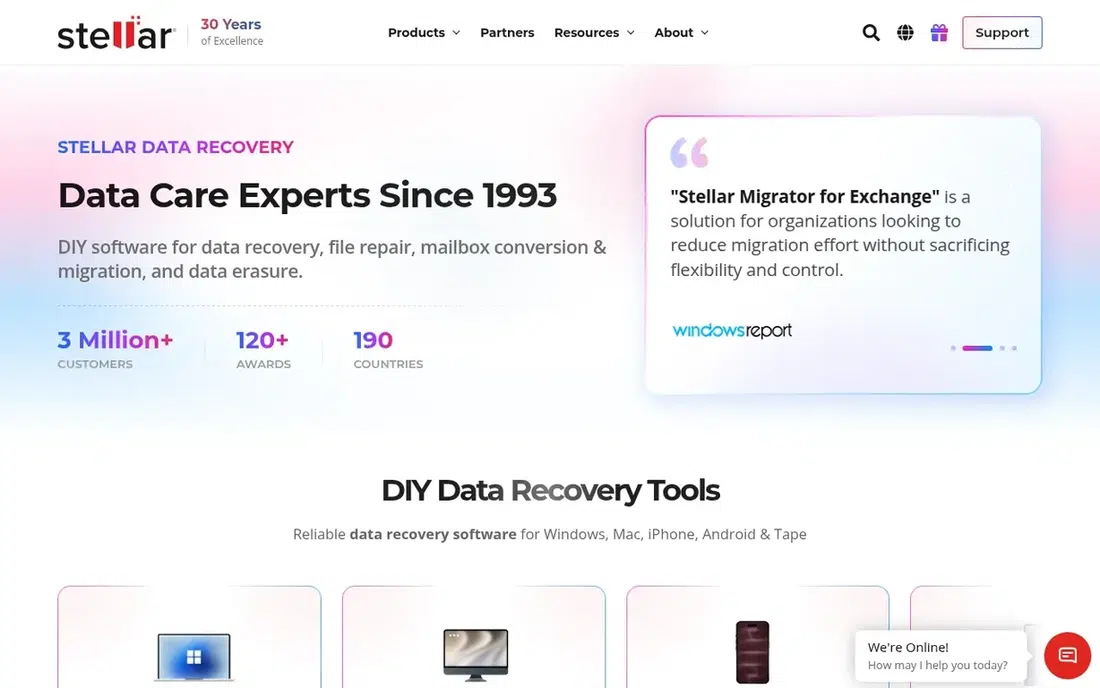
Stellar Data Recovery RAID Recovery works best for guided RAID recovery with service backup. The suite includes plenty of data scenarios, so RAID-specific controls may not be as deep as dedicated reconstruction tools for unusual configurations.
What works well: Backed by in-lab data recovery services.
Watch-outs: RAID-specific depth varies by array type. This comparison lists no price for Stellar Data Recovery RAID Recovery; ask the vendor. As for free access: Not stated.
- Long-standing data care vendor
- Secure erasure
- Wide suite may feel complicated for straightforward jobs
EaseUS Data Recovery Wizard
Best for: General data recovery with a straightforward workflow
EaseUS Data Recovery Wizard serves general data recovery with a straightforward workflow. Confirm the supported RAID configurations and file systems on the vendor site before starting.
EaseUS Data Recovery Wizard is one of multiple utilities from a vendor that also provides backup, partition management, and data transfer tools. As for the details, the product is a practical first stop when the failure is a deleted file or a formatted volume instead of a broken array. EaseUS Data Recovery Wizard cost at the entry level: $19.90 per month. Free plan details: Not stated.
Downsides: Complicated arrays may need a specialist tool.
- Also gives you backup and partition tools
- Straightforward guided recovery process
- RAID support is not the primary focus
Runtime RAID Reconstructor
Best for: Rebuilding RAID parameters manually
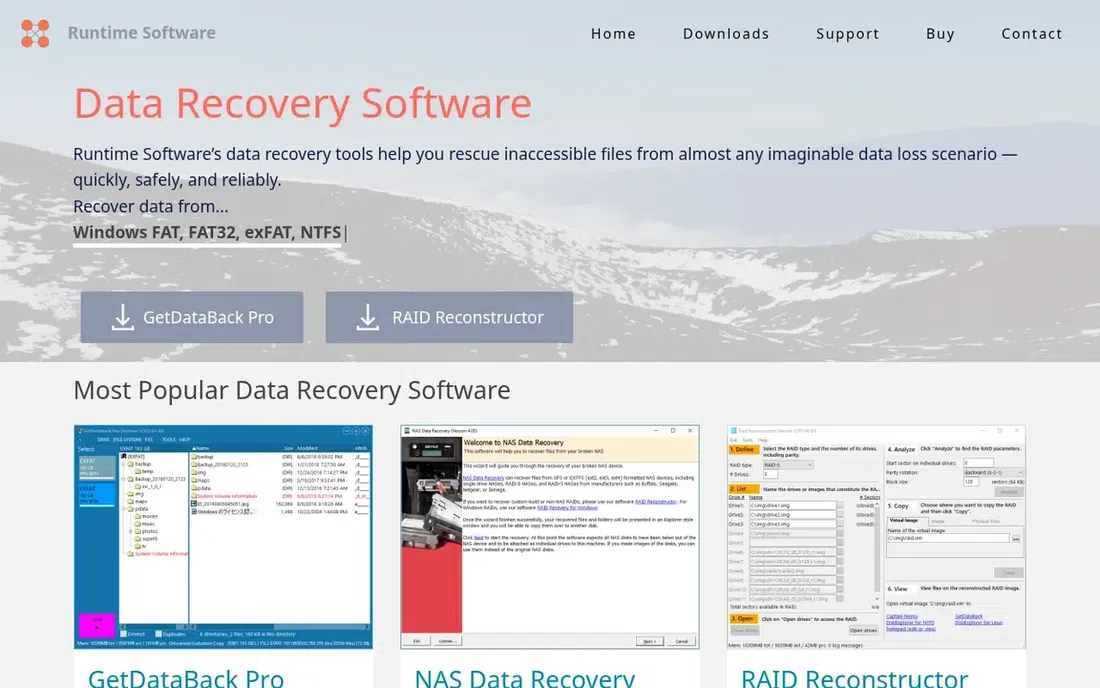
Runtime RAID Reconstructor is designed for rebuilding RAID parameters manually. The tool is built around the reconstruction step, which makes it a natural choice for technicians who want to rebuild an array image before extracting files.
Trade-offs to know: Narrower scope than full recovery suites.
Reconstruction can involve manual analysis, so it may not suit users who want a completely guided recovery. Runtime RAID Reconstructor does not show a starting price in this comparison, so check the vendor site for current pricing. Trial and free access: Not stated.
- Concentrated on RAID reconstruction
- Manages damaged disks and NAS scenarios
- Manual steps can be technical
How we built this list
Things to verify first
- Confirm the entry price on the vendor page. For DiskInternals RAID Recovery, MiniTool Power Data Recovery, Stellar Data Recovery RAID Recovery and Runtime RAID Reconstructor that means a quote rather than a fixed price.
- Look at the free plan from Wondershare Recoverit closely: its caps decide whether it is usable for real work.
- Read the limits listed for Wondershare Recoverit first: RAID support is not the central emphasis.
- Ask whether DiskInternals RAID Recovery integrates with your current software, and whether that comes standard or as an add-on.
- Check whether the features you need in Stellar Data Recovery RAID Recovery sit on the entry plan or only on higher tiers.
FAQ
Is Wondershare Recoverit the right pick for everyone comparing raid software?
No single tool suits every team. Wondershare Recoverit comes first because it fits AI-assisted recovery on Windows and Mac, while DiskInternals RAID Recovery suits RAID, NAS, and virtual environments and MiniTool Power Data Recovery suits Windows recovery alongside partition tools. Match the tool to your own size, budget and workflow before deciding.
Which options for raid software have a free plan?
Wondershare Recoverit is the only tool in this list with a free plan. Free plans usually cap users, projects or features, so check the limits on the vendor page. For the full picture, the cards above cover all 6 entries of this Raid software list, including price, free plan and limits.
What is the cheapest option for raid software in this list?
On published monthly entry prices, EaseUS Data Recovery Wizard is the lowest here at $19.90 per month. Entry price is only part of the cost, because seats, add-ons and billing terms can change the total. Prices, free plan details and limits for all 6 tools in this Raid software roundup sit on the individual cards above.
Do I need different tools for NAS and virtual RAID?
NAS and virtual environments can use different disk formats and parity schemes, so check vendor support carefully. DiskInternals RAID Recovery spans RAID, NAS, and virtual setups, which makes it a candidate for mixed environments.
Do these tools publish their prices?
Not all of them. DiskInternals RAID Recovery, MiniTool Power Data Recovery, Stellar Data Recovery RAID Recovery and Runtime RAID Reconstructor publish no starting price, so expect a quote request for those. The rest, Wondershare Recoverit included, show a starting price, though seats and billing terms still change the final cost.
What should I check before choosing RAID recovery software?
Then confirm the file systems and whether the tool can rebuild unknown parameters. Also, a preview step helps you verify files before you commit to recovery.
Sources
- https://recoverit.wondershare.com
- https://www.diskinternals.com
- https://www.minitool.com
- https://www.stellarinfo.com
- https://www.easeus.com
- https://www.runtime.org