Best Queue Management Software for Events in 2026: 5 Tools Compared
Best queue management software for events in 2026: 5 tools with starting prices, free plans and limits. Cost notes and weak points included. Compare quickly.
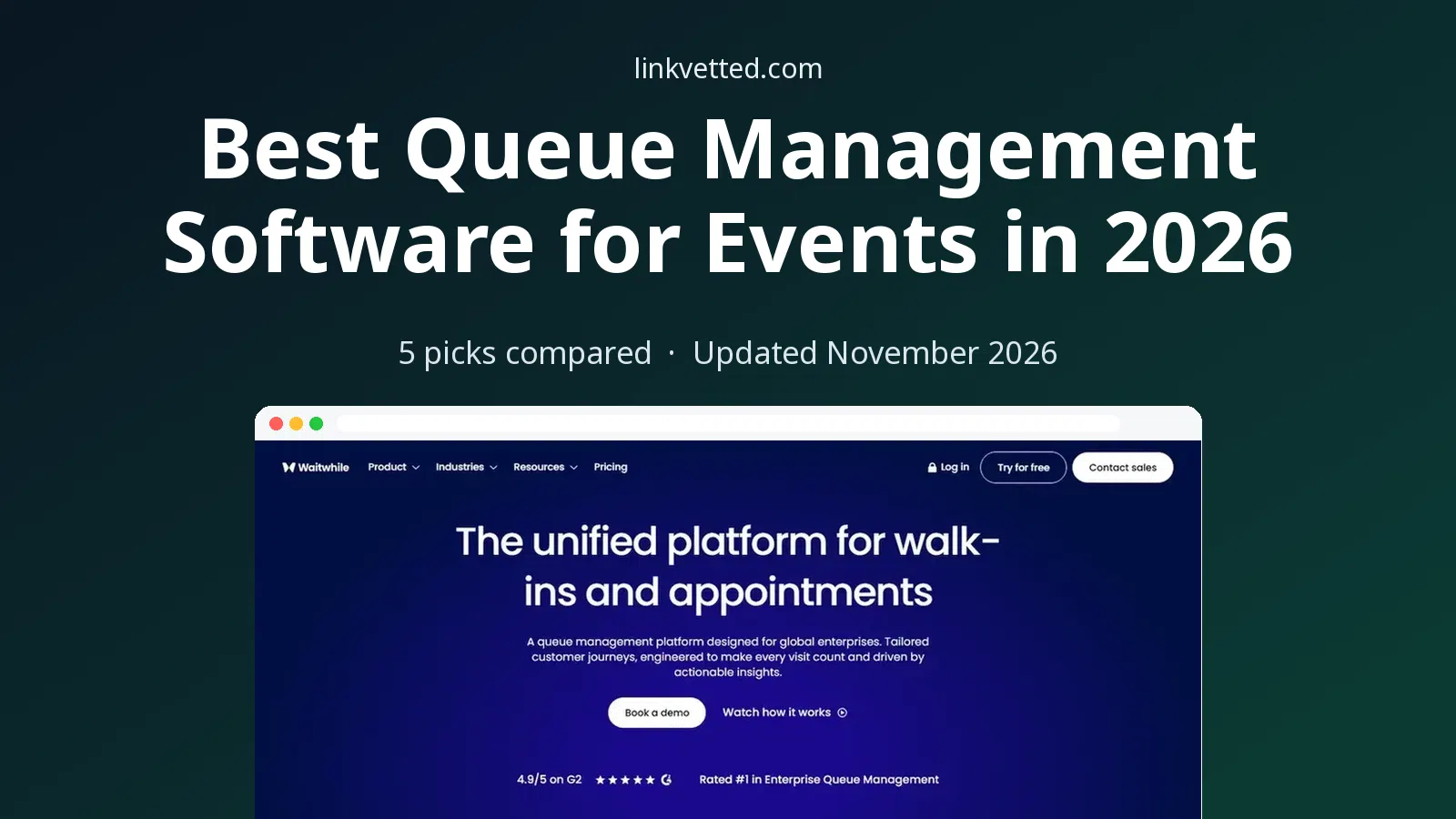
- Editor's choiceWaitwhile
Virtual waitlists and event registration
Starts at$31 a monthVisit waitwhile.comFull review - Great alternativeQminder
In-person service and queues
Starts at$869 per monthVisit qminder.comFull review - Also considerLavi Industries
Physical queue design and rollout
Starts atSee websiteVisit lavi.comFull review
Direct answer
Waitwhile leads the list, best for virtual waitlists and event registration. Listed starting prices: Waitwhile from $31 a month, Qminder from $869 per month and Queue-it from $1499 per event. Look at Qminder for in-person service and queues, and at Lavi Industries for physical queue design and rollout. The full list of 5 tools follows, with prices and free plan facts.
TL;DR:
- Top of the list is Waitwhile, which targets virtual waitlists and event registration.
- Waitwhile is the only tool of the 5 with a free plan.
- Waitwhile has the lowest monthly starting price in this list: $31 per month.
- Before buying Qmatic, weigh this: may be complicated for small events.
- Queue-it suits online peak traffic control.
Last checked November 2026. Prices and plan details were read from the vendors' own pages in November 2026; vendors change plans often, so confirm the current price on the vendor site before you buy.
Quick comparison
| Tool | Best for | Starts at | Free plan? | |
|---|---|---|---|---|
| Waitwhile | Virtual waitlists and event registration | $31 a month | Yes | Visit |
| Qminder | In-person service and queues | $869 per month | Free trial | Visit |
| Lavi Industries | Physical queue design and rollout | See website | Not stated | Visit |
| Qmatic | Thorough customer journey management | See website | Not stated | Visit |
| Queue-it | Online peak traffic control | $1499 per event | Free trial | Visit |
5 queue management software for events in detail
If you are comparing queue management software for events, this page covers 5 tools in one place: what each is best for, what it costs to start, whether it has a free plan, and the main limit to know about.
Waitwhile
Best for: Virtual waitlists and event registration
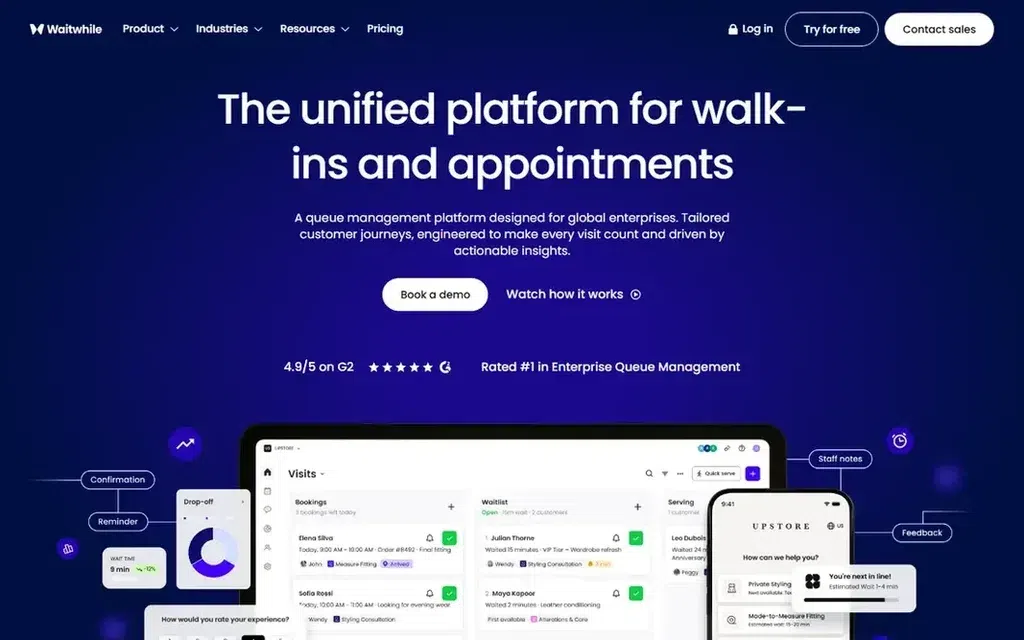
Pick Waitwhile if this describes you: virtual waitlists and event registration. Waitwhile is a customer journey management solution that comes with virtual waitlists, appointment scheduling, event registration, messaging, and analytics. In practice, events with very specific on-site hardware needs might require extra tools.
Watch-outs: Features may overlap for straightforward events.
Beyond that, the tool is meant to improve the waiting experience for attendees. Pick Waitwhile when you value an integrated approach to waitlists, appointments, and event registration. Waitwhile cost at the entry level: $31 per month. Waitwhile offers a free plan.
- Analytics for queue performance
- Event registration and messaging
- May need staff training for full use
Qminder
Best for: In-person service and queues
Think of Qminder for in-person service and queues. Qminder is an in-person service product for managing appointments, walk-ins, and queues in brick-and-mortar environments. It is well-suited for events with physical check-in or service desks that require to organize visitor flow.
Beyond that, choose Qminder when your main challenge is managing lines and appointments at a physical venue. Also, the system bundles analytics to help boost service efficiency. More specifically, events that are entirely virtual or need online waiting rooms might need a different tool. Qminder cost at the entry level: $869 per month. Free options: Free trial.
The main drawbacks: Primarily for physical locations.
- Aimed at brick-and-mortar environments
- Service analytics for improvement
- May not deal with online peak traffic
Lavi Industries
Best for: Physical queue design and rollout
Pick Lavi Industries if this describes you: physical queue design and rollout. Lavi Industries concentrates on queue management, crowd control, and railing systems, including stanchions, barriers, signage, and store fixtures. Also, consider Lavi when you need tangible queue systems and crowd control equipment for your event.
The company gives you queue design and rollout services and ships worldwide. It is well suited to events that require physical queue infrastructure instead of digital tools. Lavi Industries shows no starting price here, so confirm the cost on the vendor site. Free options: Not stated.
Where it falls short: Not a software option.
- Manufactures stanchions and barriers
- Queue design and rollout services
- Focus on physical products
Qmatic
Best for: Thorough customer journey management

Qmatic was built for thorough customer journey management. The company reports managing billions of customer journeys each year, indicating experience with large-scale operations.
From a buyer's view, choose Qmatic when you need a proven system for high-volume customer journey management. Worth adding: for more straightforward or smaller events, a lighter tool might be simpler to deploy. No starting price is listed for Qmatic here; confirm pricing on the vendor site. Free plan details: Not stated.
Trade-offs to know: Focus on enterprise-scale options.
- Global experience in customer journey options
- Broad range of queue management systems
- May be complicated for small events
Queue-it
Best for: Online peak traffic control
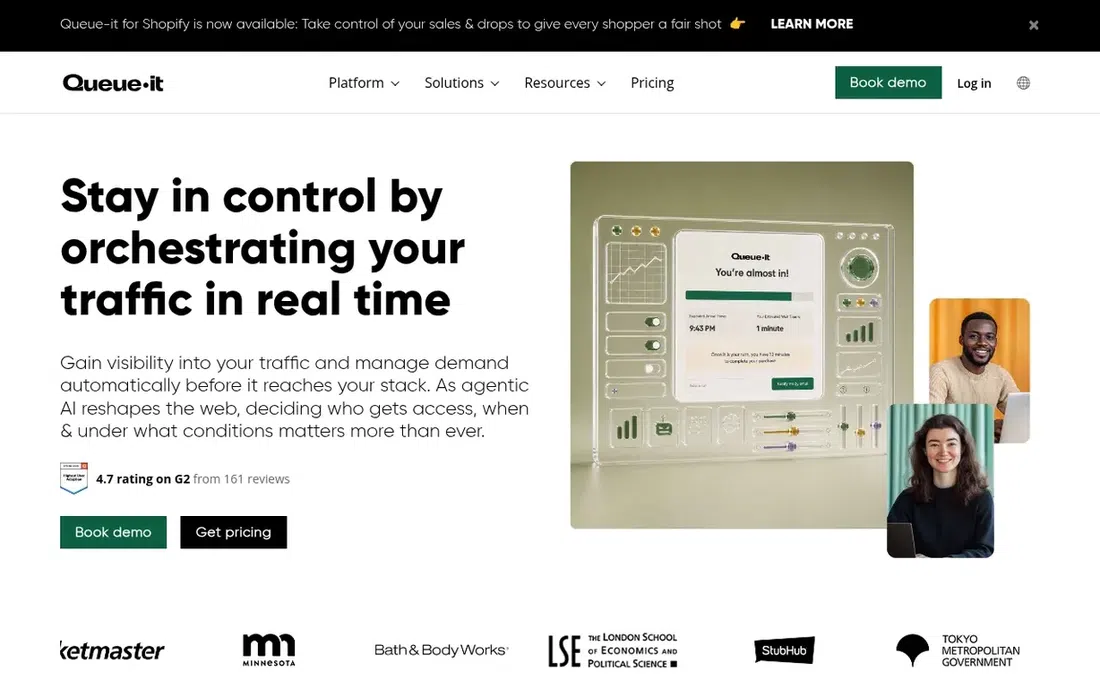
Queue-it serves online peak traffic control. Events with high online interest can use it to keep access fair and systems stable. Worth adding: consider Queue-it when online traffic control is the primary challenge.
Drawbacks to consider: May need technical setup.
Also, queue-it acts as a control layer for your online traffic, deciding how each visitor is handled before they reach your website or app. It is aimed at organizations that face sudden spikes in demand, for example ticket sales or product launches. Entry price for Queue-it: $1499 per event. On free options: Free trial.
- Integrates before your stack
- Real-time control over peak traffic
- Centred on online instead of physical queues
Selection criteria
Selection started from tools commonly considered for queue management software for events, then narrowed to 5 that have clear pricing information or a clear quote process. Plan names, prices and limits change often. Treat the figures here as a starting point and verify them with the vendor. Order on the page follows fit for the typical buyer first, then price transparency and free access. Your own requirements should decide the final pick.
Pre-purchase checklist
- Confirm the entry price on the vendor page. For Lavi Industries and Qmatic that means a quote rather than a fixed price.
- Test the free plan from Waitwhile against your real workload before relying on it.
- Take the trial from Qminder and Queue-it and push a live task through it before you pay.
- Read the limits listed for Waitwhile first: may require staff training for full use.
- Confirm the exact Waitwhile plan that includes your must-have features.
- Confirm you can export your data from Queue-it, so leaving later does not mean losing records.
FAQ
Can I try these tools before paying?
Often, yes. Waitwhile has a free plan and Qminder and Queue-it offer a free trial. Use your own data and a real task during the test, and check what the free tier or trial limits before you rely on it.
What is the cheapest option for queue management software for events in this list?
On published monthly entry prices, Waitwhile is the lowest here at $31 per month. Entry price is only part of the cost, because seats, add-ons and billing terms can change the total. All 5 picks in this queue management software for events comparison list a starting price, free plan details and the main limits on their cards above.
What are the benefits of using queue management software at events?
It helps organize both online and physical queues, ensuring fair access and smoother operations. Analytics features can also help organizers understand peak times and optimize staffing.
Do these tools publish their prices?
Not all of them. Lavi Industries and Qmatic publish no starting price, so expect a quote request for those. The rest, Waitwhile included, show a starting price, though seats and billing terms still change the final cost.
How are the tools for queue management software for events ordered?
Waitwhile sits first and Queue-it last because the order follows typical fit for queue management software for events, then price clarity and free access. It is a judgement call, so read each profile for fit and limits.
Can queue management software connect with my event registration system?
Check the vendor's documentation for specific integrations. Waitwhile, for instance, bundles event registration as part of its features, which may ease the setup.
Sources
- https://waitwhile.com
- https://www.qminder.com
- https://www.lavi.com
- https://www.qmatic.com
- https://queue-it.com