5 Best Quality Assurance Automation Tools for 2026, Vetted and Compared
5 products for the best quality assurance automation tools, ranked by fit, with starting costs and free tiers. Read the caveats before you buy. See which fits.
- Editor's choice
 mabl
Agentic testing for quicker releases
Starts atSee websiteVisit mabl.comFull review - Great alternative
 Katalon Studio
One IDE across web, mobile, API, desktop
Starts at$150 per seat per monthVisit katalon.comFull review - Also considerRanorex Studio
GUI testing with capable object recognition
Starts atSee websiteVisit ranorex.comFull review
Direct answer
Start with mabl if you need agentic testing for quicker releases. Listed starting prices: Katalon Studio from $150 per seat per month. Katalon Studio is the stronger choice for One IDE across web, mobile, API, desktop, while Ranorex Studio suits GUI testing with solid object recognition. All 5 tools are compared below on price, free plan and limits.
TL;DR:
- Mabl takes the first slot, best suited to agentic testing for quicker releases.
- Starting prices begin at $150 per seat per month with Katalon Studio.
- Before buying Katalon Studio, weigh this: feature depth varies by application type.
- Only Testim offers a free plan among these 5 tools.
Last checked November 2026. Prices and plan details were read from the vendors' own pages in November 2026; vendors change plans often, so confirm the current price on the vendor site before you buy.
Quick comparison
| Tool | Best for | Starts at | Free plan? | |
|---|---|---|---|---|
| mabl | Agentic testing for quicker releases | See website | Free trial | Visit |
| Katalon Studio | One IDE across web, mobile, API, desktop | $150 per seat per month | Free trial | Visit |
| Ranorex Studio | GUI testing with capable object recognition | See website | Free trial | Visit |
 Testim | AI-powered stable UI test authoring | See website | Yes | Visit |
 TestComplete | Wide desktop, web and mobile coverage | See website | Not stated | Visit |
The best quality assurance automation tools
LinkVetted compared 5 quality assurance automation tools. The goal is a practical shortlist: published prices, free plan facts, best-fit use cases and honest limits for every entry.
mabl is aimed squarely at agentic testing for faster releases. mabl describes itself as an agentic testing product that helps software teams accelerate releases, ensure software quality and deliver solid user experiences. Organizations releasing often commonly evaluate it for that release-speed positioning.
Also, desktop-heavy environments may find coverage gaps compared to broader products. The agentic approach is relatively new, so teams should validate how it takes care of their specific application types before committing. No starting price is listed for mabl here; confirm pricing on the vendor site. As for free access: Free trial.
The main drawbacks: Web-centric focus may leave desktop gaps.
- Focus on software quality and user experience
- Geared toward accelerating releases
- Agentic approach is newer and still maturing
Katalon Studio makes the most sense for One IDE across web, mobile, API, desktop. Katalon Studio gives you one IDE for web, mobile, API and desktop test automation, with no-code, low-code, full-code or AI authoring kept in a single project.
In daily use, the range of authoring styles lets people with different skill levels contribute to the same automation effort. Worth adding: choose Katalon Studio when consolidating web, mobile, API and desktop automation in one project is the central goal. Katalon Studio pricing: $150 per seat per month. Trial and free access: Free trial.
What Katalon Studio does well: full-code and AI authoring.
Points against: Advanced needs may need scripting knowledge.
- No-code, low-code
- API and desktop
- Feature depth varies by application type
Ranorex Studio
Best for: GUI testing with capable object recognition
Ranorex Studio targets GUI testing with capable object recognition. Pick Ranorex Studio when dependable object recognition across desktop, web and mobile interfaces is the deciding factor. As for the details, Ranorex Studio is a test automation toolset centred on dependable GUI testing for desktop, web and mobile applications, with advanced object recognition and cross-platform support.
Organizations testing rich desktop applications commonly shortlist it for that object recognition strength. Worth adding: as commercial software, it also needs budget planning compared to open-source alternatives. Ranorex Studio does not show a starting price in this comparison, so check the vendor site for current pricing. Free plan details: Free trial.
What Ranorex Studio does well: Cross-platform support. The main drawbacks: Commercial tooling to budget for.
- Steady GUI testing for desktop
- Web and mobile
- GUI focus may not include every API testing need
Testim is designed for AI-powered stable UI test authoring. Testim is an automatic testing system for quick authoring of AI-powered stable tests, with tools intended to help teams scale quality across their applications.
What to check first: Less suited to teams needing deep desktop coverage.
Choose Testim when quick authoring and AI-assisted stability for web UI tests matter most. Testim shows no starting price here, so confirm the cost on the vendor site. Testim has a free plan.
- Quick authoring of automatic UI and functional tests
- AI-powered test stability
- Focus leans toward UI and functional testing
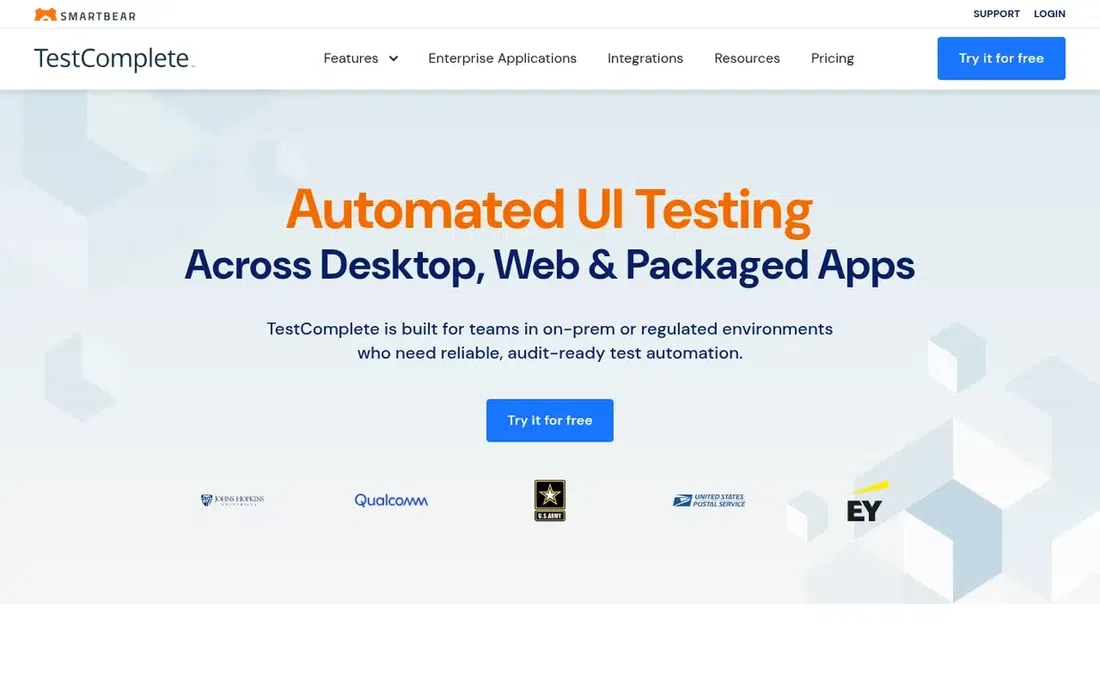
TestComplete is aimed squarely at broad desktop, web and mobile coverage. TestComplete is a test automation system from SmartBear aimed at testing mobile, web and desktop applications.
Upsides: web and mobile application testing.
Downsides: Heavier setup than light script-only tools. Teams working almost entirely with open-source stacks or very small scripts may prefer a lighter choice. As for the details, choose TestComplete when breadth across desktop, web and mobile matters more than minimal tooling. No starting price is listed for TestComplete here; confirm pricing on the vendor site. On free options: Not stated.
- Object recognition targeted at stable UI tests
- Single product for several application types
- Commercial product with licensing to plan
How we built this list
LinkVetted looked at what each vendor publishes: pricing, plan limits, feature coverage for quality assurance automation tools and stated drawbacks. No hands-on testing is claimed. Prices and plan limits come from vendor pages and can change, so confirm them on the vendor site before you buy. We ordered the tools by general fit, then by how clearly pricing is shown, then by free access. A buyer with unusual needs may reorder them.
What to check before you buy
- Confirm the entry price on the vendor page. For mabl, Ranorex Studio, Testim and TestComplete that means a quote rather than a fixed price.
- Test the free plan from Testim against your real workload before relying on it.
- Take the trial from mabl, Katalon Studio and Ranorex Studio and push a live task through it before you pay.
- Before choosing mabl, weigh its main limit: agentic approach is newer and still maturing.
- Get the contract term, renewal terms and any onboarding fees from Katalon Studio in writing.
- Map your must-have features to a specific mabl plan before you compare prices.
FAQ
Do these tools publish their prices?
Not all of them. mabl, Ranorex Studio, Testim and TestComplete publish no starting price, so expect a quote request for those. The rest, Katalon Studio included, show a starting price, though seats and billing terms still change the final cost.
What should I look for in a quality assurance automation tool?
Start with the application types you test most, then check whether the tool's authoring style matches your team's skills. From a buyer's view, confirm integration with your existing development and delivery pipeline, and review how much maintenance the tool needs as interfaces change.
How are the tools for quality assurance automation tools ordered?
The order follows typical fit for quality assurance automation tools, with mabl first and TestComplete last, then price clarity and free access. It is editorial judgement, not a score, so another team could rank the tools differently.
How do AI features affect test automation?
Vendors for example Testim and mabl highlight AI for stabilizing tests and reducing maintenance effort. These features can help teams spend less time repairing broken tests. But you should confirm how they behave with your own applications before relying on them.
Can I try these options before paying?
Often, yes. Testim has a free plan and mabl, Katalon Studio and Ranorex Studio offer a free trial. Use your own data and a real task during the test, and check what the free tier or trial limits before you rely on it.
Is mabl the right pick for everyone comparing quality assurance automation tools?
No single tool suits every team. mabl comes first because it fits agentic testing for faster releases, while Katalon Studio suits One IDE across web, mobile, API, desktop and Ranorex Studio suits GUI testing with strong object recognition. Match the tool to your own size, budget and workflow before deciding.
Sources
- https://www.mabl.com
- https://katalon.com/katalon-studio
- https://www.ranorex.com/ranorex-studio
- https://www.testim.io
- https://smartbear.com/product/testcomplete