Best Prototyping Software for Mobile App Developers for 2026: Our 5 Vetted Picks
5 best prototyping software for mobile app developers, compared on pricing, free plans and best-fit use. Caveats come with every verdict. Checked this month.
- Editor's choice
 Sketch
Focused designer workflows
Starts at$12 per editor a monthVisit sketch.comFull review - Great alternative
 Adobe XD
Adobe ecosystem design teams
Starts atSee websiteVisit adobe.comFull review - Also consider
 Figma
Collaborative design and prototyping
Starts at$3 per monthVisit figma.comFull review
Direct answer
For focused designer workflows, Sketch is where this list starts. Listed starting prices: Sketch from $12 per editor a month, Figma from $3 per month and Axure RP from $29 per user per month. Adobe XD fits Adobe ecosystem design teams; Figma fits collaborative design and prototyping. The other 2 tools in the list cover narrower or pricier cases.
TL;DR:
- This list starts with Sketch, which is built for focused designer workflows.
- The main caution on Adobe XD: development pace has slowed.
- Starting prices begin at $3 per month with Figma.
- Balsamiq is the one to check for quick low-fidelity wireframing.
Last checked November 2026. Prices and plan details were read from the vendors' own pages in November 2026; vendors change plans often, so confirm the current price on the vendor site before you buy.
Quick comparison
| Tool | Best for | Starts at | Free plan? | |
|---|---|---|---|---|
| Sketch | Focused designer workflows | $12 per editor a month | Free trial | Visit |
| Adobe XD | Adobe ecosystem design teams | See website | Not stated | Visit |
| Figma | Collaborative design and prototyping | $3 per month | Not stated | Visit |
 Axure RP | Complicated, specification-heavy prototypes | $29 per user per month | Not stated | Visit |
 Balsamiq | Quick low-fidelity wireframing | $16 per editor a month | Free trial | Visit |
The 5 tools in detail
If you are comparing prototyping software for mobile app developers, this page covers 5 tools in one place: what each is best for, what it costs to start, whether it has a free plan, and the main limit to know about.
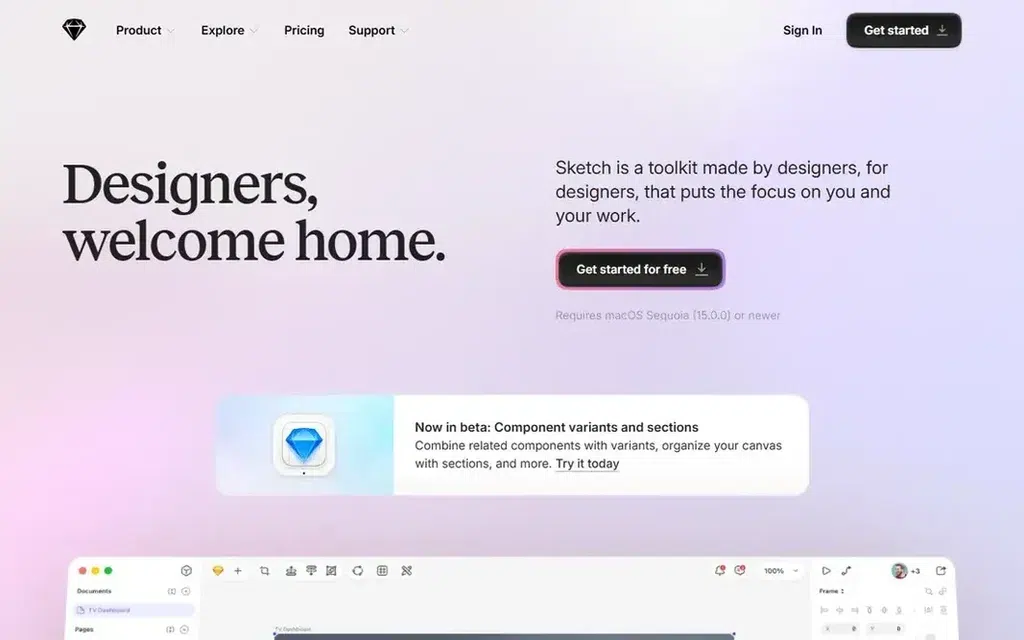
Sketch serves focused designer workflows. Sketch is a design, prototype, collaborate and handoff tool made by designers for designers, putting the focus on the work itself.
In daily use, if your team spans products or needs heavy simultaneous editing, a collaborative canvas may suit you better. The starting price for Sketch: $12 per editor per month. Free options: Free trial.
Where it is weaker: Collaboration less central.
- Designer-centric interface
- Focused workspace
- Mac-only system
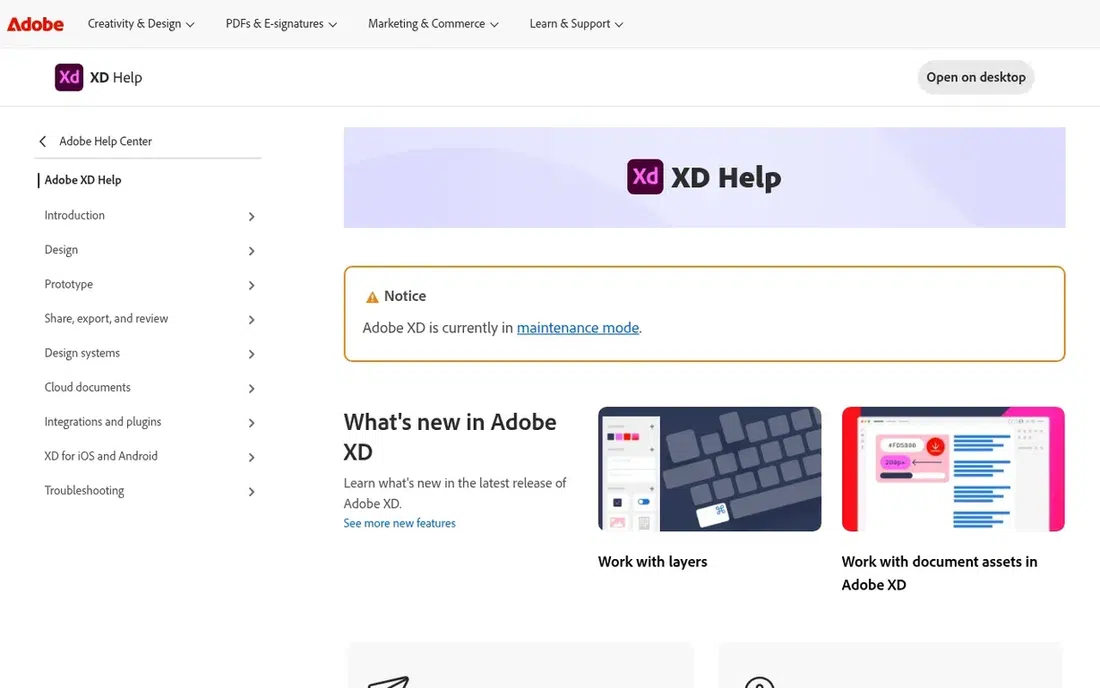
Adobe XD was built for Adobe ecosystem design teams. Adobe XD is Adobe's design and prototyping application for creating mobile app interfaces and interactive flows. It links up with the wider Adobe creative ecosystem, which helps teams already using those tools keep assets and workflows together.
Limits to weigh: Development pace has slowed.
Beyond that, Adobe has shifted focus away from XD, so new feature development is restricted compared to active competitors. As for the details, teams starting fresh may prefer a product with more solid continuing momentum and collaboration. Check the vendor site for Adobe XD pricing; none is listed in this comparison. Free options: Not stated.
- Familiar Adobe interface
- Suits Adobe creative workflows
- Smaller plugin momentum
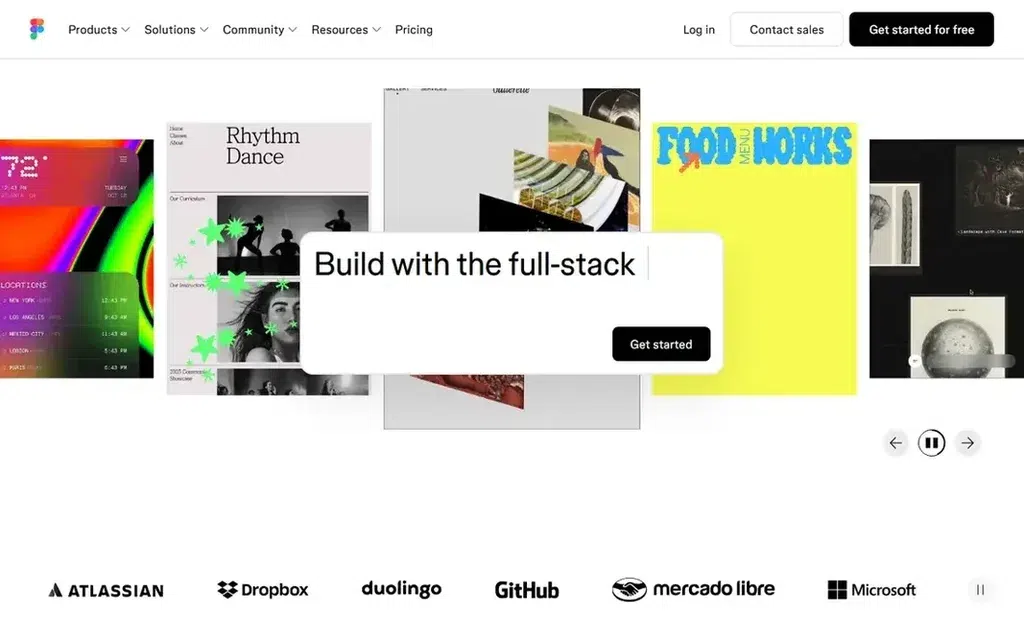
Figma makes the most sense for collaborative design and prototyping. Figma is a collaborative canvas where design, code and AI come together, letting teams move from concept to production in one place.
The main drawbacks: Rich interactions need extras.
Its prototyping interactions are capable but less advanced than dedicated interaction tools for highly realistic motion. Figma pricing: $3 per month. Free plan details: Not stated.
- Design and prototype in one canvas
- Capable live collaboration
- Browser reliance for some teams
Axure RP makes the most sense for complex, specification-heavy prototypes. Mobile app teams use it when prototypes need conditional logic, dynamic content and in-depth documentation for developers. Its depth includes a steeper ramp-up time, and it is slower for fast, low-fidelity exploration than lighter tools.
Watch-outs: Heavier than fast wireframing.
More specifically, Axure RP is an all-in-one software design tool for creating prototypes, specifications and diagrams. Designers centred on visual collaboration may find it heavy. Axure RP cost at the entry level: $29 per user per month. Free access: Not stated.
- Specifications and diagrams in one tool
- Advanced interaction logic
- Steeper learning curve
Balsamiq works best for quick low-fidelity wireframing. Balsamiq is not built for high-fidelity, pixel-accurate prototypes or advanced interactions.
As for the details, once concepts are validated, teams usually move to a fuller design tool. Balsamiq starts at: $16 per editor per month. Free plan details: Free trial.
Downsides: Not for refined prototypes.
- Fast wireframe creation
- Deliberately straightforward style
- Restricted visual fidelity
How we compared the tools
Questions to settle before buying
- Confirm the entry price on the vendor page. For Adobe XD that means a quote rather than a fixed price.
- Take the trial from Sketch and Balsamiq and push a live task through it before you pay.
- Before choosing Sketch, weigh its main limit: Mac-only product.
- Ask whether Axure RP integrates with your current software, and whether that comes standard or as an add-on.
- Add up seats, add-ons and usage charges for Adobe XD before comparing it with cheaper entries.
FAQ
Does any tool for prototyping software for mobile app developers here have a free plan?
A permanent free plan is not offered by Sketch, Balsamiq or the other tools here. Sketch, Balsamiq offer a trial. Plan a short evaluation period instead.
When should I use a wireframing tool instead of a full design product?
Use a wireframing tool like Balsamiq when you want quick, low-fidelity feedback on structure and flow. Move to a fuller design product once concepts are validated and you need visual fidelity and in-depth interaction.
What is the cheapest option for prototyping software for mobile app developers in this list?
On published monthly entry prices, Figma is the lowest here at $3 per month. Entry price is only part of the cost, because seats, add-ons and billing terms can change the total. For the full picture, the cards above cover all 5 entries of this Prototyping software for mobile app developers list, including price, free plan and limits.
Is Sketch the right pick for everyone comparing prototyping software for mobile app developers?
No single tool suits every team. Sketch comes first because it fits focused designer workflows, while Adobe XD suits Adobe ecosystem design teams and Figma suits collaborative design and prototyping. Match the tool to your own size, budget and workflow before deciding.
Do these tools publish their prices?
Not all of them. Adobe XD publishes no starting price, so expect a quote request for it. The rest, Sketch included, show a starting price, though seats and billing terms still change the final cost. Prices, free plan details and limits for all 5 tools in this Prototyping software for mobile app developers roundup sit on the individual cards above.
How do these tools manage developer handoff?
Most listed tools bundle handoff features, from shared files to specification export and inspection. Beyond that, the depth varies, so check how each tool exports specs and assets for your development workflow before committing.
Sources
- https://www.sketch.com
- https://www.adobe.com/products/xd.html
- https://www.figma.com
- https://www.axure.com
- https://balsamiq.com